Before you brief a printer or a designer, you want to see how the range could look on the shelf. This packaging design generator takes a list of products, applies one pack type and one style to every row, and renders a packaging concept for each product in a single batch, ready to compare side by side.
One per line — paste a whole column from a spreadsheet. Add “ | ” then the Direction to set it per line.
—
Drag & drop or click to upload — PNG / JPEG / WEBP / GIF, up to 10MB each.
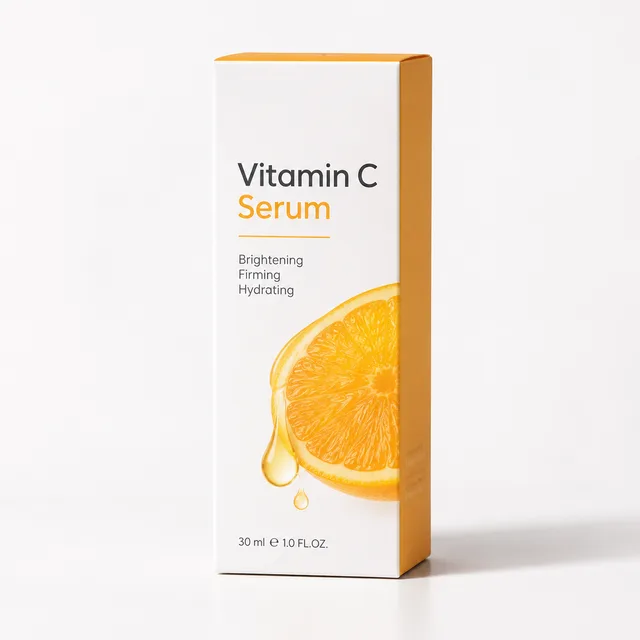
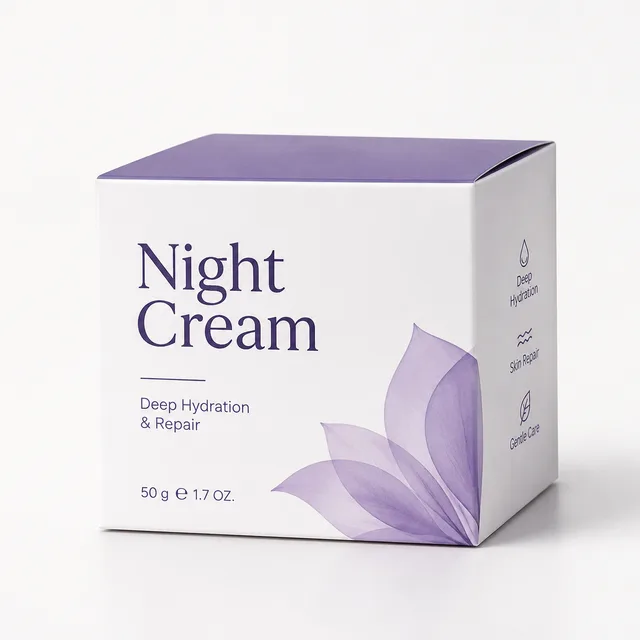
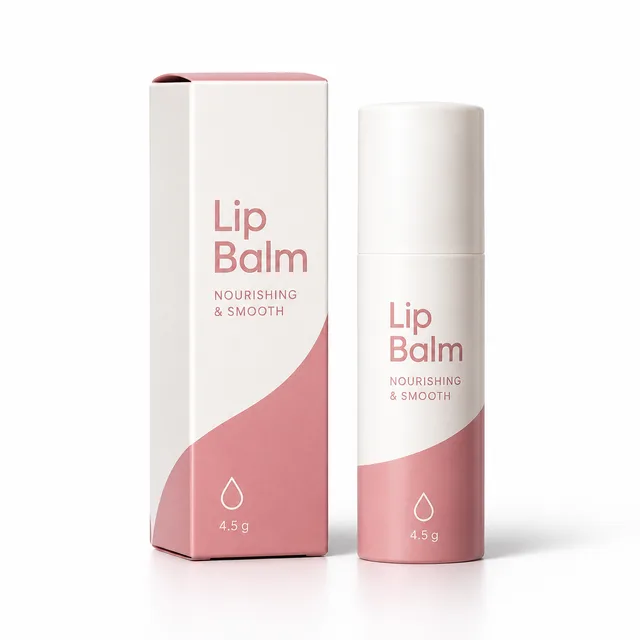
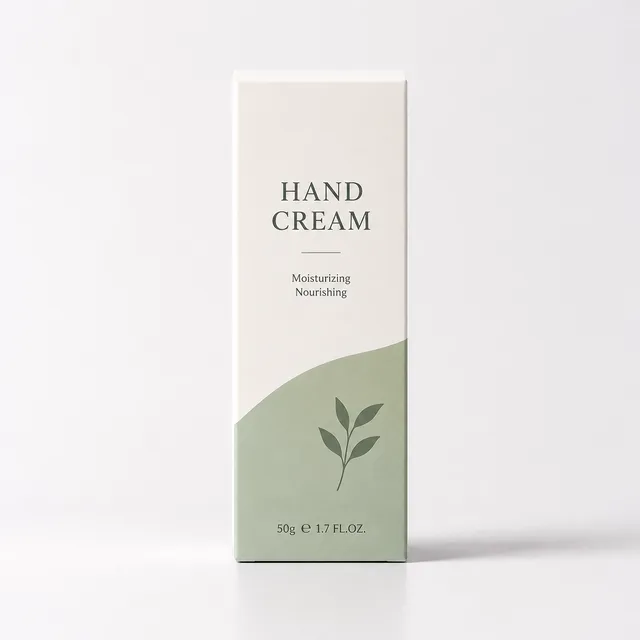
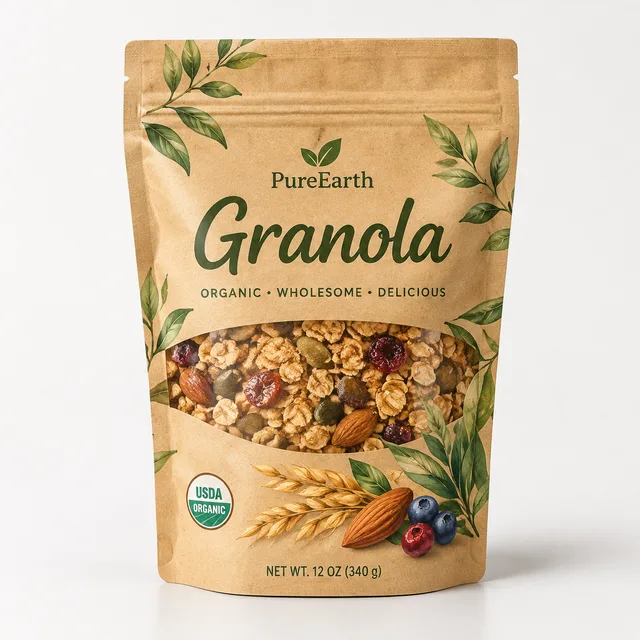
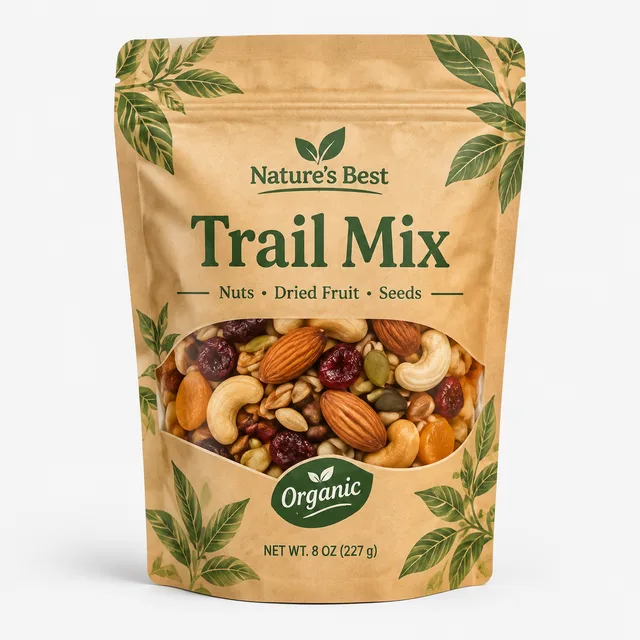
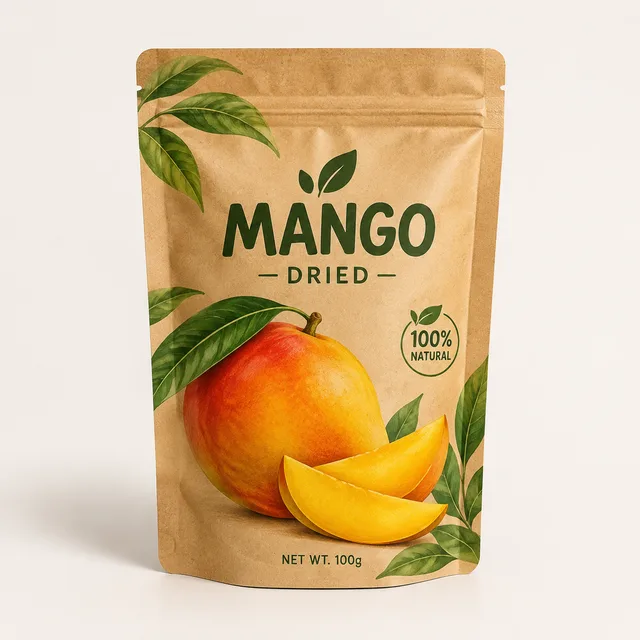
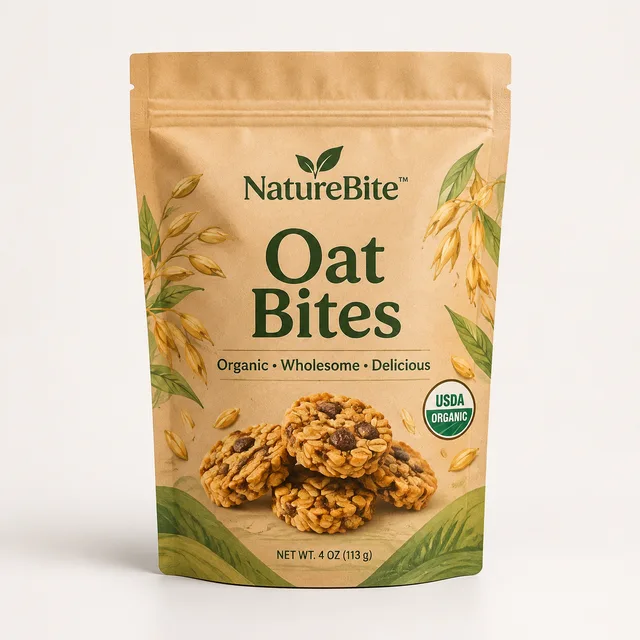
Each row is one run of the packaging design generator: one pack type and style held fixed, four invented products, and the four packaging concepts that came back. Look across a row — the point is that a product range comes back looking like one brand's packaging instead of four unrelated mockups.
minimal white box, one accent colour — vitamin C serum, night cream, lip balm, hand cream
organic kraft stand-up pouch — granola, trail mix, dried mango, oat bites
clinical clean bottle label — magnesium, omega-3, vitamin D, zinc
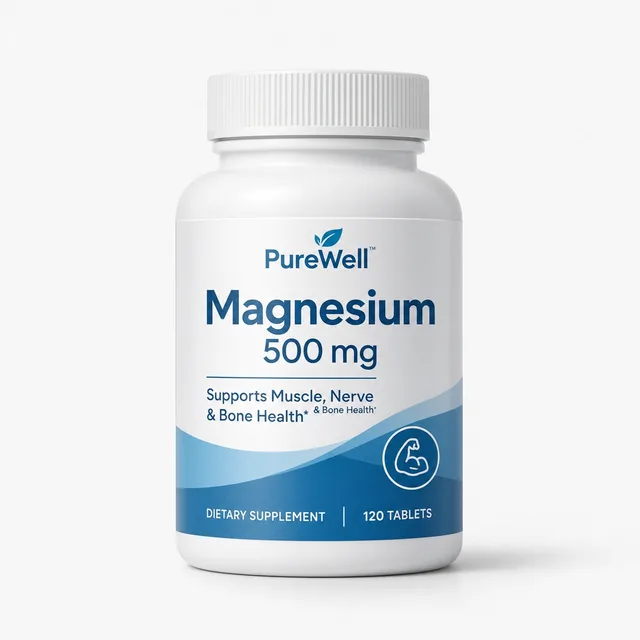
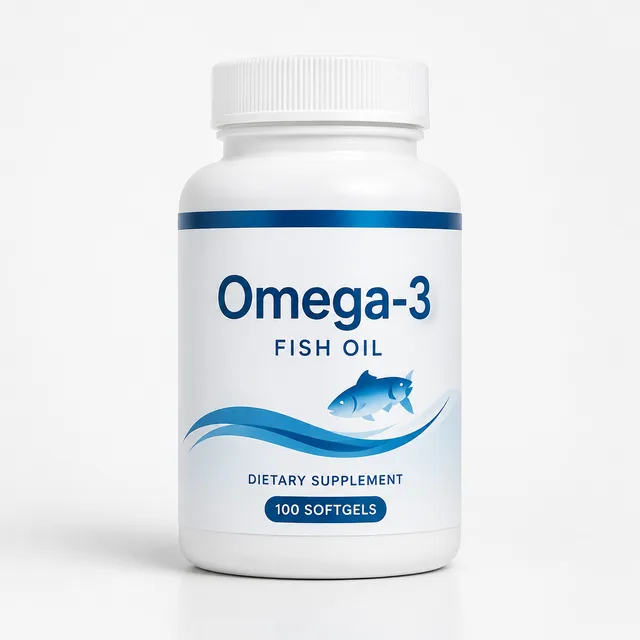
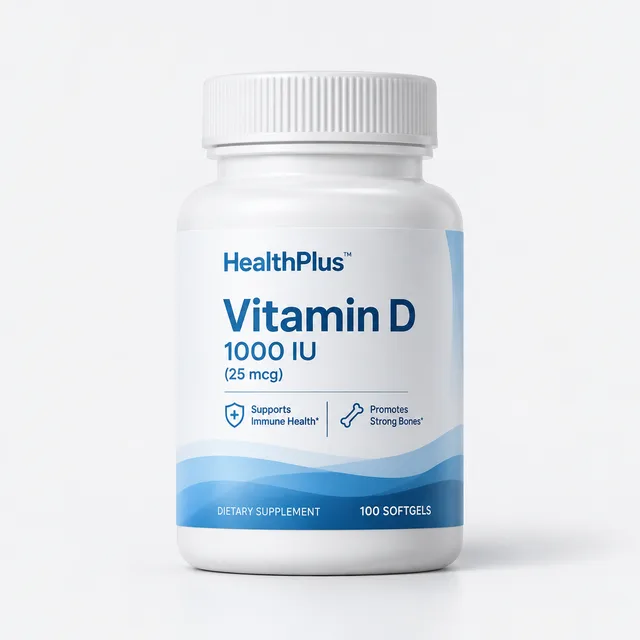
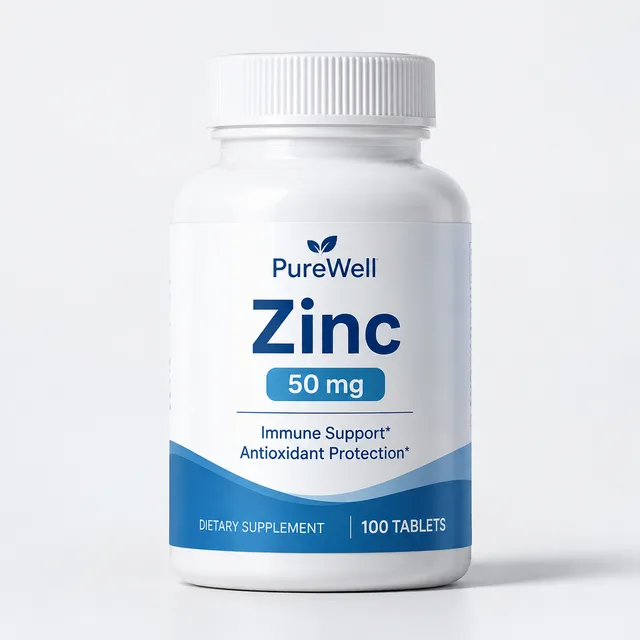
luxury dark jar with gold type — body butter, face mask, bath salts, candle
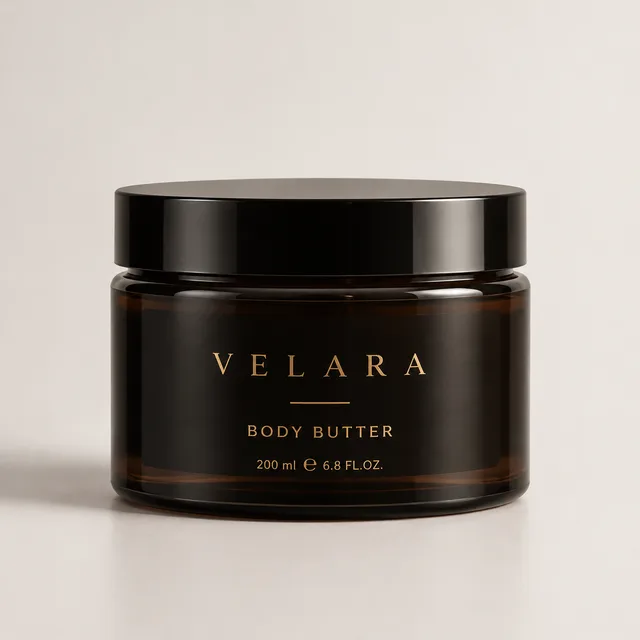
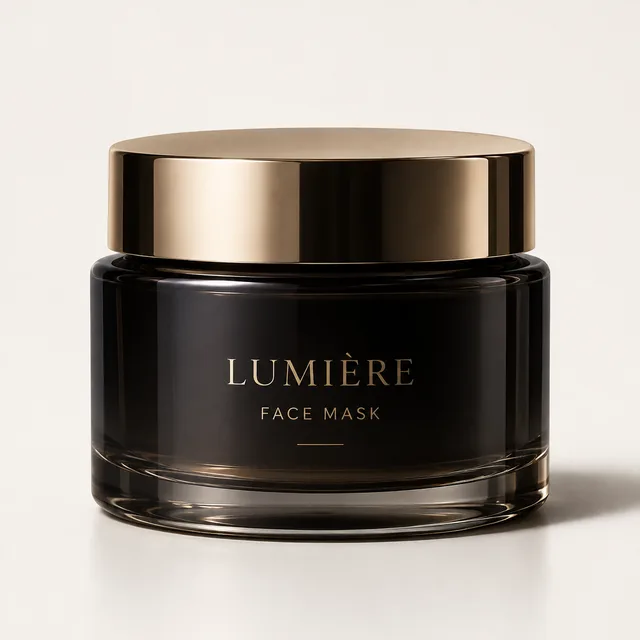
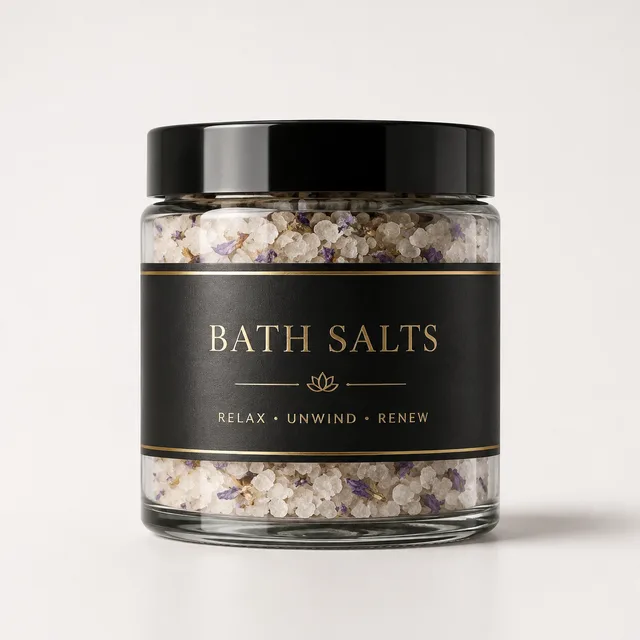
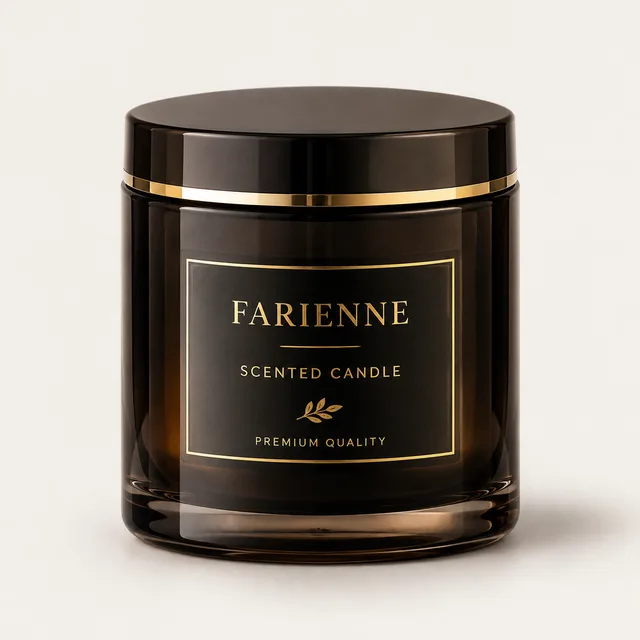
bold playful can — sparkling lemon, ginger beer, berry soda, cold brew
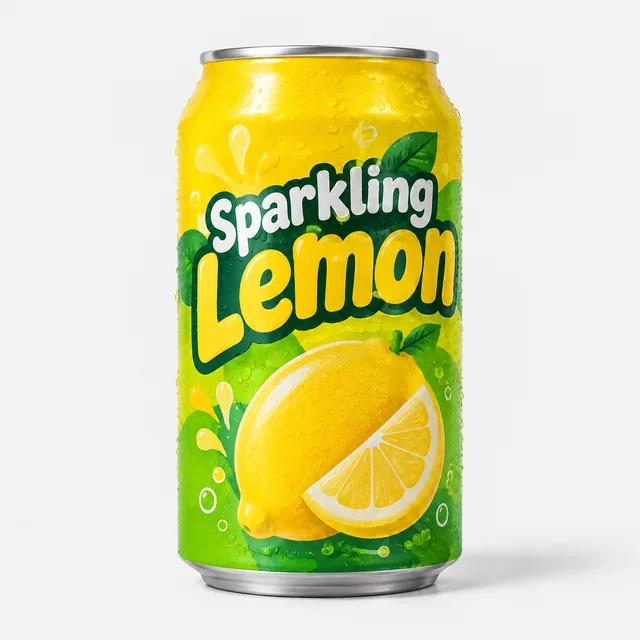
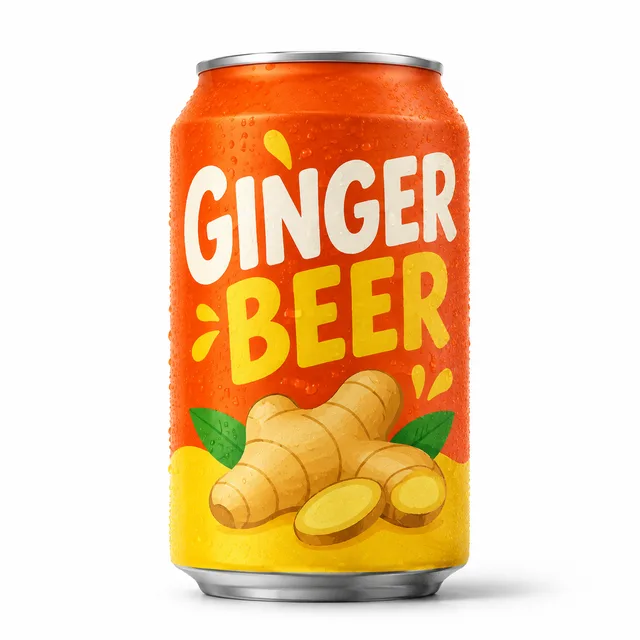
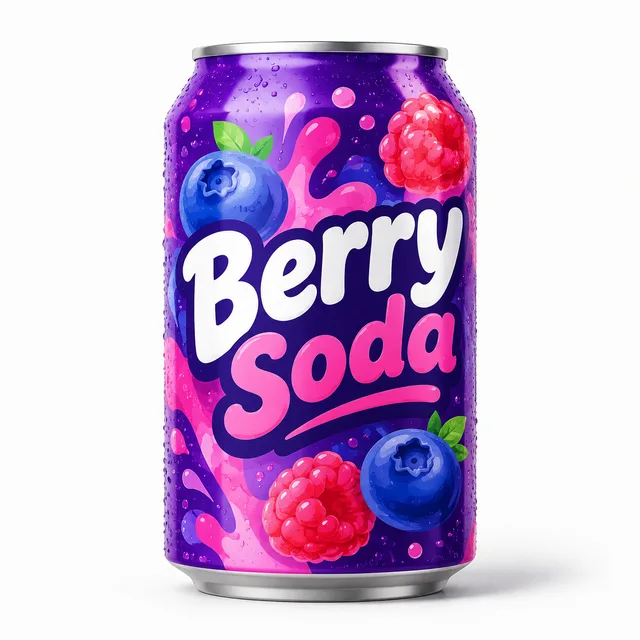
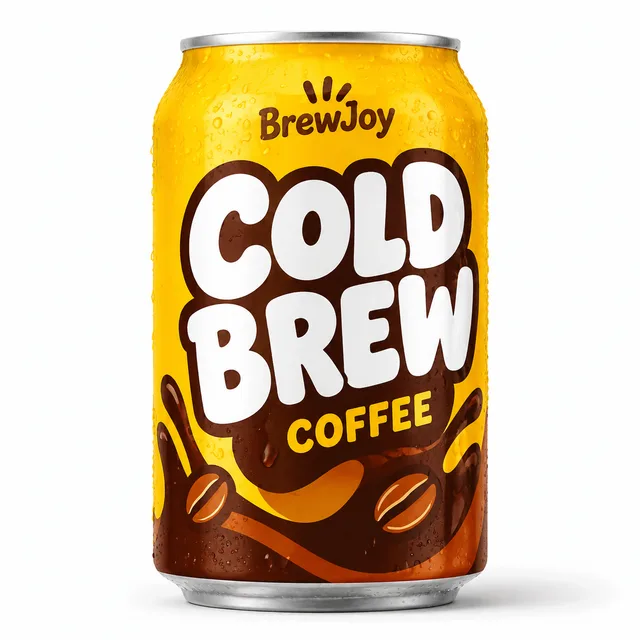
One pack type · a list of products · a packaging concept for each in one ZIP
One nice packaging mockup is easy to get from any image tool. A range of packaging that clearly belongs to one brand is a different job, and it is the job this packaging design generator is built around.
The pack shape, the design direction and the studio shot are fixed once and applied to every row, so the packaging concepts line up as a family. Only the product, and an optional direction note, changes per line.
A row can carry a direction after a vertical bar, such as clinical white minimal or warm wellness. Put the same product on several rows with different directions and you get a spread of packaging looks to choose from.
Text on a label can come out garbled or misspelled, so treat the lettering as placeholder. Legal text, ingredients, nutrition facts, claims and the dieline are yours to add in a design tool. The output is for choosing a direction, not for sending to print.
Three steps, one screen. The work you keep is choosing the products and the direction; the packaging design generator does the rendering.
Add one product per line: a serum, a granola, a bottled water. After a vertical bar you can add a direction for that row, such as luxury Italian pharmacy or matte black sport. Review the whole list as plain lines on the confirmation screen before anything is spent.
Pick the pack type — box, pouch, bottle, jar, can or tube — and a style such as minimal, luxury, organic, playful, clinical or retro. The same choices apply to every row, which is what keeps the packaging consistent.
Each row renders more than one take, so you can keep the packaging that suits each product and re-run the rest. Everything downloads as one ZIP of square images.
If a launch has many products and one brand, a bulk packaging design generator saves the part of the exploration that is repetition.
Founders can put a range on screen before paying for design. Compare directions, pick one, and give the designer a clearer brief with the packaging you liked.
Private-label ranges often start as a list of products and a mood. Generate several label and pack directions for each product and decide before ordering samples.
A pitch lands better with the product range already on a shelf. Render packaging concepts for each product in the client's list to show the direction quickly.
Something not covered? Email us at support@bulkimagen.com
Use this bulk product photo generator on the photos you already have: upload every SKU, choose one background and lighting, get the matching set in one ZIP.



Use this AI logo generator to batch-create dozens of brand concepts from a fill-in-the-blank prompt. Pick a style, enter your brand, get a grid of marks.
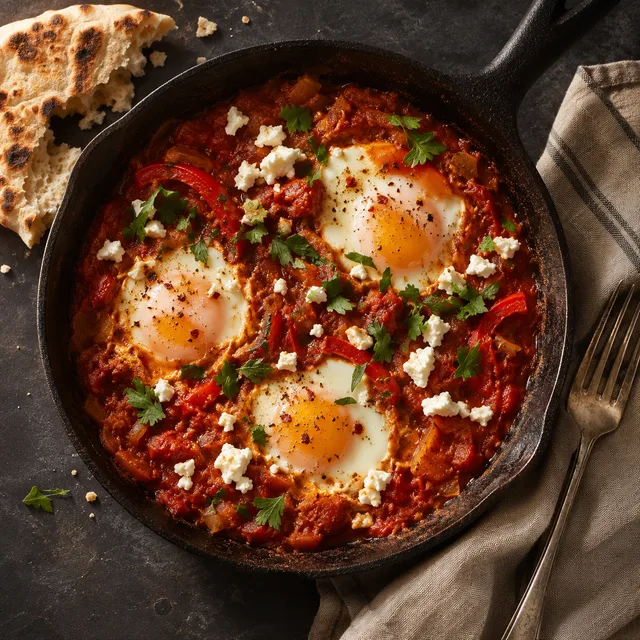
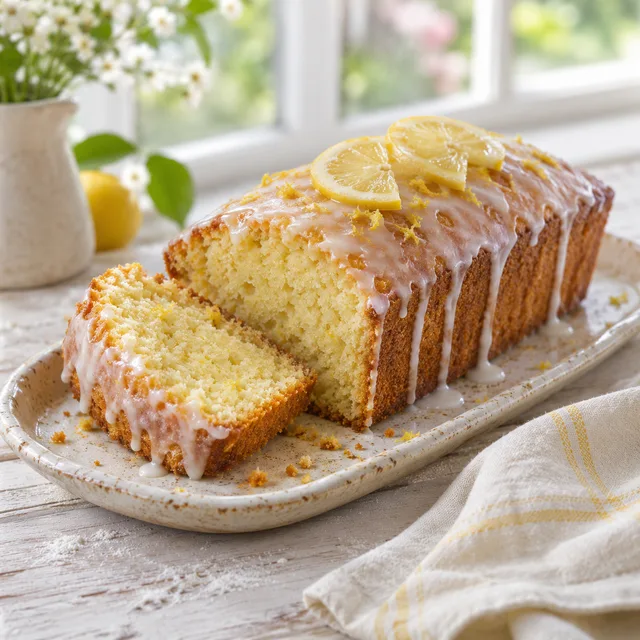
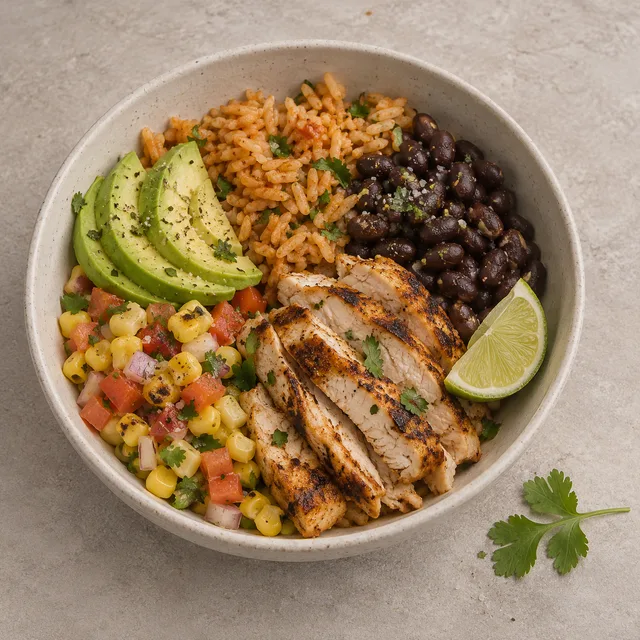
A food photo generator that works from a list: one dish per row, one shared photography style, and a full recipe library of photos in one batch.
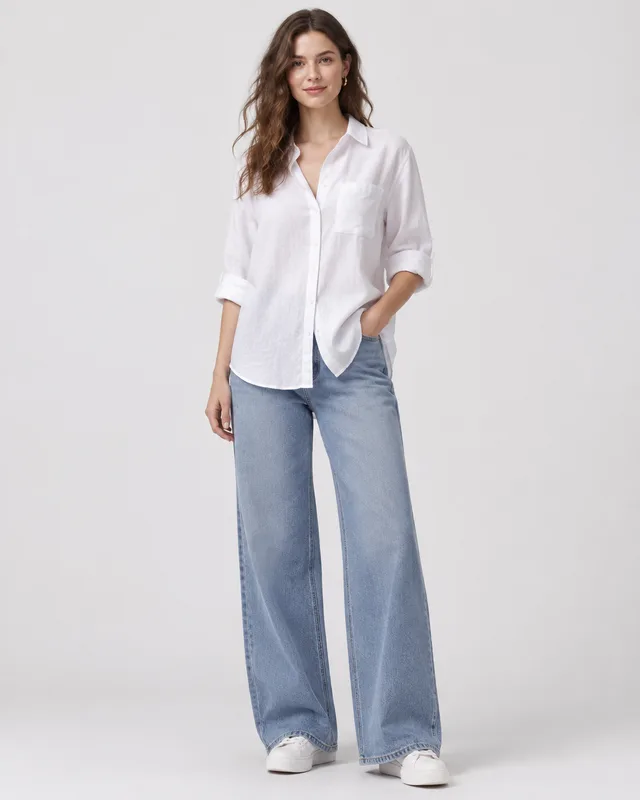
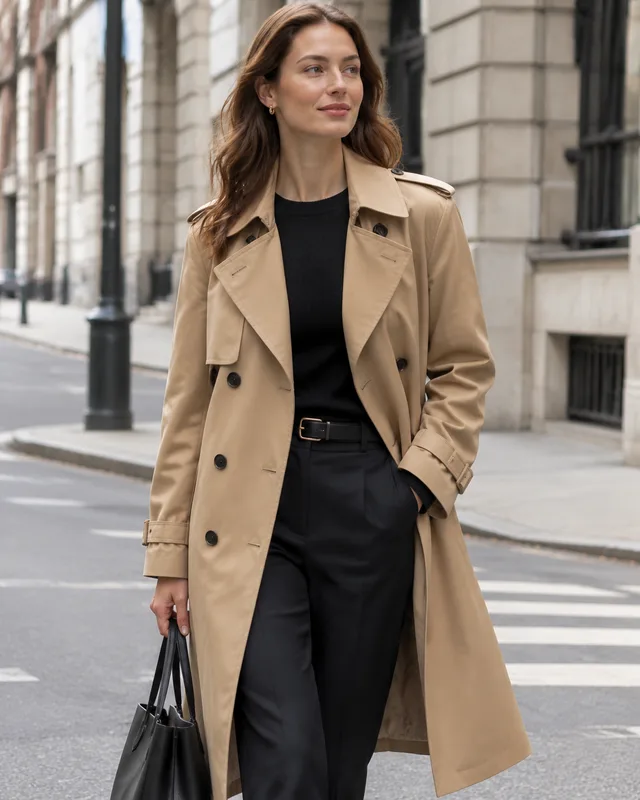
A fashion model generator for the clothes you already have: upload every garment photo, choose one model look and setting, and get on-model photos in one ZIP.
Pick a pack type and a style, list your products and let the packaging design generator render a concept for each. Keep the directions you like, re-run the rest and download one ZIP — then take the winner to a designer for the real files.
