A ten-minute explainer wants a new picture every few seconds, and nobody wants to prompt eighty images one at a time. This YouTube image generator takes your script cut into scenes, one per line, puts the same style lock in front of every line, and returns a widescreen image for each scene in one batch.
One per line — paste a whole column from a spreadsheet.
—
Drag & drop or click to upload — PNG / JPEG / WEBP / GIF, up to 10MB each.
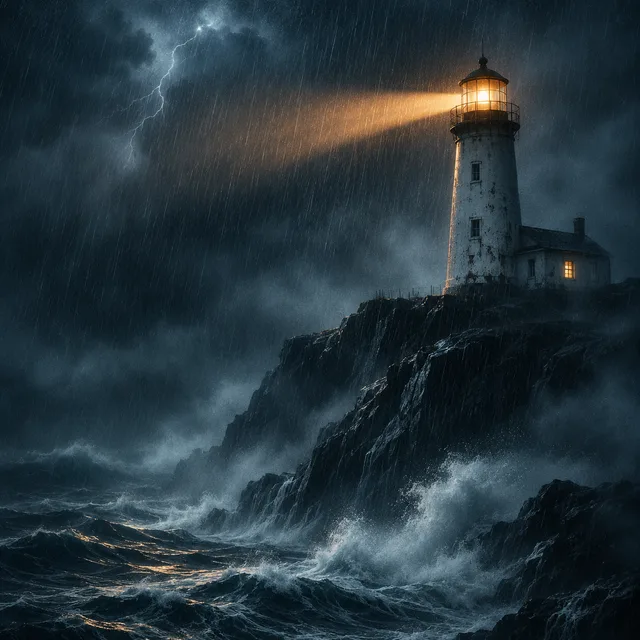
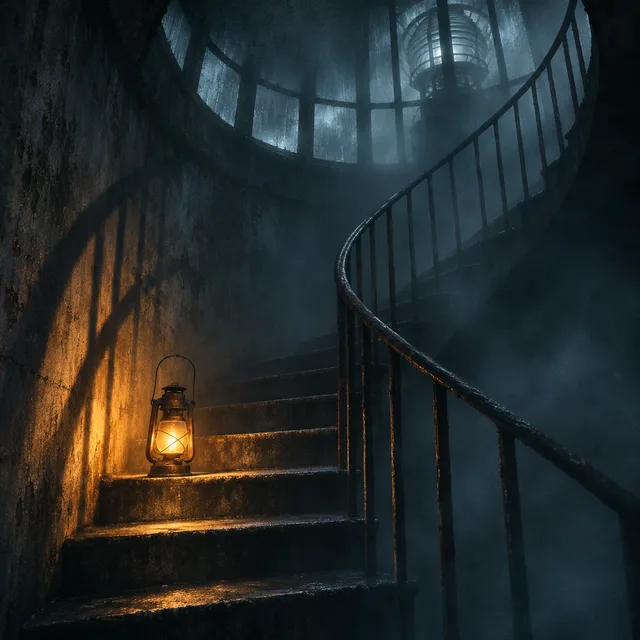
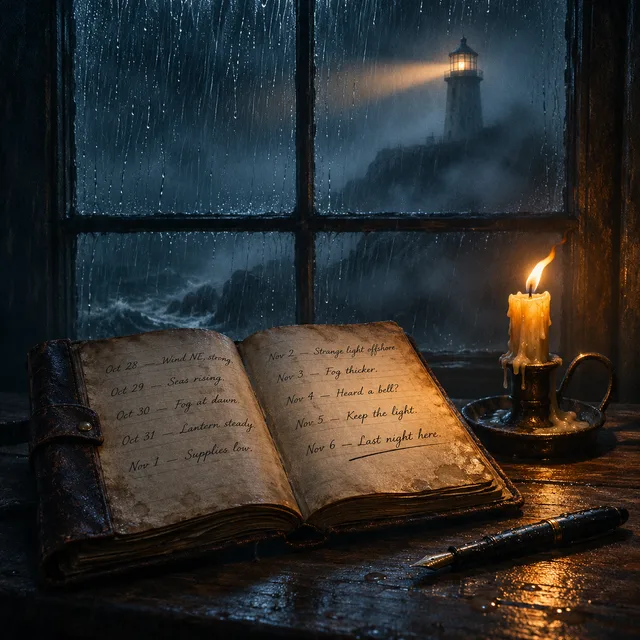
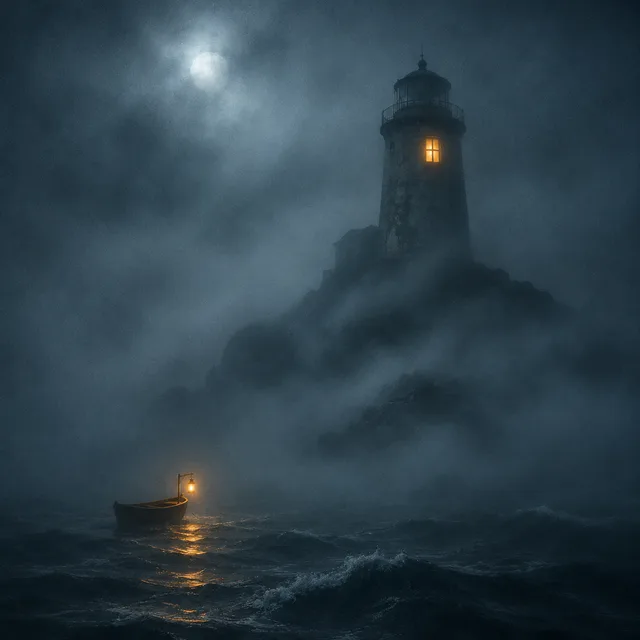
Every row is the opening of one imagined video: a single style lock and four consecutive scenes from its script. There is no recurring character here, only the thing the narrator is talking about at that moment: a manuscript, a cable ship, a hermit crab, a lighthouse stair, a probe. Read a row left to right and it plays like the first seconds of the video.
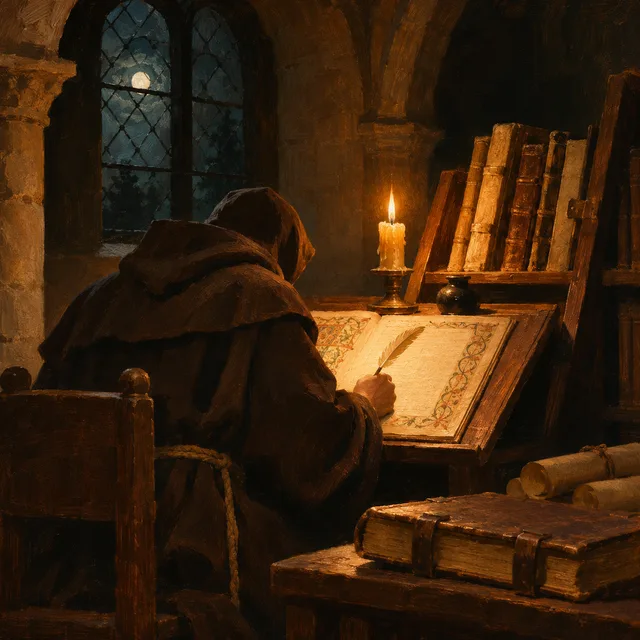
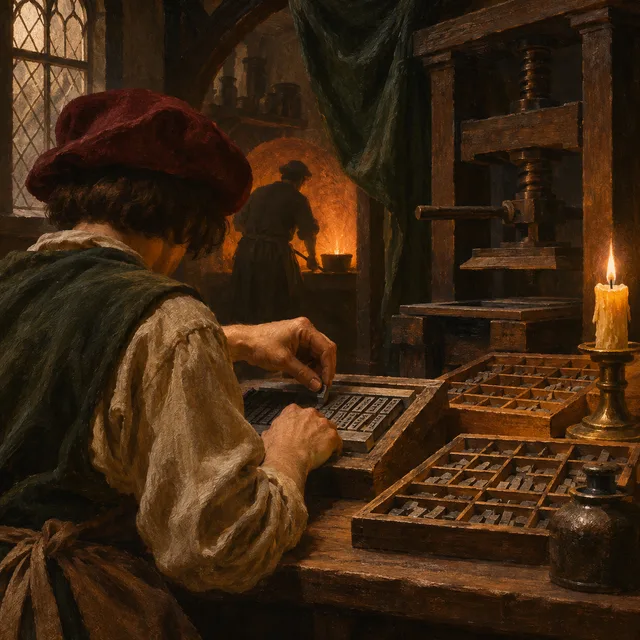
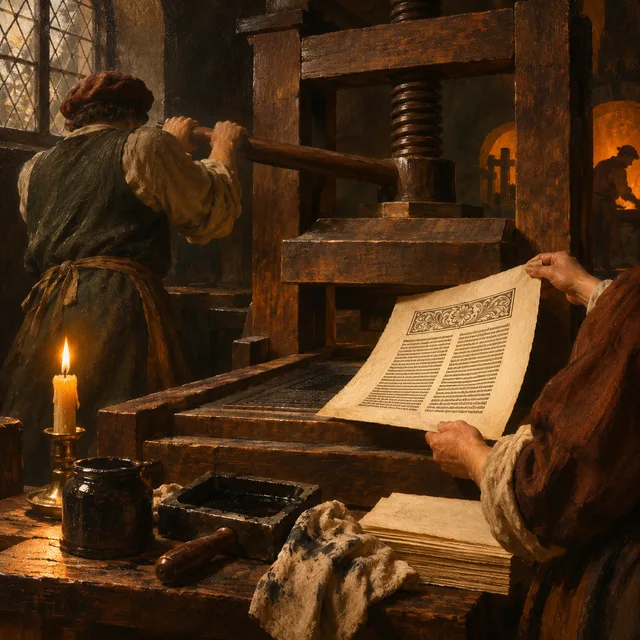
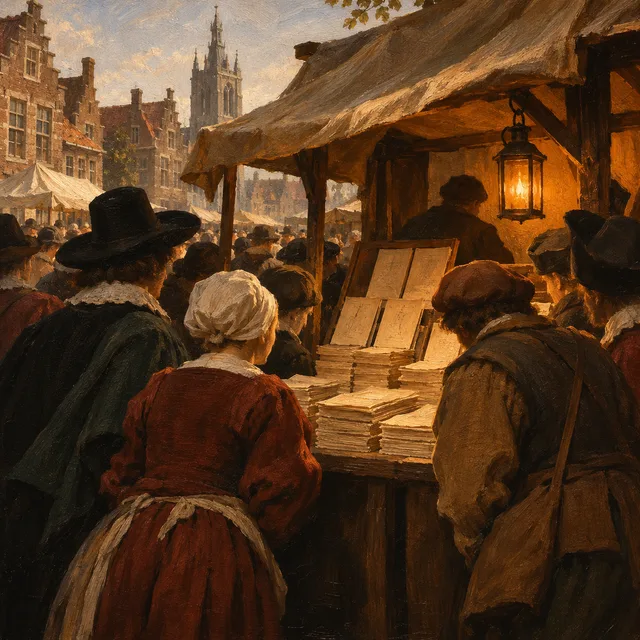
painterly candle-lit oil look; a monk copying, a type workshop, the press pulled down, a market of pamphlets
flat 2D in teal and orange; a cable ship, a data centre aisle, a street cabinet, a home router
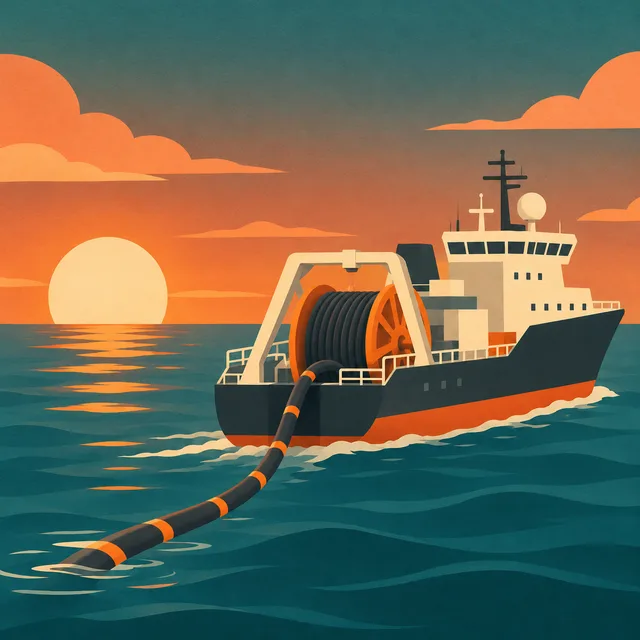
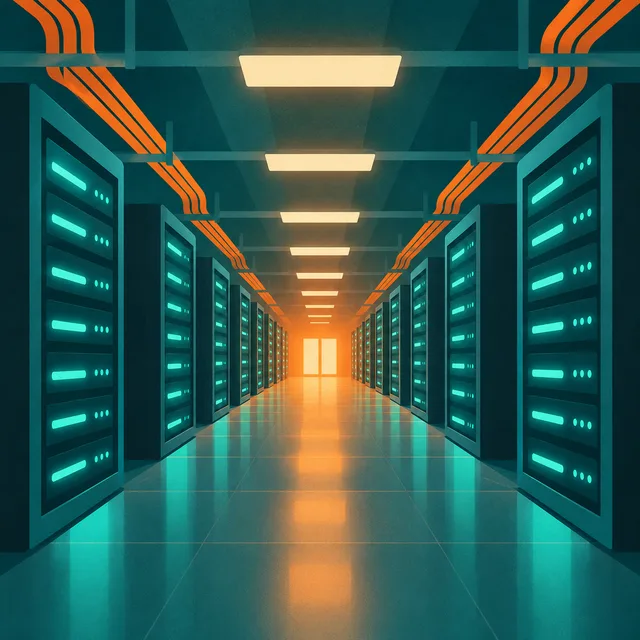
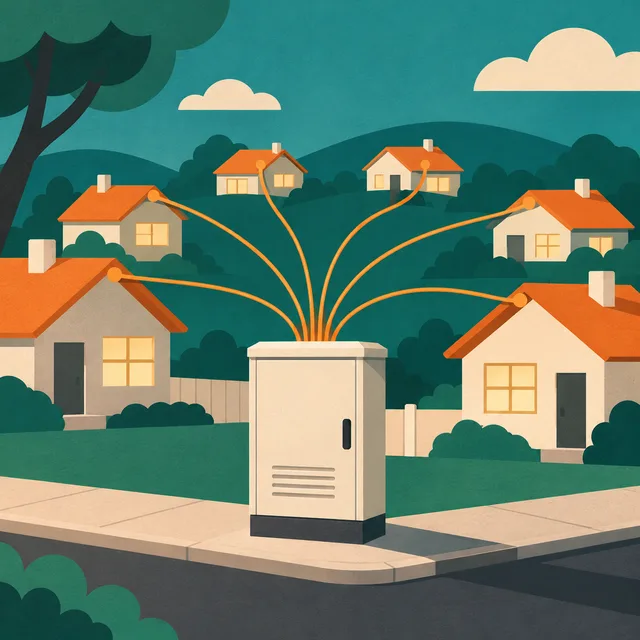
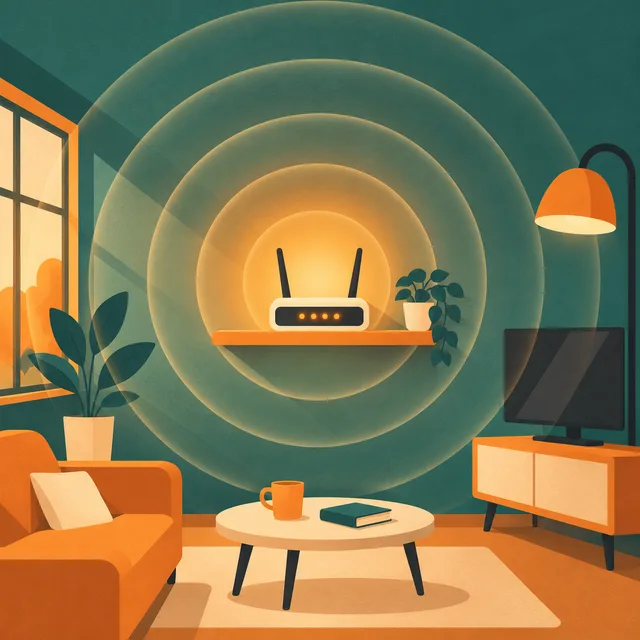
macro photography in soft overcast light; an anemone, a hermit crab, a starfish, a shoreline at dusk
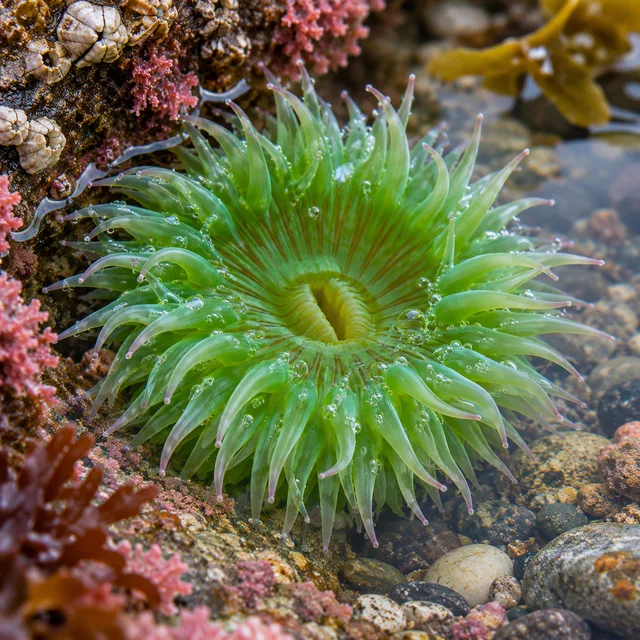
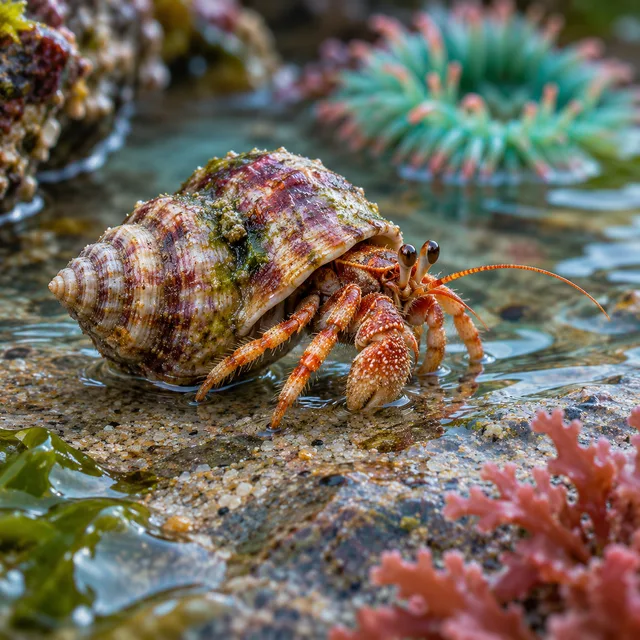
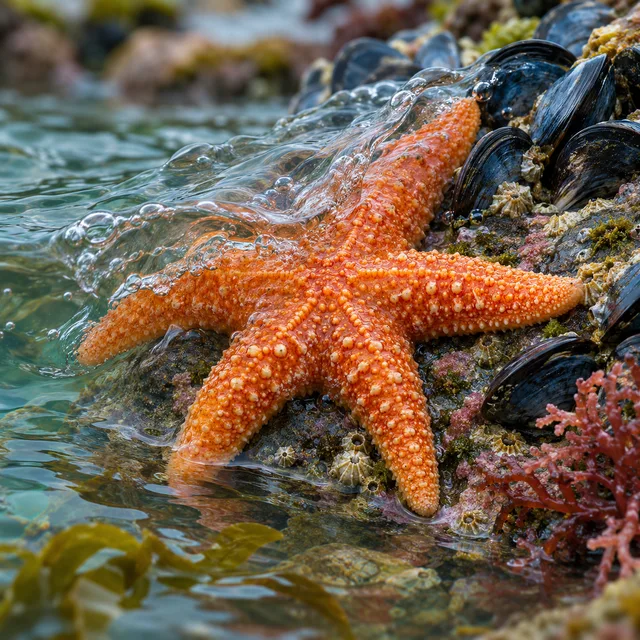
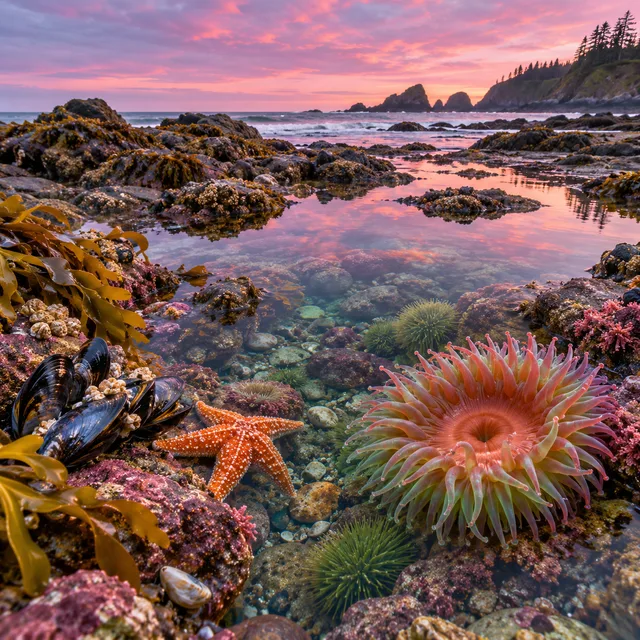
moody fog and one amber light; a lighthouse in a storm, a spiral stair, a logbook, a lit window from the sea
photoreal 3D render in black and gold; a launch at dawn, Jupiter, Saturn's rings, a lone probe in the dark
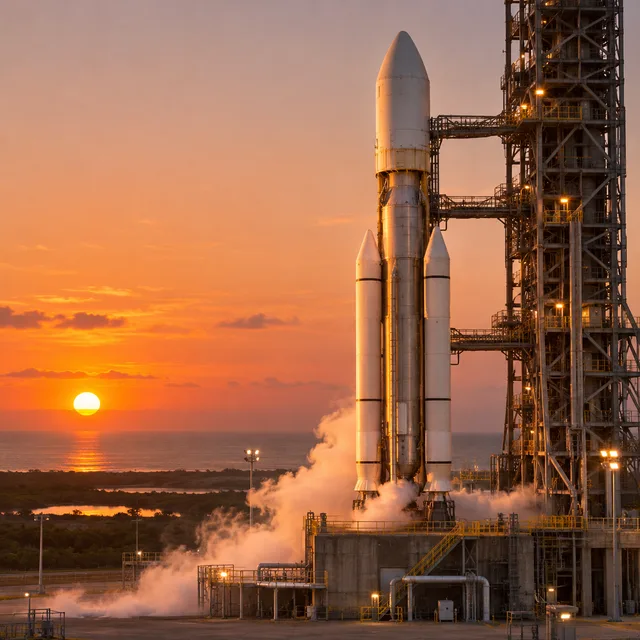
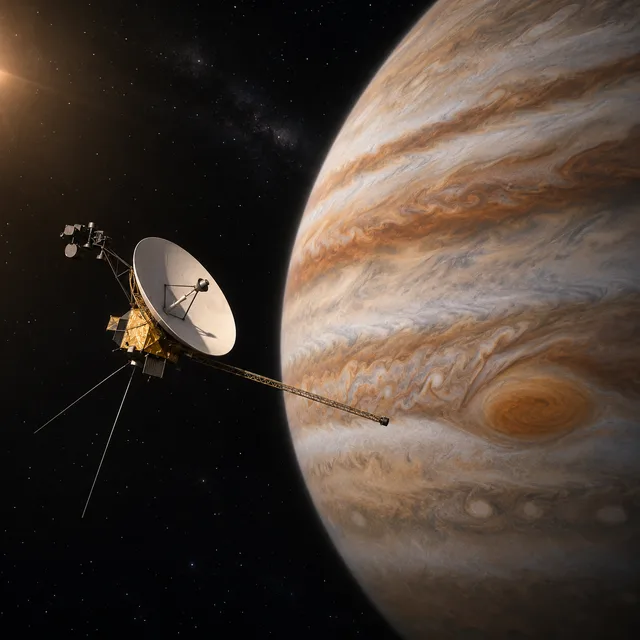
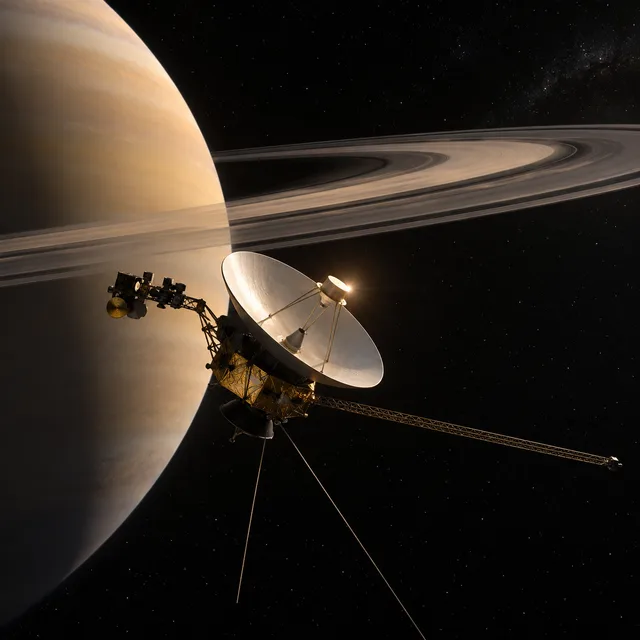
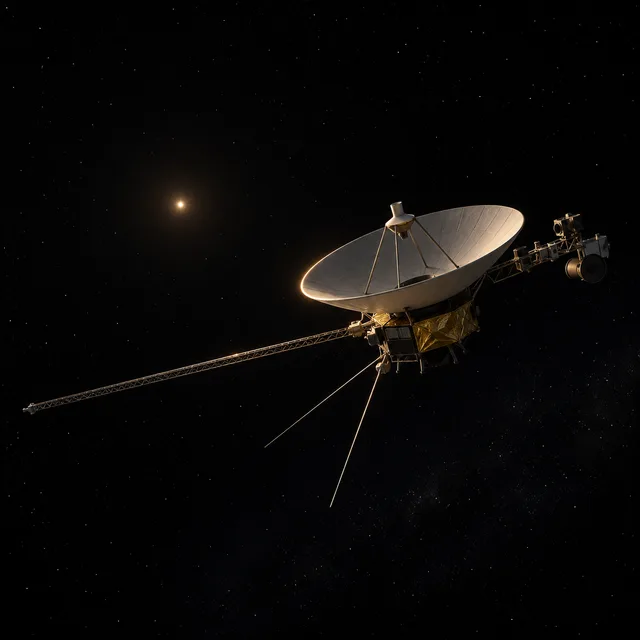
One style lock · one scene per line · every frame in one ZIP
Writing the script is the creative work. Turning a finished script into eighty images is repetition, and repetition is exactly what a batch is for.
Cut the script wherever the picture should change and write what the viewer sees on each line. Every line becomes its own image, so the image batch you download has the same shape as the script you wrote, scene for scene.
Each image is generated on its own and cannot see its neighbours. What holds a video together is a style you write once and the form repeats on every scene: the medium, the palette, the light. Because it is identical on every line, the images read as one production instead of eighty images from eighty different tools.
YouTube's own help page names 16:9 as the standard shape on a computer, so the batch is composed for it from the first frame. Drop the images onto a timeline in script order instead of cropping square images into a landscape cut.
Three steps. The only decision that carries the whole video is the style lock, so spend your time there.
One fixed sentence describing how the whole video looks: the medium, a short palette, the light, how close the camera sits, and what never appears, such as faces or text. Never reword it. If a recurring character matters, upload a clear reference image of them as well, so each image starts from the same picture and the same words.
One row per scene, describing a concrete picture rather than an idea: a cargo ship leaving port at dusk, not globalisation. Strip timecodes and speaker marks out of the line before you run it, since anything left in the row is read by the model as part of the picture. On the dashboard you can paste the whole scene list at once, one per line.
The batch comes back together. Re-run the few scene images that missed, keep the rest, and download one ZIP of images. Import the images into your editor, set a duration for each, and add the narration over the top.
The pattern is the same across channel types: a long narration, a visual change every few lines, and no footage to cut to.
Narration-led channels in history, science, finance and storytelling live on images that illustrate the voice. Batch the whole episode from its script and keep every scene in the same look from the cold open to the outro.
Courses, tutorials and school explainers need an image for each idea as it is spoken, and every image should look like the same course. A style lock keeps a twenty-lesson series visually consistent, with each image regenerable individually when the script changes.
An audio episode or a long article becomes a video once every few sentences have an image. Cut the transcript into scenes, run it as one batch, and publish without hiring a motion designer.
Something not covered? Email us at support@bulkimagen.com
An AI storyboard generator for whole sequences: one line per scene, one character anchor on every line, and every frame rendered in a single batch at 16:9.

A blog featured image generator for the whole backlog: one post title per row, one art direction for every cover, and each featured image in one batch and ZIP.



Use this AI logo generator to batch-create dozens of brand concepts from a fill-in-the-blank prompt. Pick a style, enter your brand, get a grid of marks.
Write the style lock once, split the script into scenes, and let the YouTube image generator return an image for every line. Re-run the stragglers, drop the frames on your timeline and get back to the narration.
