A brand character is only useful when it shows up in many places: waving on the homepage, celebrating in an email, holding a sign in a sticker pack. This AI mascot generator takes one written description of your mascot, applies the same style to every pose you list, and renders the whole set in a single batch.
One per line — paste a whole column from a spreadsheet. Add “ | ” then the Prop to set it per line.
—
Drag & drop or click to upload — PNG / JPEG / WEBP / GIF, up to 10MB each.
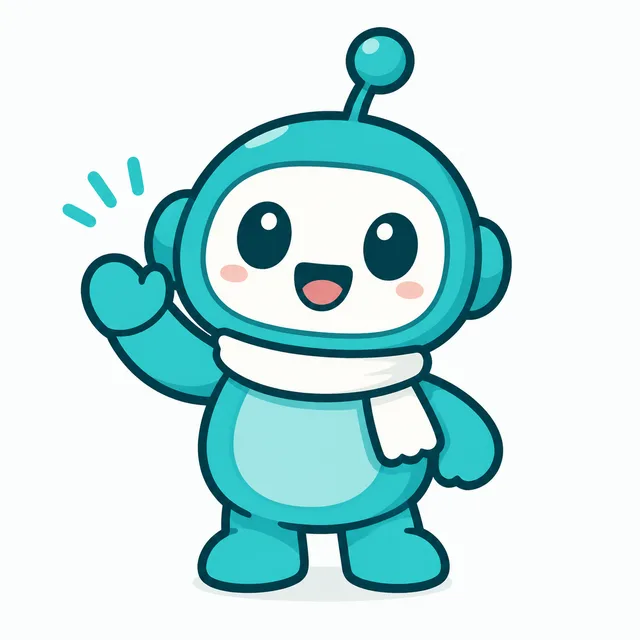
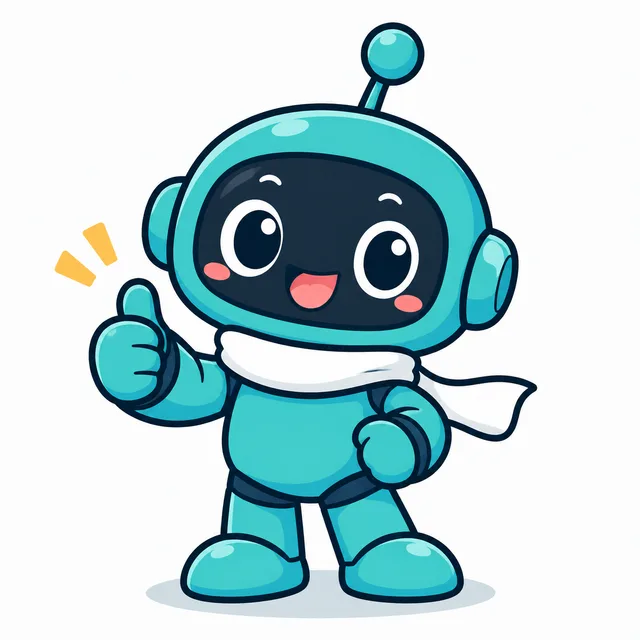
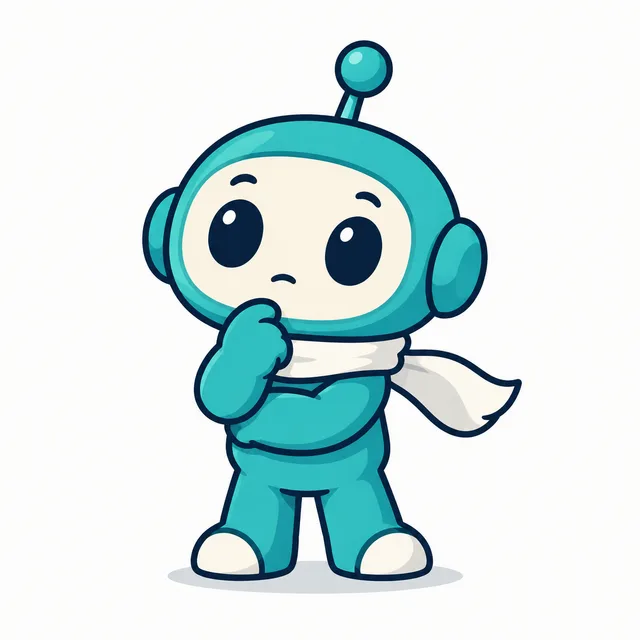
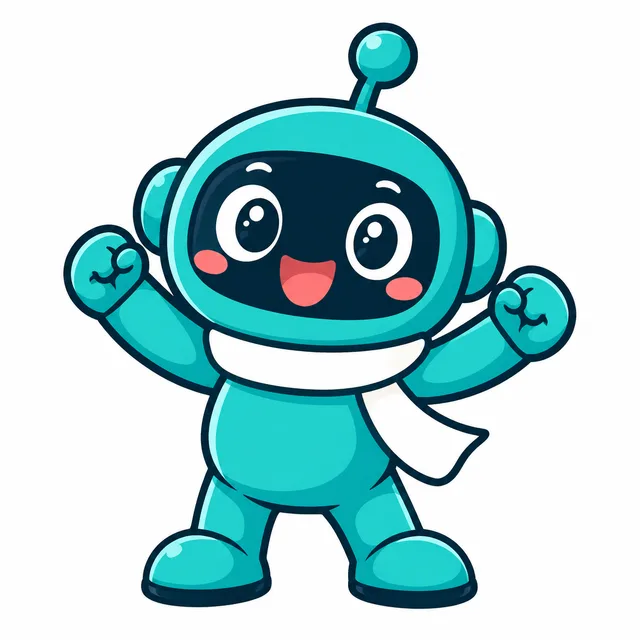
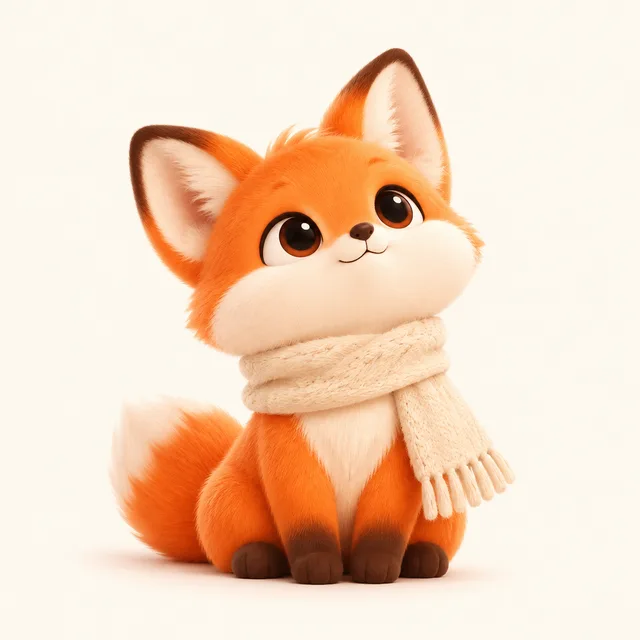
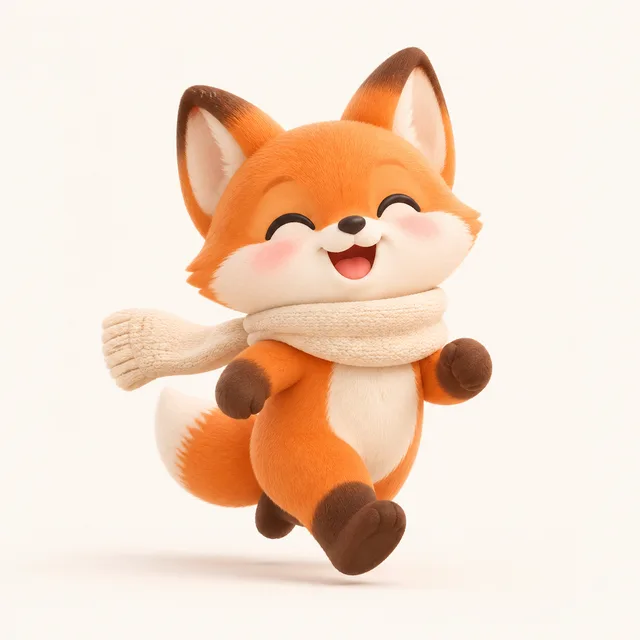
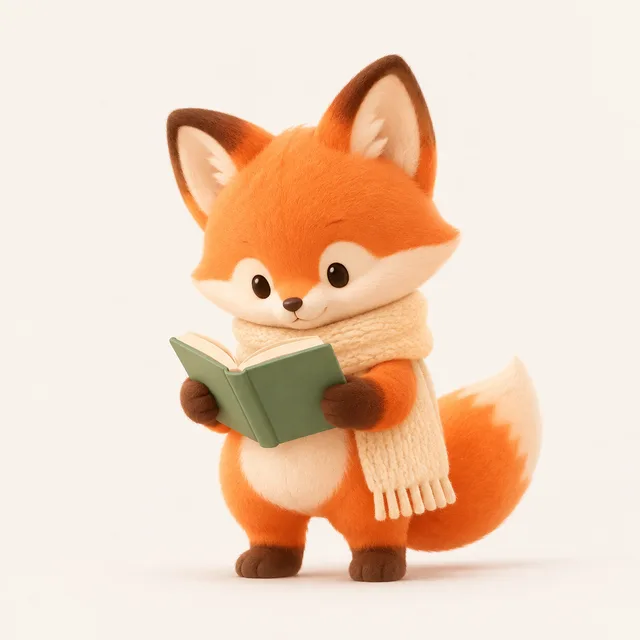
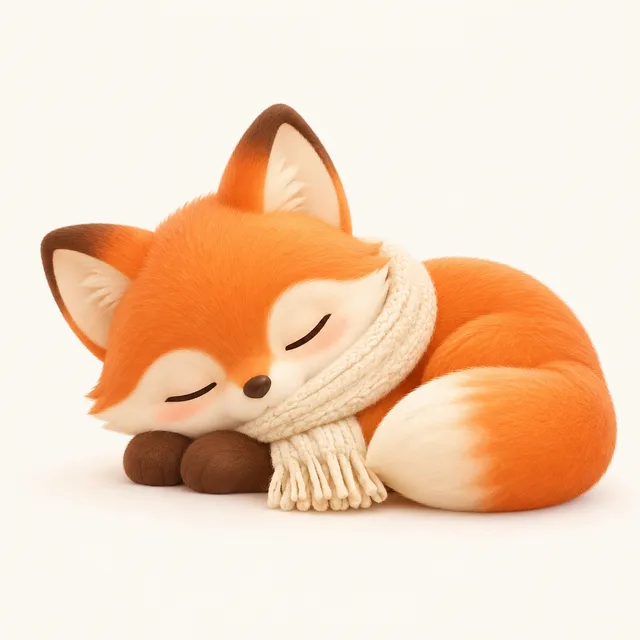
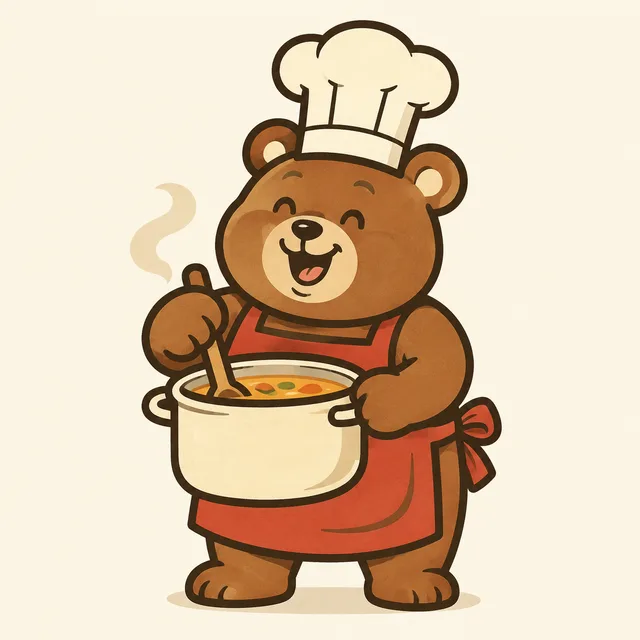
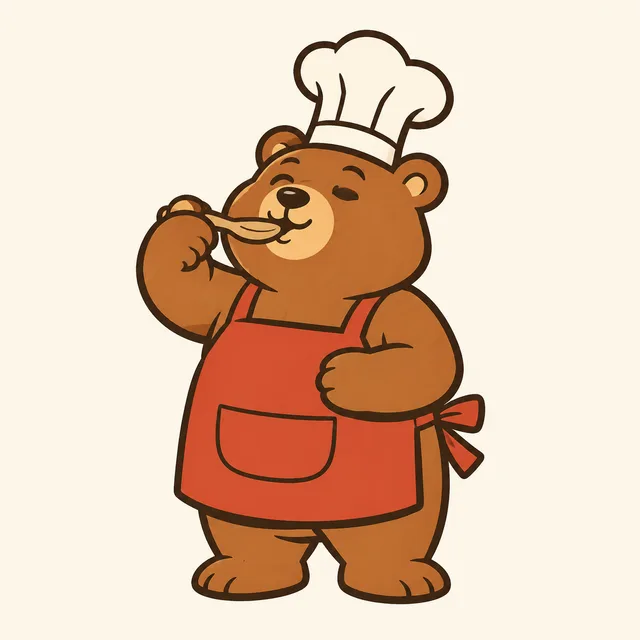
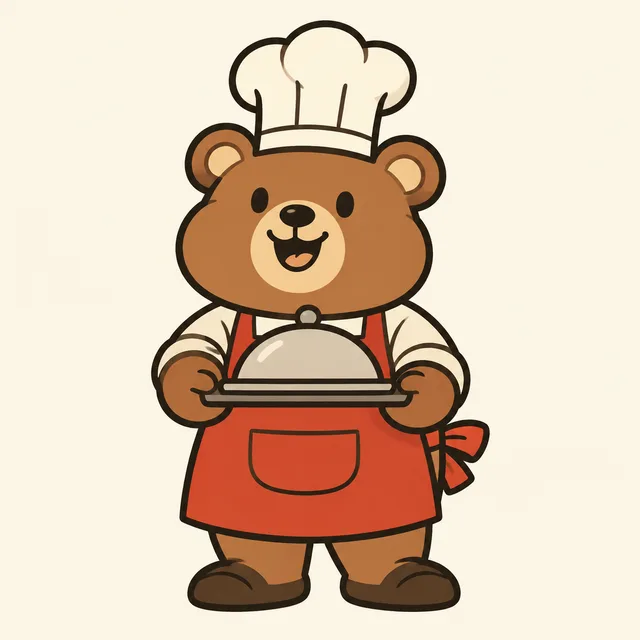
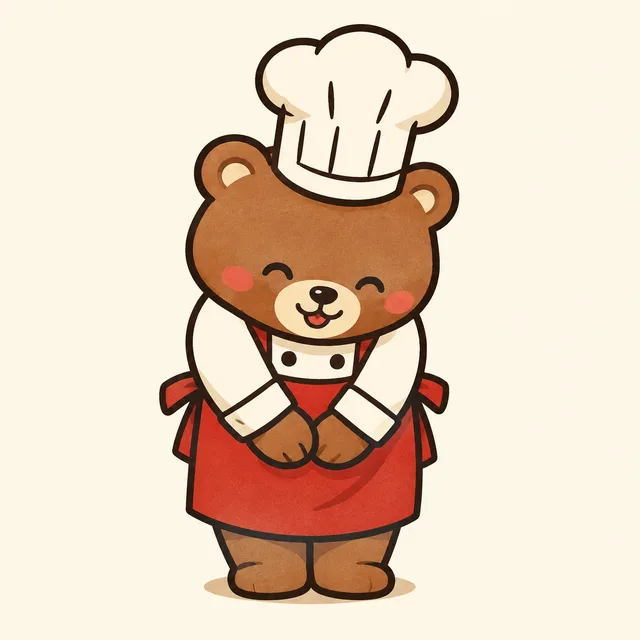
Each row is one run of the AI mascot generator: one invented mascot and one style held fixed, four pose descriptions, and the four images that came back. Read across a row — the mascot should look like the same character in every pose, and the written description is what keeps it that way.
a round teal robot with one antenna, flat shapes — waving, thumbs up, thinking, celebrating
a small orange fox in a scarf, soft 3D render — sitting, running, reading, sleeping
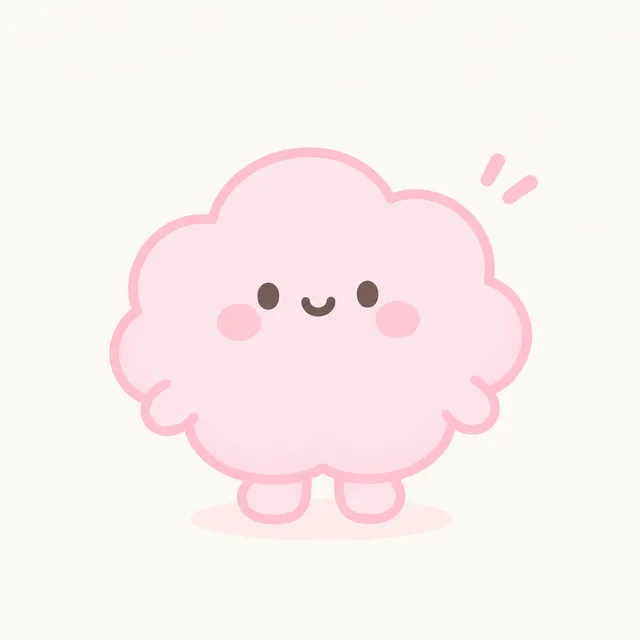
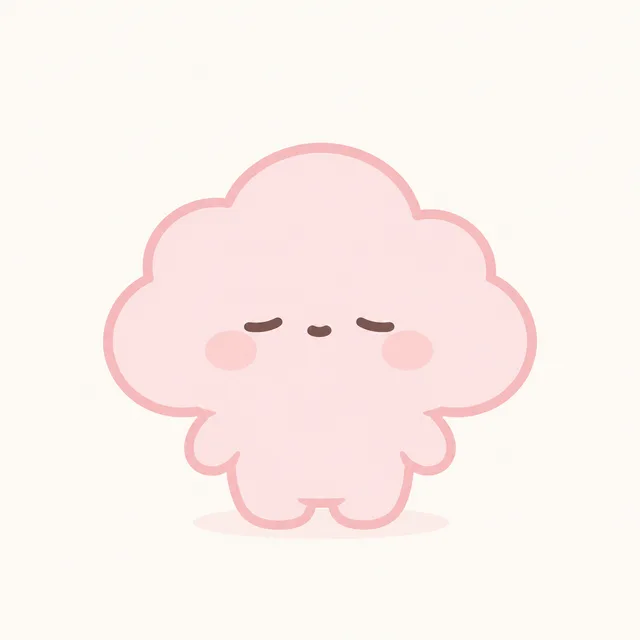
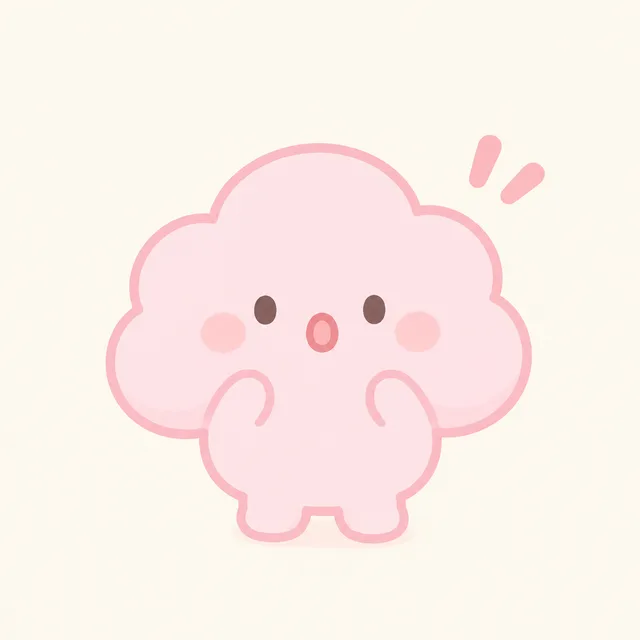
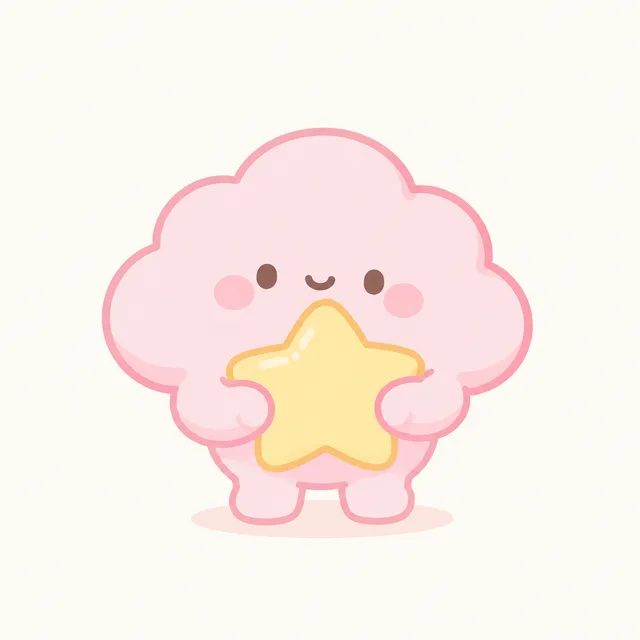
a pink cloud with a tiny face, kawaii style — happy, sleepy, surprised, hugging a star
a chubby bear chef with a tall hat, retro cartoon — stirring a pot, tasting, carrying a tray, bowing
a green frog with round glasses, bold outline sticker — okay sign, shrugging, laughing, saying thanks
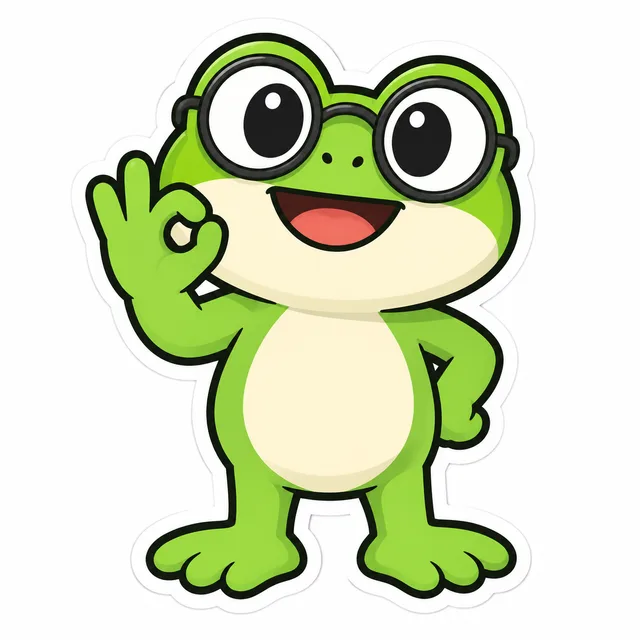
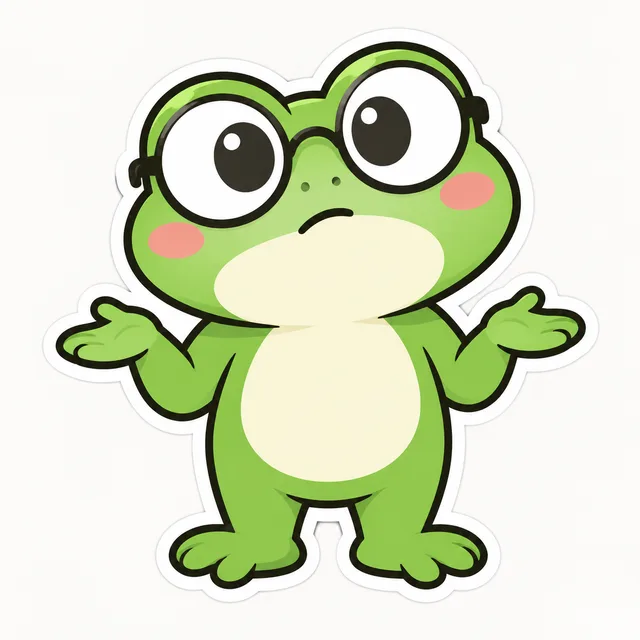
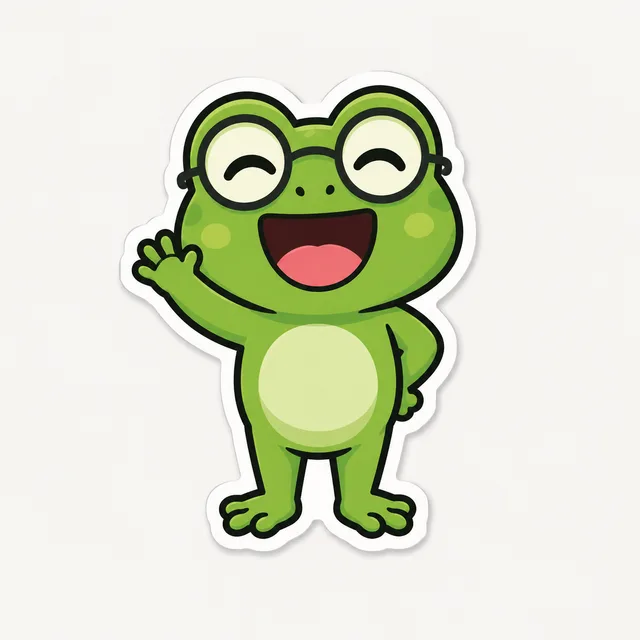
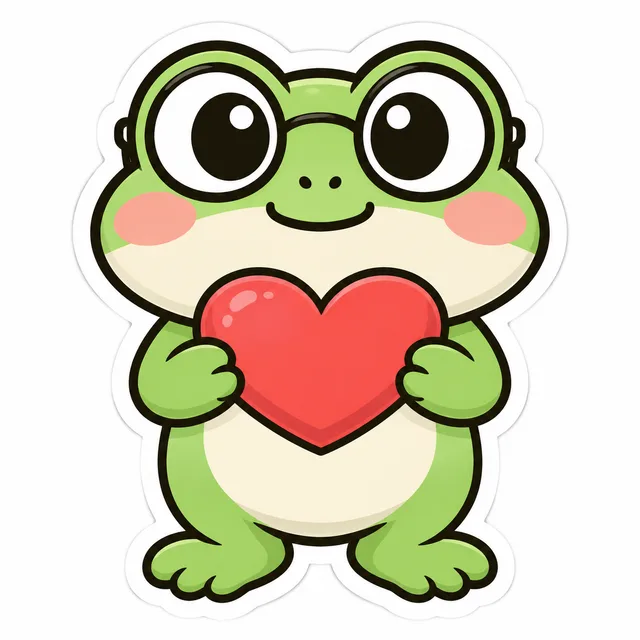
One mascot description · a list of poses · a matching set of images in one ZIP
One good character image is easy to get from any image tool. A mascot that appears in twenty poses and still looks like the same mascot is a different job, and it is the job this AI mascot generator is built around.
The look of the character — shape, colours, face, clothing, accessories — is written once and sent with every pose, so each image starts from the same brief. Only the pose, and an optional prop, changes per line.
Flat vector, soft 3D, kawaii, retro cartoon or sticker outline is chosen once and applied to every pose, so the images read as one set instead of a pile of unrelated experiments.
An image model does not remember a face between images. The same description gives a very similar mascot, but details such as proportions, a stripe or the number of fingers can drift. Pick the images where the mascot matches best, re-run the others, and expect to check every one.
Three steps, one screen. The work you keep is the character itself and the list of poses; the AI mascot generator does the rendering.
Write one sentence about your mascot: what it is, its colours, its face and anything it always wears. Be concrete, because everything vague will vary from image to image. This sentence is the identity of the whole mascot set.
Add one line per pose or situation: waving hello, celebrating, holding a coffee, sleeping. After a vertical bar a line can name a prop, such as a megaphone or a gift box. Review the full list as plain lines on the confirmation screen before anything is spent.
Choose a style and optional palette, run the batch, and keep the images where the character matches best. The run downloads as one ZIP of square images, ready for your site, your emails or a sticker pack.
If a character is part of your brand, a bulk AI mascot generator saves the repetitive part of building its poses.
A mascot on the homepage, in onboarding, in error pages and in newsletters needs many poses. List them, generate the whole mascot set, and keep the ones that fit.
Server mascots, app companions and game characters need expressions and reactions. Generate a lineup of images for a quick concept pass before commissioning final artwork.
A mascot with a dozen reactions is the core of a sticker pack or a set of reply images. Describe the character once and list the reactions.
Something not covered? Email us at support@bulkimagen.com
Use this AI logo generator to batch-create dozens of brand concepts from a fill-in-the-blank prompt. Pick a style, enter your brand, get a grid of marks.

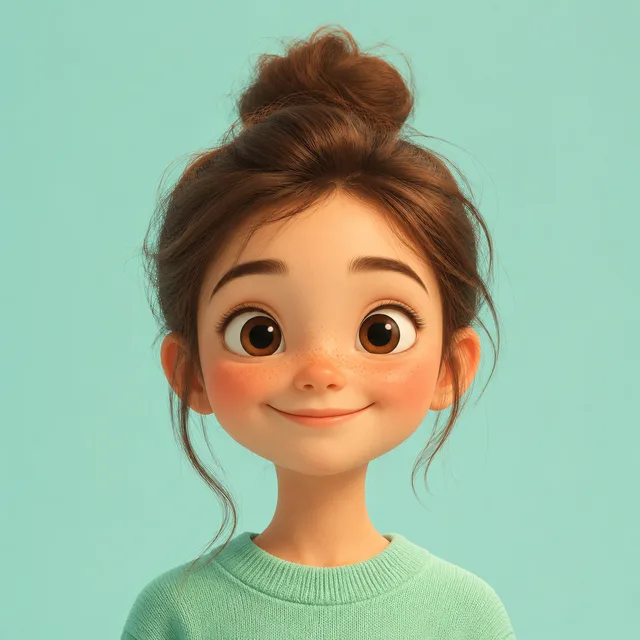
Use this AI avatar generator to batch-create a grid of avatars from one prompt. Pick a style, background, and vibe, then keep the avatar most like you.
Use this AI app icon generator to batch-create a grid of app icons from one prompt. Pick a style, shape, and colors, then choose your favourite icon to ship.
Describe your character, list the poses and let the AI mascot generator render them together. Keep the images that match, download one ZIP, and spend your time on the brand instead of re-prompting the same character.
