AI Avatar Generator
Avatars, in bulk

Turn one description into
a batch of avatars

BulkImagen is an AI avatar generator built for exploring looks fast. Describe yourself or a character, pick a style, and generate a whole batch of avatars in one go — then download the avatar that fits your profile, game, or team page.

Description
Style
Background
Vibe
Prompt preview

Drag & drop or click to upload — PNG / JPEG / WEBP / GIF, up to 10MB each.

Will generate 0 images · 0 credits

One avatar generator, many looks

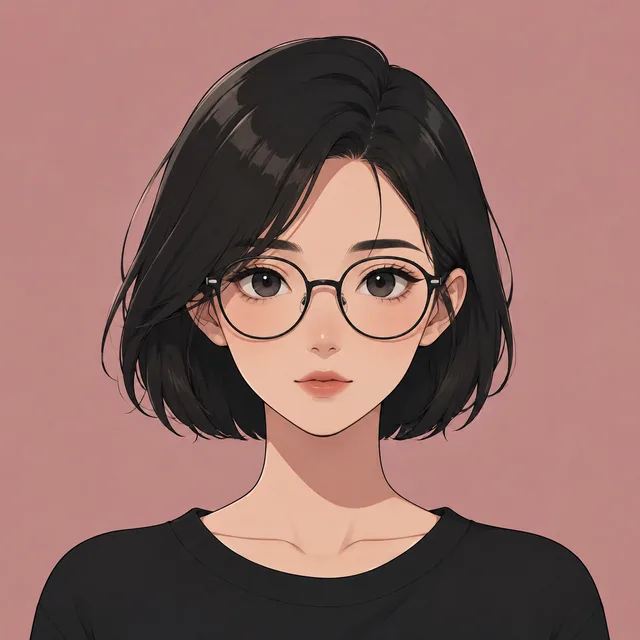
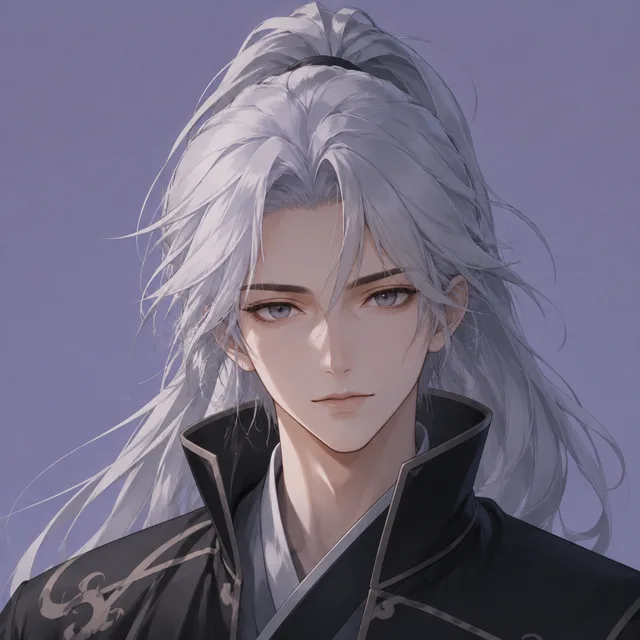
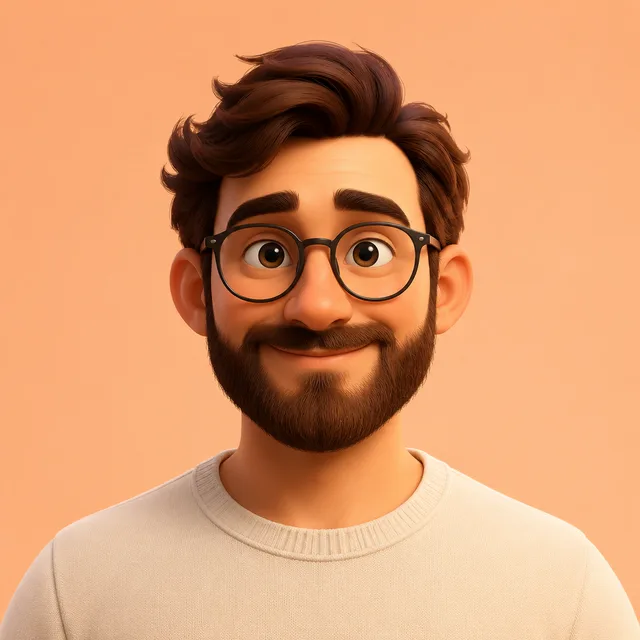
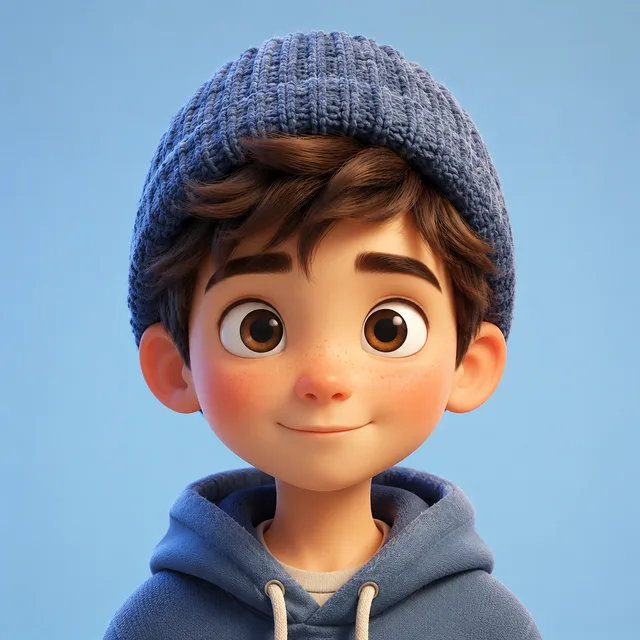
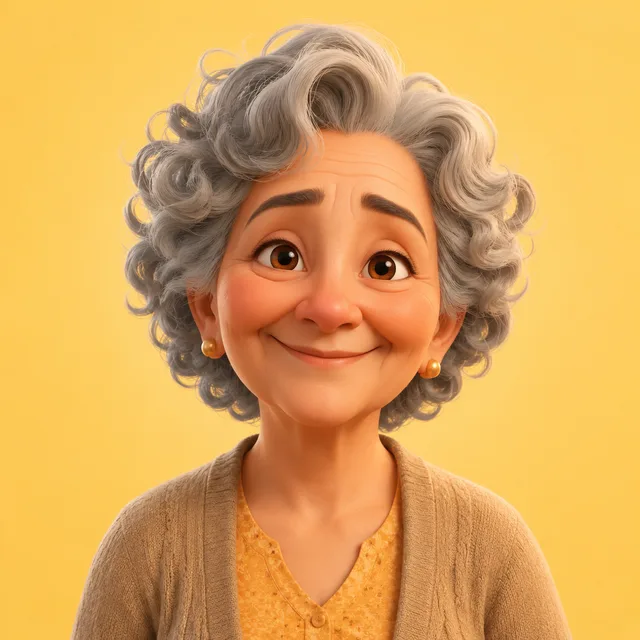
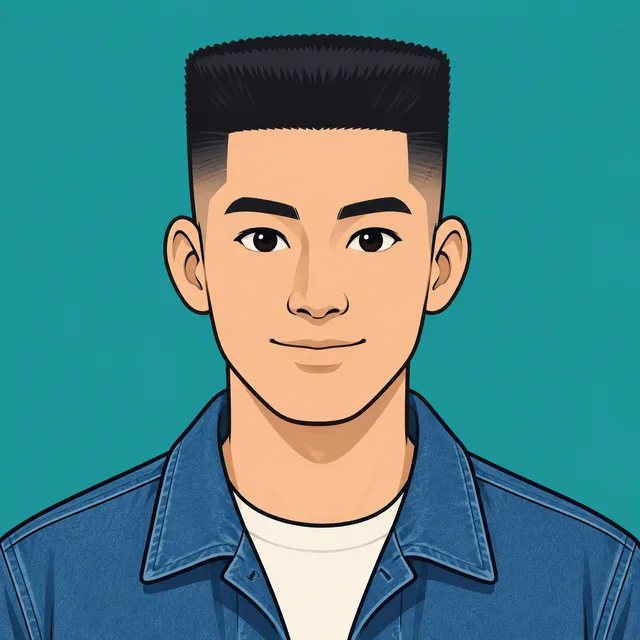
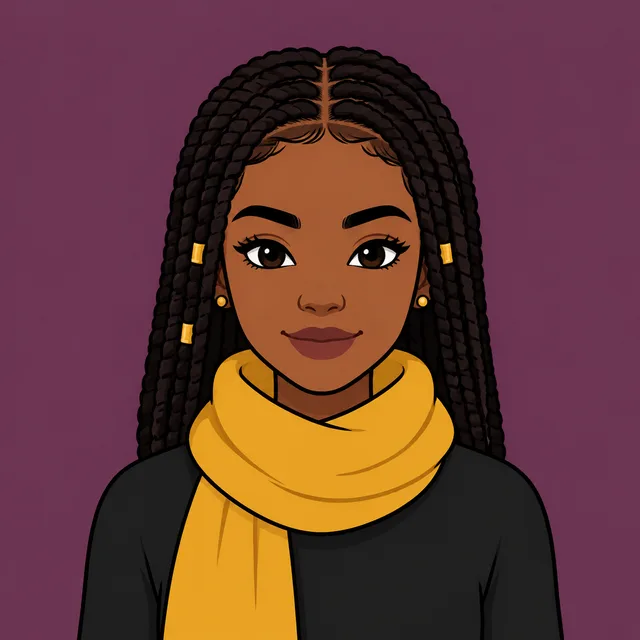
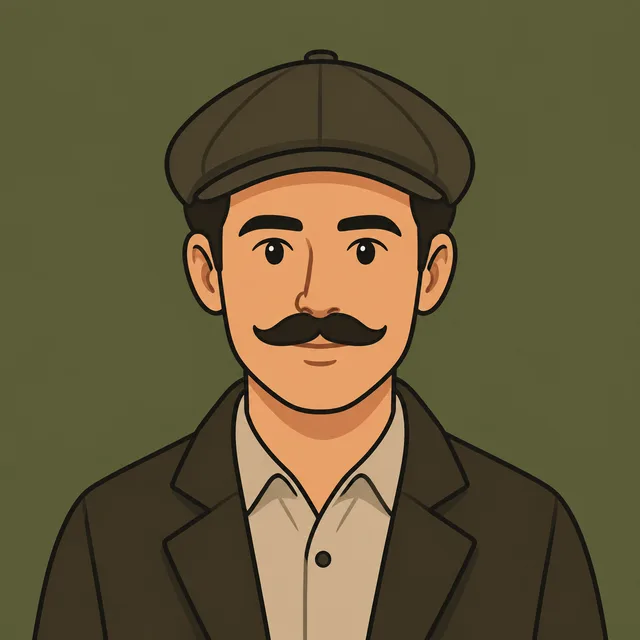
Each row below is one batch — a single description turned into a grid of avatars. Run the avatar generator across realistic, anime, Pixar-style, cartoon, and pixel looks, then compare the avatars side by side and pick a favourite in minutes.

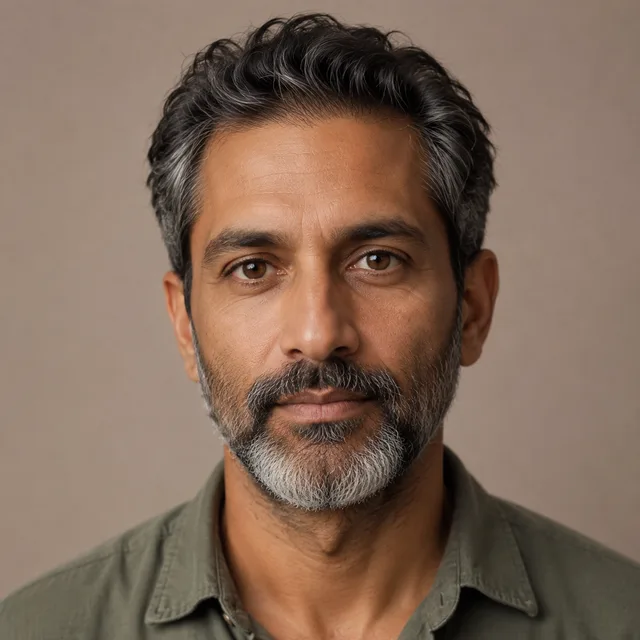
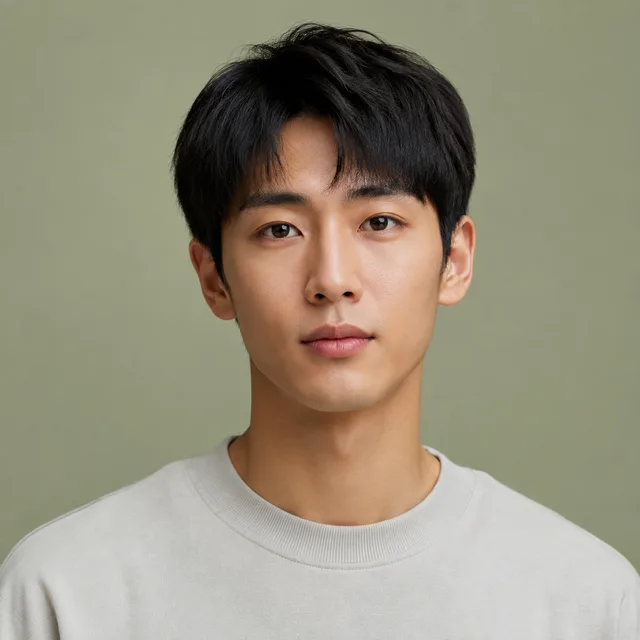
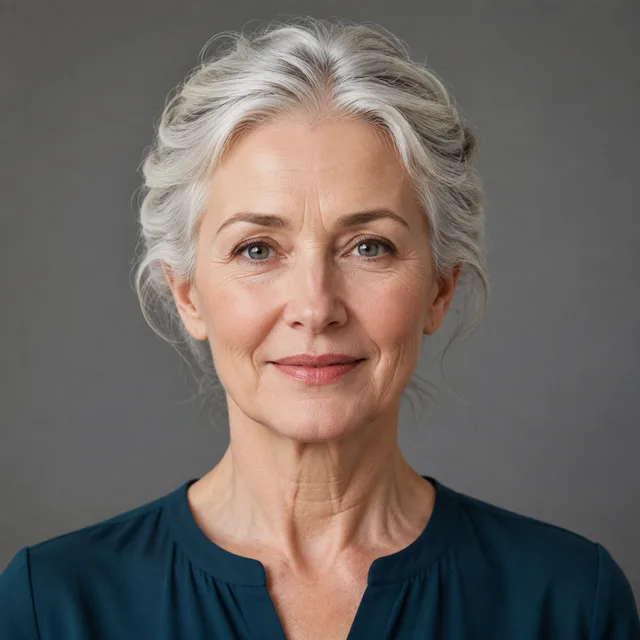
Realistic

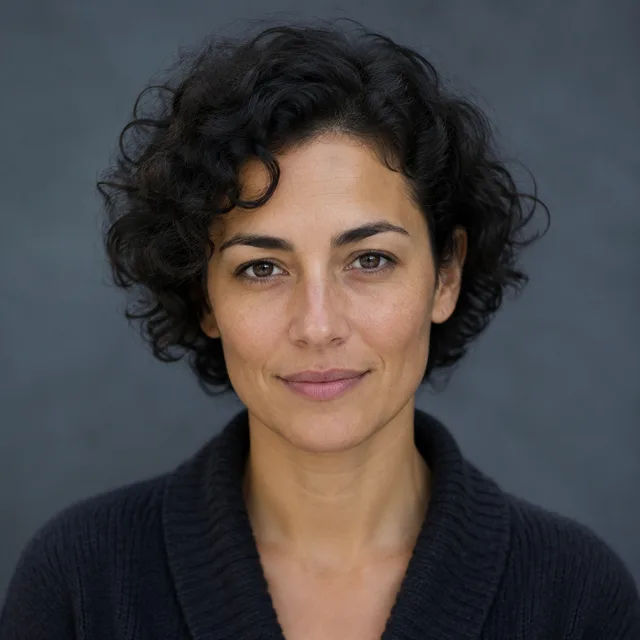
stylised profile avatar, friendly, soft studio lighting, clean backdrop
Batch complete
Realistic — 1
Realistic — 2
Realistic — 3
Realistic — 4
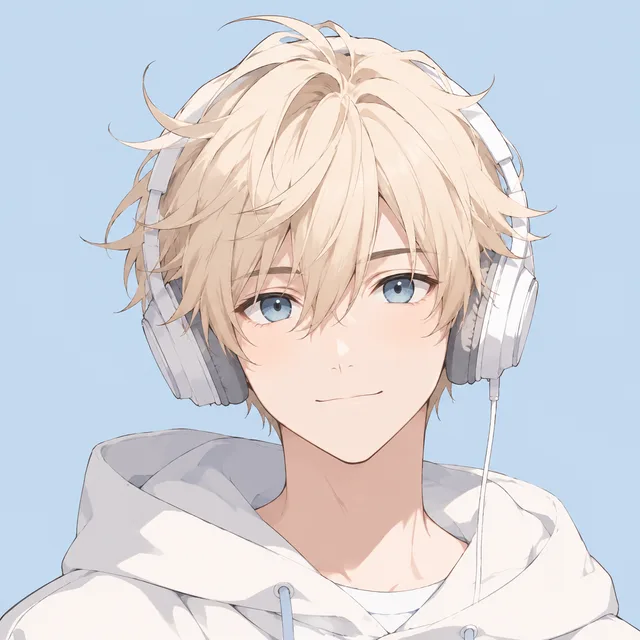
Anime

anime avatar of a young man with glasses, vibrant
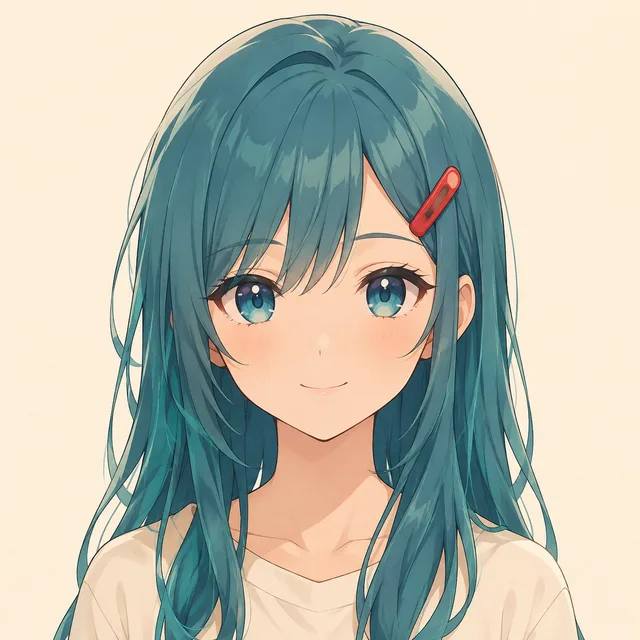
Batch complete
Anime — 1
Anime — 2
Anime — 3
Anime — 4
Pixar

3D Pixar-style avatar of a smiling person, warm lighting
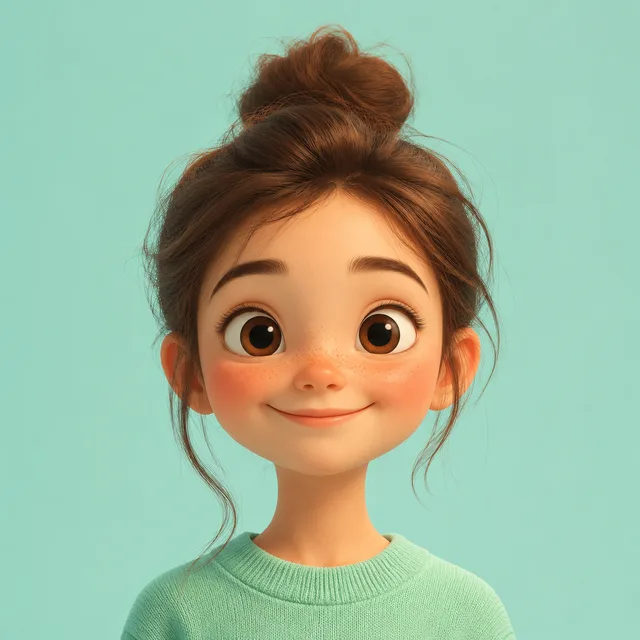
Batch complete
Pixar — 1
Pixar — 2
Pixar — 3
Pixar — 4
Cartoon

flat cartoon avatar with a friendly smile, bold colors
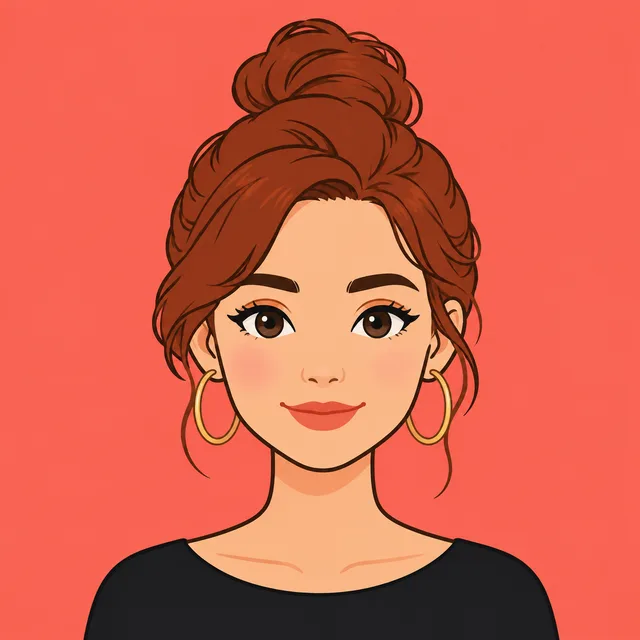
Batch complete
Cartoon — 1
Cartoon — 2
Cartoon — 3
Cartoon — 4
Pixel

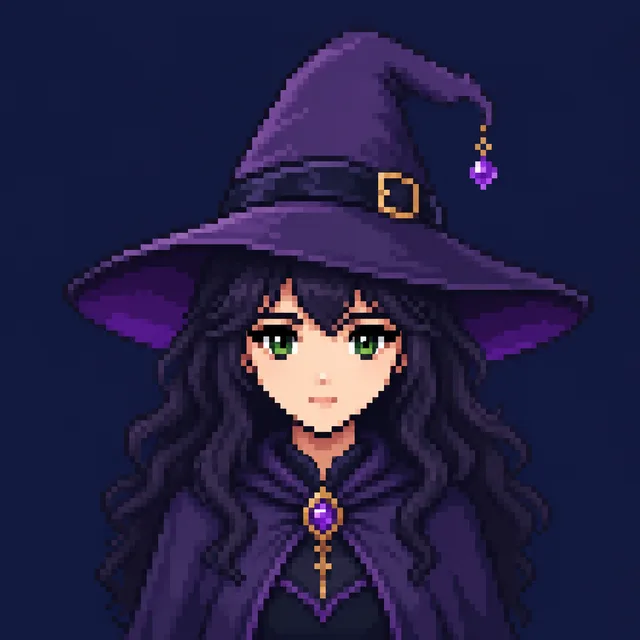
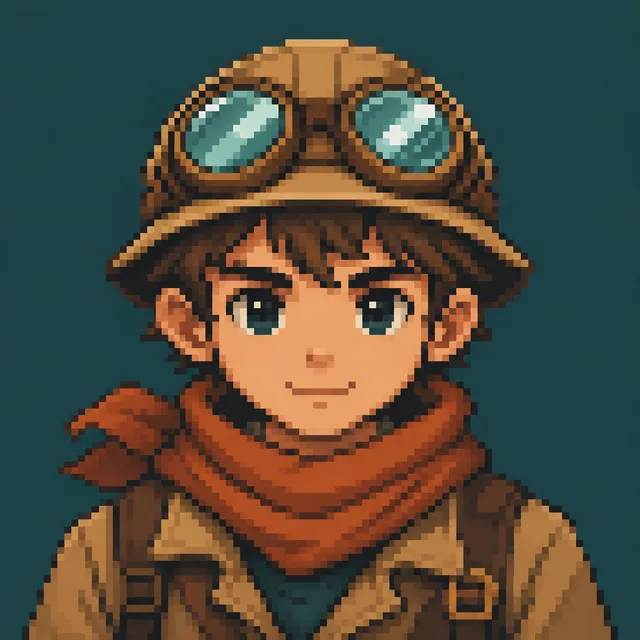
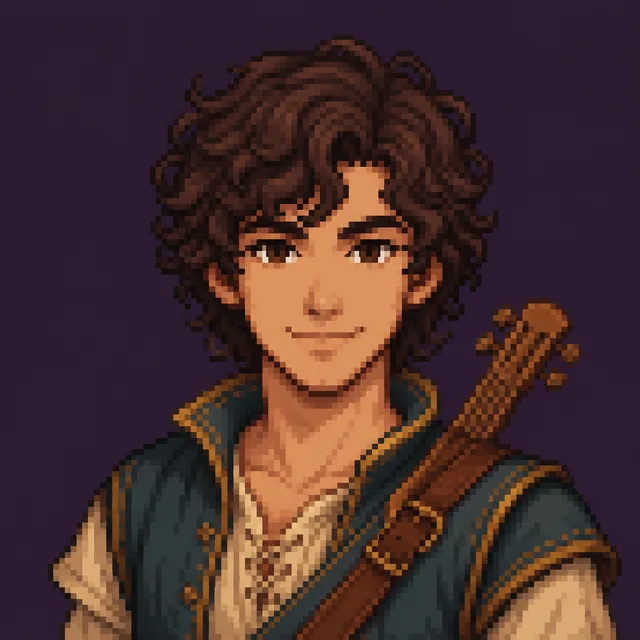
pixel art avatar of a gamer, retro 8-bit style
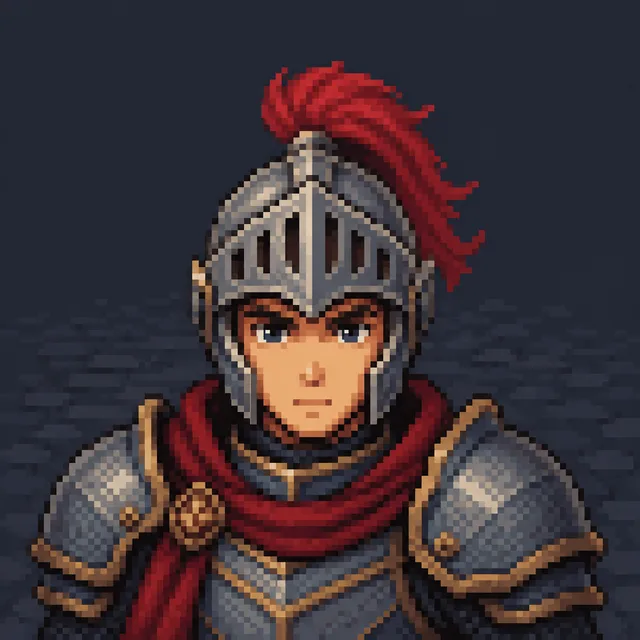
Batch complete
Pixel — 1
Pixel — 2
Pixel — 3
Pixel — 4

One description per batch · a grid of avatars out · download the keepers

An AI avatar generator built for picking the one that's you

Stop generating one avatar at a time. Describe yourself once and let the avatar generator explore many looks in a single batch, so you spend your time choosing the avatar that fits instead of re-rolling the same idea.

Fill-in-the-blank prompts

No prompt engineering. Describe the person, pick a style, background, and vibe, and the avatar generator assembles a clean prompt for you before every batch.

A grid, not a guess

One batch returns a whole grid of avatars, so you compare real options instead of re-rolling a single image and hoping the next avatar finally looks right.

Square, profile-ready

Every avatar comes out as a 1:1 square at a clean resolution, so the one you pick drops straight into a profile, a game lobby, or a team page without cropping.

Three steps to a batch of avatars

From a one-line description to a grid of downloadable avatars — the whole avatar generator workflow happens on one screen, no design software required.

  1. 01

    Describe the person

    Type who the avatar is — hair, glasses, mood — then pick a style such as realistic, anime, Pixar, cartoon, or pixel, plus a background. That is the entire brief the AI avatar generator needs.

  2. 02

    Generate the batch

    BulkImagen assembles the prompt and renders a grid of avatars in one batch, each with a different seed, so you get a genuine spread of looks rather than near-duplicates.

  3. 03

    Pick & download

    Compare the avatar generator's grid, keep the avatars that feel like you, and download the one you want for your profile, stream, or team page.

Who uses this avatar generator to stand out

Anyone who needs a spread of looks before committing to a single picture reaches for a bulk AI avatar generator.

Gamers & streamers

Generate a batch of avatars for your handle across platforms, then pick the look that matches your channel and drop it into every profile at once.

Teams & communities

Give a whole team matching avatars in one style. Run the avatar generator once and hand everyone a consistent set of profile pictures.

Social & dating

Try several looks before you commit to a profile picture. One avatar generator batch gives you real options to compare instead of one lucky shot.

AI avatar generator questions

More questions? Email us at support@bulkimagen.com

  • An AI avatar generator turns a short description into finished avatars in seconds. Instead of drawing one by hand, you describe the person and get a grid of avatars you can compare, shortlist, and use.
  • You describe the person, pick a style, background, and vibe, and the avatar generator assembles a clean prompt and renders a grid with GPT-Image-2. It does the drawing; you pick the avatar that fits.
  • Yes. This is a bulk avatar generator: one description becomes a whole batch, so you explore many looks at once instead of generating a single avatar at a time.
  • Pick from realistic, anime, Pixar-style, cartoon, pixel, and watercolor. Each style steers the avatar generator toward a different look, so one description can produce very different avatars.
  • Every avatar comes out as a clean 1:1 square, the shape most profiles expect. Drop the one you pick straight into a social, game, or team profile.
  • Describe your hair, features, and mood in the brief and the avatar generator leans toward it. Because every run returns a grid, you can pick the avatar closest to you from one batch.
  • An avatar generator batch defaults to a grid of avatars, and you set the exact count on the confirmation screen before any credits are spent, so you decide how wide each run goes.
  • Every avatar is generated with GPT-Image-2, locked for this tool so each result comes out at a consistent square format ready for any profile.
  • The fields assemble a clean prompt for you, but you stay in control. You confirm everything in the dashboard before generating and can adjust the description, count, or style first.
  • You can use the avatars you generate for your own profiles under the model provider's terms. Treat each result as a strong starting point for your avatar.
  • New accounts start with free credits, so you can run the avatar generator on a real description before paying. Each batch then costs a few credits, shown before you generate.
  • Yes. Describe one consistent style and the avatar generator keeps the batch coherent, so a whole team can share a matching set of avatars from a few runs.

Generate your first batch of avatars

Enter a description, pick a style, and let the AI avatar generator explore a whole batch of looks. Keep the avatars that feel like you, download them, and set your favourite avatar as your picture.