BulkImagen logoBulkImagen
AI Coloring Page Generator
A whole coloring book in one run

One subject per row,
a whole book of coloring pages

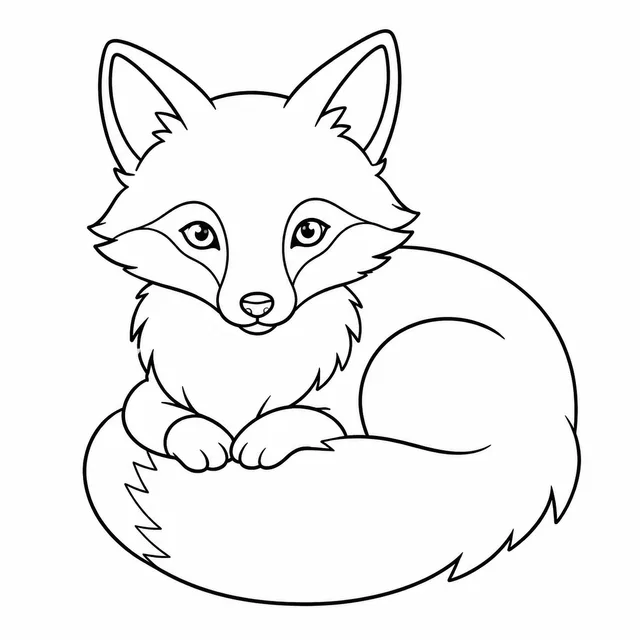
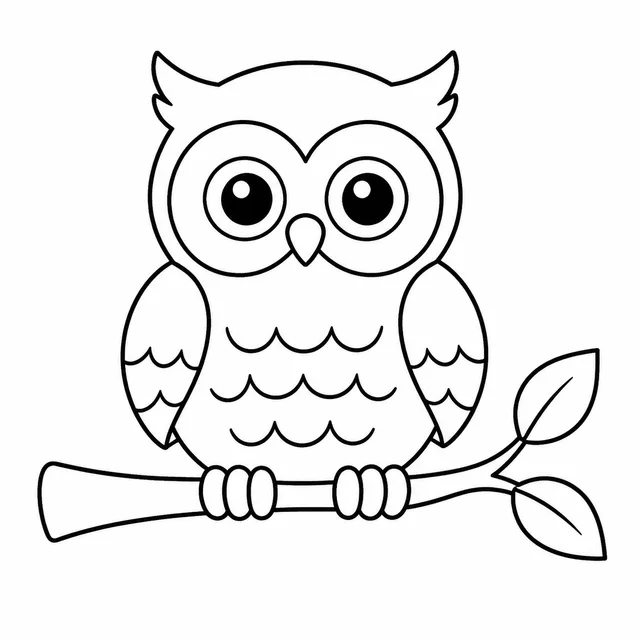
a fox curled asleep / a hedgehog in leaves / an owl on a branch — bold outlines, white background
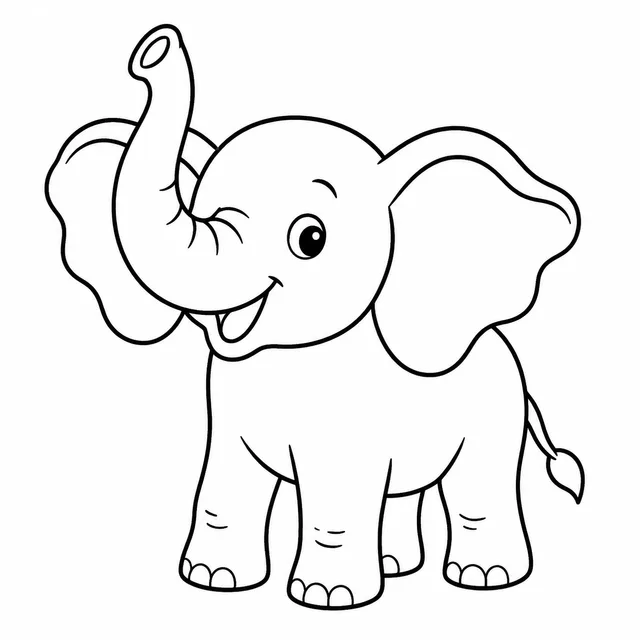
Example result · 4 images from one batchSee all 5 examples ↓“a fox curled asleep / a hedgehog in leaves / an owl on a branch — bold outlines, white background”

A coloring book is thirty or forty coloring pages that have to look like they belong together. This AI coloring page generator works that way: write one subject per line, set the line style once, and every coloring page comes back in the same batch, downloaded as one ZIP to build a KDP interior, a classroom coloring page packet or an Etsy printable.

One per line — paste a whole column from a spreadsheet.

 
Prompt preview

—

Drag & drop or click to upload — PNG / JPEG / WEBP / GIF, up to 10MB each.

Images per combo
Will generate 0 images · 0 credits

Five coloring page books, one line style each

Each row is one run of the AI coloring page generator: a list of subjects, one line style held across the batch, and every coloring page it returned. Real coloring page books are built around a theme, so the rows are themes — a pet book, a garden book, a storybook, a toddler book and a mandala book.

Animal book

a fox curled asleep / a hedgehog in leaves / an owl on a branch — bold outlines, white background

Batch complete
Animal book — 1
Animal book — 2
Animal book — 3
Animal book — 4
Garden book

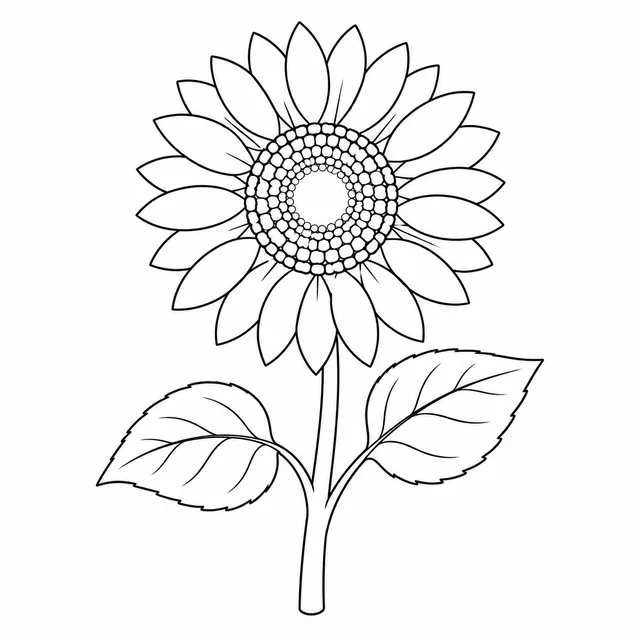
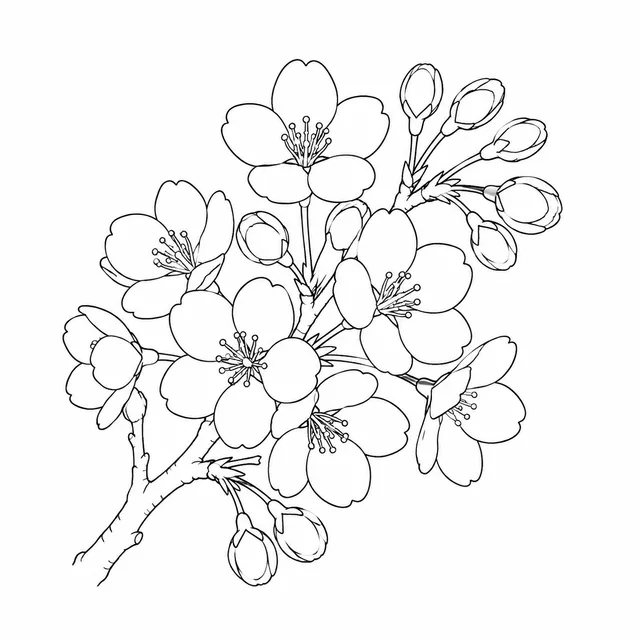
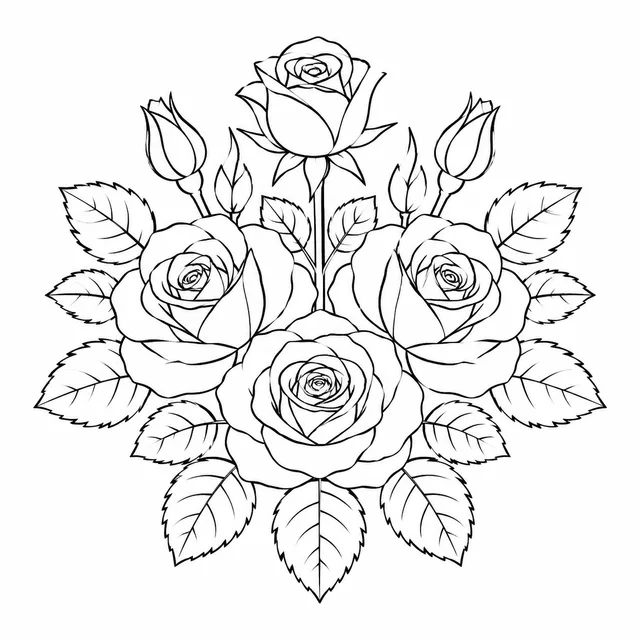
a sunflower / a bee on a lavender sprig / a watering can with daisies — medium lines, no shading
Batch complete
Garden book — 1
Garden book — 2
Garden book — 3
Garden book — 4
Storybook

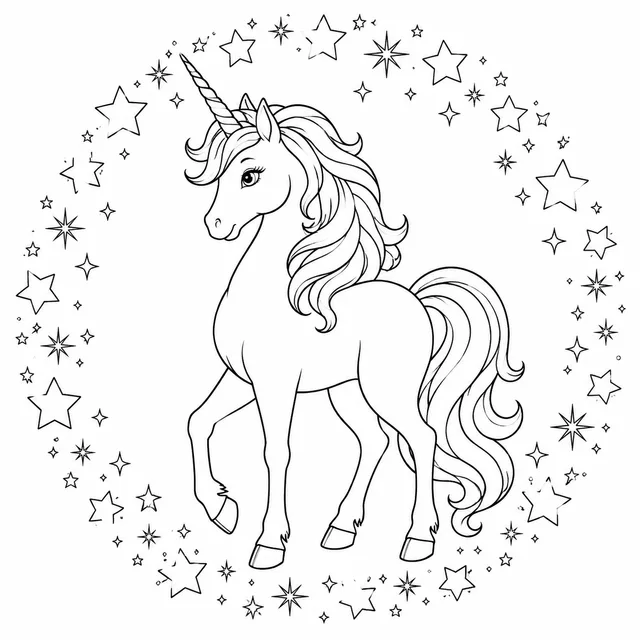
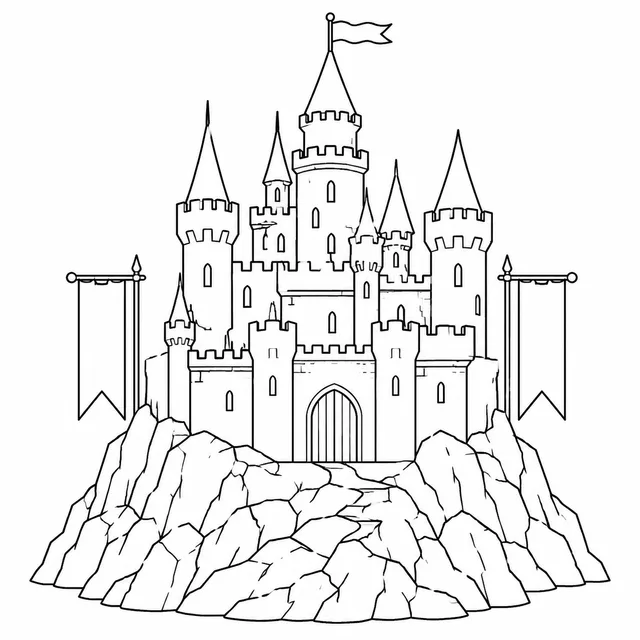
a tower on a cliff / a dragon on a hoard / a knight crossing a bridge — clean outlines for ages 6 to 9
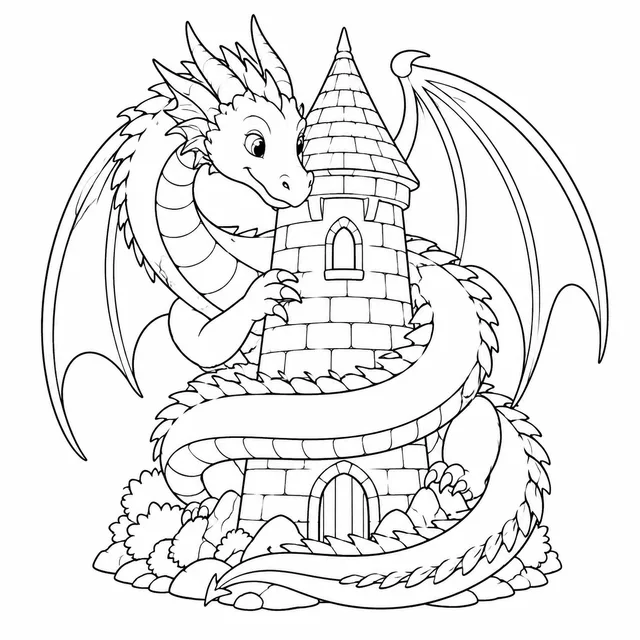
Batch complete
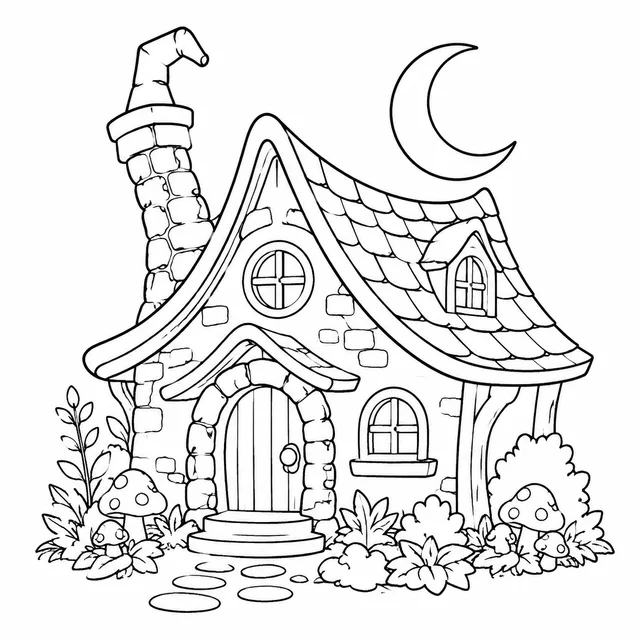
Storybook — 1
Storybook — 2
Storybook — 3
Storybook — 4
Toddler book

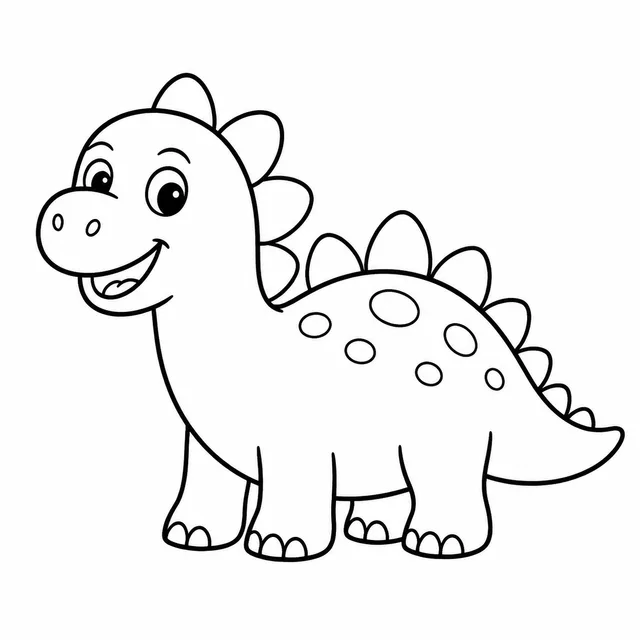
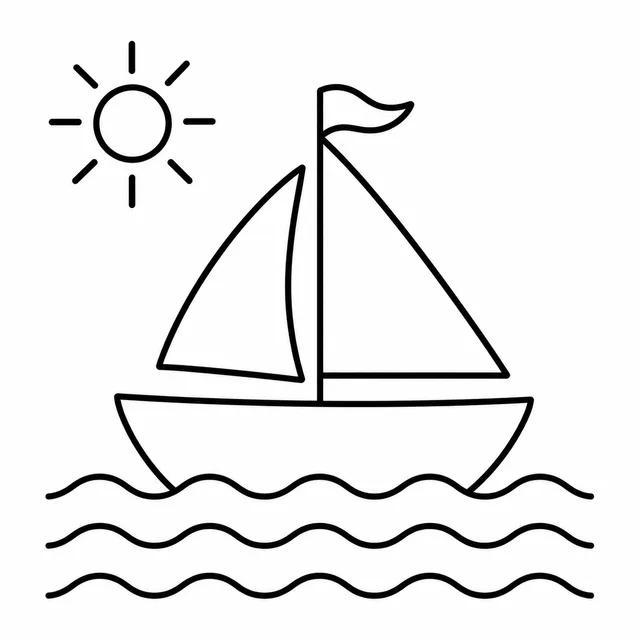
a big smiling dinosaur / a round sun / a simple train — very thick lines, huge open shapes

Batch complete
Toddler book — 1
Toddler book — 2
Toddler book — 3
Toddler book — 4
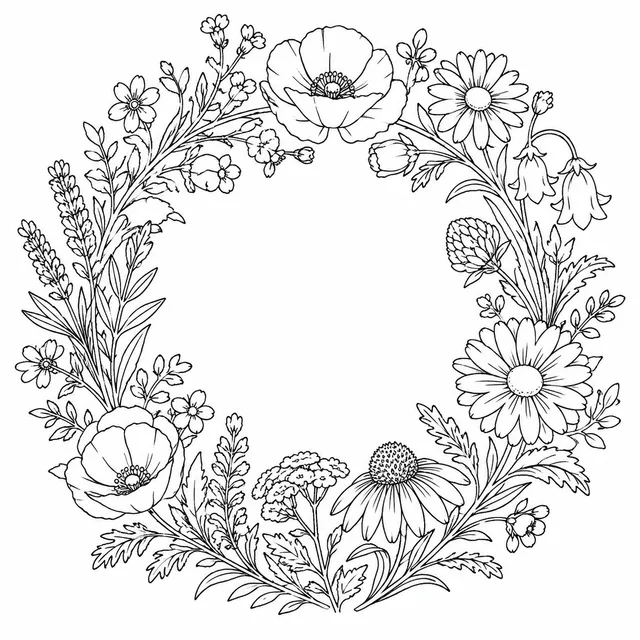
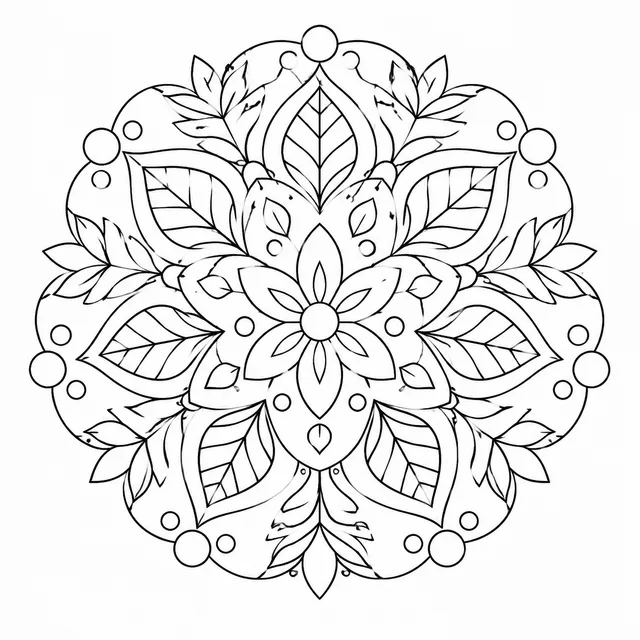
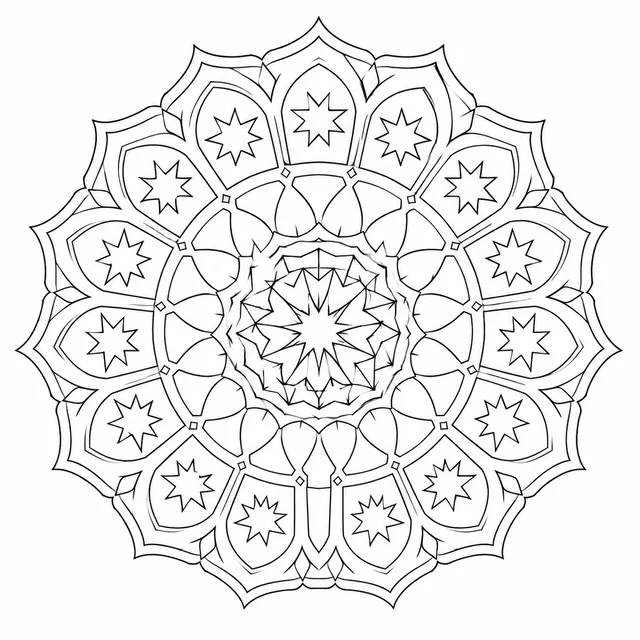
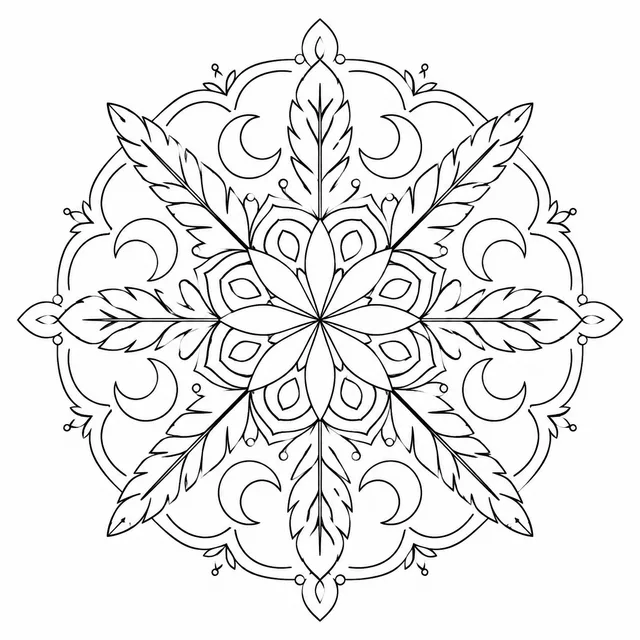
Mandala book

a symmetrical mandala, fine detail, one motif per page — thin even lines, pure black on white
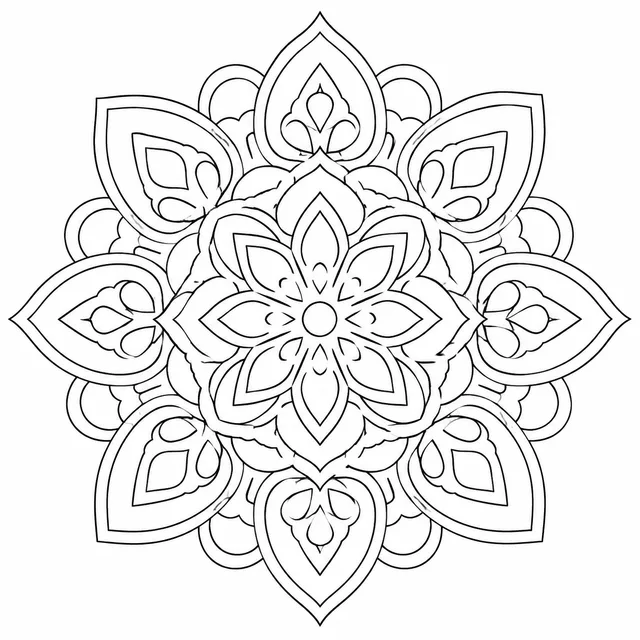
Batch complete
Mandala book — 1
Mandala book — 2
Mandala book — 3
Mandala book — 4

One subject per row · one line style per book · every coloring page in one ZIP

Built for the part of a coloring book that is repetition, not art

Drawing the first coloring page is the interesting bit. Drawing the other thirty-nine in the same hand, at the same line weight, with the same white margin, is the job nobody wants — and it is the one this tool takes over.

One subject per row

Type a list of subjects, one per line — a pumpkin, a ghost cat, a haunted house — and each line becomes its own coloring page. You are not asking for forty things in a single prompt and hoping the model counts.

One line style for the whole book

Style, line weight and age group are set once and applied to every row, so a toddler book of coloring pages stays bold and open from the first coloring page to the last. Add a reference image to anchor the look even more.

Print-ready line art, in one ZIP

Results are black outlines on a white background with no shading or fills. Download every coloring page at once and drop it into your layout tool, your PDF or your print-on-demand upload.

Three steps to a full set of coloring pages

From a list of subjects to a folder of line art, the workflow happens on one screen and there is nothing to draw.

  1. 01

    Write the list

    Pick the style, line weight and age group once, then write your subjects. Seasonal books are easy: ten Halloween subjects or a dozen Christmas ones, one per row, and the batch size is simply the length of your list.

  2. 02

    Run the batch

    Every row is rendered as its own coloring page with the same fixed instructions about outlines, white background and no shading. The credit cost is shown before you generate, so you decide how big the run is.

  3. 03

    Review and download

    Scan the batch for any coloring page that drifted — a stray grey fill, a cluttered corner — re-run just those rows, and download everything that passed as a ZIP.

Who makes coloring pages in batches

Anyone whose output is a stack of matching coloring pages rather than one pretty picture.

KDP and print-on-demand publishers

A book interior is dozens of pages that share a theme and a look. Run the whole list, keep the coloring pages that pass your own review, and lay them out at your trim size.

Teachers and parents

A unit on the ocean needs a week of worksheets, not one picture. Write the animals you covered, choose a simple, bold style, and print the coloring page packet before the lesson.

Etsy and digital-download sellers

A bundle sells on being a set. Generate a themed collection of coloring pages with one consistent hand, then package it as a printable download.

Coloring page generator questions

More questions? Email us at support@bulkimagen.com
  • KDP's content guidelines ask you to disclose AI-generated text, images or translations when you publish a new title or revise and republish one, and they state that AI-generated images include cover and interior images and artwork. Material first produced by an AI tool stays in that category even if you edit it heavily, while work you created yourself and only polished with AI counts as AI-assisted and needs no disclosure. Check the current KDP wording before every submission; this is not legal advice.
  • Usually not. KDP's low-content help page lists coloring books under 'Not Generally Low-Content', though it allows for exceptions. The category matters because low-content books are not eligible for a free KDP ISBN. Read that help page and judge your own book.
  • KDP says to add 0.125 inch to the width and 0.25 inch to the height for bleed, so an 8.5 by 11 inch trim becomes 8.625 by 11.25 inches and a 6 by 9 inch trim becomes 6.125 by 9.25 inches. If any page uses bleed, the whole manuscript uses bleed sizing. Images need at least 300 DPI, which for 8.625 by 11.25 inches means roughly 2,588 by 3,375 pixels. Pick the 4K tier with a portrait ratio and check the pixel size of each coloring page you download against that math: a full-bleed 8.5 by 11 page can still come in slightly short. BulkImagen has no upscaler, so run any page that falls short through one before you upload it.
  • There is no official standard, so treat this as a working rule: toddlers do better with thick, widely spaced outlines and large open shapes, while older kids and adults can handle thinner lines and more detail. Set the line weight and age group before the run, and print one coloring page to test it with a crayon before you commit to a whole book.
  • Set the style, line weight and age group once so they apply to every row, and optionally add a reference image of a page you like. This keeps a batch much closer together than separate one-off requests, but it is not pixel-identical, so review each coloring page before you publish.
  • Yes, and it is a common use. Write the subjects of the season one per row, such as a ghost cat, a candy bowl or a haunted house, and the batch returns one coloring page per row. The credit cost is shown before you generate.
  • KDP makes the publisher responsible for following its content guidelines and for making sure the material does not infringe copyright, trademark, brand or other rights, so avoid prompts that ask for existing characters or logos. Also read the terms of the model provider you generate with, and review every page before publishing.
  • The instructions ask for black outlines on a white background with no shading, and most pages come out that way. Occasionally a coloring page has a grey tone or a filled area, which is why you review the batch and re-run those rows instead of trusting the whole run.
  • For one coloring page, ChatGPT is fine. A book is a different task: you need thirty-odd coloring pages from a list, each from its own prompt, in a consistent look, collected in one download. In a chat that means asking for one coloring page at a time and saving each file by hand. Here you paste the list, set the style once and get the whole batch back as a ZIP.
  • New accounts start with free credits, so you can run a real list before you pay. Each batch then costs credits, and the amount is shown before you generate.

Generate your next book of coloring pages

Write one subject per line, set the style and line weight, and let the AI coloring page generator return a whole set of printable line art. Review it, download the ZIP and send it to layout.