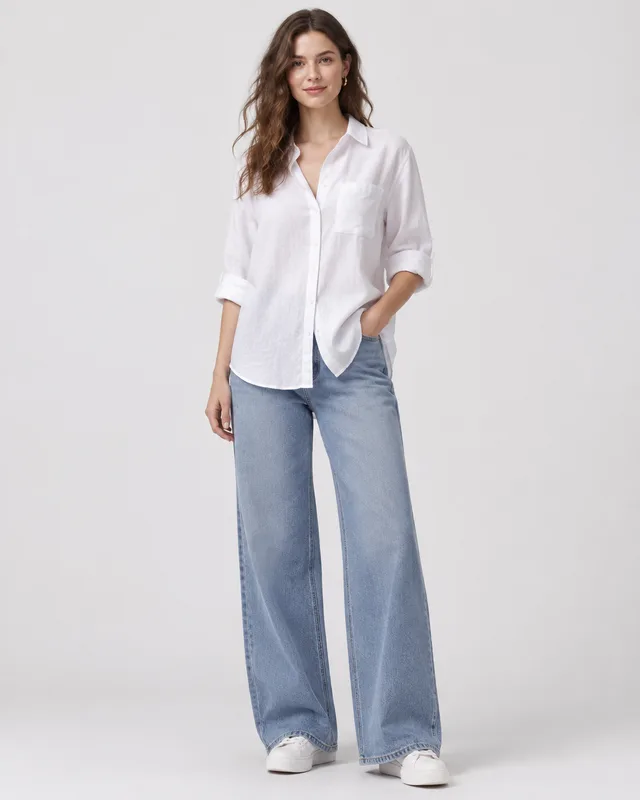
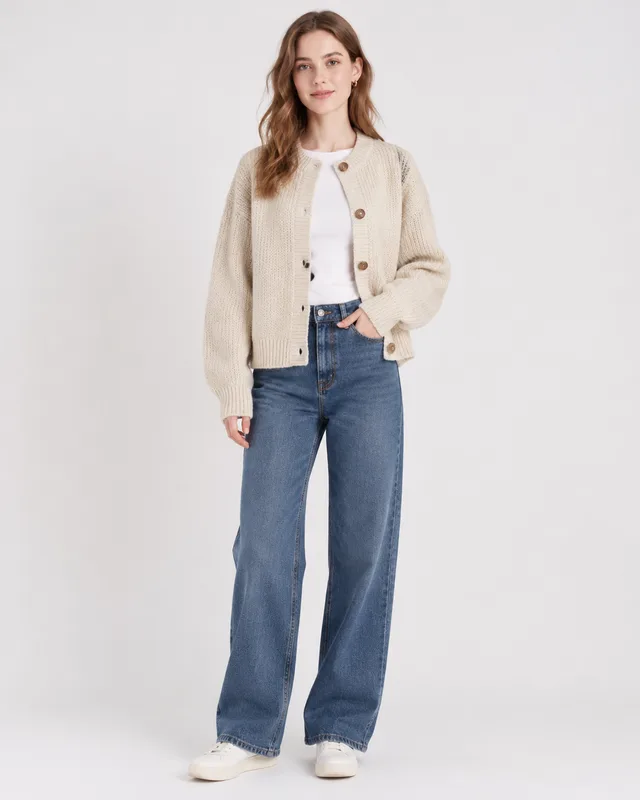
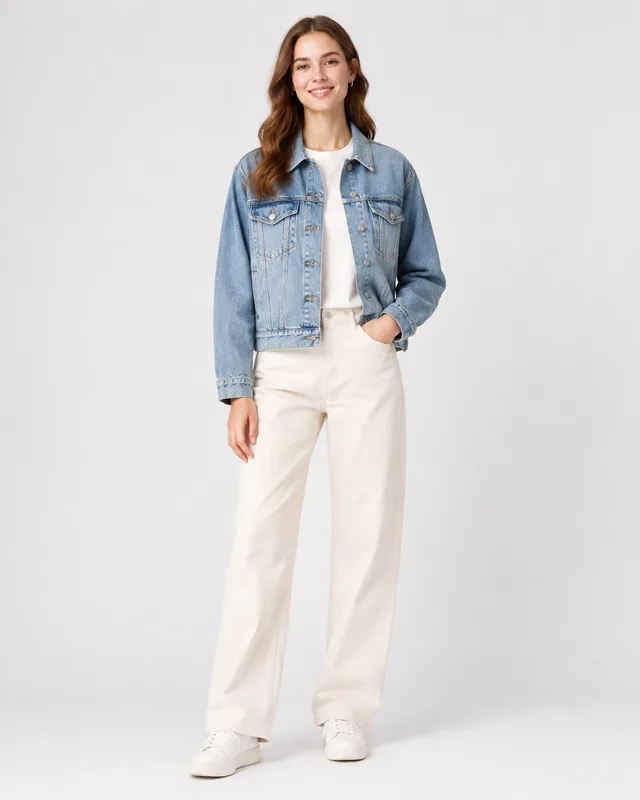
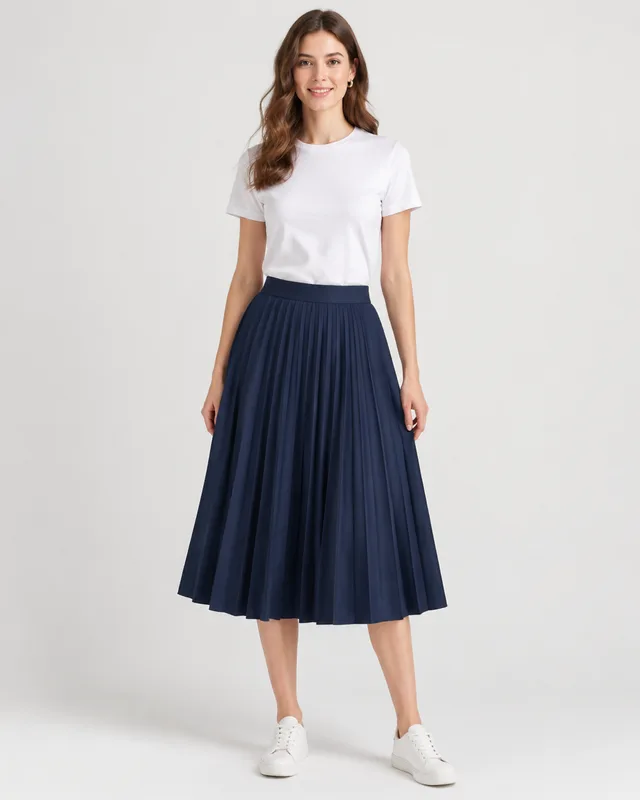
A rack of new arrivals needs on-model photos, and booking a model, a studio and a photographer for every drop is the slow part. This fashion model generator takes the garment photos you already have, puts each one on an AI model in one chosen look and setting, and returns one on-model photo per garment in a single batch.
Drag & drop or click to upload — PNG / JPEG / WEBP / GIF, up to 10MB each.
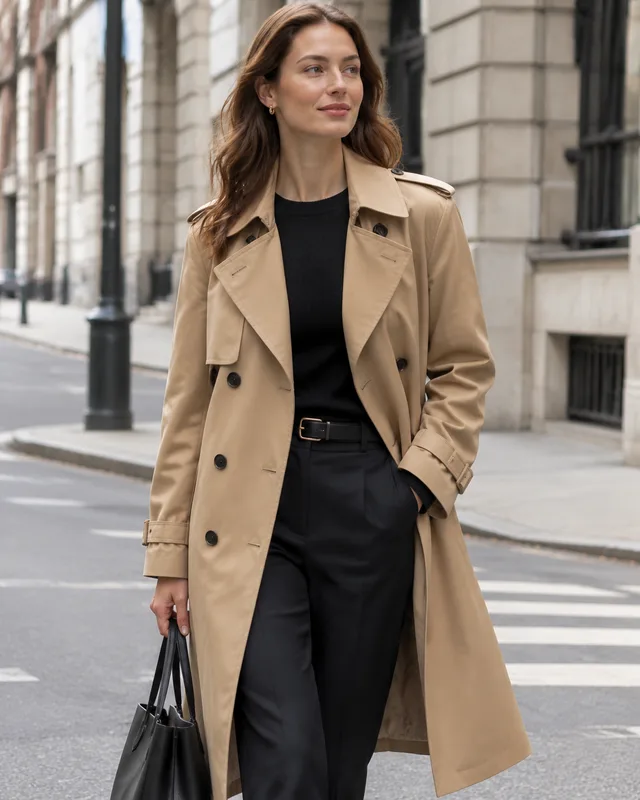
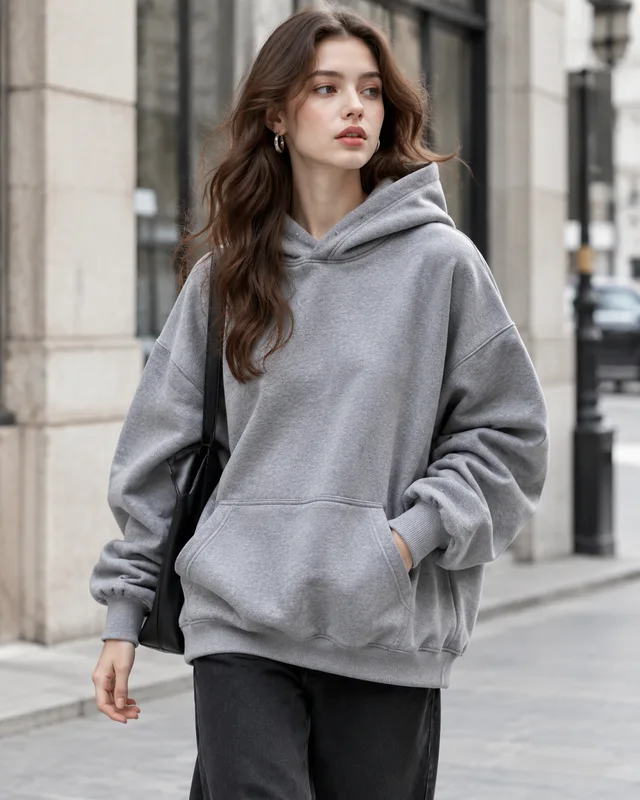
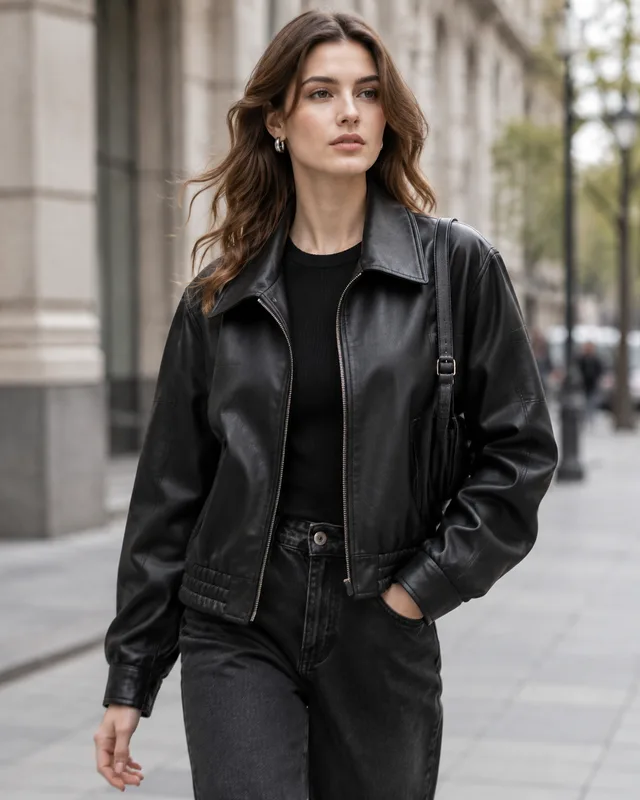
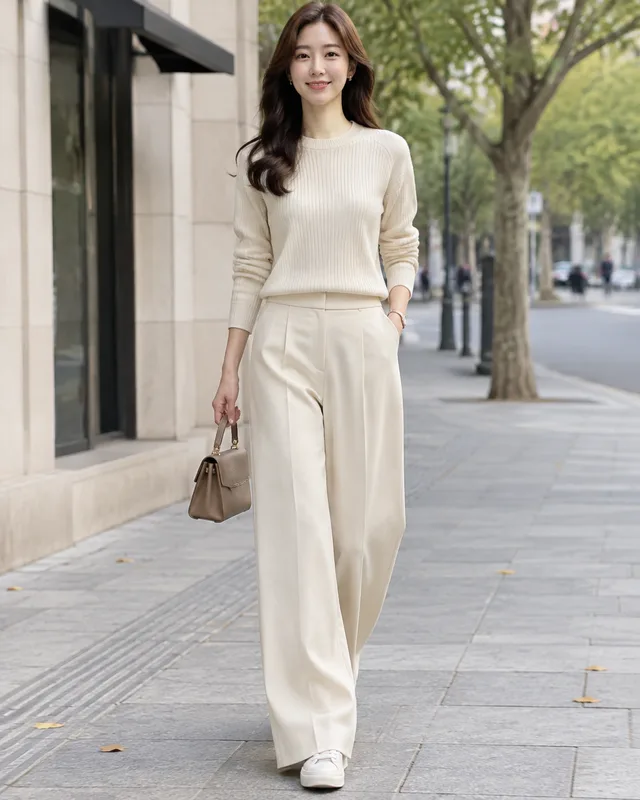
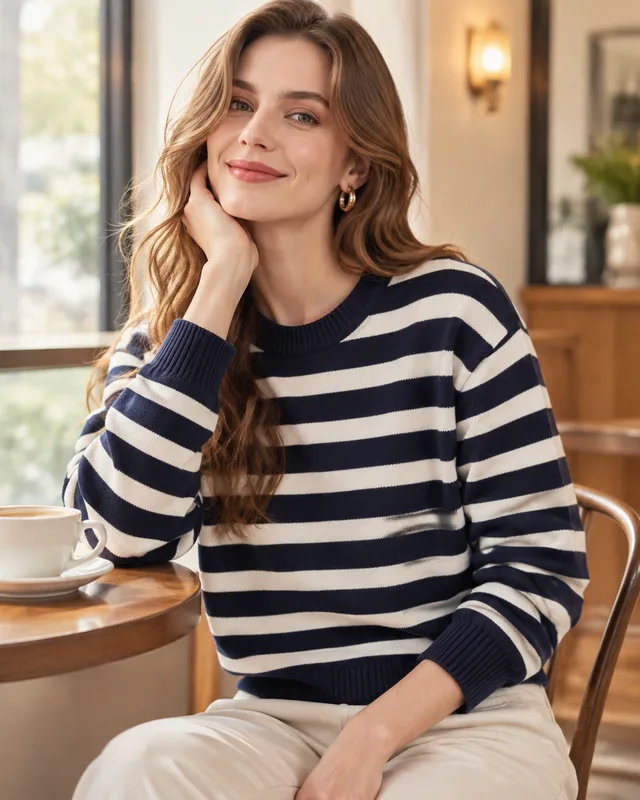
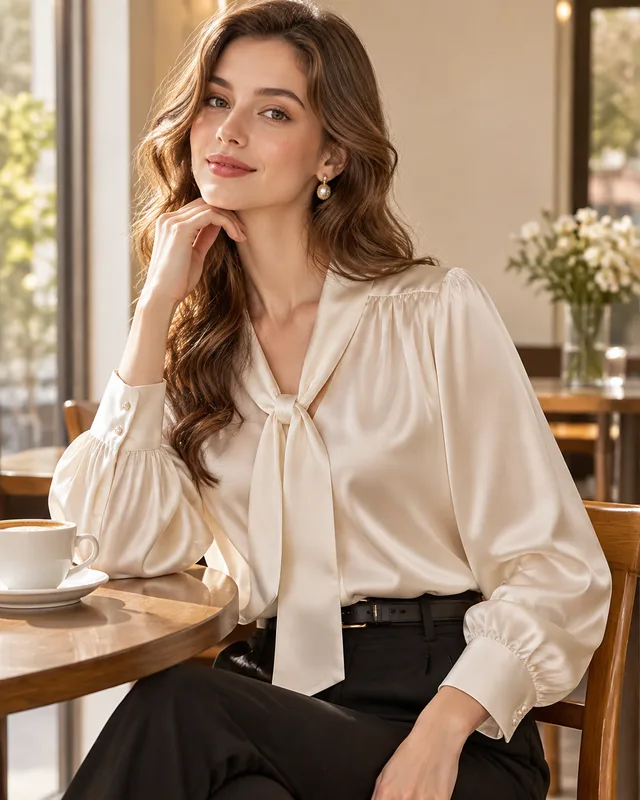
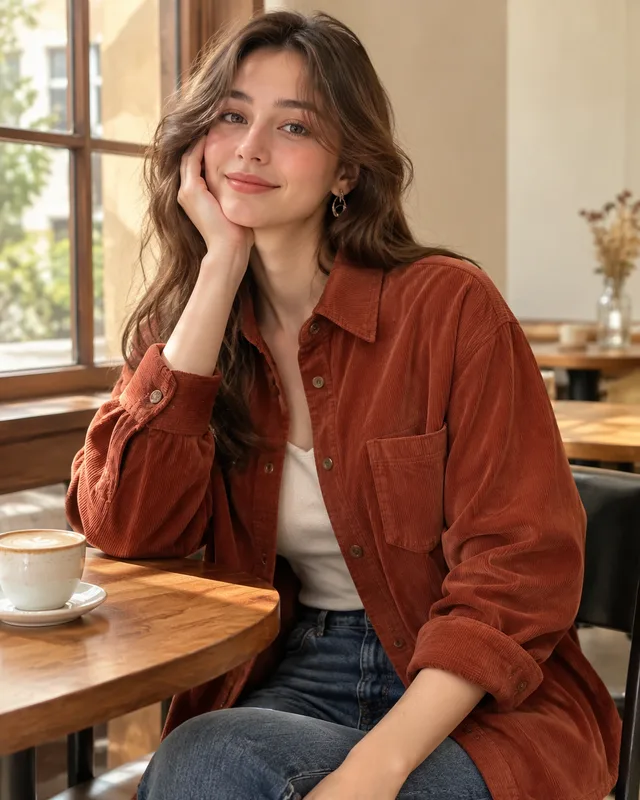
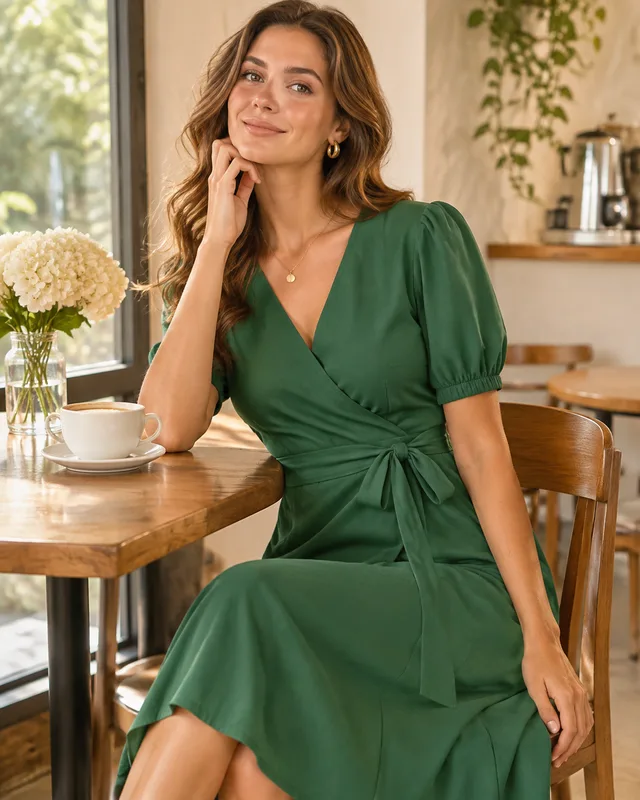
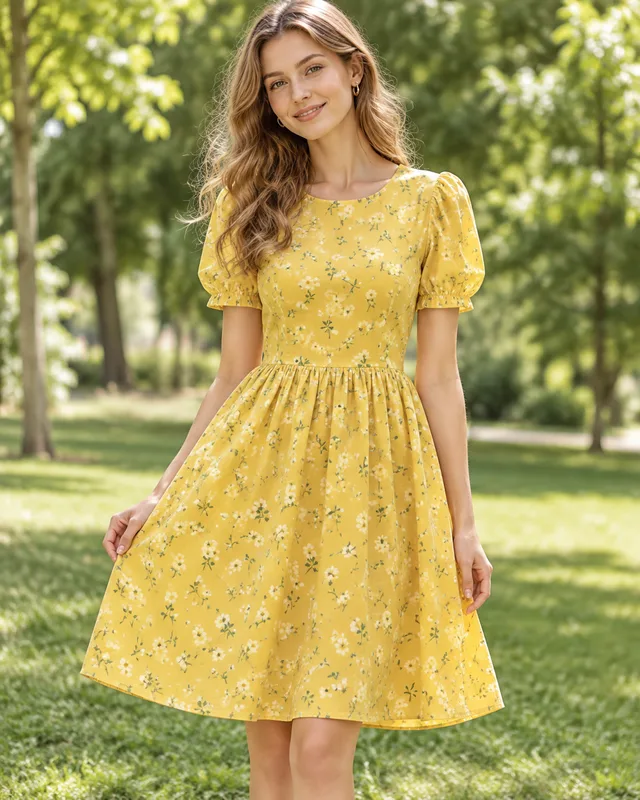
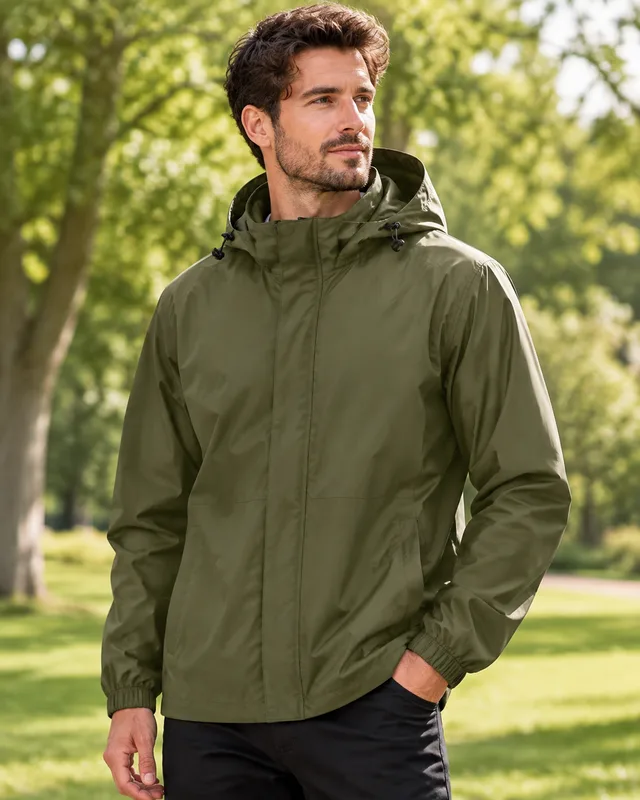
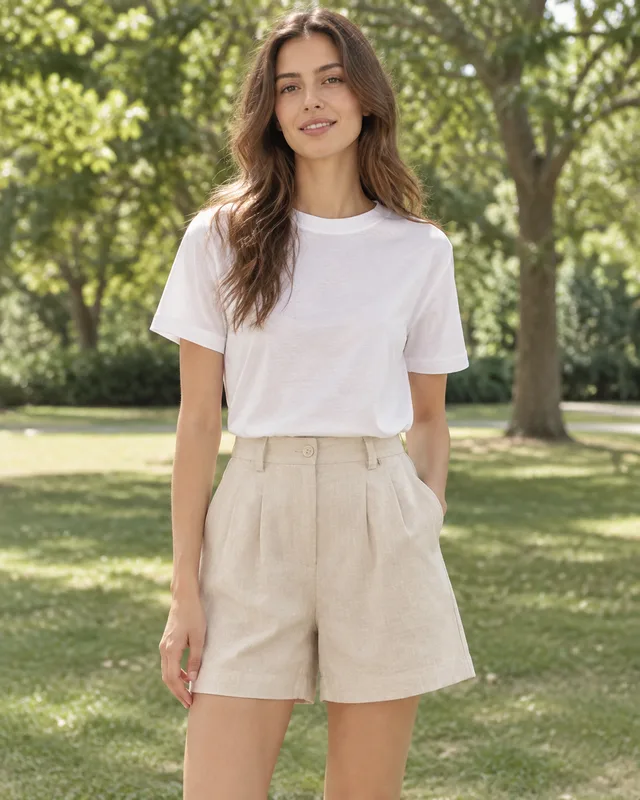
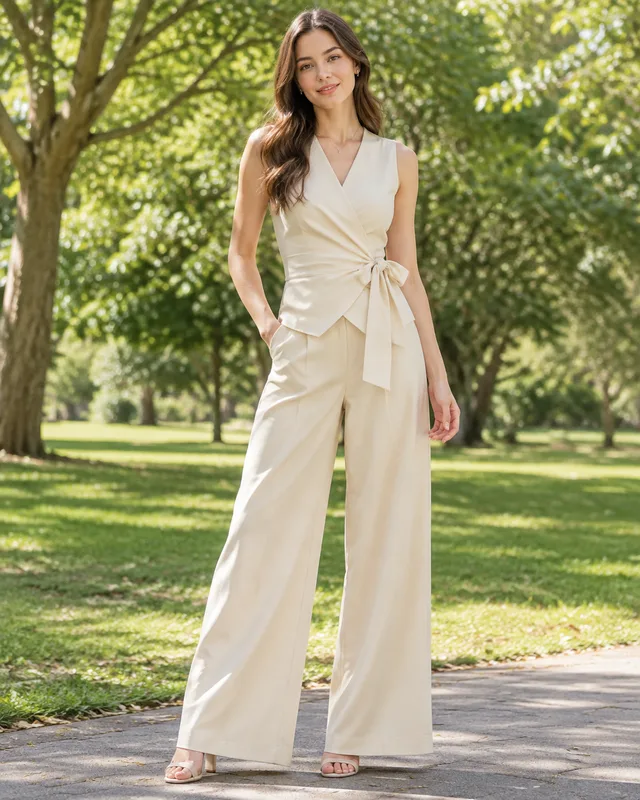
Each row is one run of the fashion model generator: one model look, pose and setting held fixed, four different garments, and the four photos that came back. Read across a row — the point is that a whole collection comes back looking like one shoot.
plain light backdrop, soft studio light — linen shirt, knit cardigan, denim jacket, pleated skirt
walking, overcast daylight — trench coat, hoodie, leather jacket, wide trousers
seated, warm window light — striped sweater, silk blouse, cord shirt, midi dress
standing, soft sun — summer dress, rain jacket, cotton shorts, wrap top
framed from chest up, soft light — knit texture, collar, print, trim
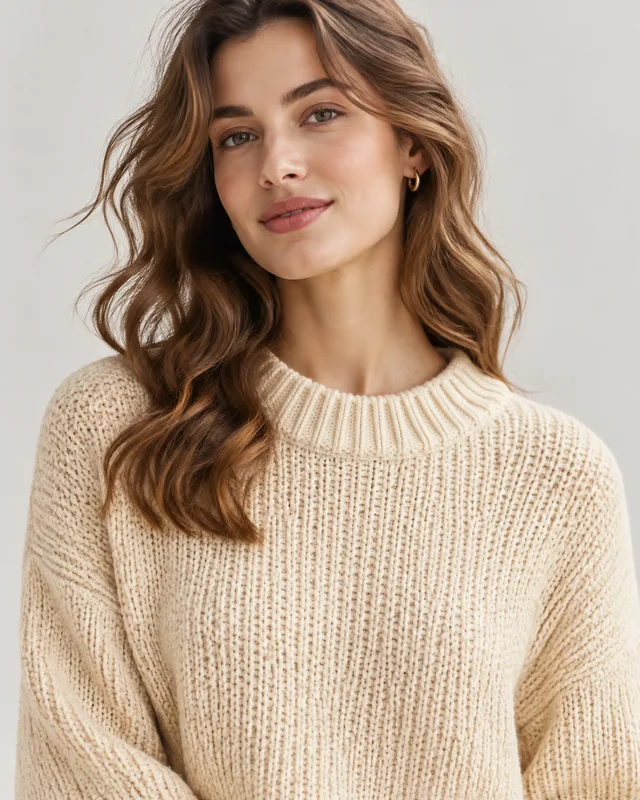
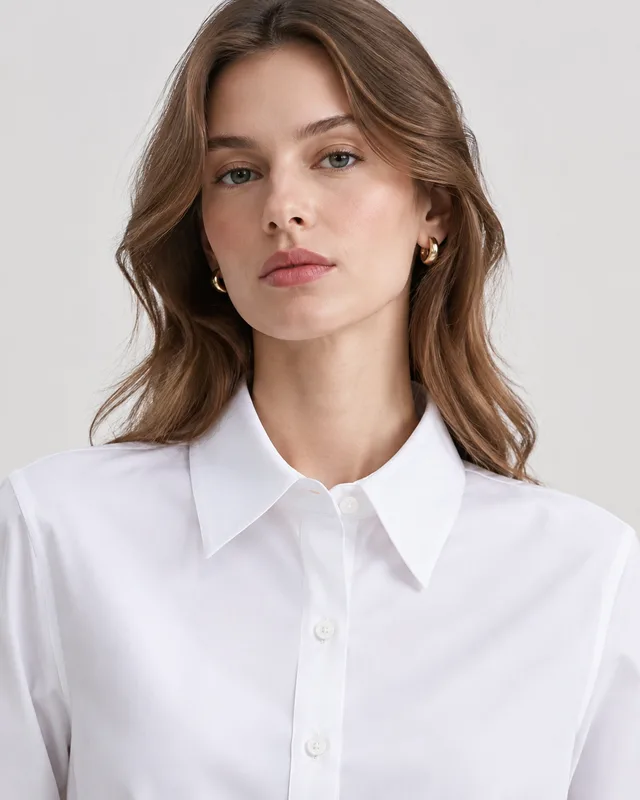
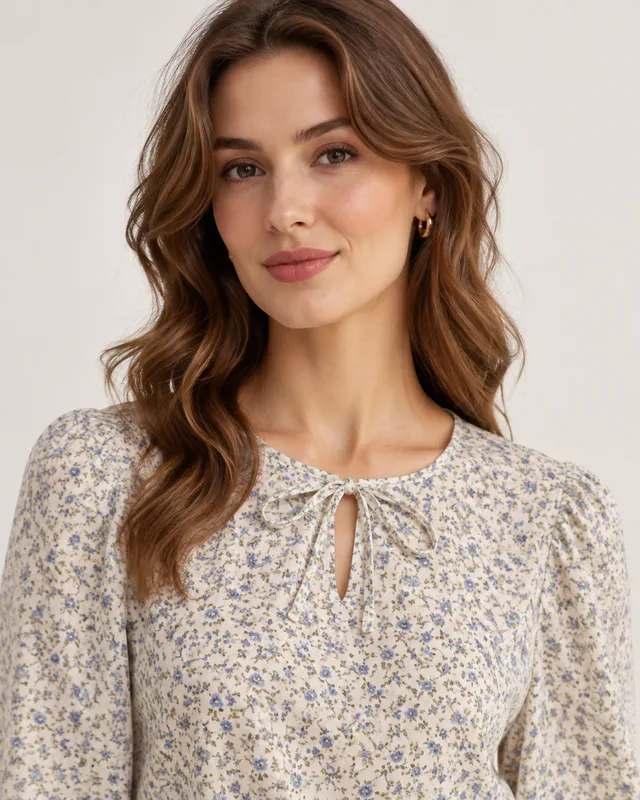
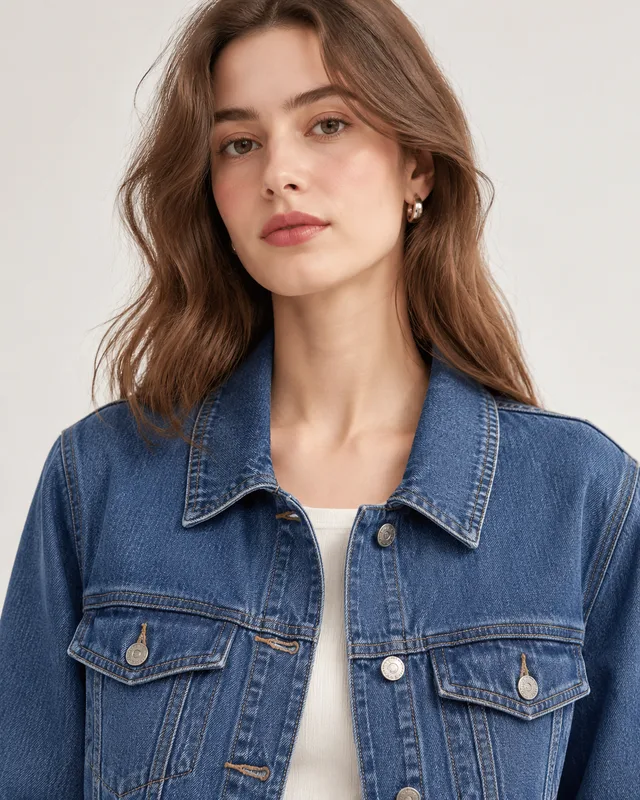
Upload garments · one model look · one on-model photo per garment in one ZIP
Putting one garment on one AI model is easy from any image tool. Doing it for a whole collection, with the garments staying true to the photos, is the job this fashion model generator is built around.
Upload as many garment photos as you have. In Per image mode each upload becomes its own result, so a collection is not capped at the few references a single prompt can hold, and nothing is mixed between garments.
The template asks the model to keep the garment exactly as photographed: cut, colour, pattern, print, trims and logo. It is a request, not a guarantee. Check every result against the original, especially small prints, text and hardware.
The person in each photo is generated, not a real model, and fit and drape are approximate. Do not use these images to show how a size fits. Keep your real size chart and measurements on the listing, and check the disclosure rules of your marketplace.
Three steps, one screen. The work you keep is the photos and the look; the fashion model generator does the rendering.
Add your garment photos: flat lays, mannequin shots or hanger photos all work, as long as the garment is clear and fully in frame. Several uploads default to Per image, so each garment gets its own result.
Pick the model, the pose and the setting — clean studio, city street, cafe or park — and add extras in plain words if you want, such as short dark hair or a denim backdrop. The same choices apply to every garment.
Check each result against the original garment, re-run any that miss, and download one ZIP of portrait images. The cost is shown on the confirmation screen before you confirm.
If you sell clothes and the garment photos already exist, a bulk fashion model generator saves the part of the shoot that is repetition.
New styles land faster than a shoot can be booked. Turn flat-lay and hanger photos into on-model images for the listing while the next drop is being sourced.
A catalogue of supplier photos looks better with consistent on-model images. Upload the garments and get one look across the whole store.
Lifestyle versions of the same garments in a cafe or a street make quick material for posts and ad tests. Keep the studio versions for the listing.
Something not covered? Email us at support@bulkimagen.com
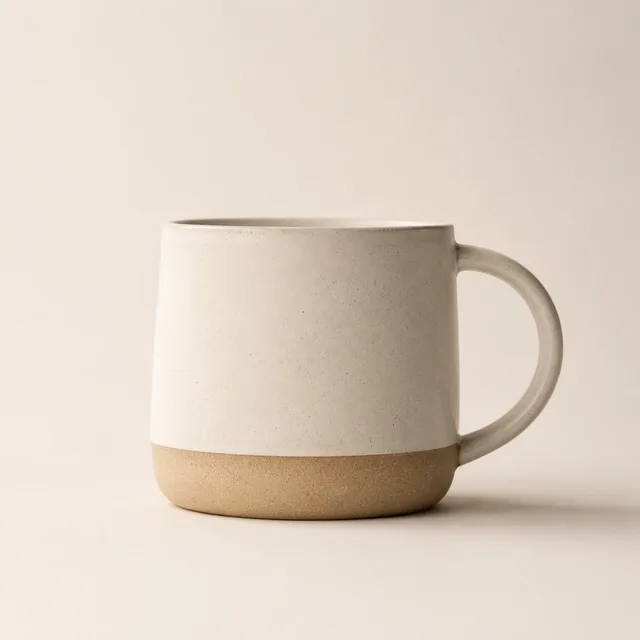
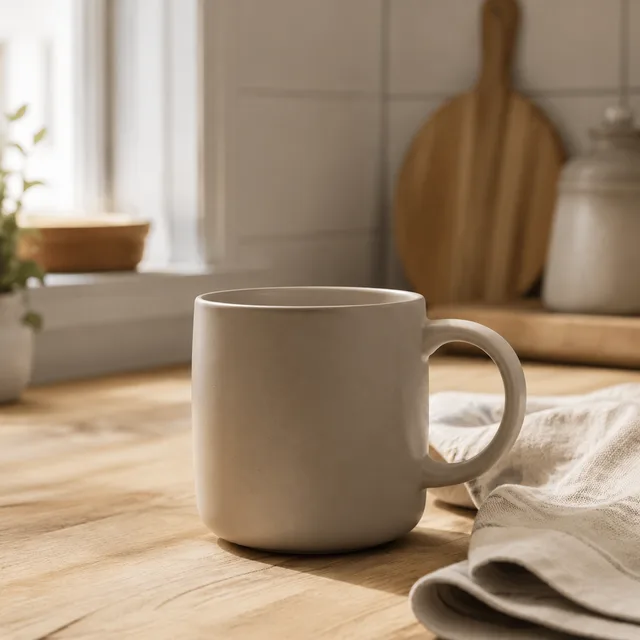
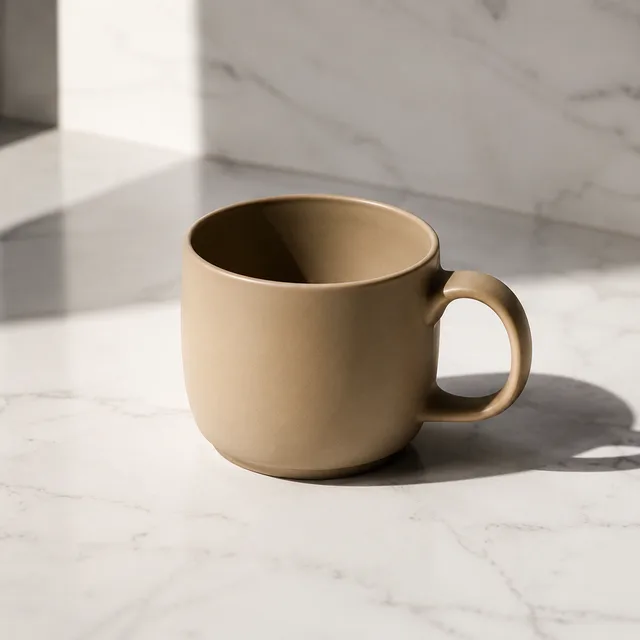
Use this bulk product photo generator on the photos you already have: upload every SKU, choose one background and lighting, get the matching set in one ZIP.
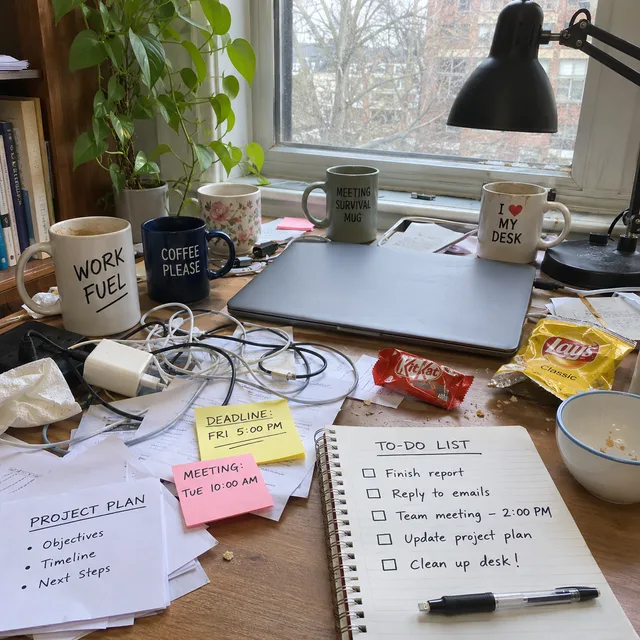
A bulk AI photo editor for the photos you already have: upload a folder, write one instruction, and every photo is edited on its own, then delivered in one ZIP.
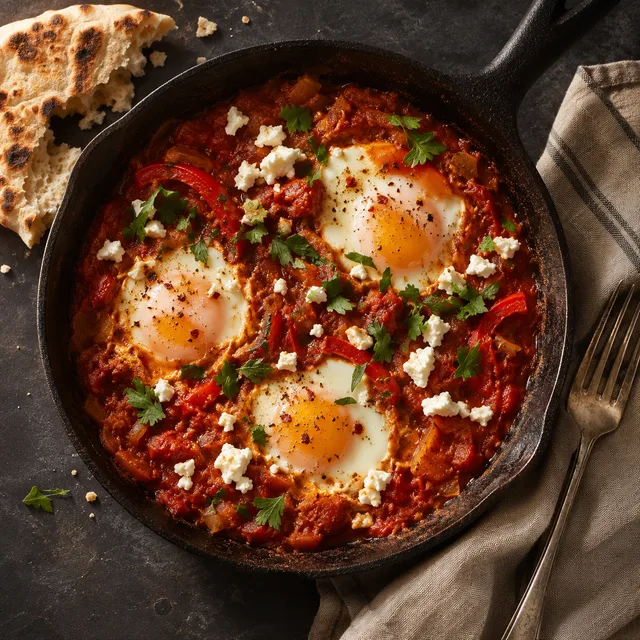
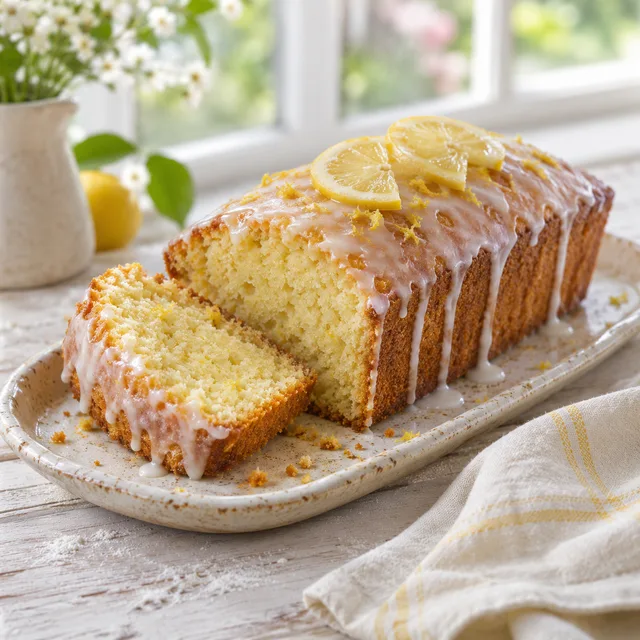
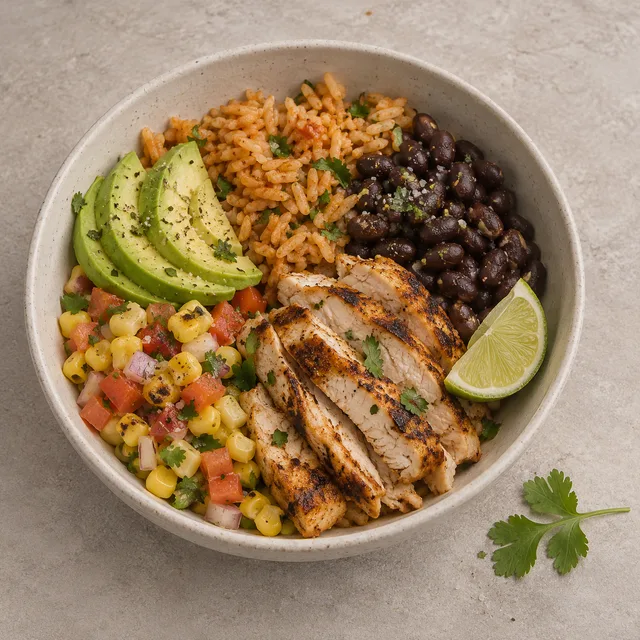
A food photo generator that works from a list: one dish per row, one shared photography style, and a full recipe library of photos in one batch.
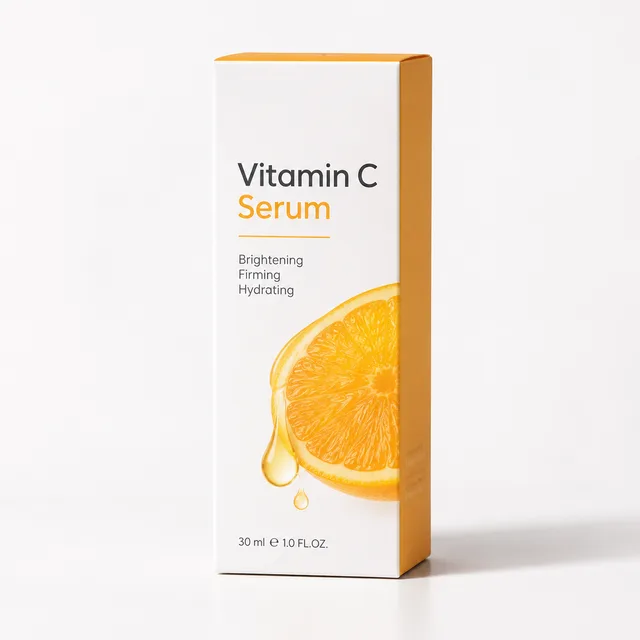
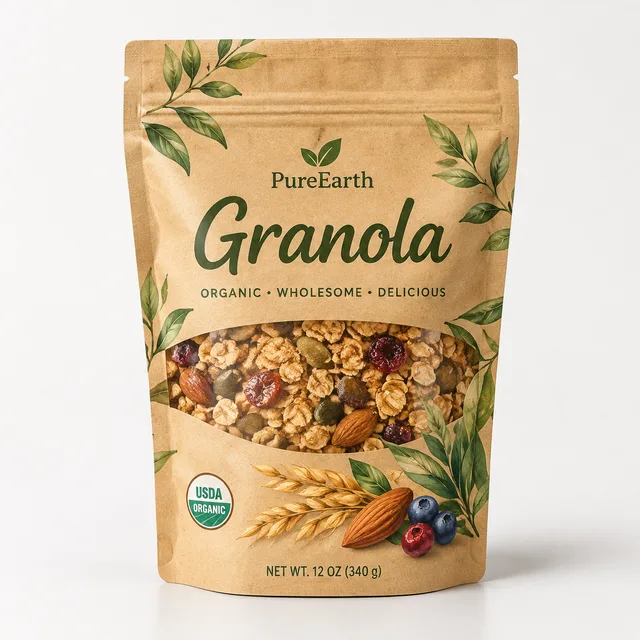

A packaging design generator for product lists: pick a pack type and a style, list your products, and get a label or box concept for each one in a single ZIP.
Choose one model look and setting, upload your garment photos and let the fashion model generator render each one on a model. Check the results against your originals, keep the ones that hold up, and download one ZIP.
