AI Ad Creative Generator
Ad creative, at the volume ads need

One product,
a month of ad creative

Paid social eats ad creative faster than any team can shoot it. This AI ad creative generator turns one product and a list of scenes into a full batch of ad creative in a single run — feed, story, square and wide — so you launch with ten variants instead of one and still have something fresh when the winners fatigue.

Register
Placement
Product
Scene
Audience
Prompt preview

Drag & drop or click to upload — PNG / JPEG / WEBP / GIF, up to 10MB each.

Will generate 0 images · 0 credits

Five registers of ad creative, one batch

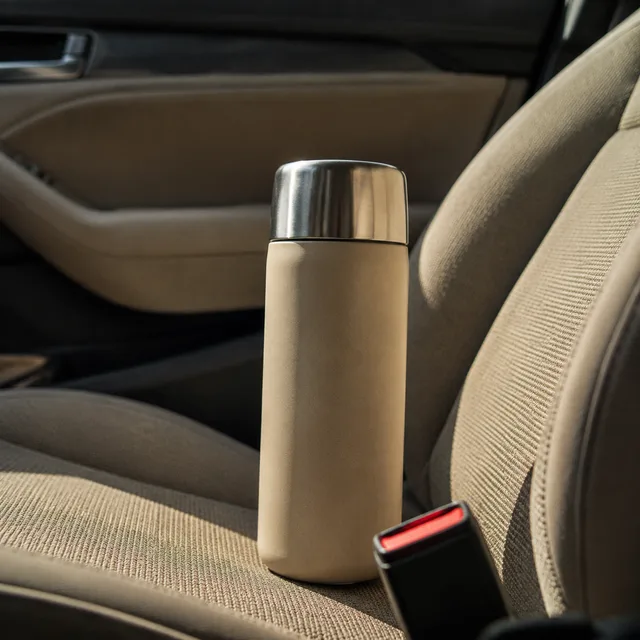
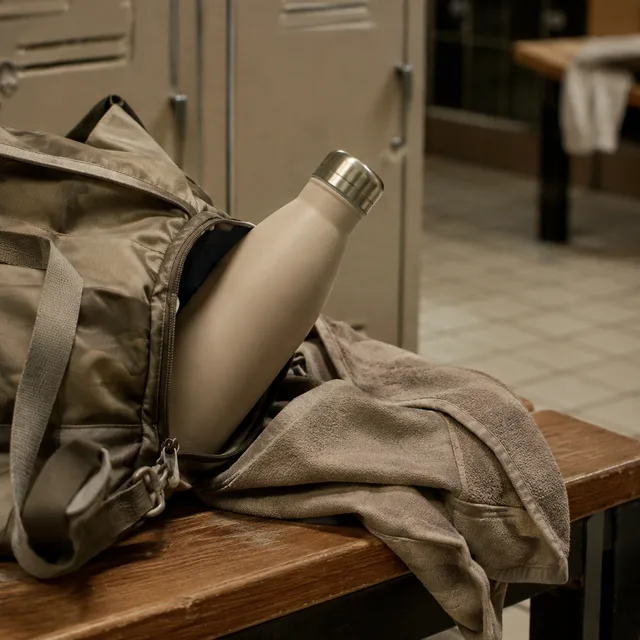
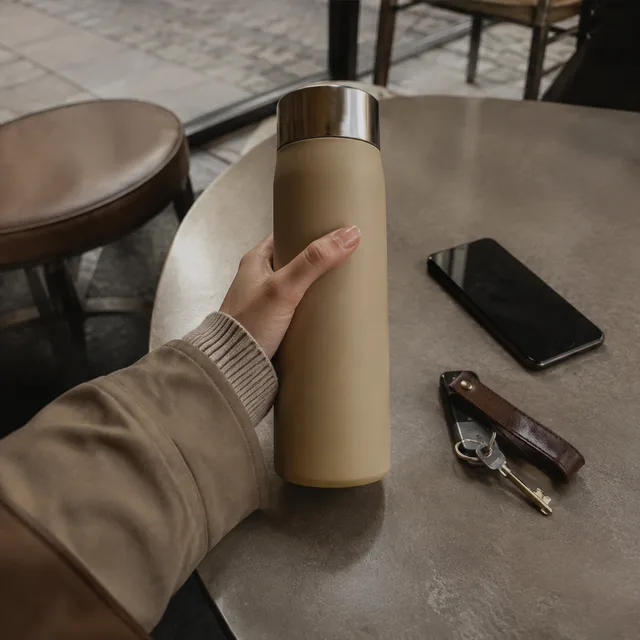
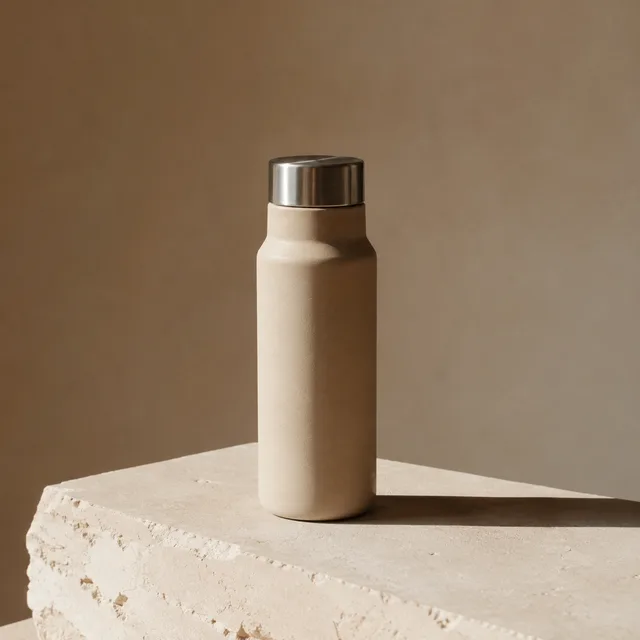
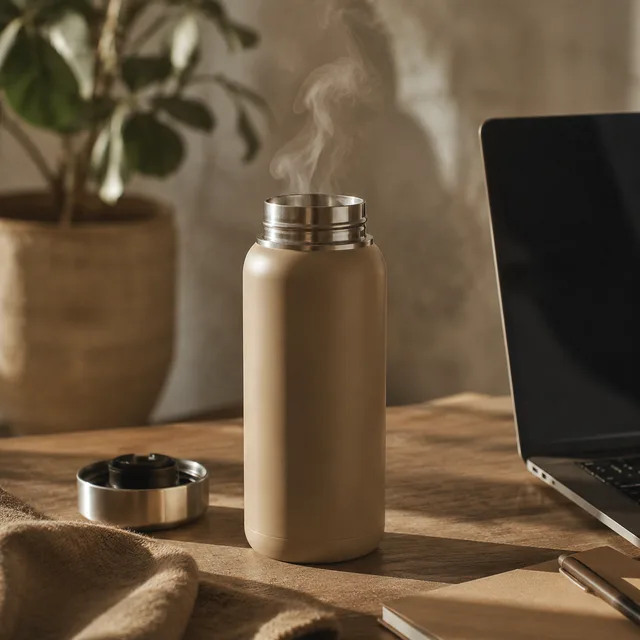
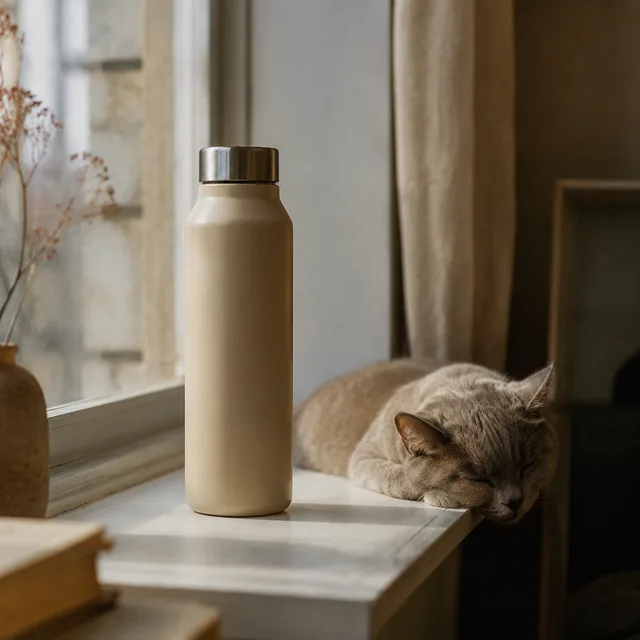
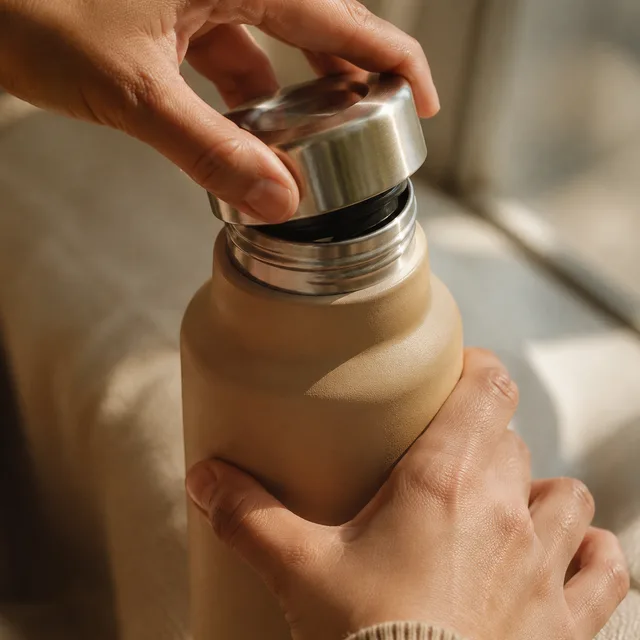
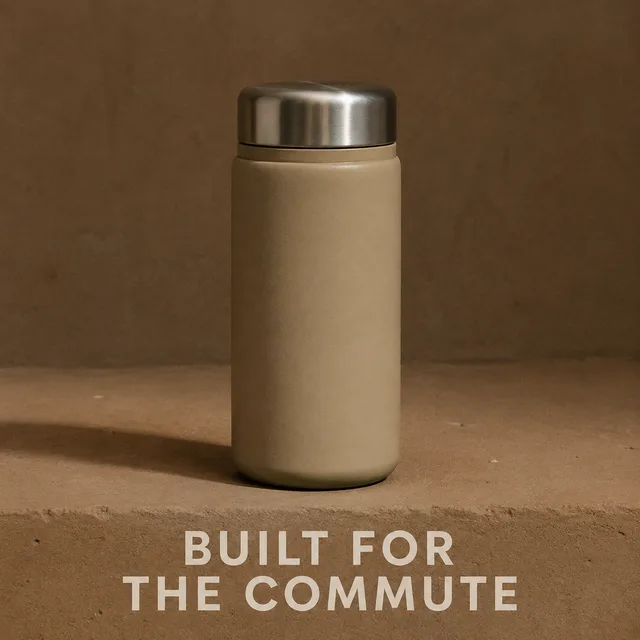
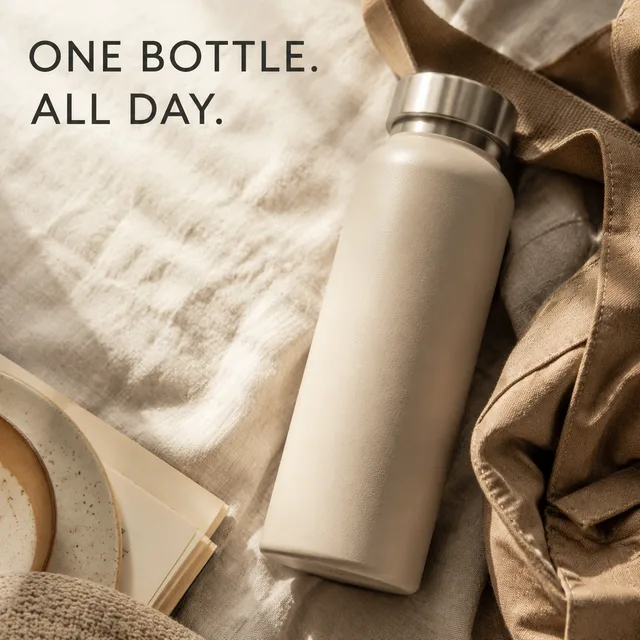
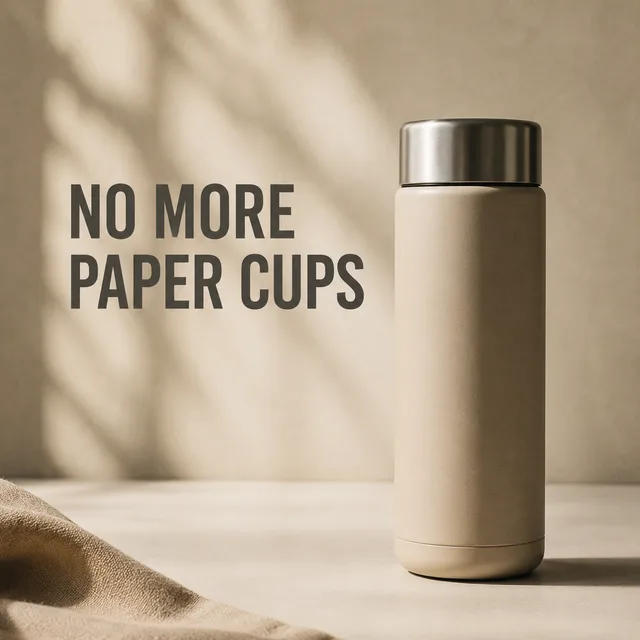
Each row is one submission to the ad creative generator: the same unbranded product, a list of scenes, and every frame the batch returned. Ad accounts rarely fail because one image was weak — they fail because there was only one. Running every register of ad creative at once gives delivery something to choose between on day one.

UGC / handheld

shot like a phone snapshot, slight motion blur, harsh available light

Batch complete
UGC / handheld — 1
UGC / handheld — 2
UGC / handheld — 3
UGC / handheld — 4
Studio hero

seamless sweep, soft key light, upper third left empty for a headline
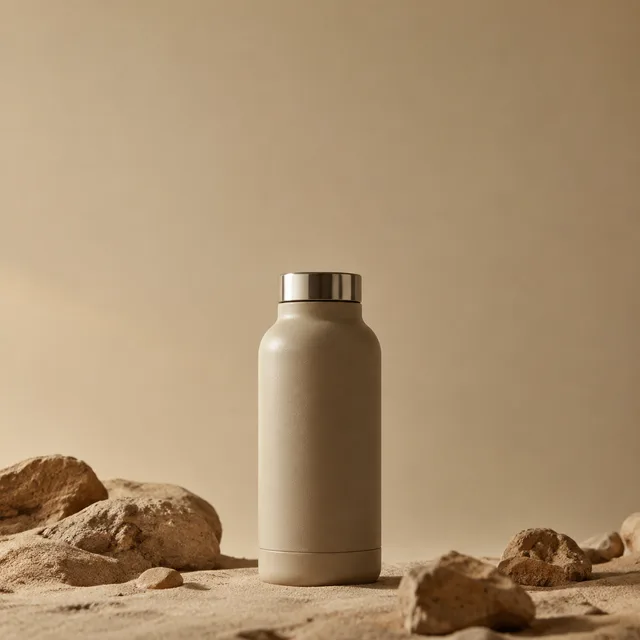
Batch complete
Studio hero — 1
Studio hero — 2
Studio hero — 3
Studio hero — 4
In use

on a trail-side rock, in a bottle cage, beside an open laptop at dusk
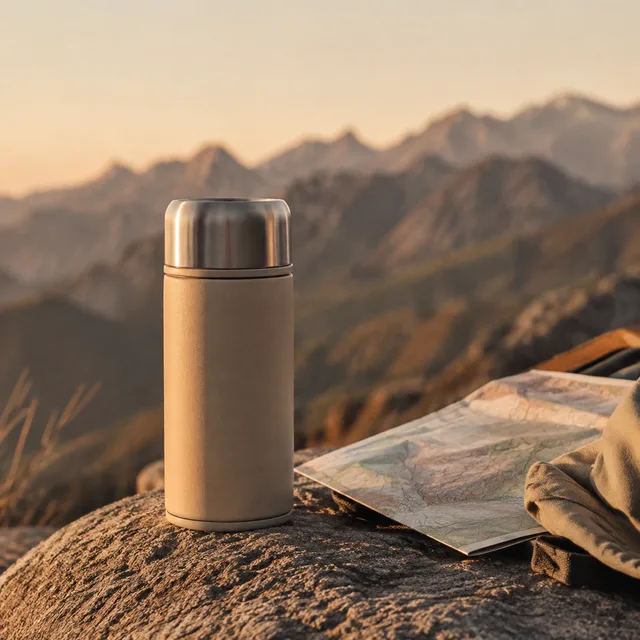
Batch complete
In use — 1
In use — 2
In use — 3
In use — 4
Detail

extreme close-up of the lid seal, condensation, hard raking light

Batch complete
Detail — 1
Detail — 2
Detail — 3
Detail — 4
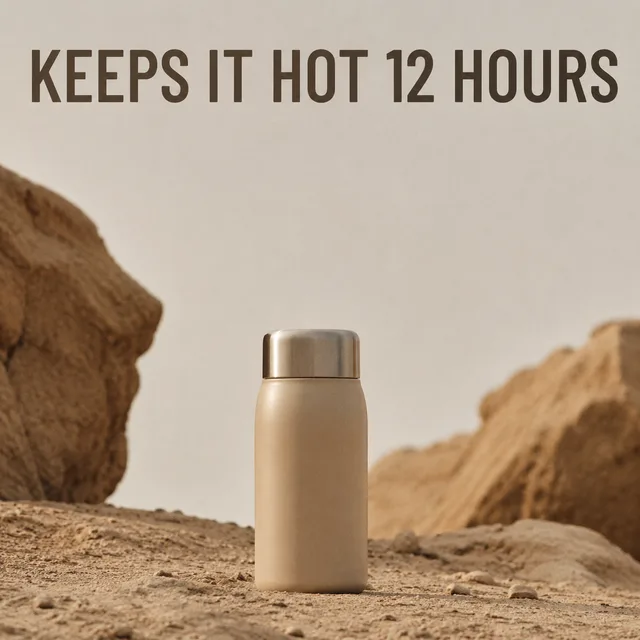
Offer frame

headline set large across the top, product low in the frame
Batch complete
Offer frame — 1
Offer frame — 2
Offer frame — 3
Offer frame — 4

One product · every register · one ZIP ready to upload

Built for the part of ad creative that is a volume problem

Concepting is a craft problem. Producing forty usable frames before Thursday is not — that is throughput, and throughput is what an AI ad creative generator should take off your hands.

Every placement, one run

Feed wants 4:5, stories and reels want 9:16, and plenty of display inventory still wants 1:1. Set the ratio once and the ad creative generator renders the batch to it, so you are not re-cropping one hero shot into four placements and hoping the product survives.

Test one variable, not one ad

Write the scenes as a list and change a single thing down the column: the setting, the hour, the moment of use. The ad creative comes back as a clean matrix, so when a variant wins you can tell which variable won.

Room for the headline

An ad frame is not a product photo — copy has to sit on top of it. Ask for empty upper thirds and the ad creative generator composes for the overlay, so the headline lands on quiet pixels instead of across the product.

From one product to a launch-ready batch

Three steps on one screen. No shoot to schedule, no props to source, and no retoucher between you and live ad creative.

  1. 01

    Describe the product once

    Name the product, pick a register — handheld UGC, studio hero, in-use, flat lay, or detail — and choose the placement ratio you are buying. Every frame of ad creative in the batch is built from that one brief.

  2. 02

    List the scenes

    One line per scene: a car cup holder at first light, a camp table at dawn, a desk in the afternoon. Ten lines becomes ten distinct frames. The list is what makes this an ad creative generator rather than a single-image tool.

  3. 03

    Download and upload

    The run comes back together in one ZIP, already at the right ratio. Drop the ad creative straight into your ad account, launch the variants together, and hold the rest back for the refresh.

Who runs out of ad creative before they run out of budget

If your reporting has a creative fatigue column, you are the audience for a bulk ad creative generator.

Performance marketers

Frequency climbs, click-through slides, and the fix is always more ad creative. Generate the next batch in an afternoon and rotate before the ad set decays, instead of riding a winner until it dies.

Small e-commerce teams

One product, no studio, no budget for a shoot. Upload a single clean product photo and the ad creative generator places it into a dozen believable settings you could never have shot yourself.

Agencies and freelancers

Every client needs variants and no client pays for forty renders. Batch the ad creative for several accounts in the time one shoot takes to brief.

AI ad creative generator questions

Something not covered? Email us at support@bulkimagen.com

  • It turns a short brief and a list of scenes into a batch of finished advertising images. Rather than booking a shoot or re-cropping one hero photo, you describe the product once and an AI ad creative generator renders every variant you need in a single run.
  • Match the placement you are buying. Vertical 4:5 is the workhorse for feed, 9:16 covers stories and reels, 1:1 still serves display inventory, and 16:9 suits in-stream. Set the ratio before the run so the ad creative is composed for it rather than cropped into it.
  • Yes. Upload one clean shot and the batch keeps that exact product while changing everything around it. That is the difference between an ad creative generator and a stock library: the thing being advertised is yours, and it stays the same across every frame.
  • More than one, which is the whole reason to batch ad creative. A single image gives delivery nothing to optimise between, so start with enough frames to cover several registers and let the results pick a direction.
  • Say so in the brief. Ask for an empty upper third, a flat ground, or the product low in the frame, and the ad creative generator composes around it. Generating the space is far easier than retouching it in afterwards.
  • Not in a feed. Deliberately imperfect, phone-shot frames often outperform studio work because they read as native rather than as an ad. Generate both registers in one batch and let the results settle it instead of the art direction.
  • Yes — one line per product, one frame per line. It is the same mechanic as one product across many scenes, so a catalogue refresh and a scene test are the same operation.
  • GPT-Image-2, chosen here because it holds a described product steady across a long list of scenes and sets headline text more reliably than the alternatives. You can change the model on the confirmation screen before anything is spent.
  • Describe it once and repeat that description on every line, or upload a reference photo and let the ad creative generator work from the image. The reference route is much stronger when the product has to be recognisably identical in every frame.
  • You can use what you generate in your own campaigns under the model provider's terms. Treat generated ad creative the way you treat any asset going into paid media and review it before spend, particularly anything carrying a claim.
  • You can ask for a headline and it will usually be set correctly, but read every frame before it runs. Text inside generated ad creative is the least reliable part of it, and a misspelled offer in a live ad costs more than the batch did.
  • New accounts start with free credits, enough to run a small batch of ad creative on a real product before you decide. The cost of each run is shown before you confirm, so nothing is spent unseen.

Fill the ad set before it fatigues

Describe the product once, list the scenes, and let the ad creative generator return the batch at the ratio you are buying. Launch the variants together, keep the rest for the refresh, and stop shipping ad creative one image at a time.