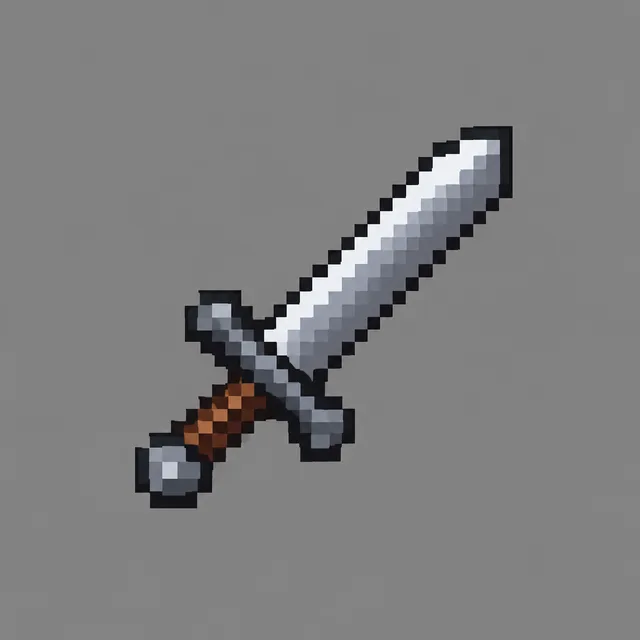
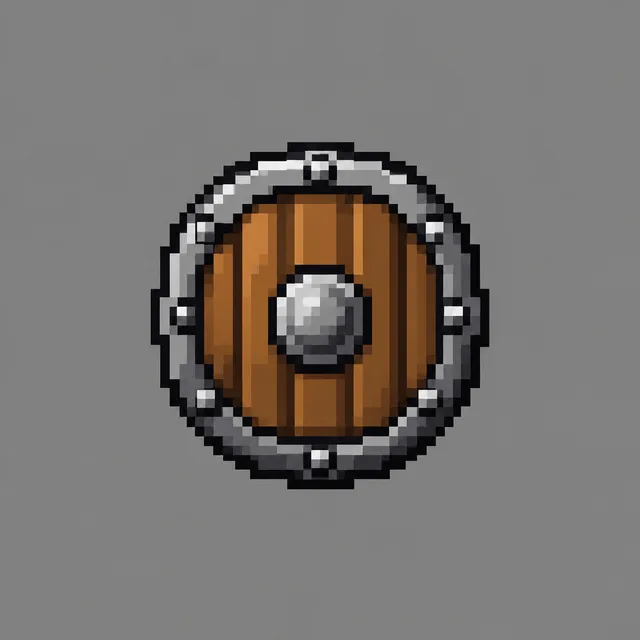
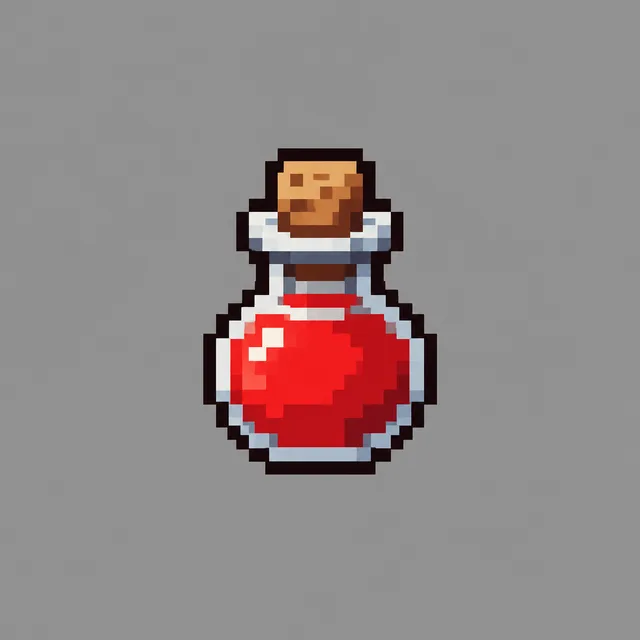
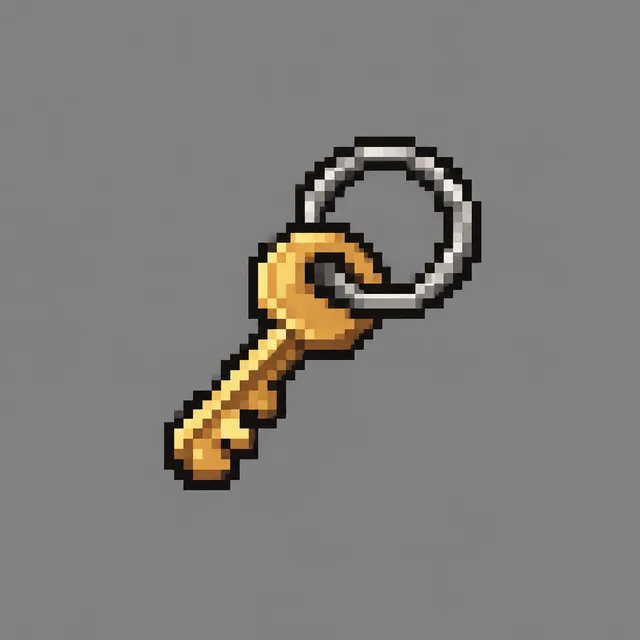
A game only looks finished when every piece comes from the same art direction. This game asset generator lets you fix the style once, list the assets — a sword, a potion, a turret, a slime — and render the whole set in one batch, each game asset isolated on a plain ground so it is quick to cut out.
One per line — paste a whole column from a spreadsheet.
—
Drag & drop or click to upload — PNG / JPEG / WEBP / GIF, up to 10MB each.
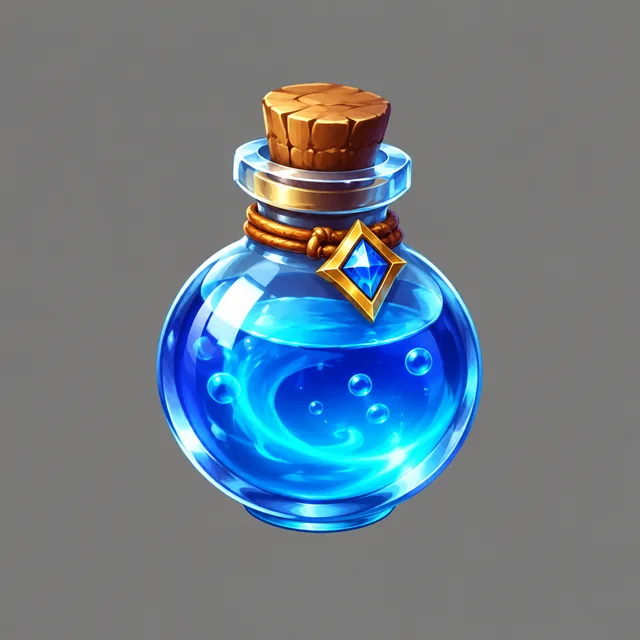
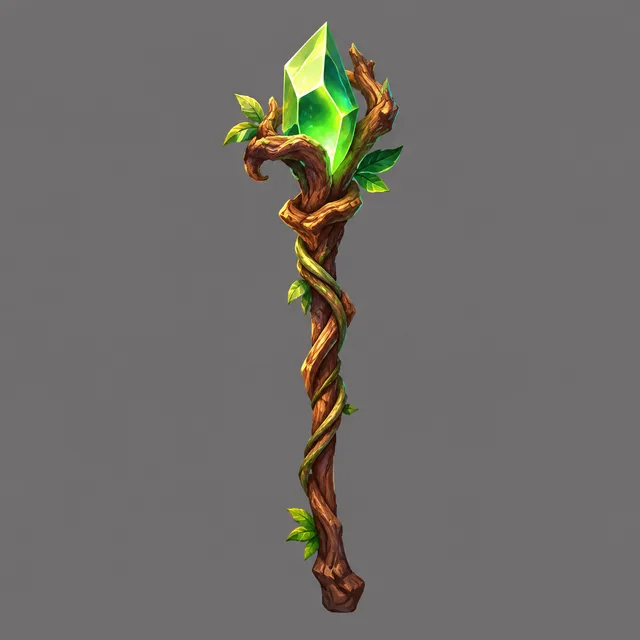
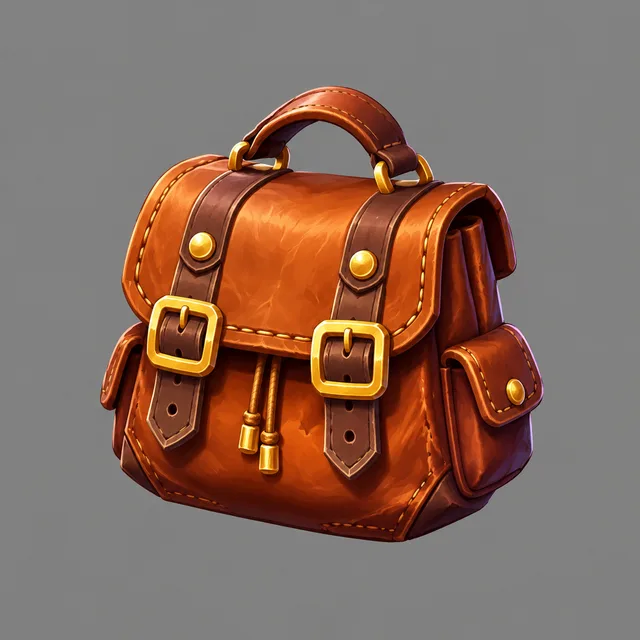
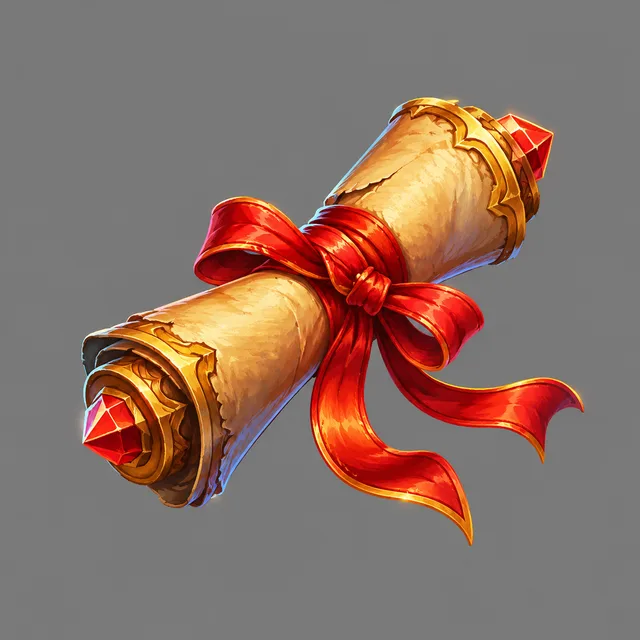
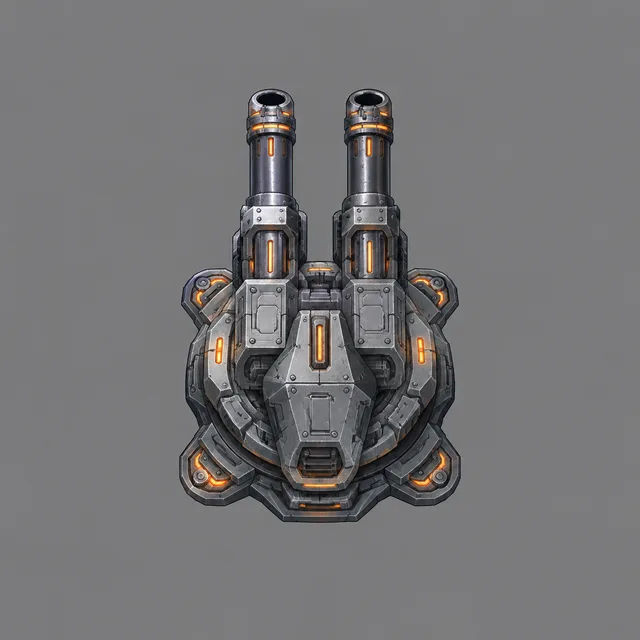
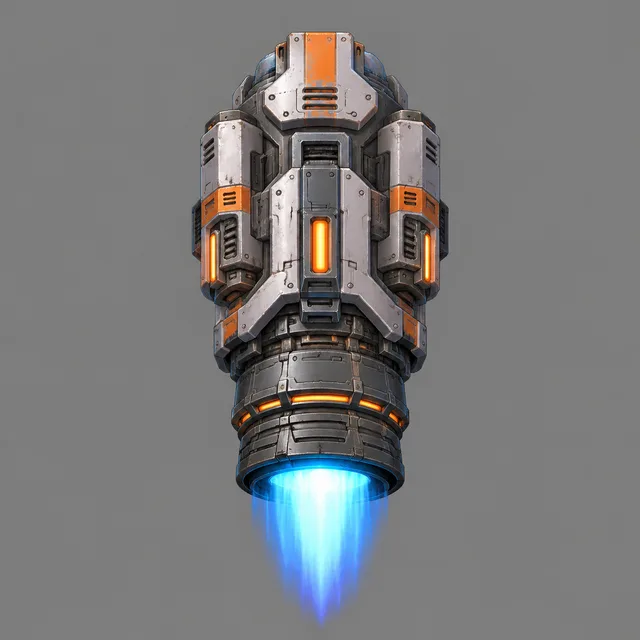
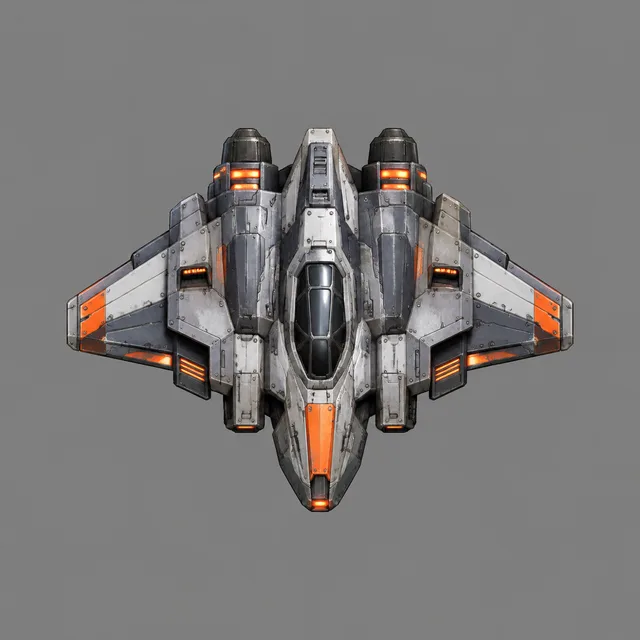
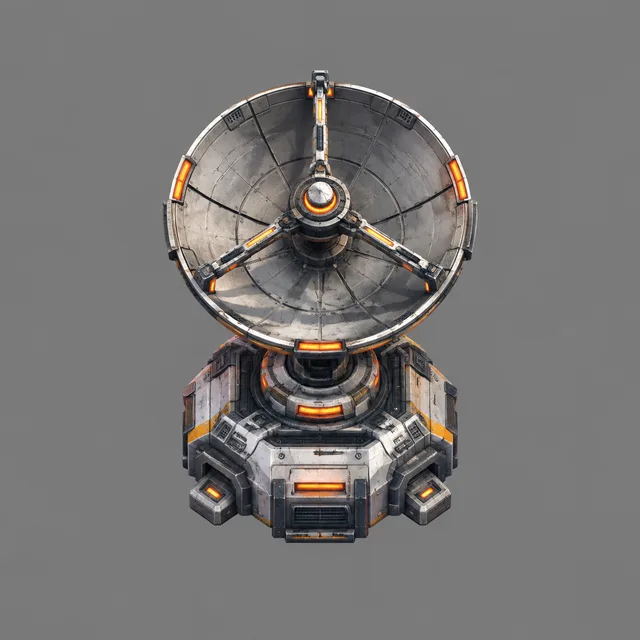
Each row is one run of the game asset generator: one style sentence held fixed, four asset names, and the four images that came back. Look across a row rather than at one tile — the point of a set is that the pieces match, and writing the style once is what buys that.
chunky 16-colour pixels, dark outline — iron sword, wooden shield, health potion, brass key
painterly, rim light, jewel colours — mana potion, crystal staff, leather satchel, spell scroll
top-down hard-surface, steel and orange lights — gun turret, thruster, scout hull, radar dish
low-poly, sand, teal and coral — seaside cafe, lighthouse, market stall, pier
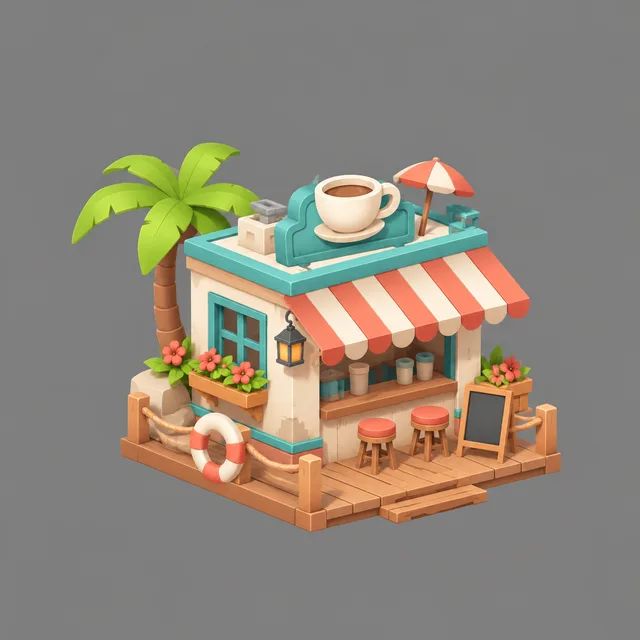
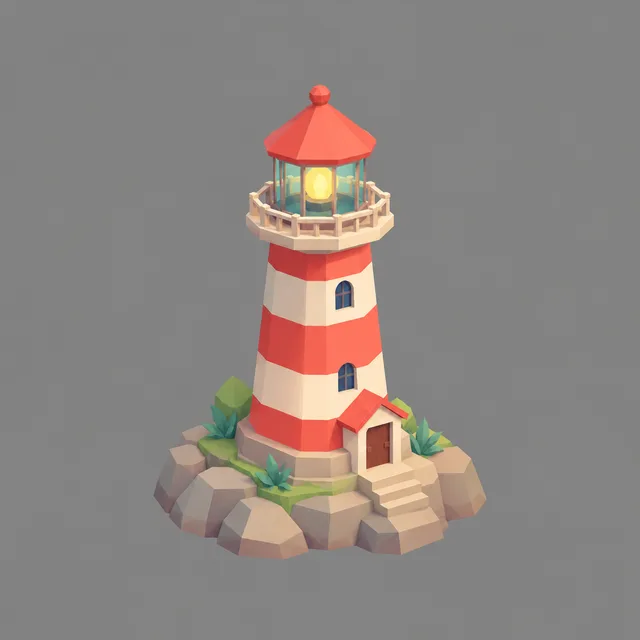
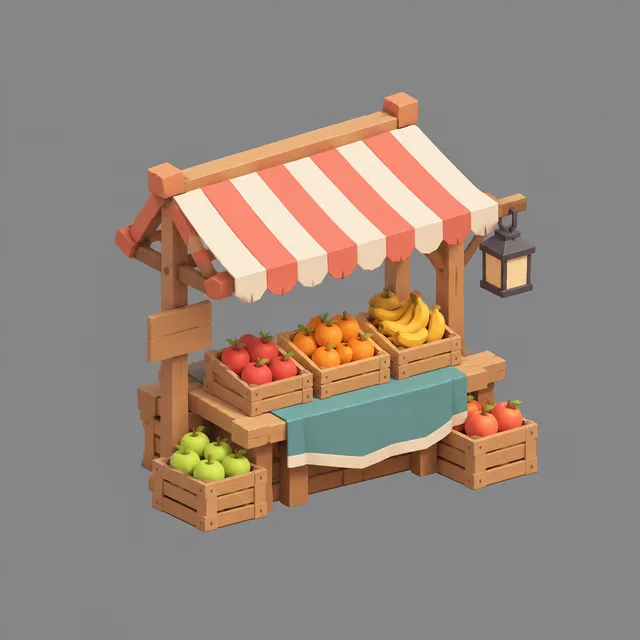
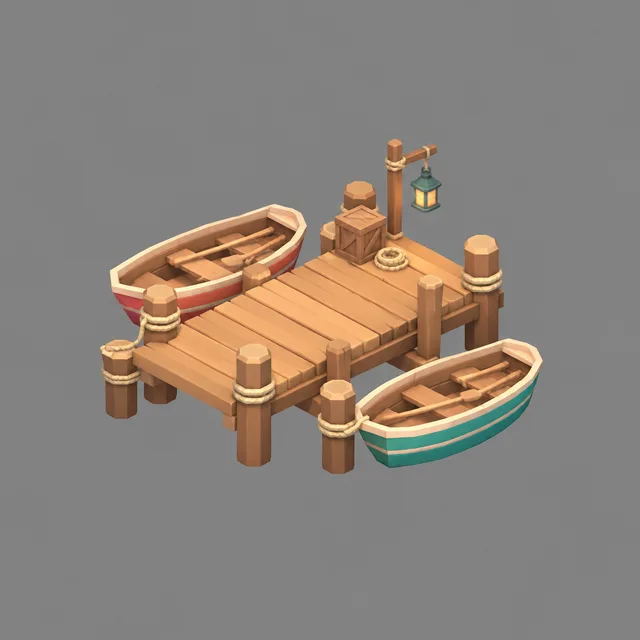
bold outline, moss, plum and yellow — slime, goblin, bat creature, stone golem
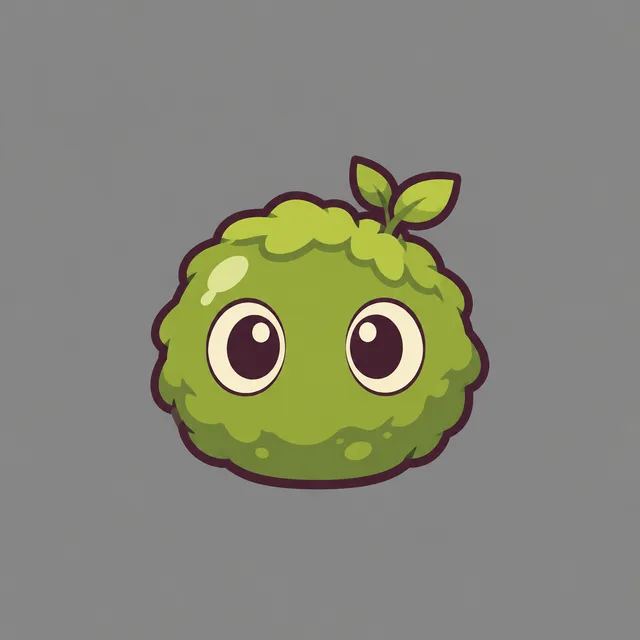
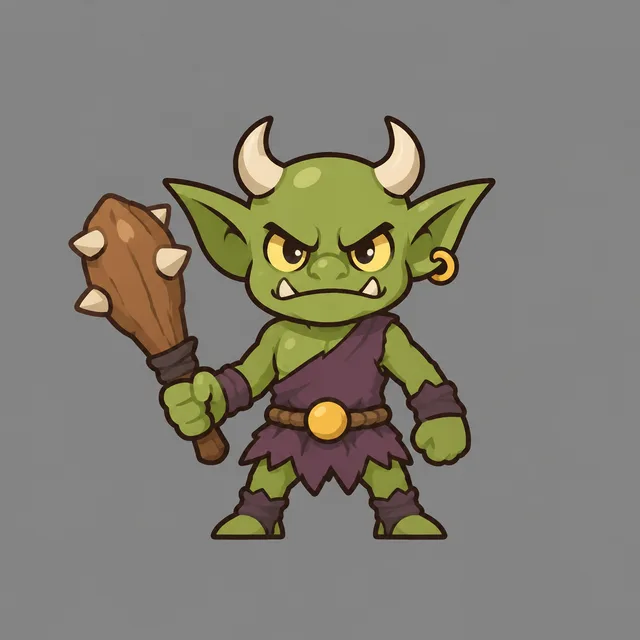
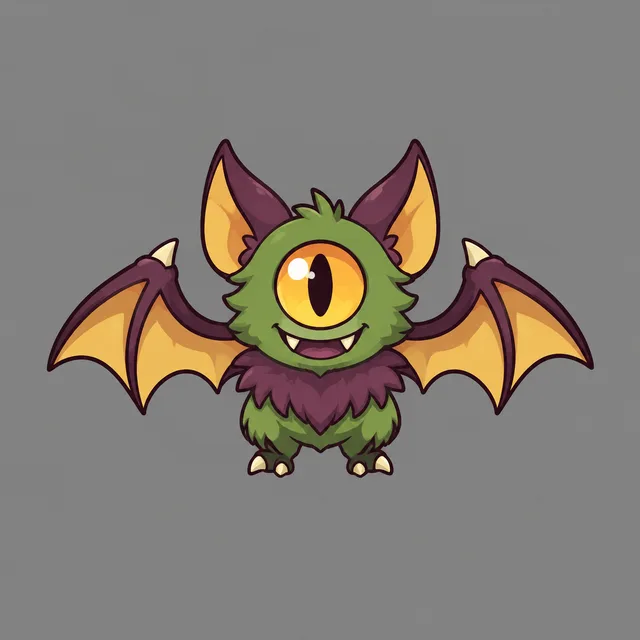
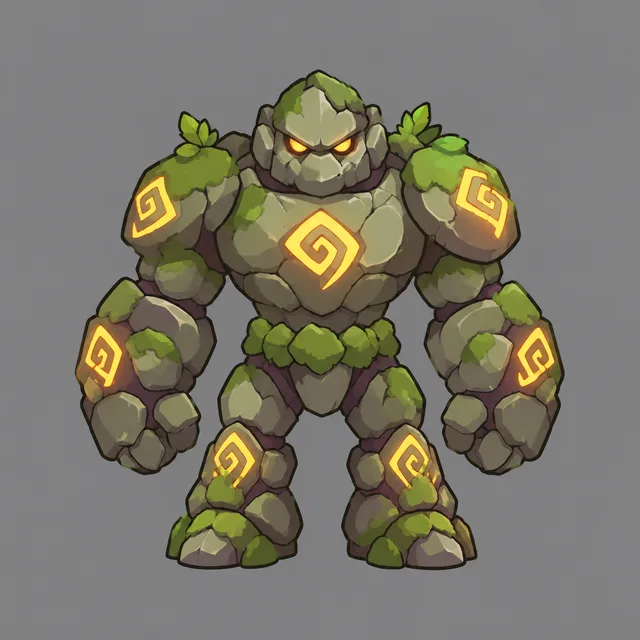
One style · a list of assets · a matching game asset set in one ZIP
One striking illustration is easy to get from any image tool. A set of game assets that belongs in the same game is a different job, and it is the job this game asset generator is built around.
Line weight, palette, lighting angle and level of detail have to hold across every game asset, or the inventory screen looks like five artists worked on it. Write the style once, keep it identical on each row, and change only the asset name — that is how the pieces stay consistent.
Each game asset is asked for alone, centred, with empty margins on a plain grey or white ground — no scenery, no frame, no text baked in. A plain ground makes removing the background quick in any editor, and it keeps the asset usable even when you want to re-light it in your engine.
An image model draws pictures of game assets; it does not build engine-ready files. Pixel art is pixel-styled, not snapped to an exact grid. Sprite-sheet layout and seamless tiling are not guaranteed. Treat the output as concept-grade source art to clean up, not as a drop-in import.
Three steps, one screen. The work you keep is deciding the art direction and the asset list; the game asset generator does the rendering.
Pick a register — pixel art, painted, low-poly, flat vector, isometric or sci-fi hard-surface — and add a palette in plain words, such as moss green, plum and warm yellow. That sentence is the identity of the game asset set, so keep it the same on every row.
Add one row per asset: a sword, a health potion, a turret, a goblin. Twenty rows makes a twenty-piece game asset set. You can also review and edit the full list as plain lines on the confirmation screen before anything is spent.
Each asset renders several takes, so you choose the one that sits best with the rest of the set. The run downloads as one ZIP of square images, ready to clean up, scale and bring into your engine.
If what you need is a bundle of matching pieces, a bulk game asset generator saves the part of the work that is repetition.
A prototype needs placeholder art that already looks like one game. Draft a full set of item icons, props or enemies in one sitting, keep the game assets that match, and replace them with final art later if you want to.
Item cards, tokens and creature portraits all need one visual language. List the things your game contains and get a consistent game asset family to lay out in your card or board tool.
Before committing days to a style, render a whole lineup of game assets in it and see whether the world holds together. Changing the style sentence and re-running is cheaper than redrawing.
Something not covered? Email us at support@bulkimagen.com
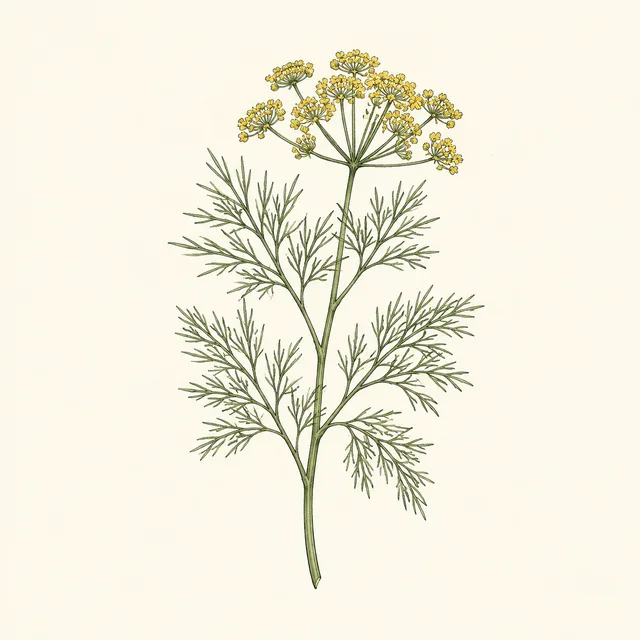
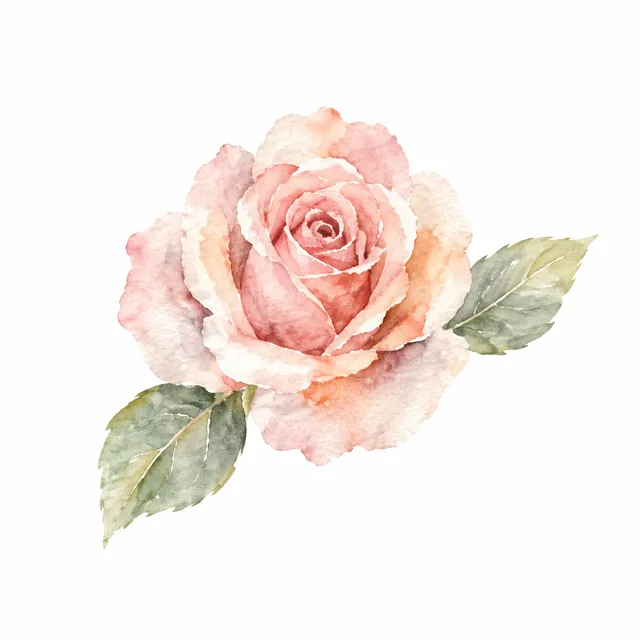

A clipart generator for whole sets: write the drawing style once, list the elements, and get a matching clipart pack in one batch, on plain backgrounds.
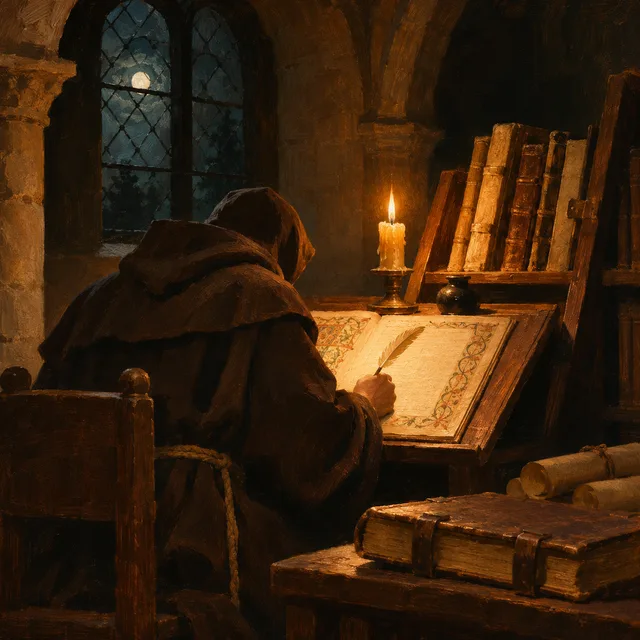
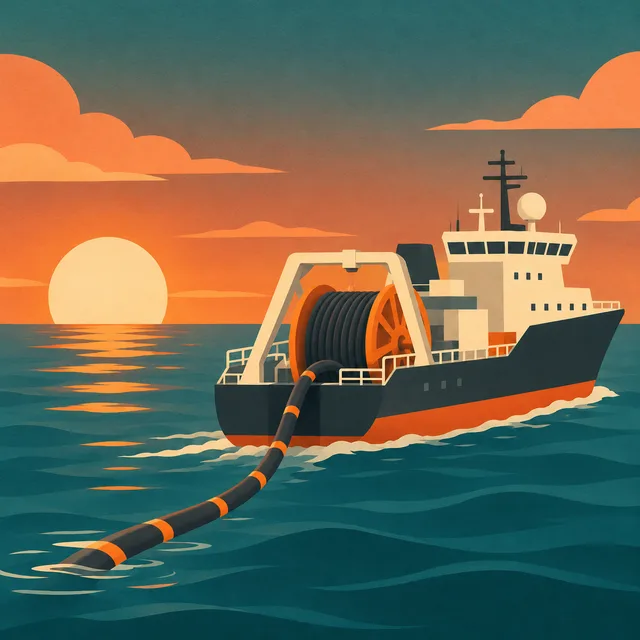
A YouTube image generator that works from your script: one scene per line, one style lock on every line, every 16:9 image for the video in one batch.
An AI storyboard generator for whole sequences: one line per scene, one character anchor on every line, and every frame rendered in a single batch at 16:9.
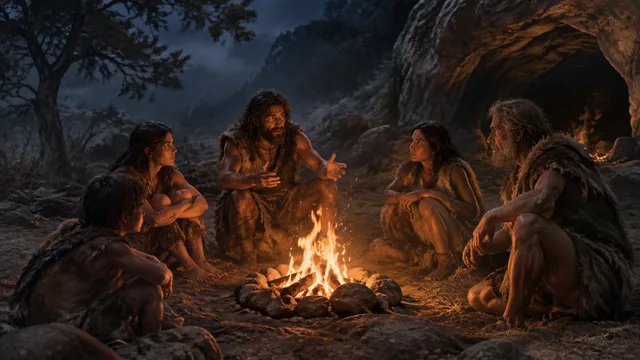
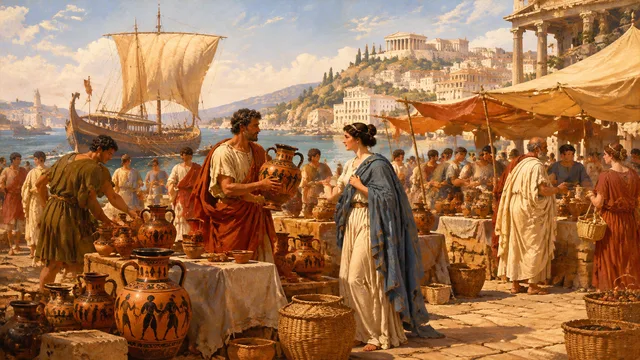
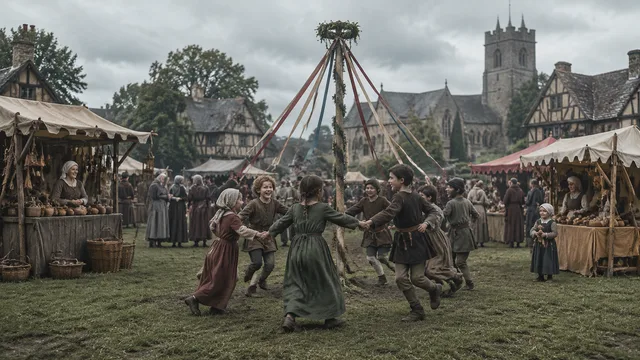
A historical image generator for whole narrations: fix the era and look once, list the scenes, and get a matching set of 16:9 history images in one ZIP.
Fix the art direction, list the assets and let the game asset generator render the set together, each piece isolated on a plain ground. Keep the takes that match, download one ZIP, and spend your time on the game instead of redrawing the same style.
