App Icon Generator
App icons, in bulk

Turn one idea into
a grid of app icons

BulkImagen is an app icon generator built for exploring options fast. Describe your app, pick a style and shape, and generate a whole grid of app icons in one batch — then download the icon you want to round and ship to the App Store or Play Store.

App idea
Style
Colors
Shape
Prompt preview

Drag & drop or click to upload — PNG / JPEG / WEBP / GIF, up to 10MB each.

Will generate 0 images · 0 credits

One app icon generator, many directions

Each row below is one batch — a single idea turned into a grid of app icons. Run the generator across flat, gradient, 3D, minimal, and glass styles, then compare the icons side by side and shortlist a favourite in minutes.

Flat

flat app icon for a weather app, rounded square, soft blue
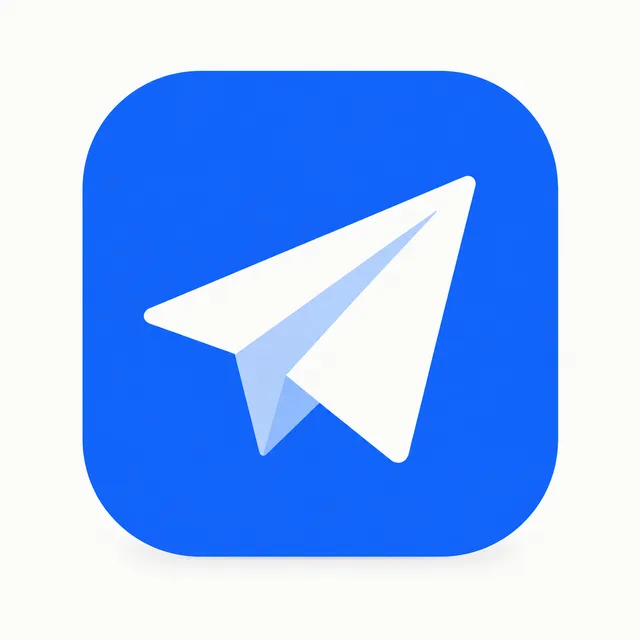
Batch complete
Flat — 1
Flat — 2
Flat — 3
Flat — 4
Gradient

gradient app icon for a music app, vibrant purple to pink
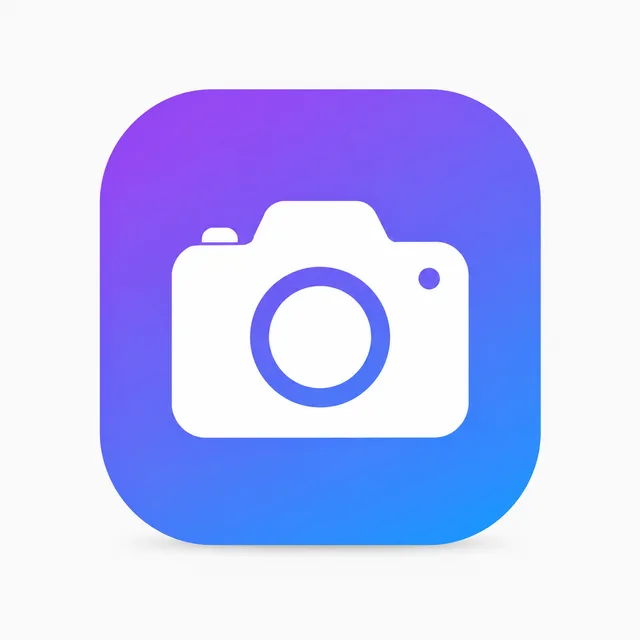
Batch complete
Gradient — 1
Gradient — 2
Gradient — 3
Gradient — 4
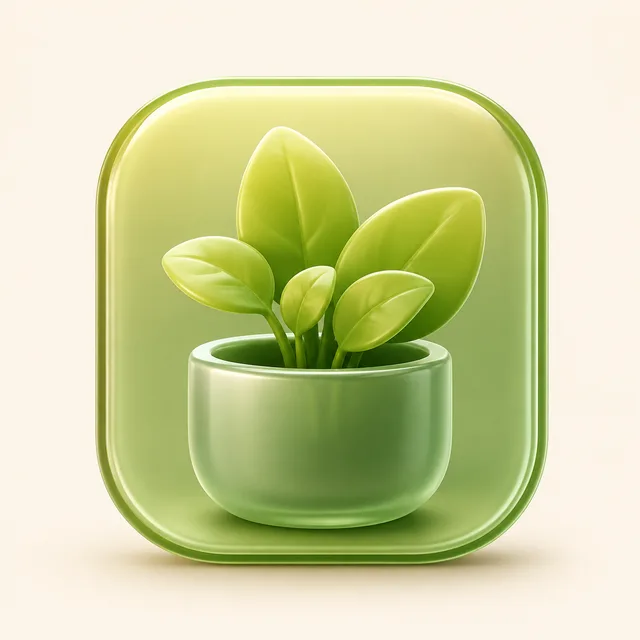
3D

glossy 3D app icon for a game, playful, rounded
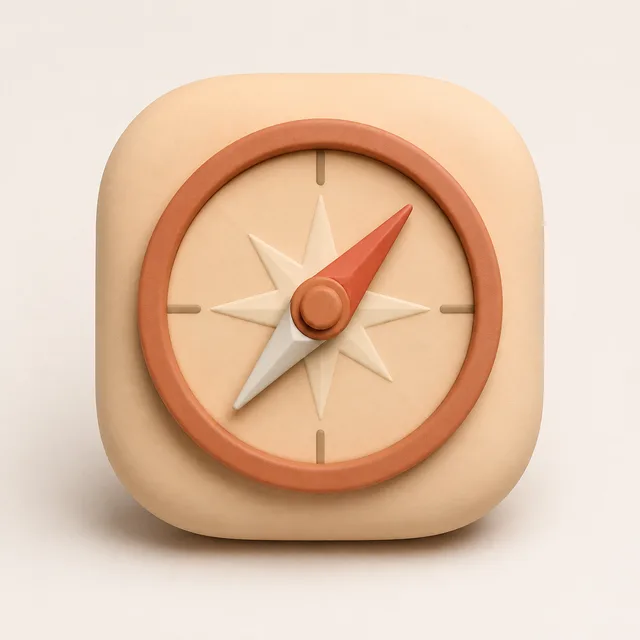
Batch complete
3D — 1
3D — 2
3D — 3
3D — 4
Minimal

minimal app icon for a notes app, single mark, monochrome
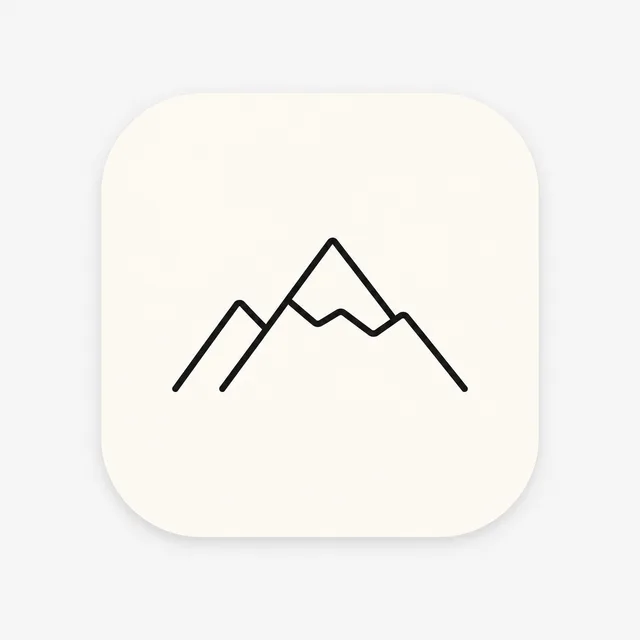
Batch complete
Minimal — 1
Minimal — 2
Minimal — 3
Minimal — 4
Glass

glassmorphic app icon for a finance app, frosted, teal

Batch complete
Glass — 1
Glass — 2
Glass — 3
Glass — 4

One idea per batch · a grid of app icons out · download the keepers

An app icon generator built for choosing, not re-rolling

Stop generating one icon at a time. Describe your app once and let the generator explore many directions in a single batch, so you spend your time choosing the app icon that fits instead of re-rolling the same idea.

Fill-in-the-blank prompts

No prompt engineering. Enter your app idea, pick a style, shape, and colors, and the app icon generator assembles a clean prompt for you before every batch.

A grid, not a guess

One batch returns a whole grid of app icons, so you compare real options instead of re-rolling a single image and hoping the next icon finally lands.

Square, store-ready

Every icon comes out as a 1:1 square at a clean resolution, so the one you pick drops straight into a mockup or store listing — round the corners and ship.

Three steps to a grid of app icons

From a one-line idea to a grid of downloadable app icons — the whole workflow happens on one screen, no design software required.

  1. 01

    Describe the app

    Type what your app does, then pick a style such as flat, gradient, 3D, minimal, or glass, plus a shape and colors. That is the entire brief the app icon generator needs to start.

  2. 02

    Generate the batch

    BulkImagen assembles the prompt and renders a grid of app icons in one batch, each with a different seed, so you get a genuine spread of directions rather than near-duplicates.

  3. 03

    Pick & download

    Compare the grid, keep the icons that fit your brand, and download the one you want to refine and ship to the App Store or Play Store.

Who uses this app icon generator to ship faster

Anyone who needs a spread of options before committing to a single mark reaches for a bulk app icon generator.

Indie developers

Explore an icon before launch without hiring a designer. Generate a batch of app icons to react to, then ship the strongest one with your release.

Designers

Spin up a moodboard of app icons fast, then refine the best by hand. The generator replaces the blank canvas, not your craft or your final polish.

Product teams

Produce icon options for A/B tests and store listings in an afternoon, so every review opens with real app icons instead of a placeholder square.

App icon generator questions

More questions? Email us at support@bulkimagen.com

  • An app icon generator turns a short idea into finished icon concepts in seconds. Instead of drawing by hand, you describe the app and get a grid of app icons you can compare, shortlist, and ship.
  • You type your app idea, pick a style, shape, and colors, and the generator assembles a clean prompt and renders a grid with GPT-Image-2. It does the drawing; you pick the icon worth shipping.
  • Yes. This is a bulk app icon generator: one idea becomes a whole batch, so you explore many directions at once instead of generating a single icon at a time.
  • Pick from flat, gradient, 3D, minimal, glass, and skeuomorphic. Each style steers the app icon generator toward a different look, so one idea can produce very different icons.
  • Every icon comes out as a clean 1:1 square, the shape every icon needs. Round the corners and resize the one you pick for the App Store or Play Store.
  • Describe the palette in your brief and the generator leans toward it. Because every run returns a grid, you can compare several colorways from one batch and keep the closest app icon.
  • A batch defaults to a grid of icons, and you set the exact count on the confirmation screen before any credits are spent, so you decide how wide each run goes.
  • Every app icon is generated with GPT-Image-2, locked for this tool so each result comes out at a consistent square format ready to drop into a store listing.
  • The fields assemble a clean prompt for you, but you stay in control. You confirm everything in the dashboard before generating and can adjust the idea, count, or style first.
  • You can use the app icons you generate for your own projects under the model provider's terms. Treat each result as a strong starting point and refine the icon before final use.
  • New accounts start with free credits, so you can run the generator on a real idea before paying. Each batch then costs a few credits, shown before you generate.
  • An app icon generator is for fast exploration. Use the grid to find a direction, then have a designer round, mask, and export the chosen icon at every required store size.

Generate your first grid of app icons

Enter your app, pick a style, and let the app icon generator explore a whole batch of directions. Keep the icons that fit, download them, and ship your favourite app icon.