BulkImagen is an AI product photo generator built for volume. Upload your product once, pick a scene and lighting, and generate a whole batch of product photos in one go — studio and lifestyle shots you can download and drop straight into your store listings.
—
Drag & drop or click to upload — PNG / JPEG / WEBP / GIF, up to 10MB each.
Each row below is one batch — a single product restaged into a set of shots. Run the generator across studio, lifestyle, marble, outdoor, and gradient scenes, then compare the product photos side by side and keep the shots that sell.
product photo on clean white studio background, soft light
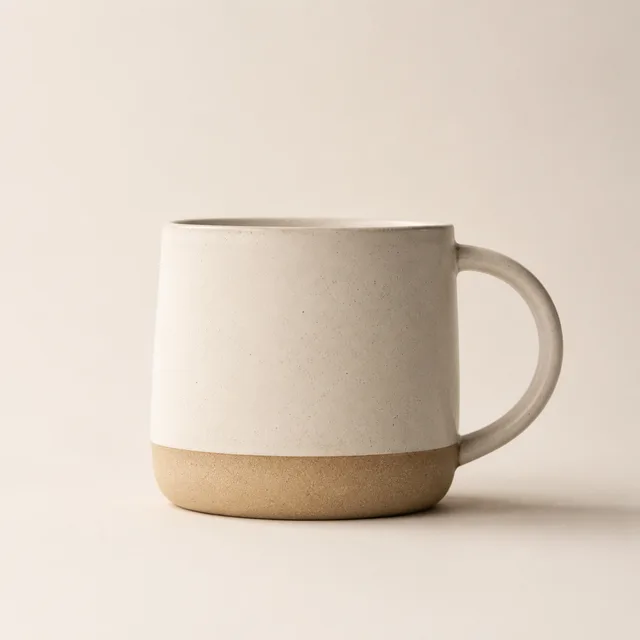
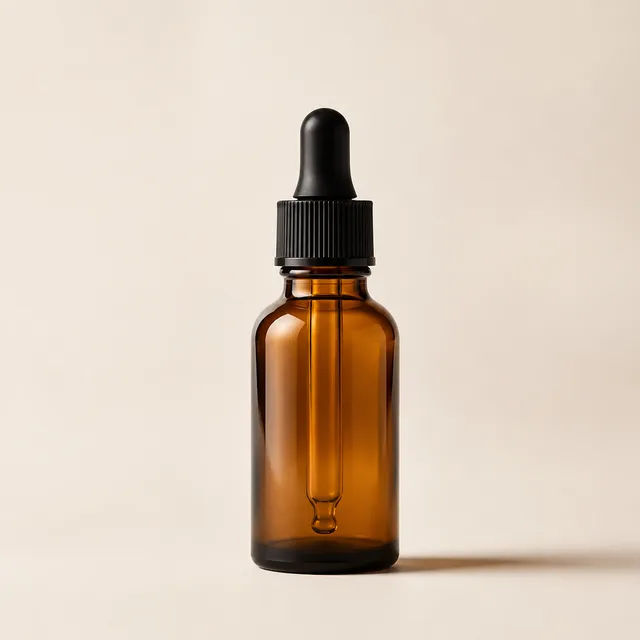
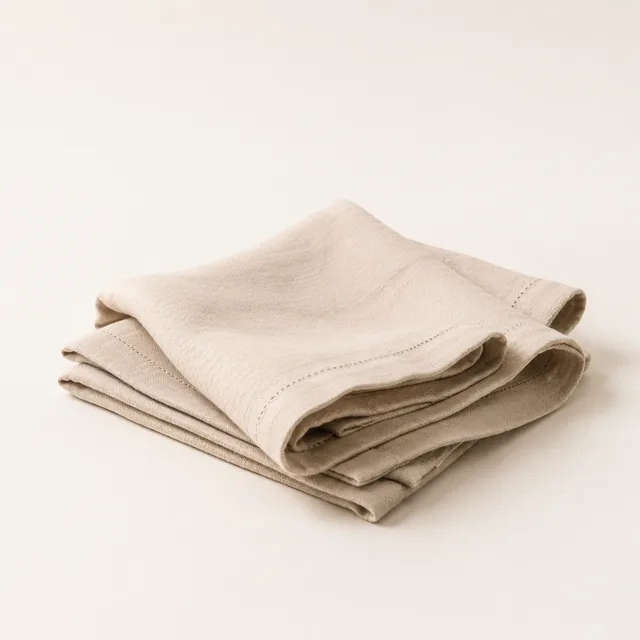
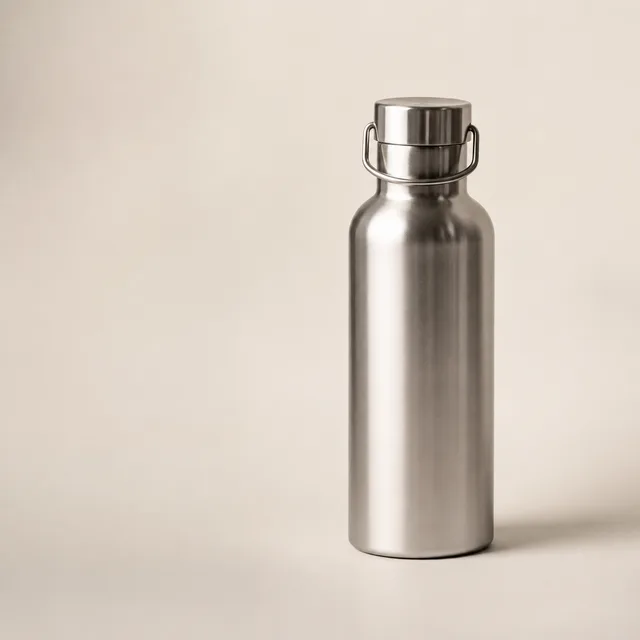
product photo in a cozy lifestyle scene, warm morning light
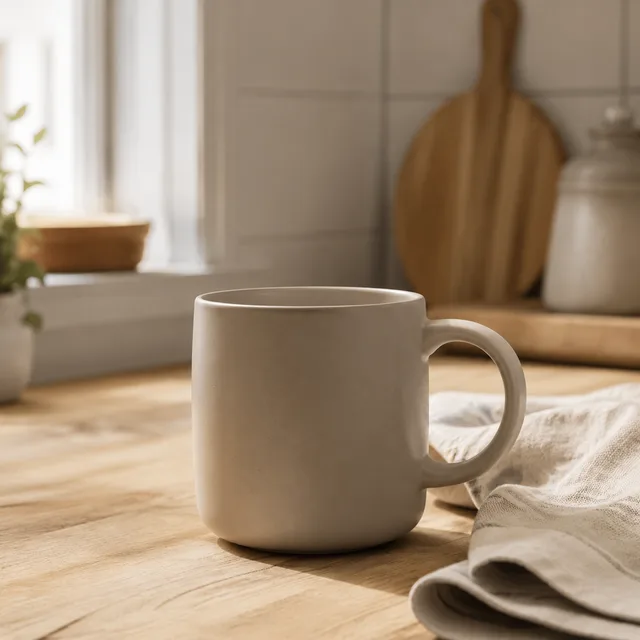
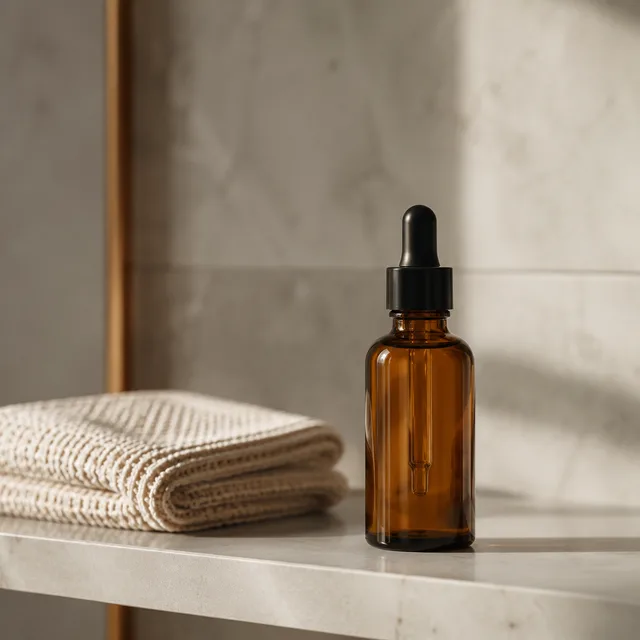
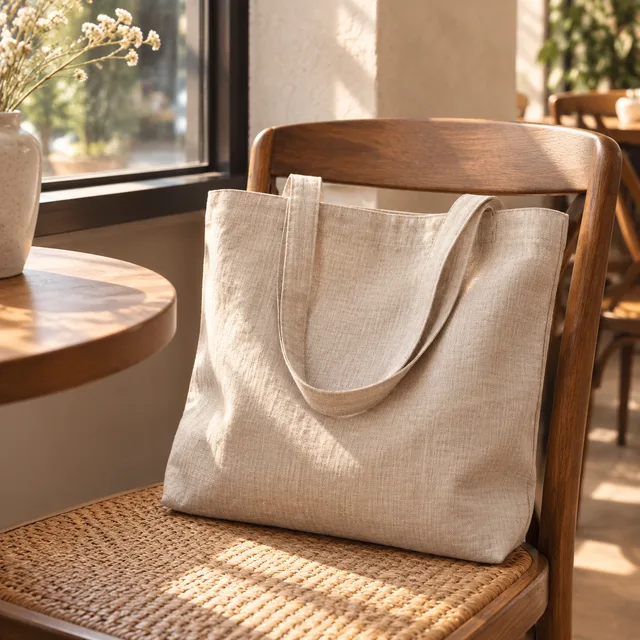
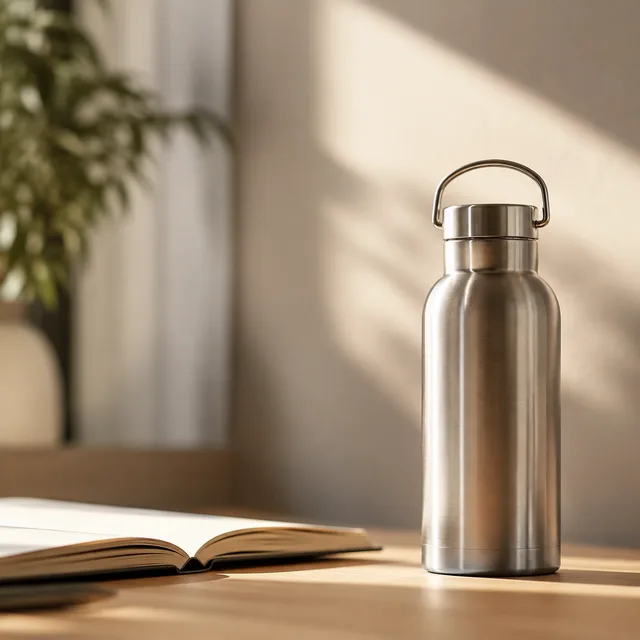
product photo on a marble countertop, bright daylight
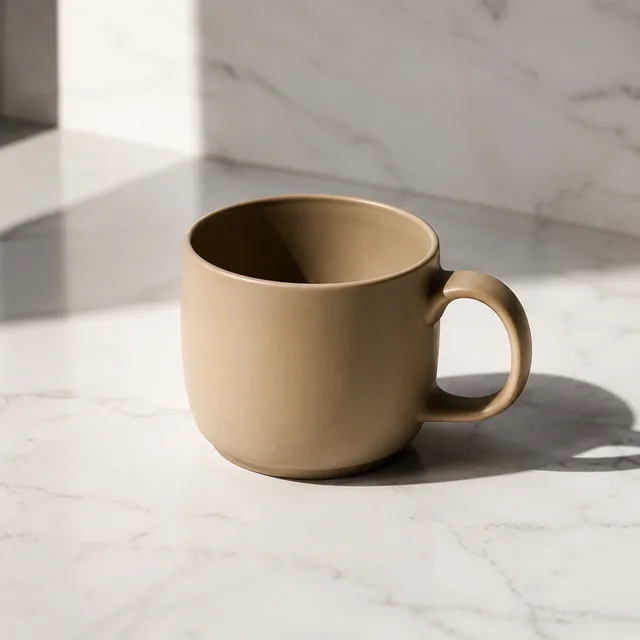
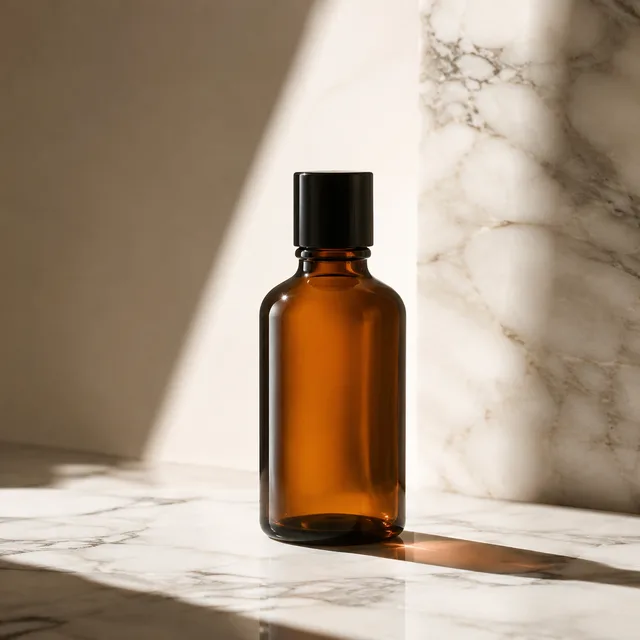
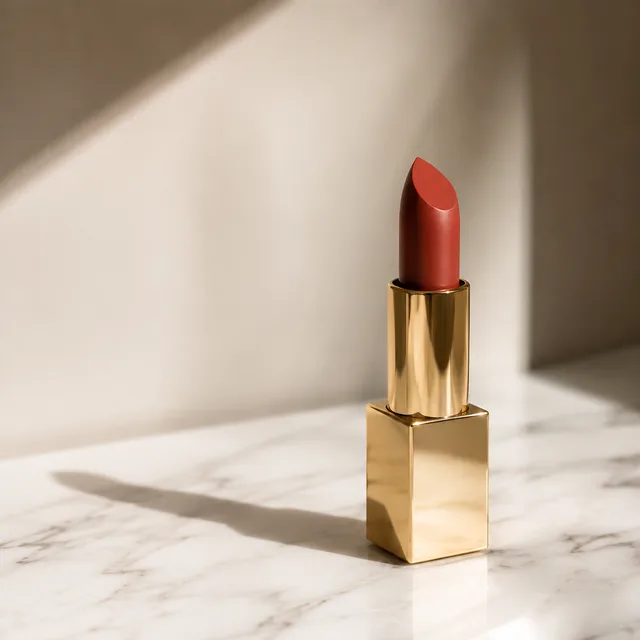
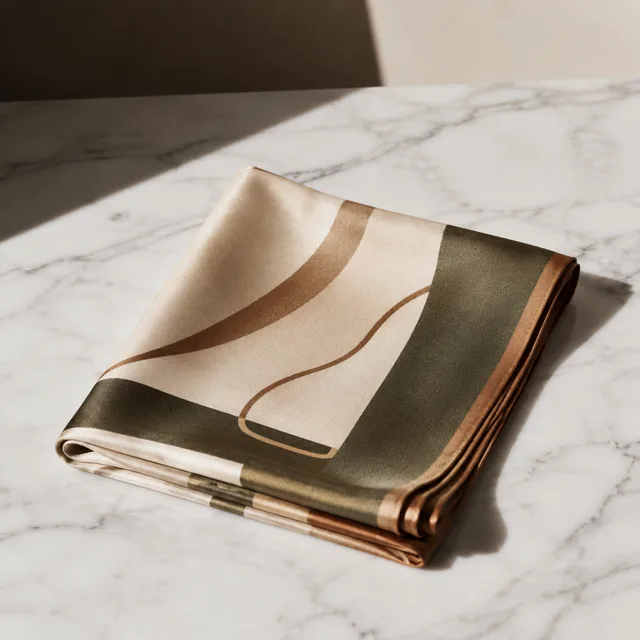
product photo in a natural outdoor setting, soft shadows
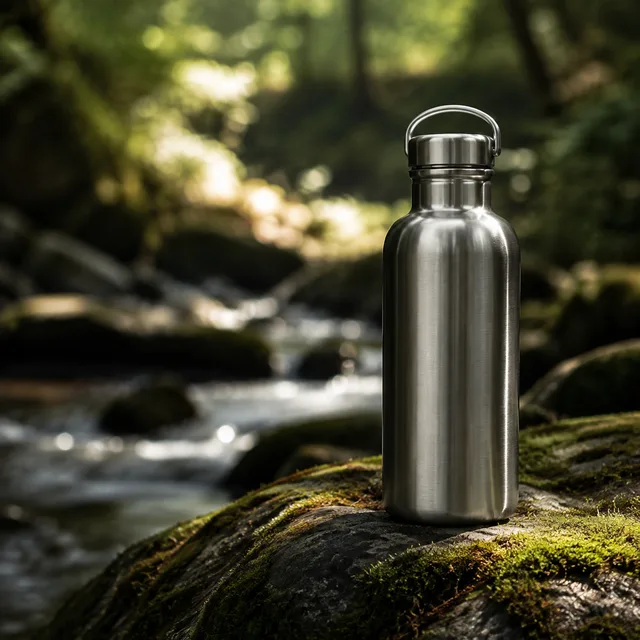
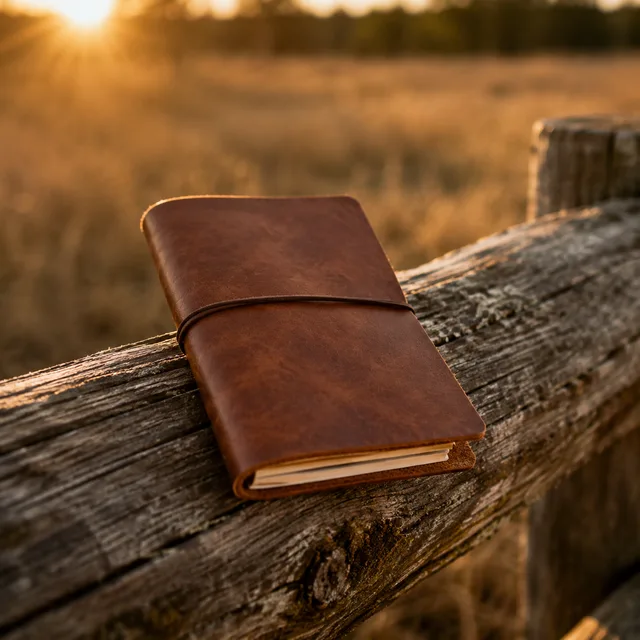
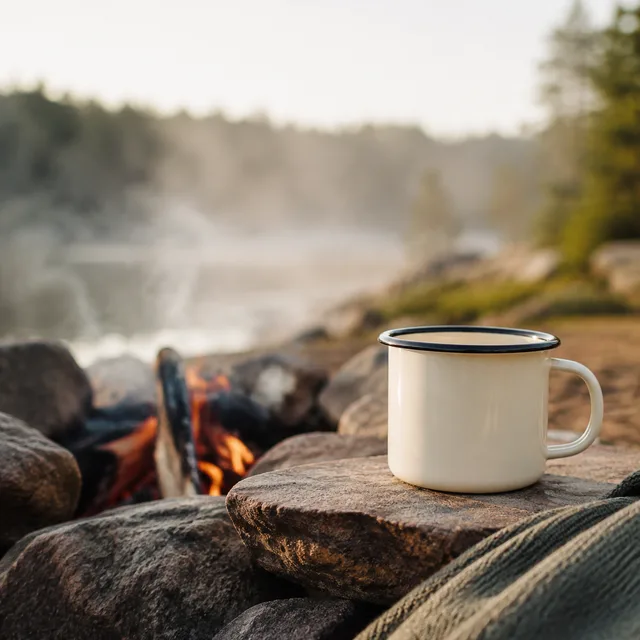
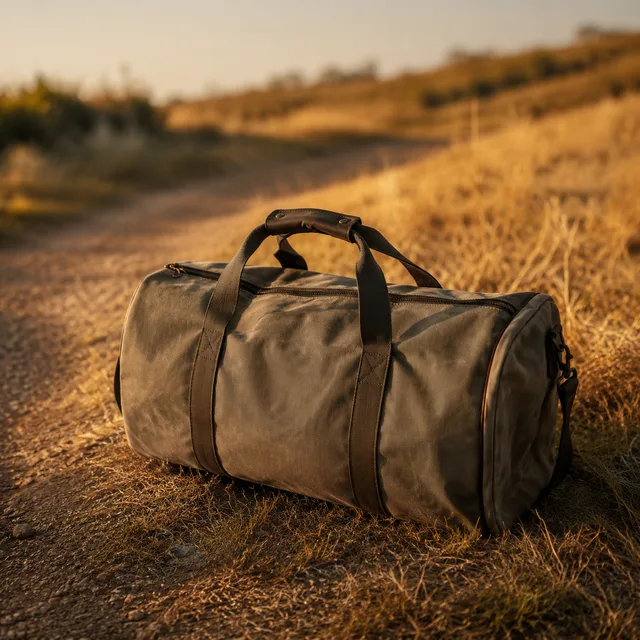
product photo on a smooth gradient backdrop, studio lighting
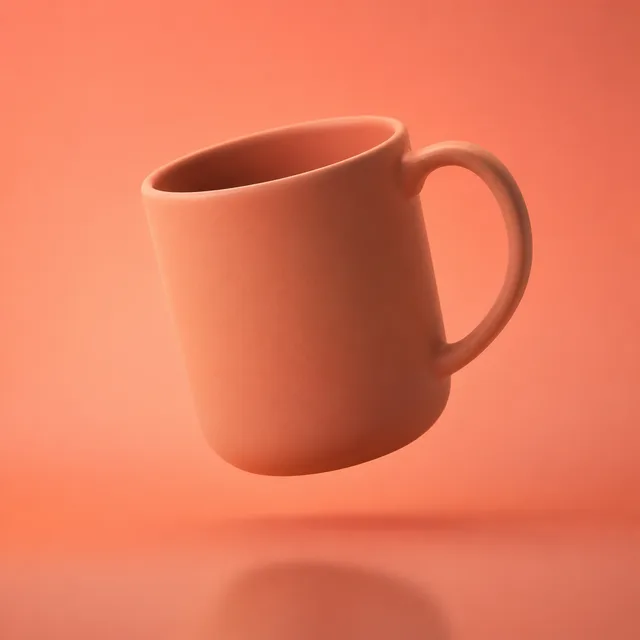
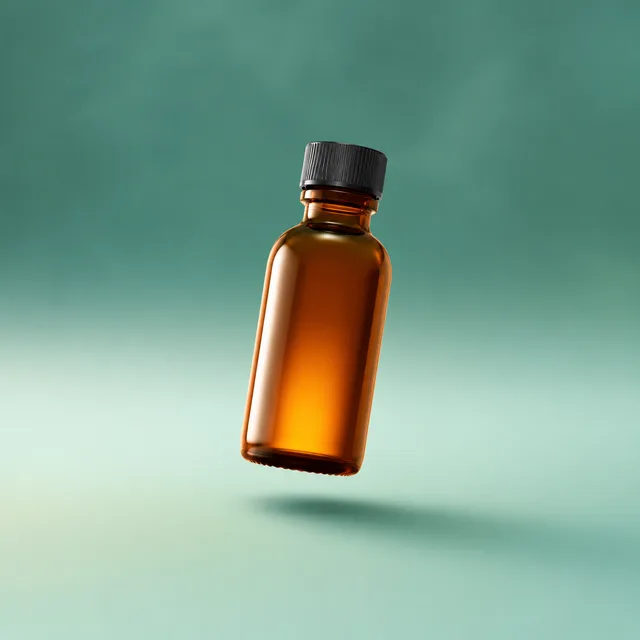
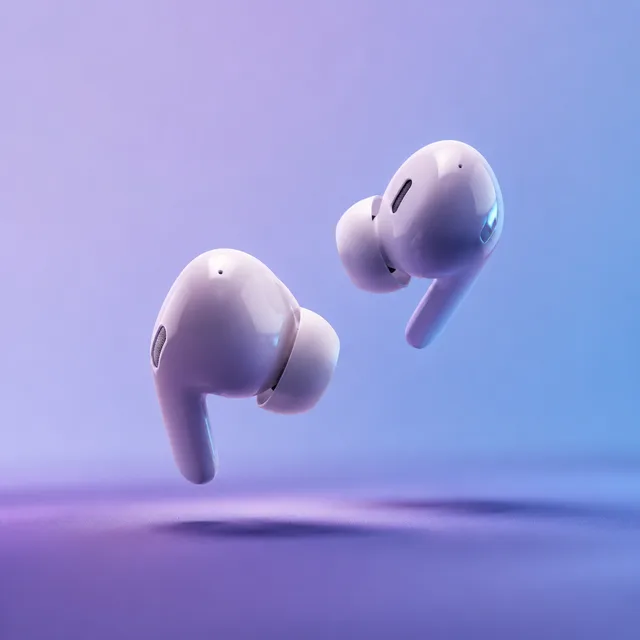
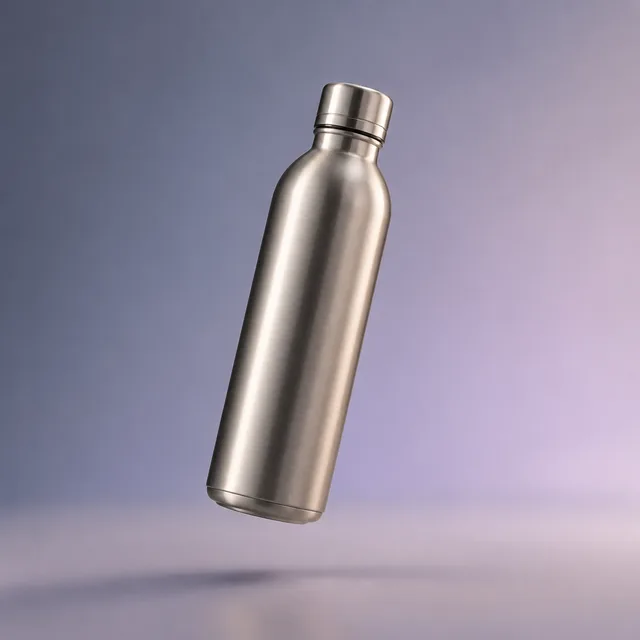
One product per batch · a set of product photos out · download the keepers
Stop staging one shot at a time. Upload your product once and let the product photo generator restage it across many scenes in a single batch, so you fill a listing with options instead of re-shooting the same angle.
Drop in a photo of your real product and the product photo generator keeps it as the reference, so each shot is your item — not a generic stand-in — restaged in a new scene.
One batch returns a whole set of shots, so you fill a listing in minutes instead of generating a single image and starting over for the next angle.
Every shot comes out as a 1:1 square at a clean resolution, the format most marketplaces expect, so each product photo drops straight into a listing or ad.
From one uploaded product to a batch of downloadable shots — the whole product photo generator workflow happens on one screen, no studio required.
Add a photo of your product and type a short description, then pick a scene such as studio, marble, outdoor, or lifestyle, plus the lighting. That is the entire brief the product photo generator needs.
BulkImagen assembles the prompt and restages your product into a batch of shots in one run, each with a different seed, so you get a genuine variety of product photos rather than near-duplicates.
Compare the batch, keep the shots that sell your item best, and download the ones you want for your store, ads, or social.
Anyone with many SKUs or one product and no studio reaches for a bulk AI product photo generator.
Restage every SKU into clean studio shots in an afternoon. Generate product photos in bulk, keep the strongest, and refresh a whole catalog without booking a photographer.
Turn a plain supplier photo into branded scenes. One batch of product photos gives you a listing's worth of options from a single upload.
Produce shots for ads and social in different scenes, so every campaign opens with on-brand product photos instead of the same stock angle.
More questions? Email us at support@bulkimagen.com
Upload a product, pick a scene, and let the AI product photo generator restage it into a whole batch of shots. Keep the product photos that sell, download them, and drop them into your listings.