Recipe sites and meal brands do not need one food photo, they need two hundred that look as if the same photographer shot them on the same afternoon. This food photo generator takes a list, one dish per row, puts one photography style in front of every row, and returns the whole set in a single batch.
Eins pro Zeile – eine ganze Tabellenspalte einfügen.
—
Per Drag & Drop oder Klick hochladen — PNG / JPEG / WEBP / GIF, jeweils bis zu 10 MB.
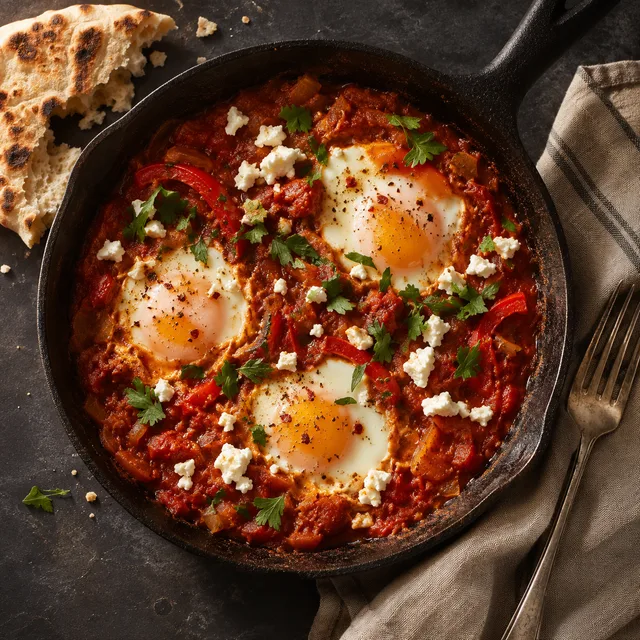
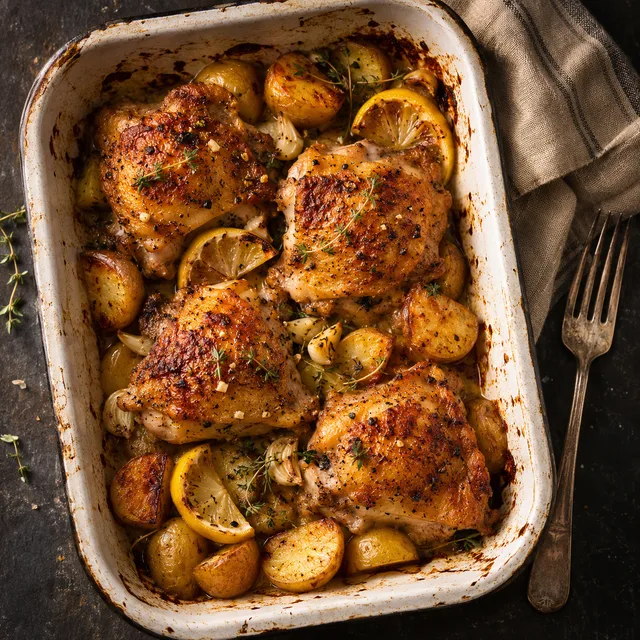
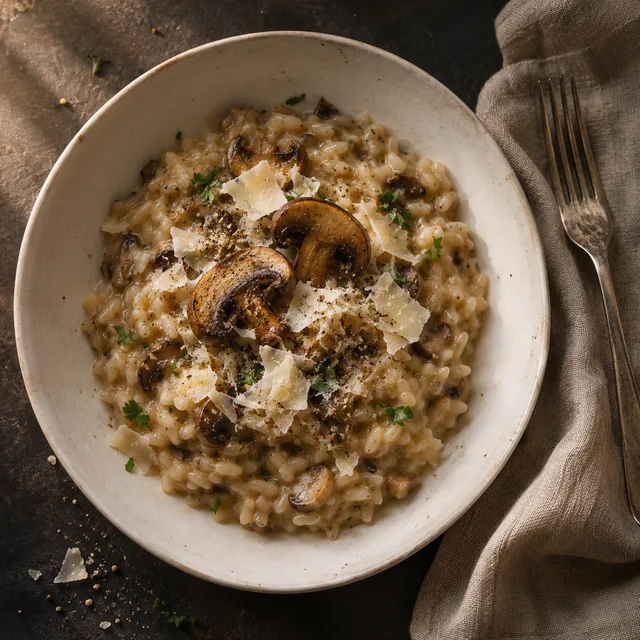
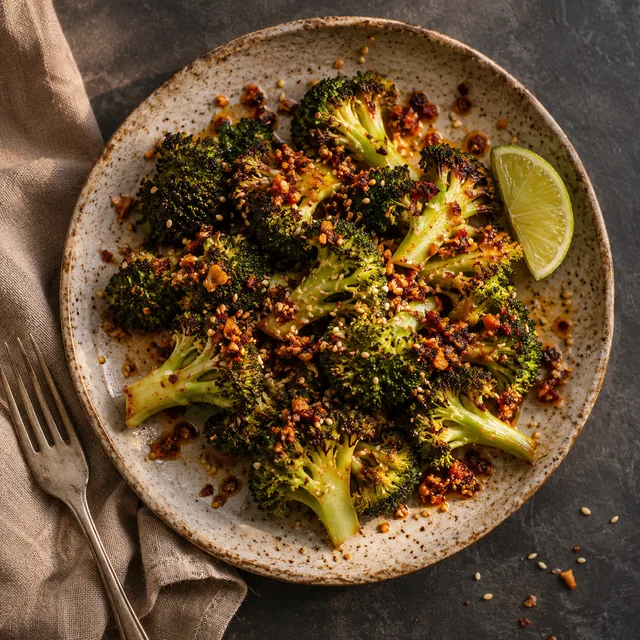
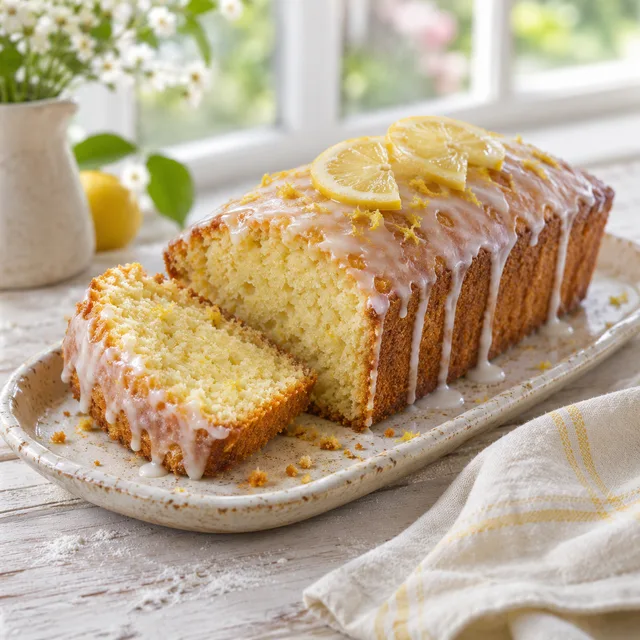
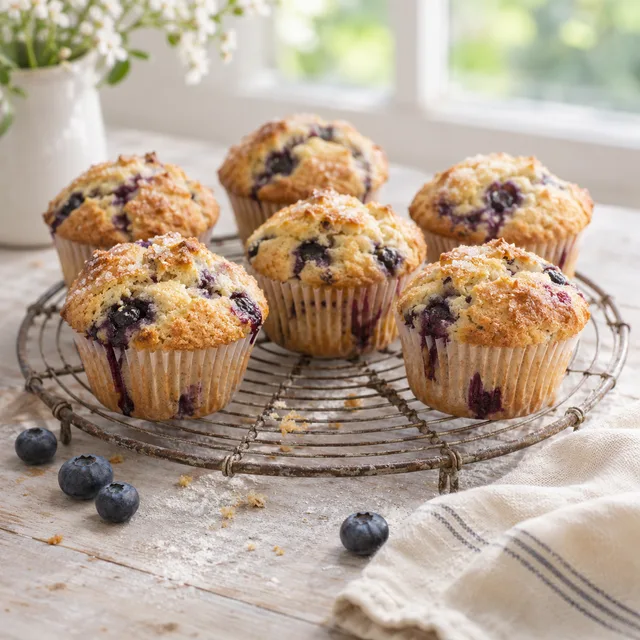
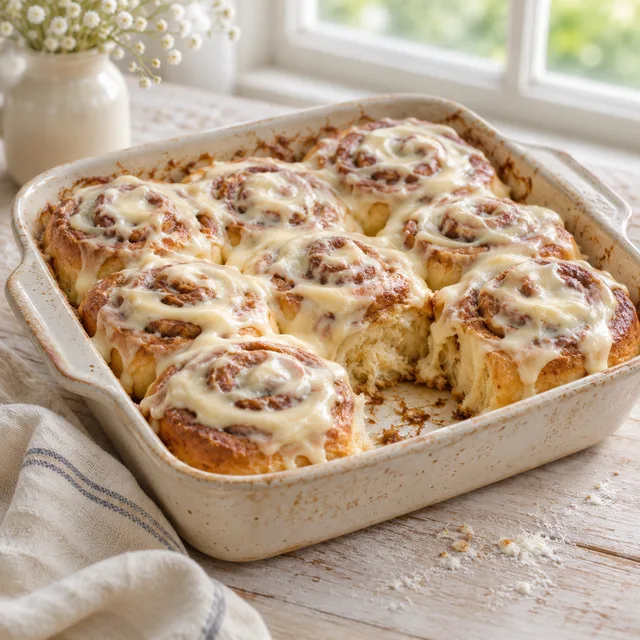
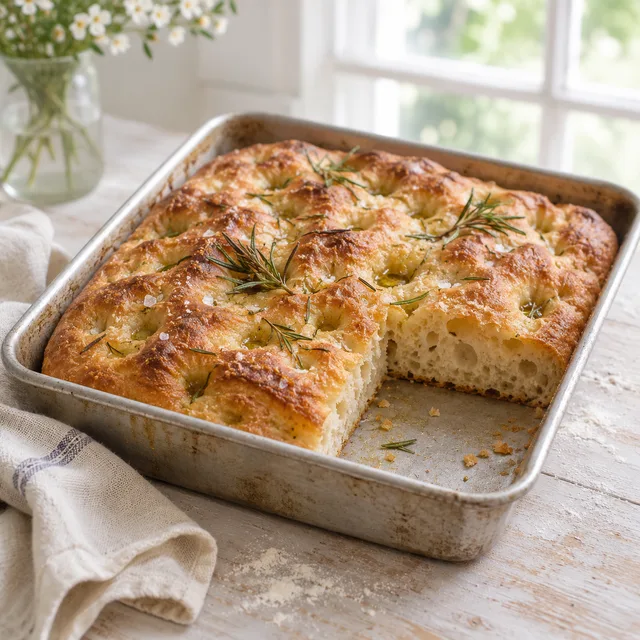
Every row below is one run of the food photo generator: a single photography style, four different dishes. Look at how little the four photos in a row share besides the light, the surface and the angle. That repeated style line is the whole trick, and it is what turns a pile of separate pictures into something that looks like a cookbook.
overhead on dark slate, warm window light from the left; shakshuka, roast chicken thighs, mushroom risotto, charred broccoli
45-degree angle, flour-dusted whitewashed table, bright diffused daylight; loaf cake, muffins, cinnamon rolls, focaccia
the same matte ceramic bowl on pale stone, soft overhead daylight; burrito bowl, salmon, curry, gnocchi
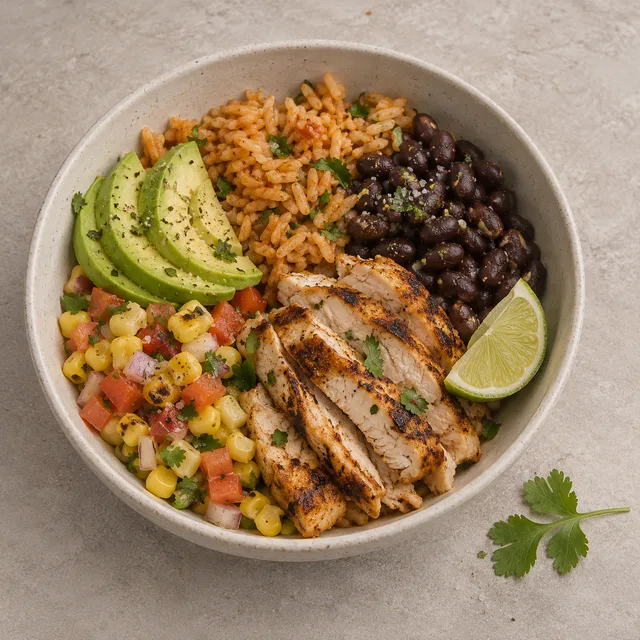
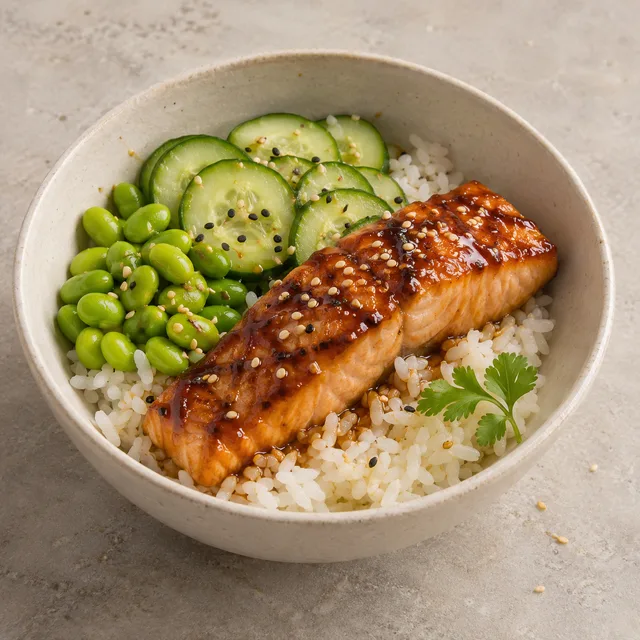
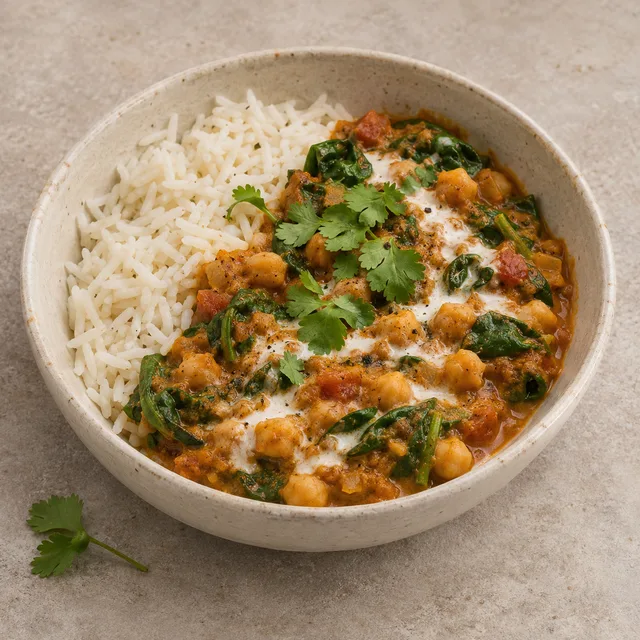
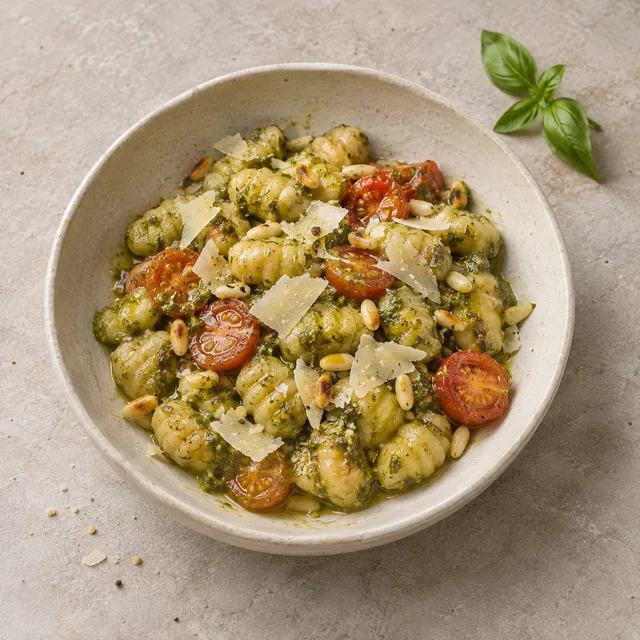
three-quarter angle on dark walnut, one warm side light; matcha latte, cold brew, lemonade, chai
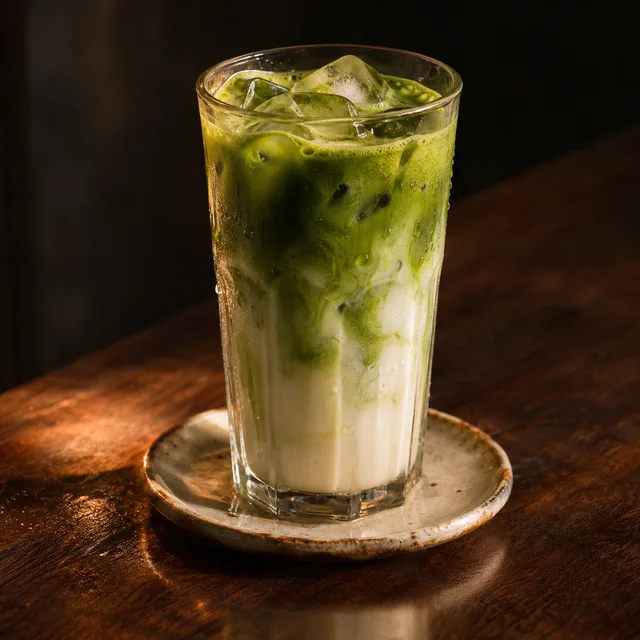
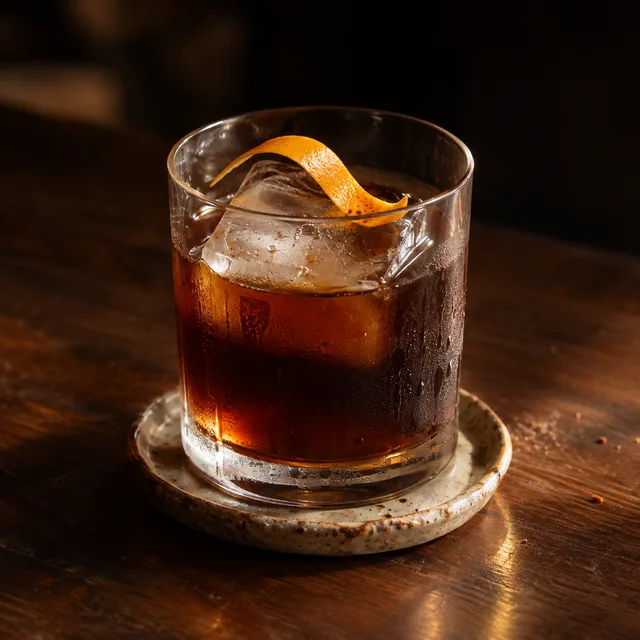
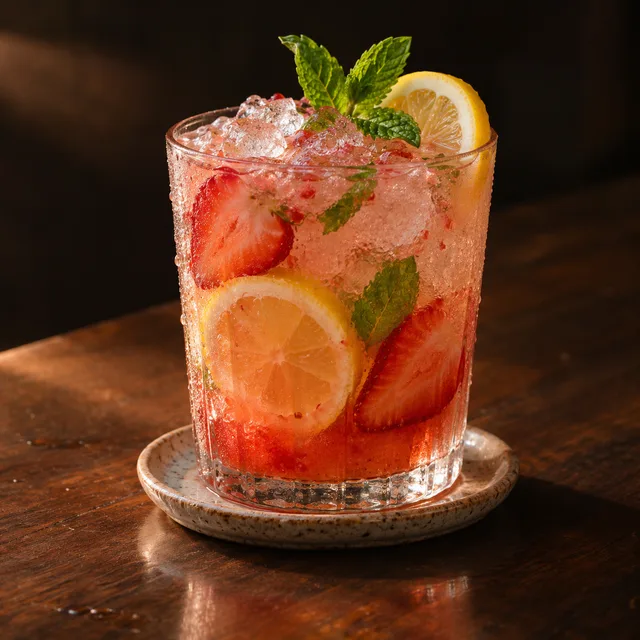
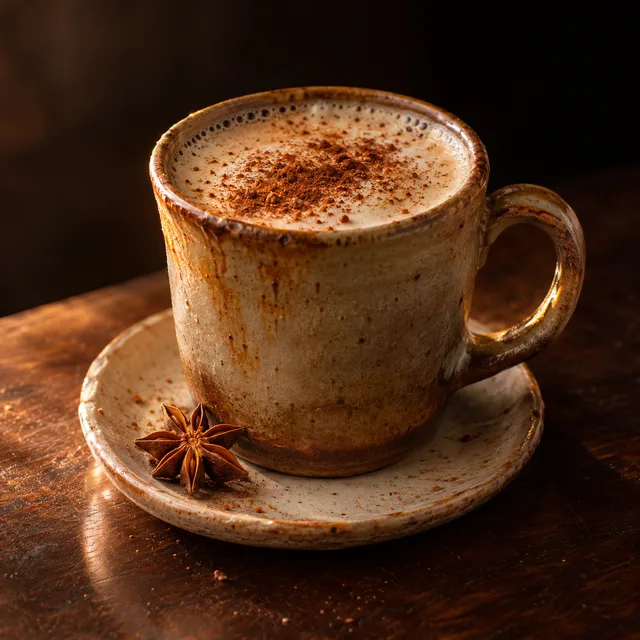
top-down on a weathered board with brass serveware; dosa, paneer masala, biryani, gulab jamun
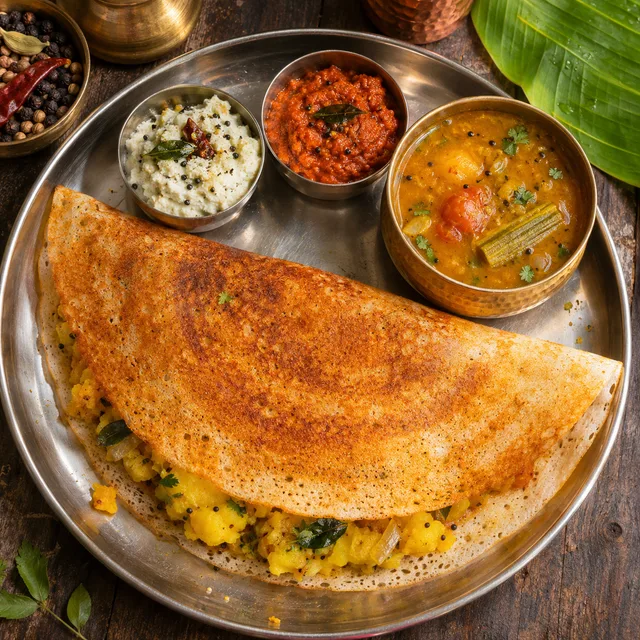
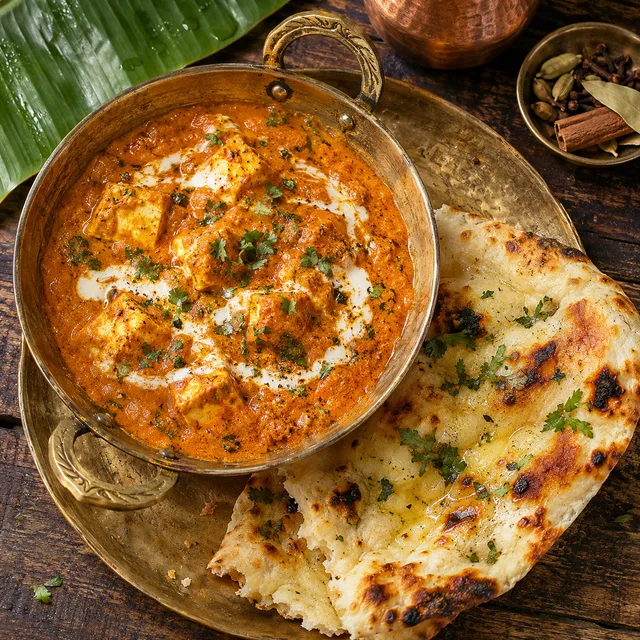
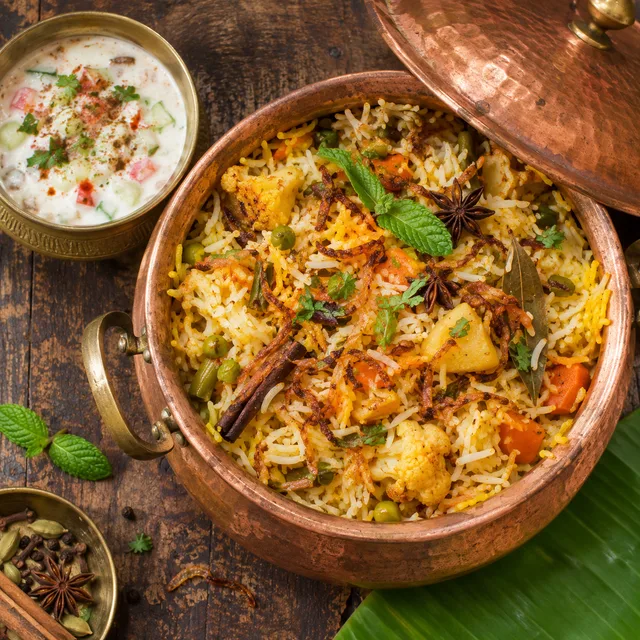
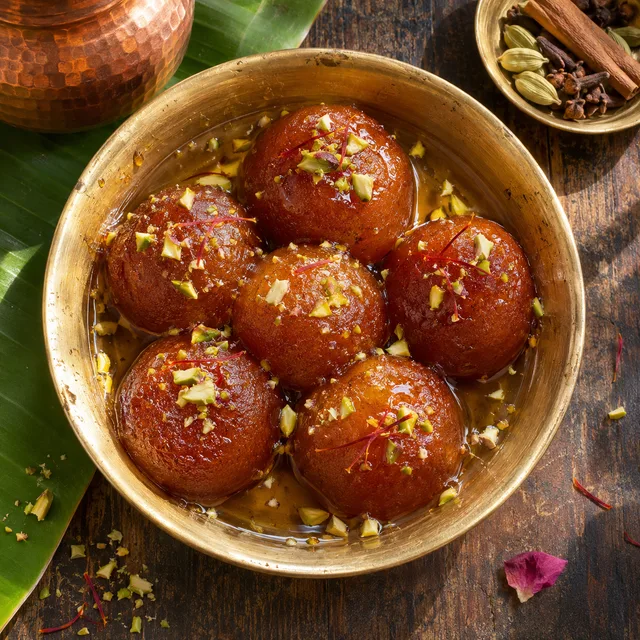
One style prefix · one dish per row · every photo in one ZIP
A real shoot is the right answer for a hero dish. It is the wrong answer for the long tail of a recipe archive, a seasonal menu change or a launch of thirty new kits.
Recipe collections, menu sections and kit catalogues are already lists. Paste each dish on its own row with the ingredients that make it recognisable, and each row becomes its own photo, so the list you keep in a spreadsheet is the batch you download.
Surface, angle, light, palette and lens are written once and the form puts them on every dish. Whatever the dish, the photos sit together on a category page or a menu the way a single afternoon's shoot would, instead of looking like thirty stock images from thirty sources.
The prompts here ask for a believable portion, uneven edges and natural colour rather than glossy perfection. Food that looks a little lived-in is easier to trust than food that looks rendered, and it is closer to what a cook actually puts on a plate.
Three steps, one screen. The effort goes into the style line, because that is the one sentence every photo in the batch inherits.
Describe the shoot in a sentence or two: the surface the plates sit on, where the light comes from, how high the camera is, the colours in the room. Keep it identical from row to row. This is the part that makes the batch read as a single food shoot.
One row per dish, with the two or three ingredients that define it, because a vague name gets a vague plate. Pick an angle if you want one. Paste the whole menu at once, one dish per line; the style you set above is applied to every line, so you only write the dishes.
Open each photo next to the dish it is meant to show. Keep the take where the plating is best, re-run the ones that missed, and download the lot as one ZIP for your site, your menu or your catalogue.
The common thread is volume and consistency. If the same sentence would describe every photo you need except for the name of the dish, this is the right tool.
Hundreds of posts, a handful of hero shots. A recipe archive with a matching photo on every card looks maintained, and one style prefix keeps the older entries from looking like they came from a different site.
New kits, seasonal bowls and limited runs all need catalogue photos before the first real batch is cooked. Serving every dish in the same bowl on the same surface is a styling rule, and a batch can follow it exactly.
Menu designers use generated plates for mock-ups, planning and printed concepts. For a live listing on a delivery platform, read that platform's photo rules first, because some of them require a real photo of the item you sell.
Something not covered? Email us at support@bulkimagen.com
Mit diesem KI-Produktfoto-Generator gestalten Sie einen ganzen Katalog im Bulk neu: Produktfotos hochladen, Szenen für jedes SKU, ein ZIP laden.
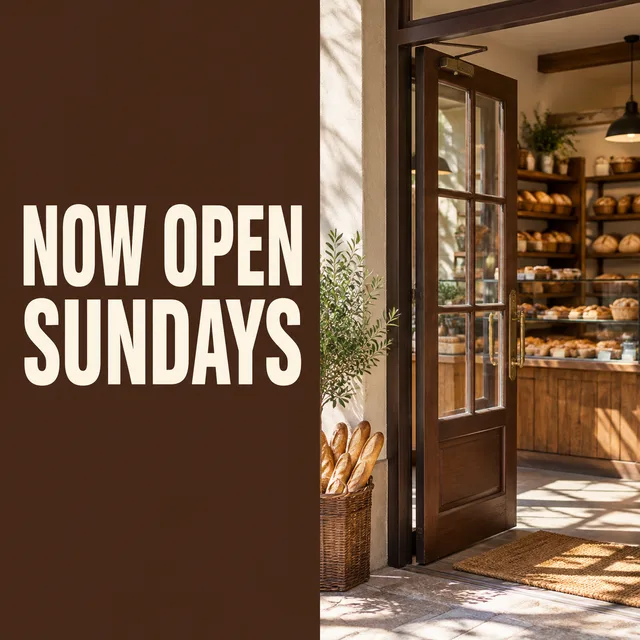
A social media post generator that works from a list: one row per post, the headline set on the image, a whole week of square posts in one batch and one ZIP.



Mit diesem KI-Logo-Generator erstellen Sie aus einem Lückentext-Prompt dutzende Markenkonzepte. Stil wählen, Marke eingeben, ein Raster an Logos erhalten.
Write your photography style once, add a row for every dish, and let the food photo generator return the full set in one look. Check each plate, keep the best takes and put the folder straight to work.
