AI Storyboard Generator
A shot list in, a storyboard out

One script,
every frame of the storyboard

Write the scene list once — one line per shot — and this AI storyboard generator renders the whole sequence in a single batch, at the ratio your edit is cut in. The same character description rides on every line, or a reference image of the character goes in alongside it, so the frames read as one storyboard instead of ten unrelated pictures.

Style
Shot
Character anchor
Action
Setting
Prompt-Vorschau

—

Per Drag & Drop oder Klick hochladen — PNG / JPEG / WEBP / GIF, jeweils bis zu 10 MB.

Bilder pro Kombination
Generiert 0 Bilder · 0 Credits

One cat, five storyboard registers

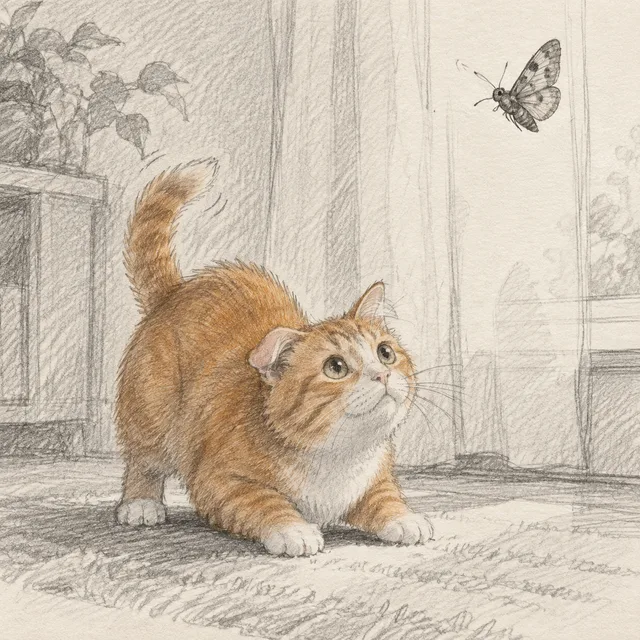
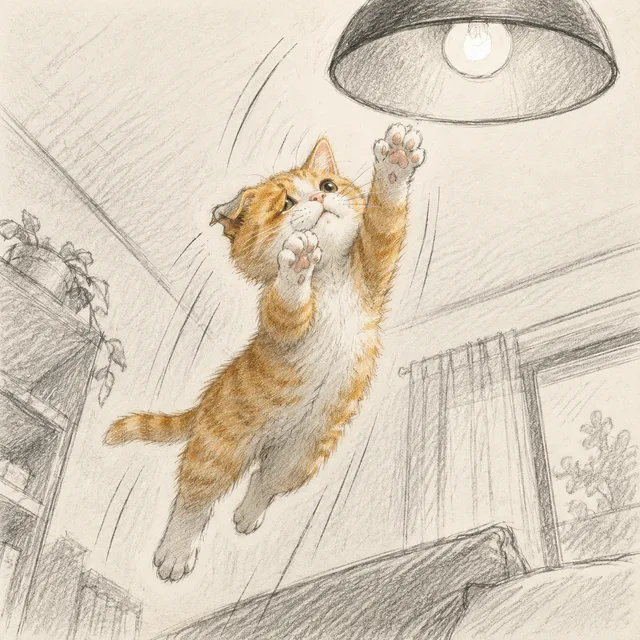
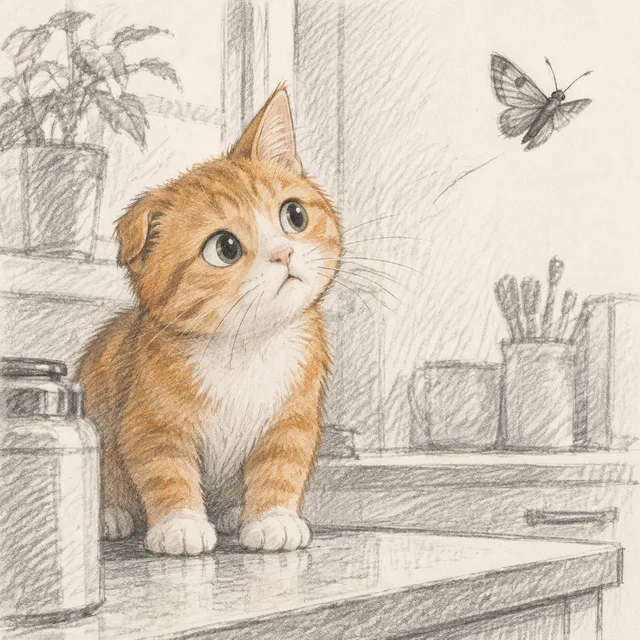
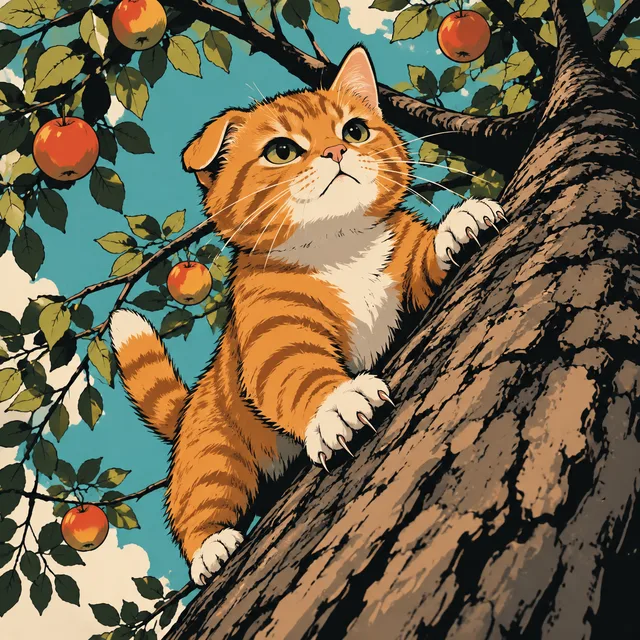
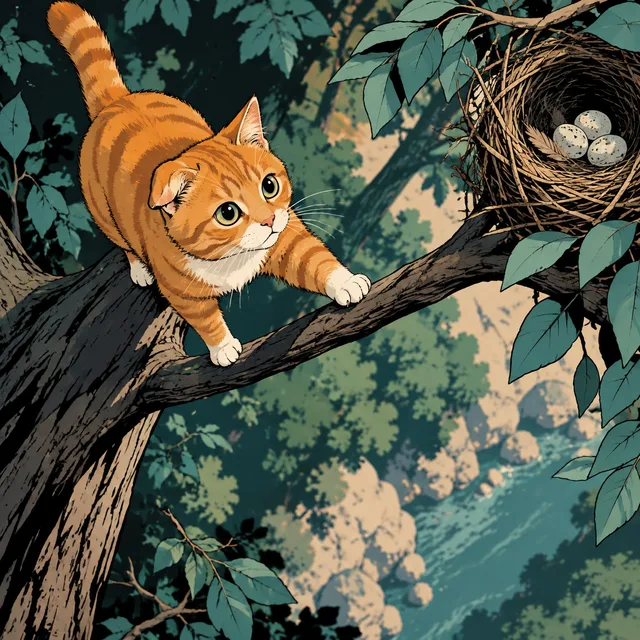
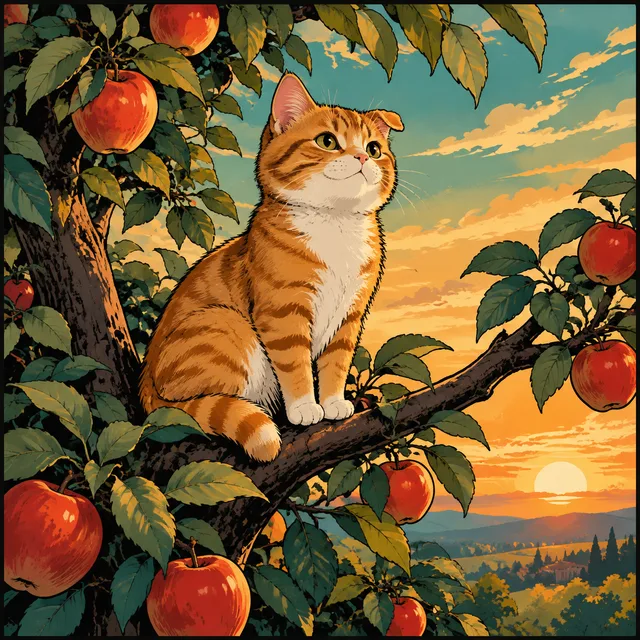
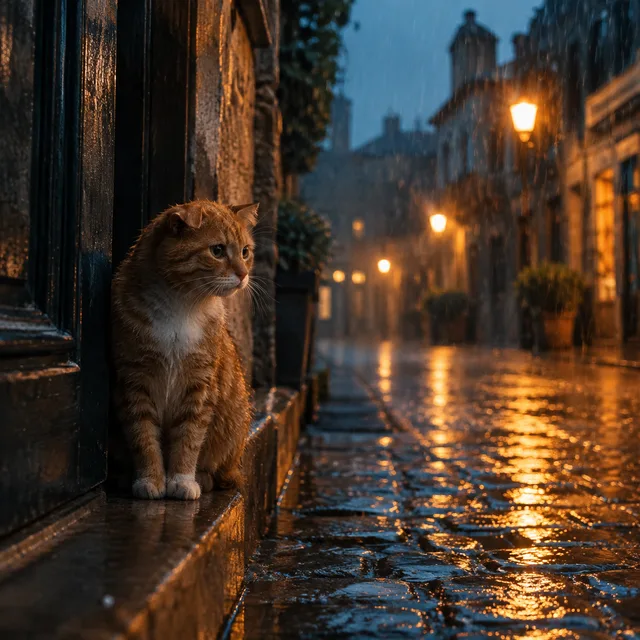
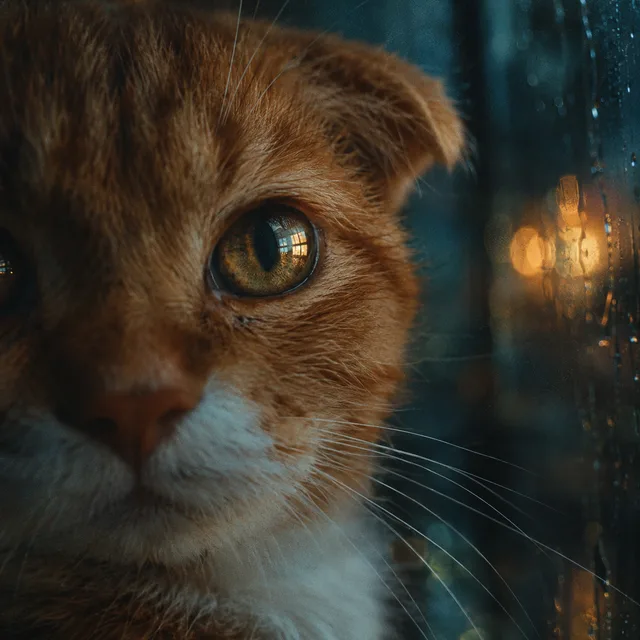
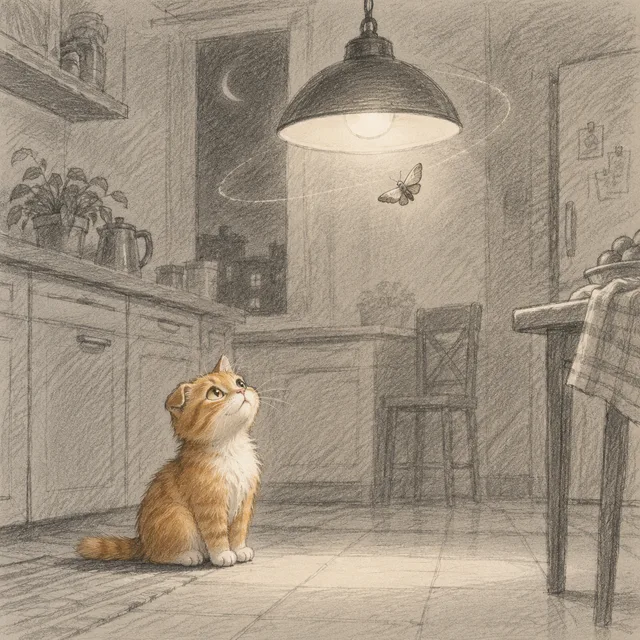
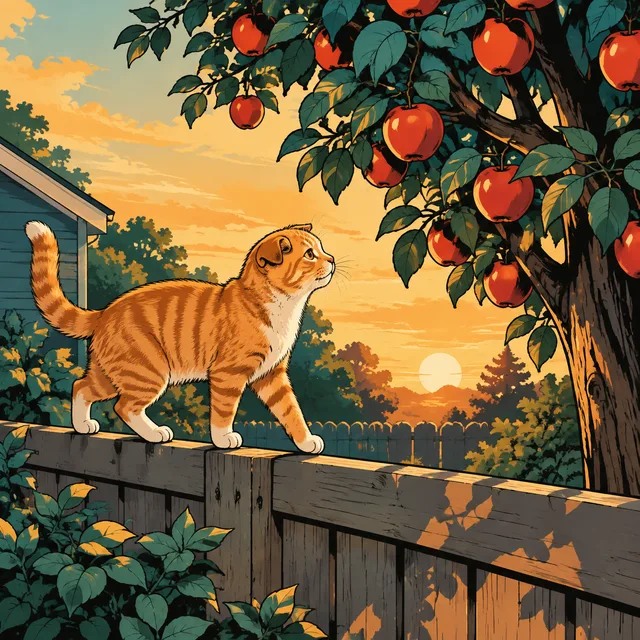
Each row is four consecutive beats from one sequence, all built around the same small ginger tabby with a white chest and one folded ear. That description is written word for word into every prompt — the technique this page recommends, shown working. The register changes from row to row; the storyboard character does not.

Pencil animatic

wide → crouch → leap at the moth → close-up, rough graphite thumbnails
Sequence rendered
Pencil animatic — 1
Pencil animatic — 2
Pencil animatic — 3
Pencil animatic — 4
Comic panels

fence at golden hour, climb, thin branch, the treetop — flat ink, no lettering
Sequence rendered
Comic panels — 1
Comic panels — 2
Comic panels — 3
Comic panels — 4
Cinematic stills

one rainy street broken down by shot size: wide, medium, close-up, eye
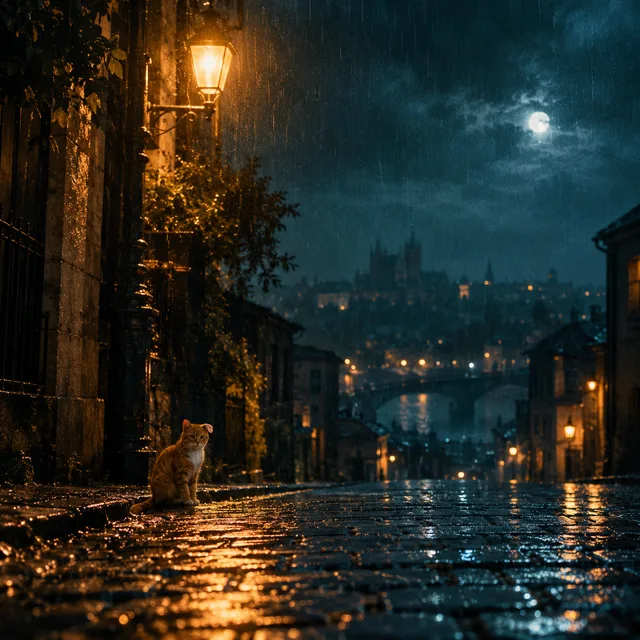
Sequence rendered
Cinematic stills — 1
Cinematic stills — 2
Cinematic stills — 3
Cinematic stills — 4
Faceless b-roll

morning routine, hands cropped at the wrist, no faces, soft window light
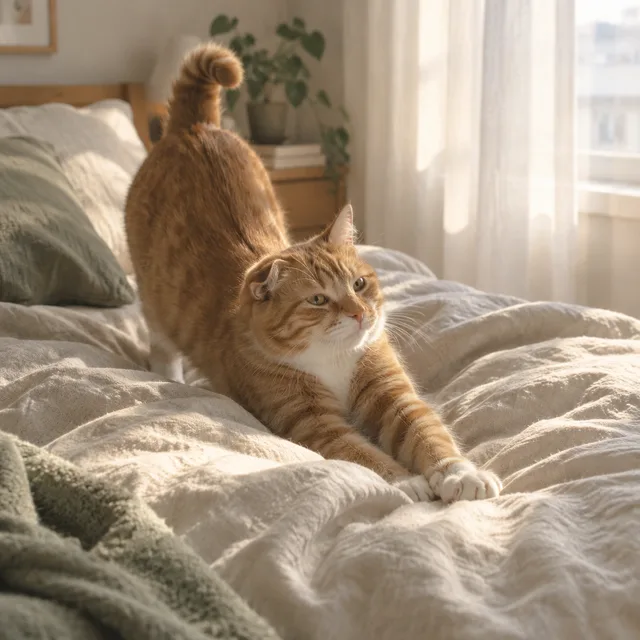
Sequence rendered
Faceless b-roll — 1
Faceless b-roll — 2
Faceless b-roll — 3
Faceless b-roll — 4
3D animated

attic window, rooftop ridge, a lantern floats past, the lantern sky

Sequence rendered
3D animated — 1
3D animated — 2
3D animated — 3
3D animated — 4

One character anchor · four beats per row · one ZIP

A storyboard is a sequence, so generate it as one

Single-image tools hand you a picture and leave the continuity to you. An AI storyboard generator should start where a storyboard artist starts: with the shot list.

One line per shot

Each line of your list becomes one storyboard frame: shot size, action, setting. Ten lines, ten frames, rendered together and returned in order, so the board matches the script you wrote rather than the order you happened to click.

The character, held steady

Frames in a batch are rendered independently — none of them sees the others. Consistency comes from what you give every frame: an identical character anchor on each line and, for a recurring face, a reference image. Do both and the storyboard holds together far better than either alone.

Framed for the edit

Set the ratio once — 16:9 for film and YouTube, 9:16 for shorts and reels — and the whole storyboard is composed for it. You get frames that drop onto a timeline as an animatic, not stills you have to crop and hope.

From script to a full storyboard

Three steps. The work that matters is in step one — a good character anchor is what makes a storyboard read as one film.

  1. 01

    Write the character anchor

    Describe the recurring character in one fixed sentence: species or build, colouring, clothing, one distinctive mark. Keep it short and never paraphrase it. Optionally upload a clear reference image of the character so every storyboard frame works from the same picture as well as the same words.

  2. 02

    List the shots

    One line per shot: the anchor, then the shot size and the action — wide shot, walking into the kitchen; close-up, eyes on the door. Pick one style for the whole storyboard so the register does not drift between frames.

  3. 03

    Review, re-roll, download

    The batch comes back together. Re-roll only the frames that drifted, keep the rest, and download the storyboard as one ZIP ready for an animatic, a pitch deck or a video edit.

Who needs a whole storyboard, not a single frame

If your project is a sequence with a recurring character, an AI storyboard generator saves the part that is pure repetition.

Faceless YouTube and b-roll

Narrated channels need a frame for every beat of the script. Batch the storyboard of an episode in one run — morning routines, history explainers, nature narration — and keep the look identical from the first scene to the last.

Filmmakers and animators

Rough out coverage before the shoot: the wide, the medium, the insert, the reverse. A quick AI storyboard lets the crew argue about the shots that matter while the animatic is already on the timeline.

Comic and short-drama creators

Panels and episode covers live or die on the same protagonist turning up every time. Repeat the anchor, add a character reference, and render the whole storyboard of a chapter as one batch instead of one panel at a time.

AI storyboard generator questions

Something not covered? Email us at support@bulkimagen.com

  • It turns a written shot list into a set of storyboard frames. Instead of drawing or prompting each frame one at a time, you list every shot and an AI storyboard generator renders the whole sequence in one batch.
  • Write one fixed character description and paste it, word for word, at the start of every line — never reword it. For a recurring face or costume, also upload a reference image of the character. Together they give each storyboard frame the same starting point.
  • No. Frames in a batch render independently and in parallel, so nothing is passed from one storyboard frame to the next. That is exactly why the character anchor and the reference image matter: they are the only shared information every frame receives.
  • Close, not guaranteed. A good anchor plus a reference image keeps colouring, build and costume steady across a storyboard, but small details can still drift — a stripe, an earring, a hand. Re-roll the frames that slipped; it is cheaper than redrawing the board.
  • One clear, well-lit picture of the character alone on a plain background, showing the features you care about. A busy scene teaches the model the scene; a clean character sheet teaches it the character your storyboard is about.
  • Whatever the final edit uses. 16:9 suits film, YouTube and pitch decks; 9:16 suits shorts and reels; 2:1 or 21:9 suits a widescreen look. Set it before the run so every storyboard frame is composed for it rather than cropped into it.
  • Lead with the shot size or angle — wide shot, medium, close-up, overhead, low angle — then the action. Storyboard language works because it is short and specific; the model understands framing terms well.
  • It can render short text, but a storyboard is usually better without it: add dialogue, timing and notes in your editor or deck. Text baked into a generated frame is the least reliable part of it.
  • Yes — pencil animatic, inked comic panels, cinematic stills, photoreal b-roll or a 3D animated look. Keep one style per storyboard so the register does not change between shots; run a second batch for a second look.
  • GPT-Image-2 by default, because it follows long, structured descriptions closely and accepts reference images. You can change the model on the confirmation screen before anything is spent.
  • You can use what you generate in your own projects under the model provider's terms. Review every storyboard frame before it goes into a published video or a client pitch, as you would any other asset.
  • New accounts start with free credits, enough to render a short storyboard sequence before you decide. The cost of each run is shown before you confirm, so nothing is spent unseen.

Board the whole sequence in one run

Write the character anchor once, list the shots, and let the AI storyboard generator return every frame together at the ratio you cut in. Re-roll the frames that drifted and take the storyboard straight into the edit.