Guides
How to Generate Multiple Images from One Prompt (That Actually Differ)
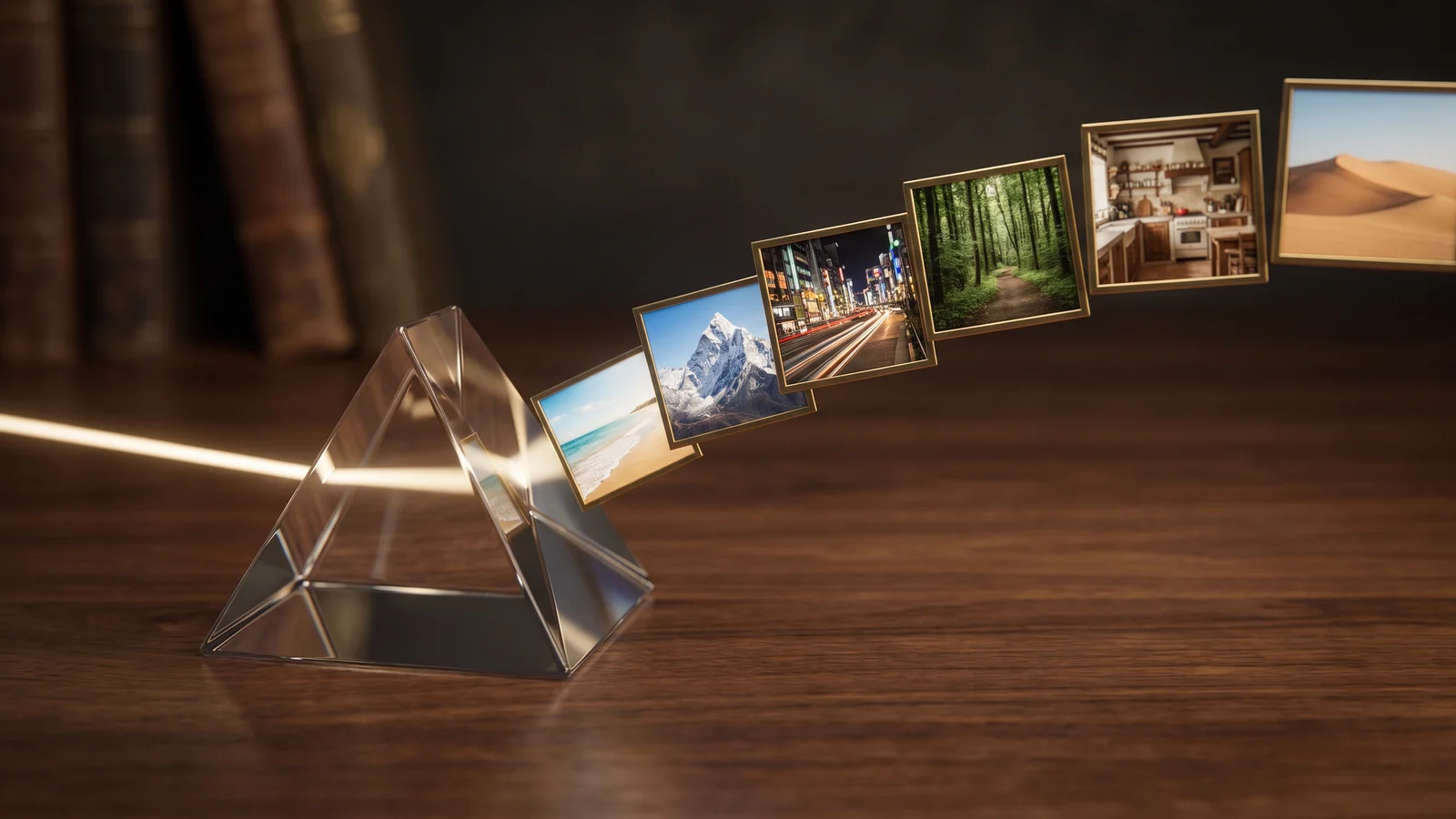
Want to generate multiple images from one prompt that actually differ? Why "make 6 different images" fails, and how to turn one idea into one prompt per image.
7 min read
Guides, model comparisons and hands-on workflows for AI image generation — from writing prompts that hold up across a whole batch to picking the right model for the job.
Want to generate multiple images from one prompt that actually differ? Why "make 6 different images" fails, and how to turn one idea into one prompt per image.
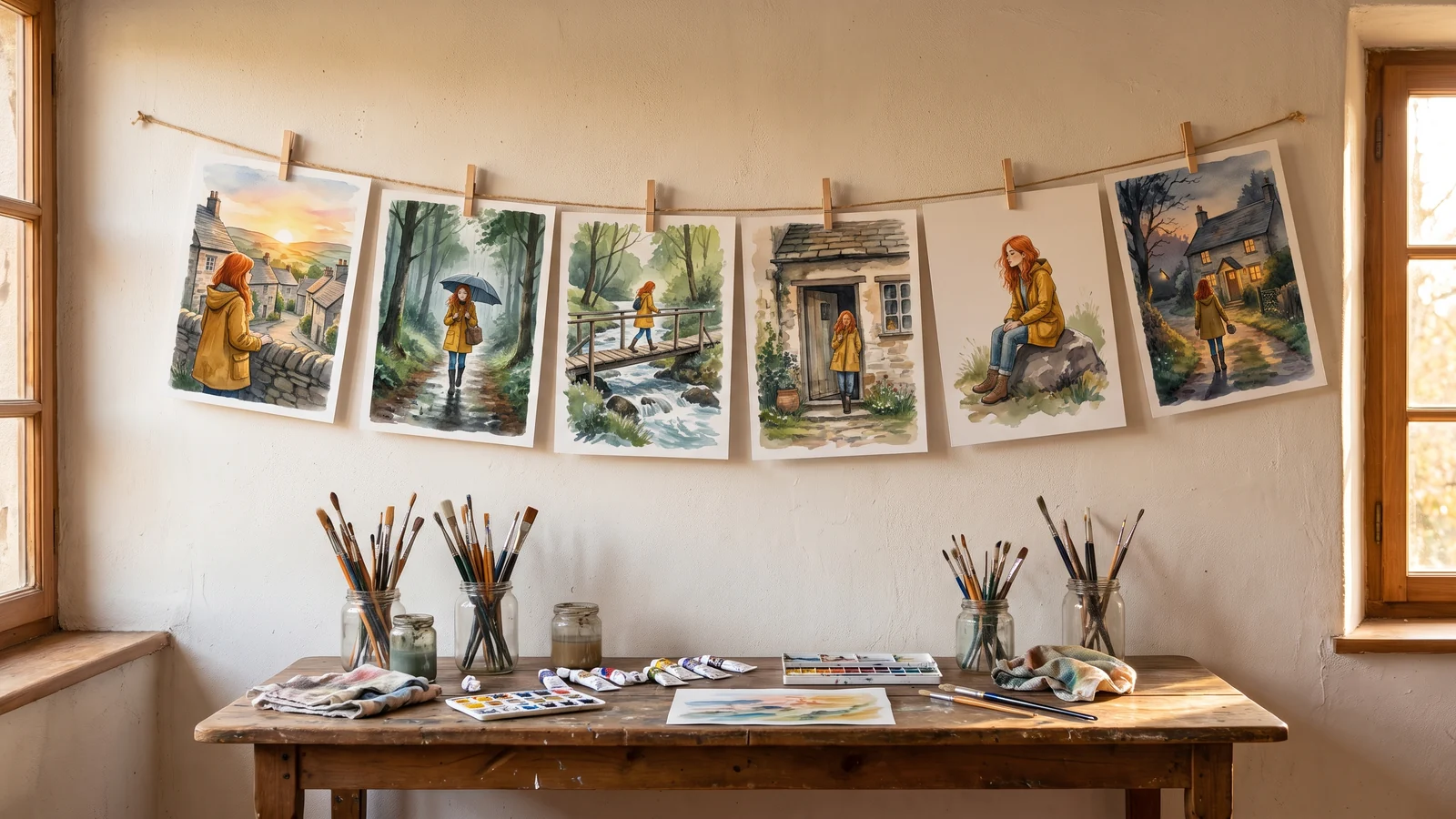
Make consistent character AI images across every scene: one reference image, one lock sentence, a numbered scene list, and two-character shots that hold up.
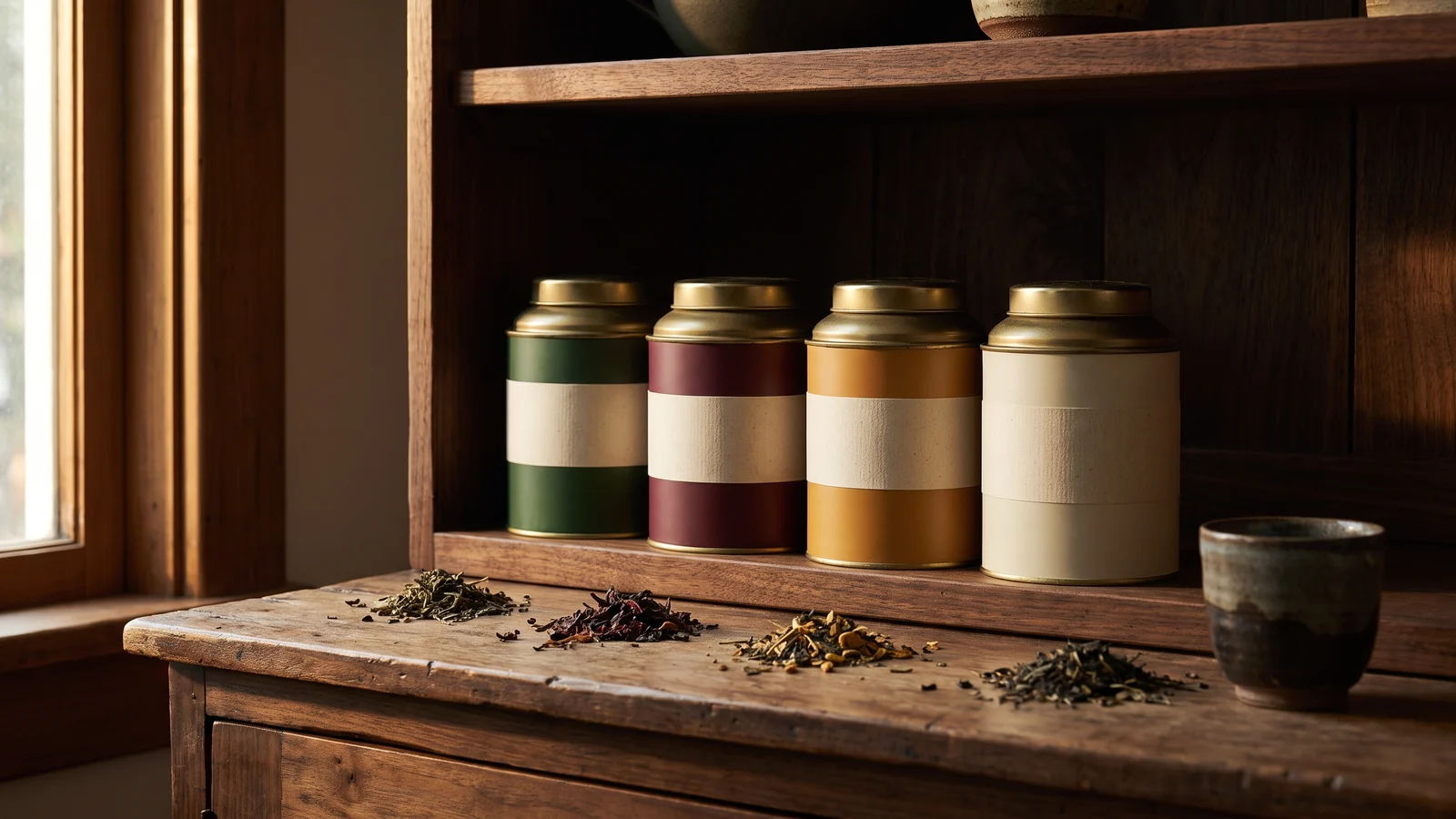
Create on-brand product photos for every new SKU: turn your brand style into a reusable shot list, then re-run it on each new product with the same settings.
Make product photos with consistent backgrounds for a whole catalog: three methods, from a shared scene spec to one background plate, with the exact settings.
Generate images from a list of prompts in one batch: one prompt per line, check the image count and credits first, then download every image as one ZIP.
How to generate images in bulk in 2026: chat apps, Midjourney, Canva, Firefly, Ideogram, OpenArt, Batch APIs and BulkImagen compared, plus first-batch tips.
Create bulk product photos with AI from the photos you already have: one reference per product, four scenes each, the whole catalog in one batch and one ZIP.
Write one prompt per line or upload a CSV, pick a model, and BulkImagen renders the whole set in parallel. New accounts get free credits to try it.