A listing is twenty-odd photos that all want the same few fixes: a bluer sky, a tidier room, a warmer dusk. This real estate photo editor takes the whole set, applies one written instruction to each photo separately, and returns the lot in a ZIP. It also comes with a plain note on disclosure, because altered listing photos are usually meant to be labelled.
Drag & drop or click to upload — PNG / JPEG / WEBP / GIF, up to 10MB each.
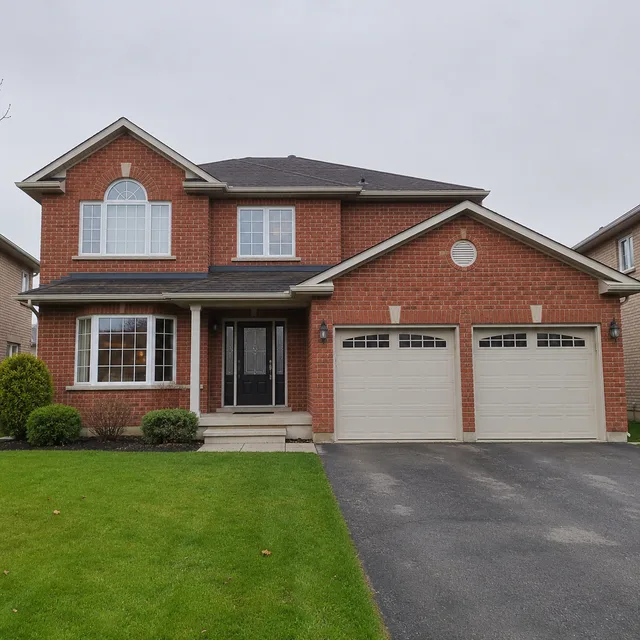
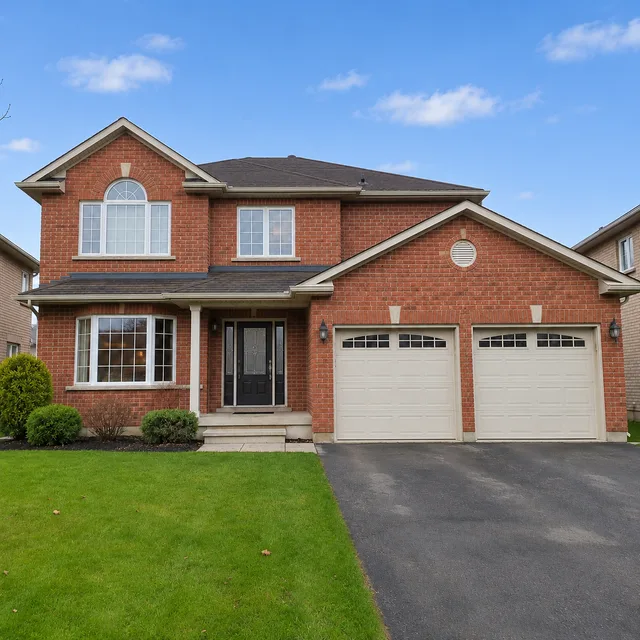
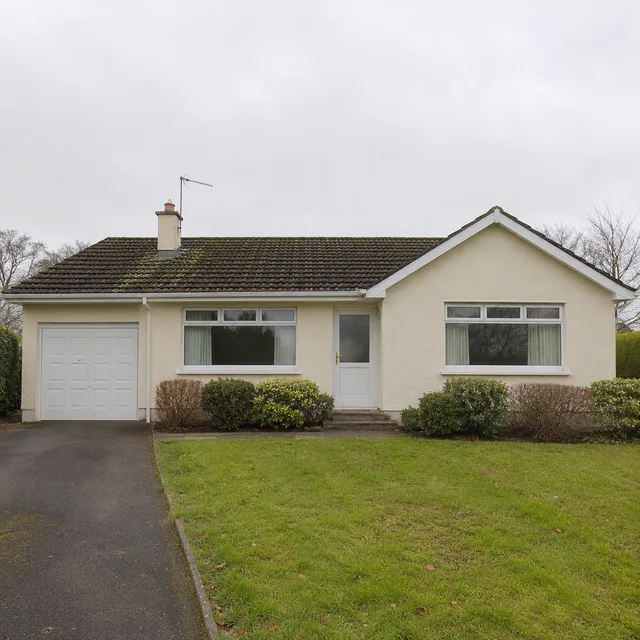
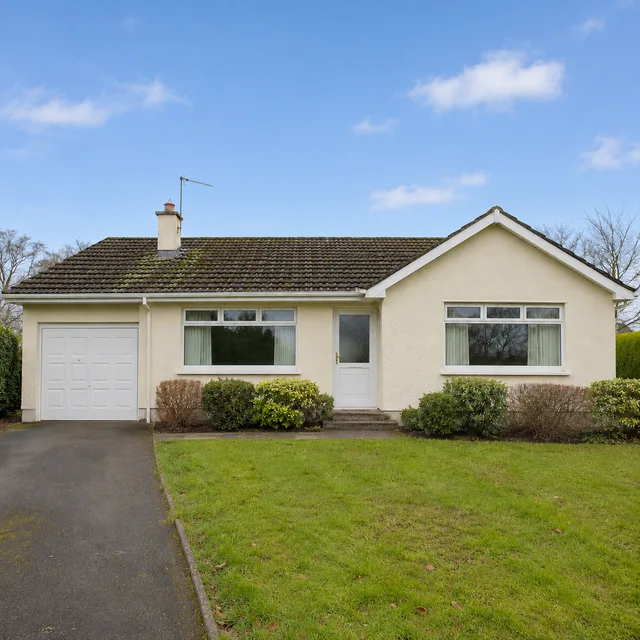
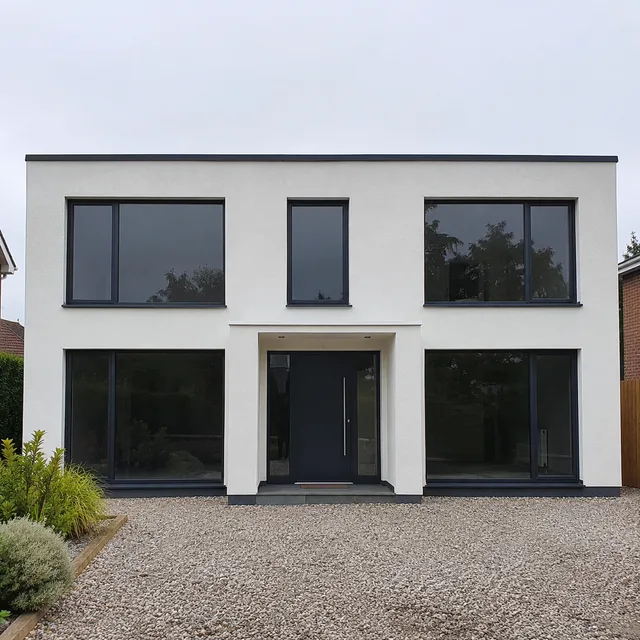
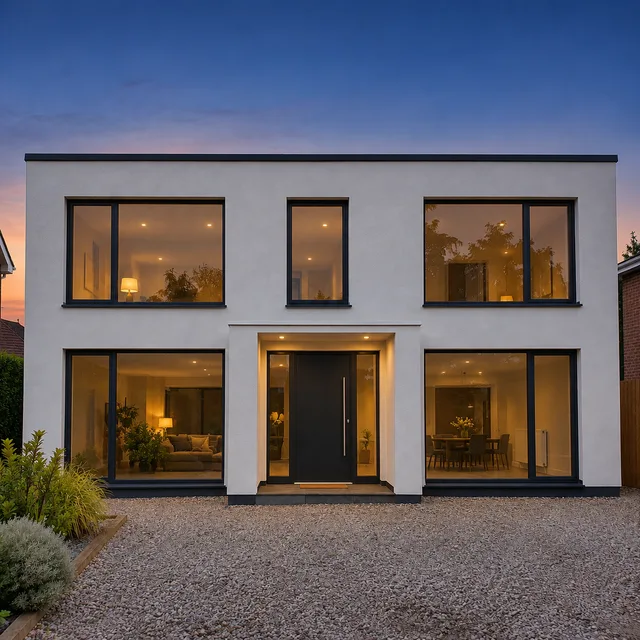
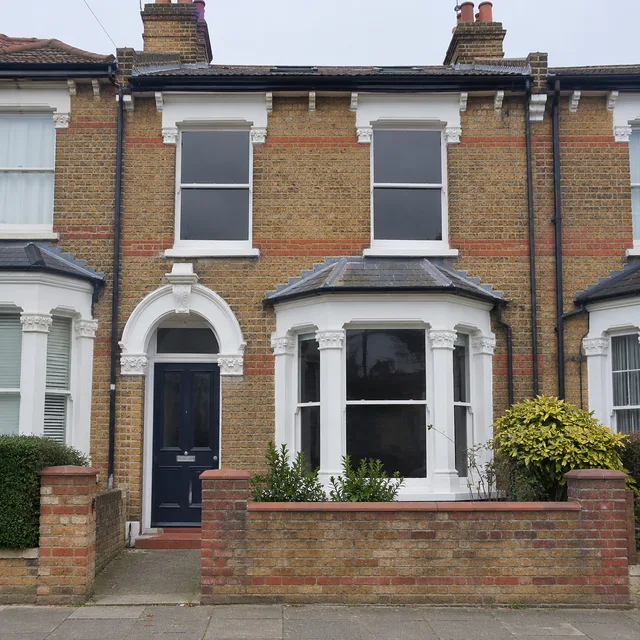
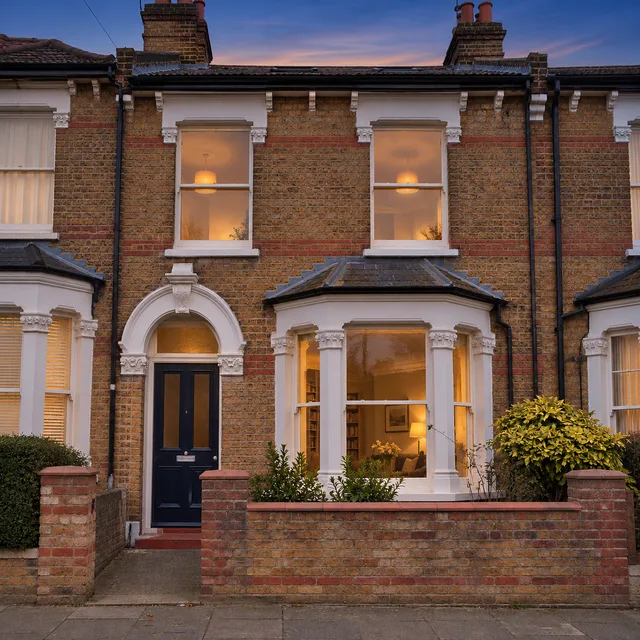
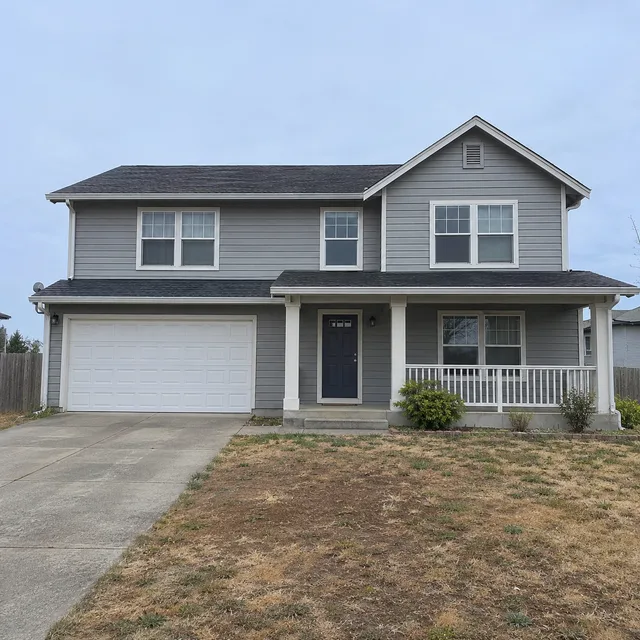
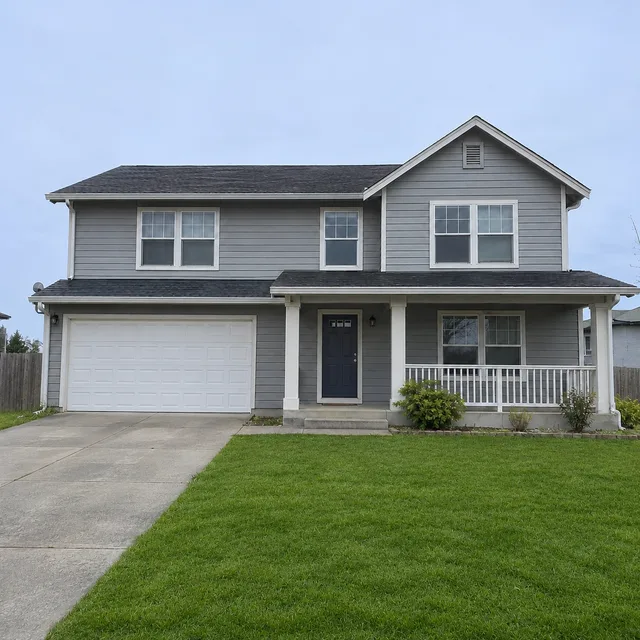
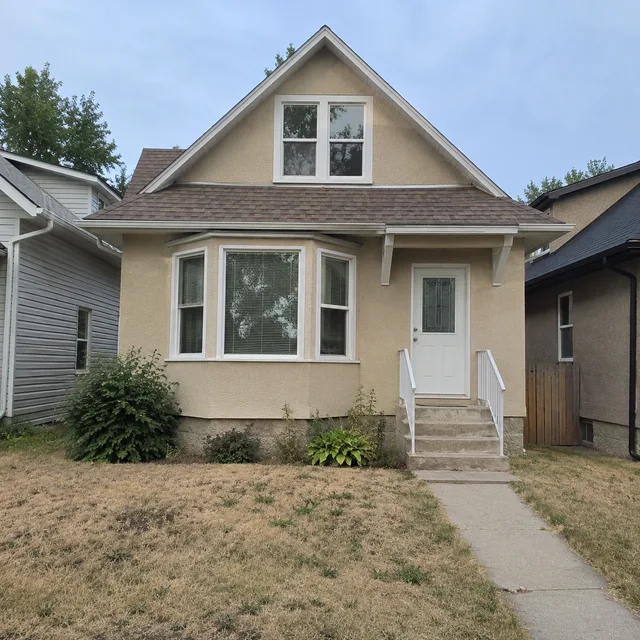
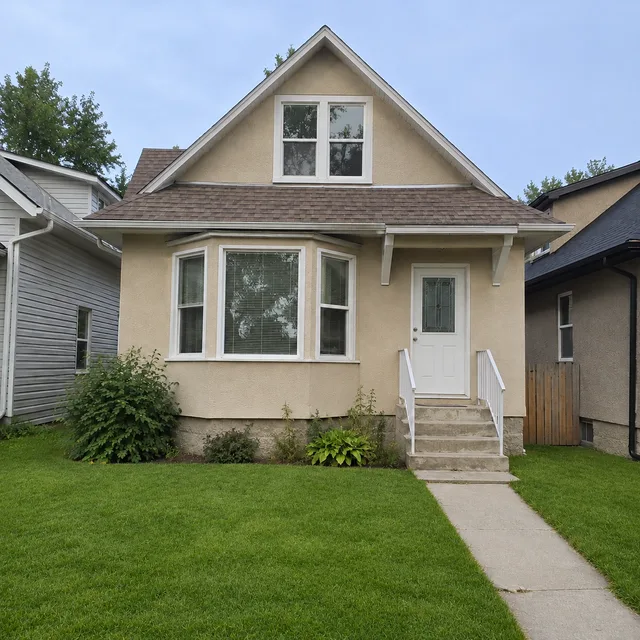
Every row is one instruction run on two different photos: the untouched original first, then the edited result, then a second property and its result. The properties are generated for this page and are not real listings. Treat each row as a sample of the edit, not a promise about your own photos.
replace the flat grey sky with a clear blue sky and a few soft clouds; the house and lawn stay as they are
remove the toys, laundry, shoes, boxes and bags; keep the sofa, the bed and the wardrobe
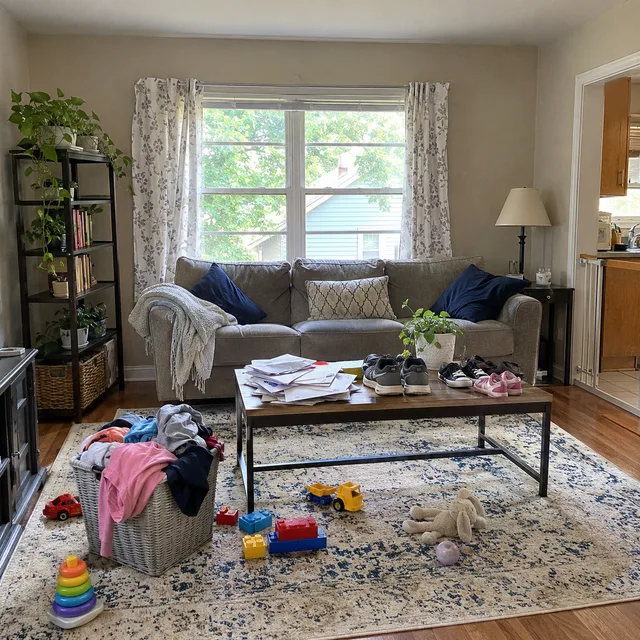
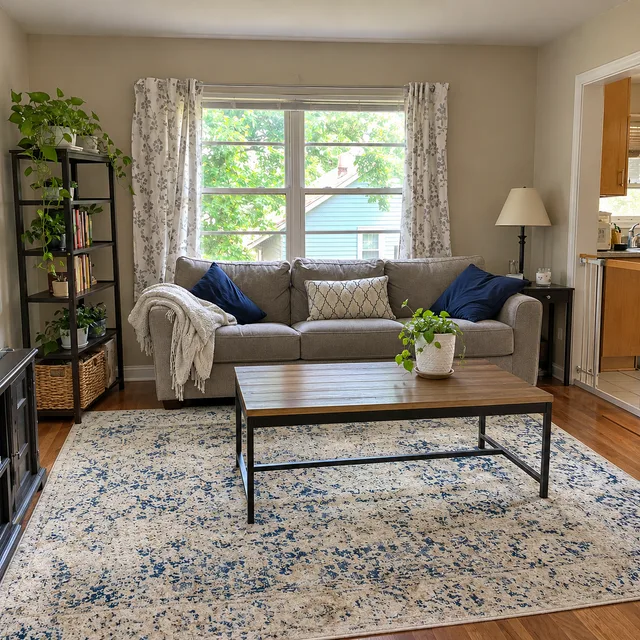
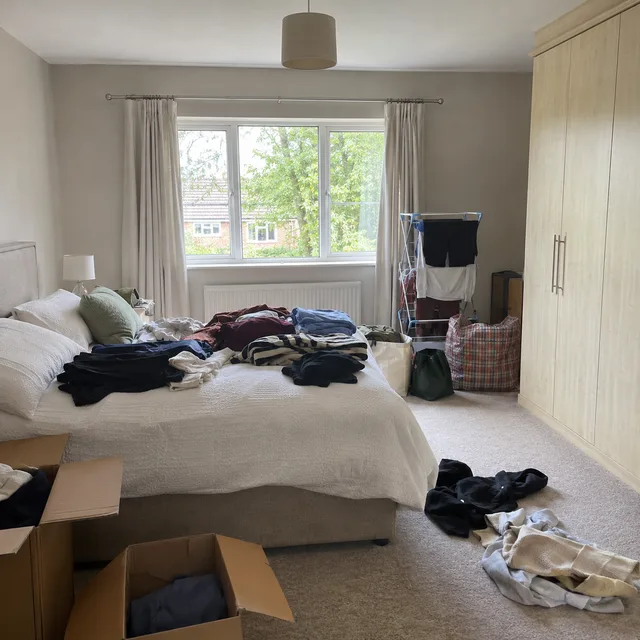
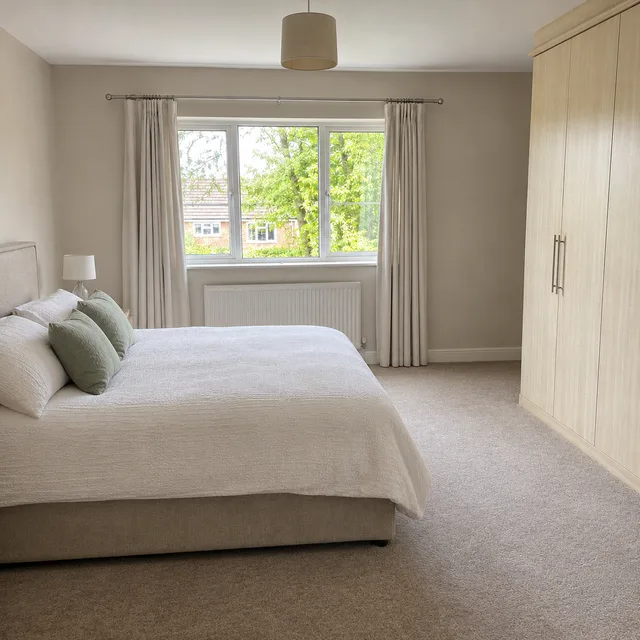
add a sofa, table and rug to the empty living room and a bed to the empty bedroom, without touching walls, floors or windows
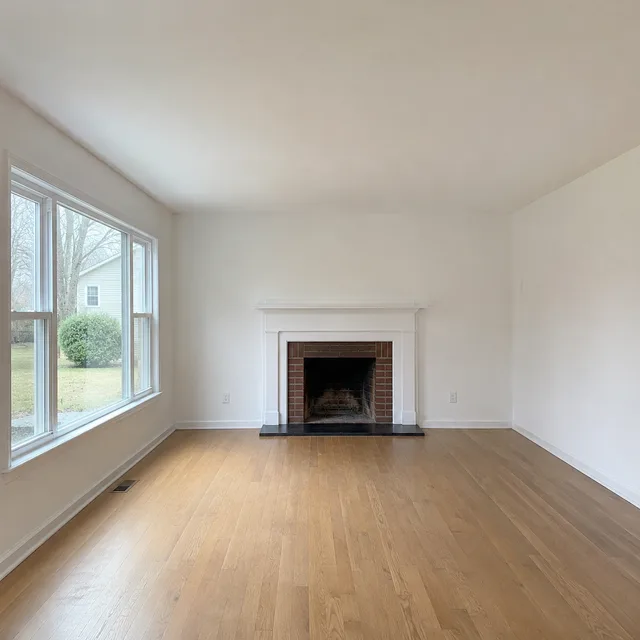
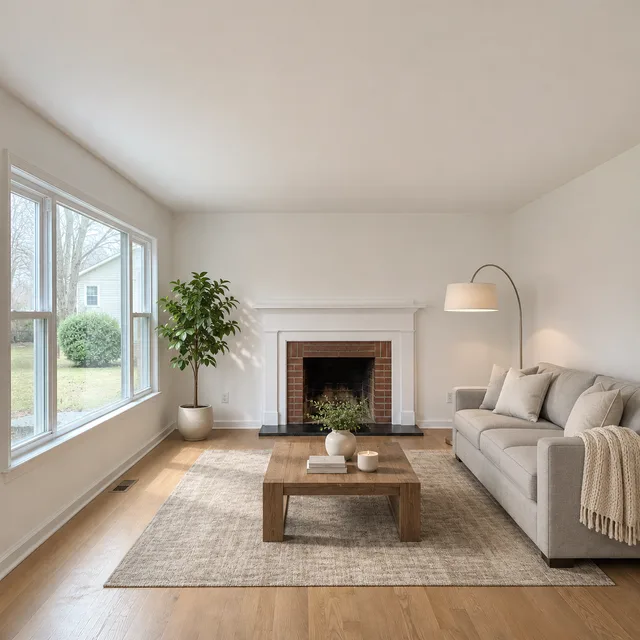
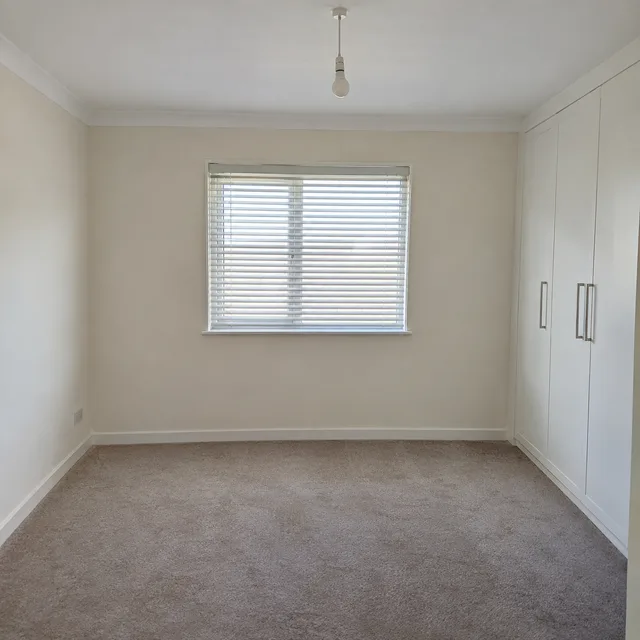
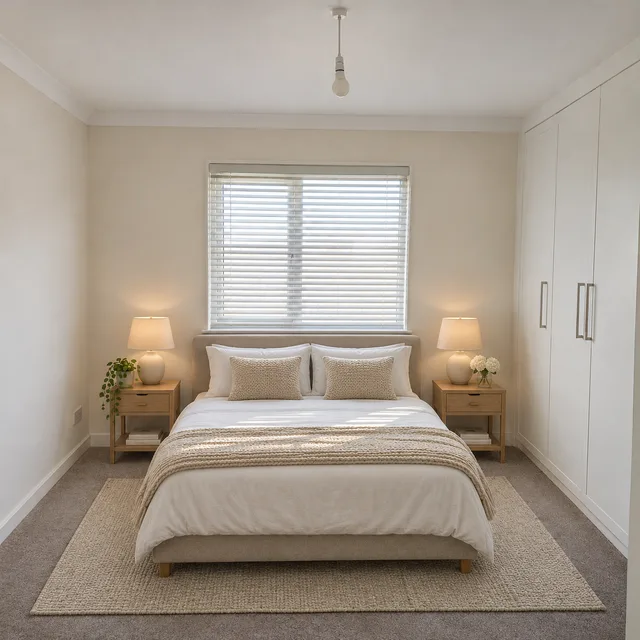
deep blue dusk sky, warm light glowing in the windows, house otherwise unchanged
make the dry front lawn look healthy and green, keeping the same outline, paths and borders
One instruction · every listing photo edited · one ZIP
Photographers and agents repeat the same retouches on every shoot. Describing an edit once and letting a real estate photo editor run it across all the frames removes the repetition, and leaves the judging to you.
Swap a flat sky for a blue one, clear toys and laundry from a lived-in room, place furniture in an empty one, turn a daytime exterior into dusk, green up a dry lawn, or brighten a dark room. Each is a one-line instruction applied to every real estate photo you upload.
The instruction asks the model to keep walls, windows, floors, fixtures, room size and every permanent feature as they are, and never to hide damage. Because the picture is re-rendered, still look for drift: a window count, a roofline, a door position, how big a room seems.
Many listing services expect altered photos to be labelled, and some restrict particular edits. The questions below summarise what the published rules say, with the source named, so you can check the rule that applies to your listing before anything is published.
Three steps with the real estate photo editor, and the last one is yours.
Add the real estate photos. When you upload several, the form offers Combine images, which merges them into one result, and Per image, which edits each photo on its own. A listing needs Per image.
Choose sky, declutter, staging, twilight, lawn or brightening, and describe it. For staging, name the furniture and style. Edits that need a different decision per room, such as a different style in each, are better as separate batches.
Put each result next to its original and look for anything that changed that should not have. Keep the originals: several rules ask for the unaltered photo to be shown or retained alongside the edited one.
The people who feel the repetition most are the ones with a new set of real estate photos every week, and a real estate photo editor that works in bulk is aimed at them.
A phone-shot listing with grey weather and a lived-in living room still has to go live. Tidy and brighten the set of real estate photos, then label the edited ones the way your listing service requires.
A first pass on every frame of a shoot: sky, brightness, a quick declutter. Use the batch to get through the repetitive frames, then retouch the hero shots by hand.
Short-term rental hosts, property managers and owners selling privately have the same dull-sky photos and no editor on staff. The same disclosure thinking applies wherever the photos are used.
Something not covered? Email us at support@bulkimagen.com
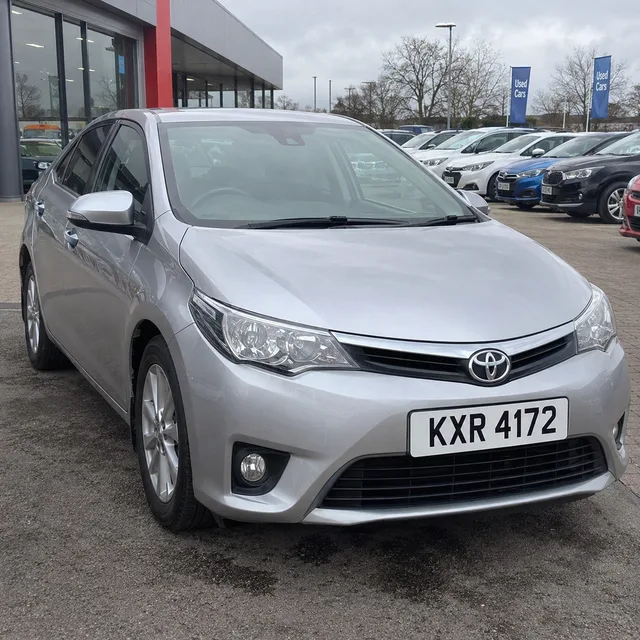
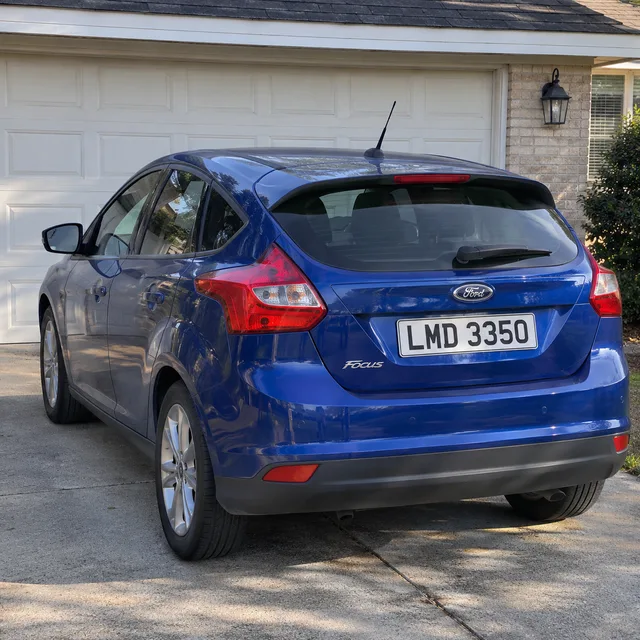
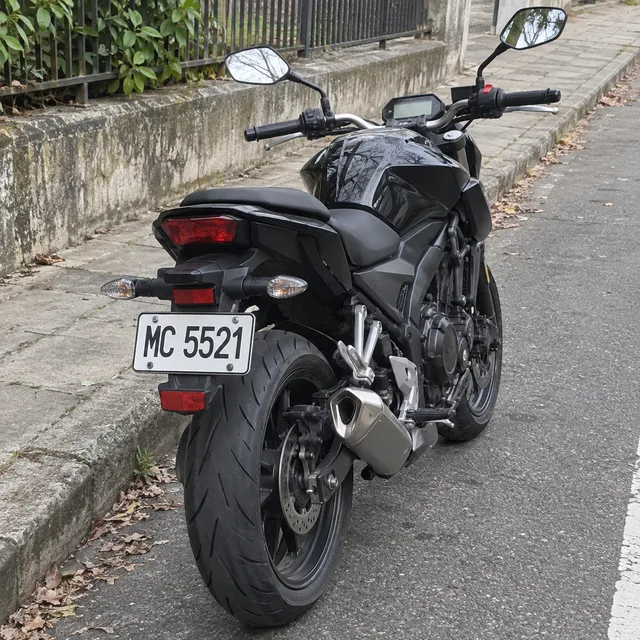
Blur license plates across a whole folder of car photos: one instruction, every photo edited on its own and returned in one ZIP, plus how to check each plate.
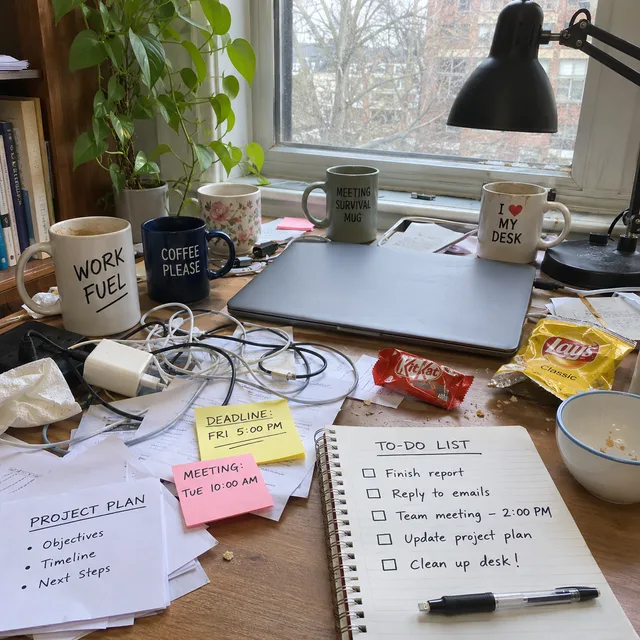
A bulk AI photo editor for the photos you already have: upload a folder, write one instruction, and every photo is edited on its own, then delivered in one ZIP.


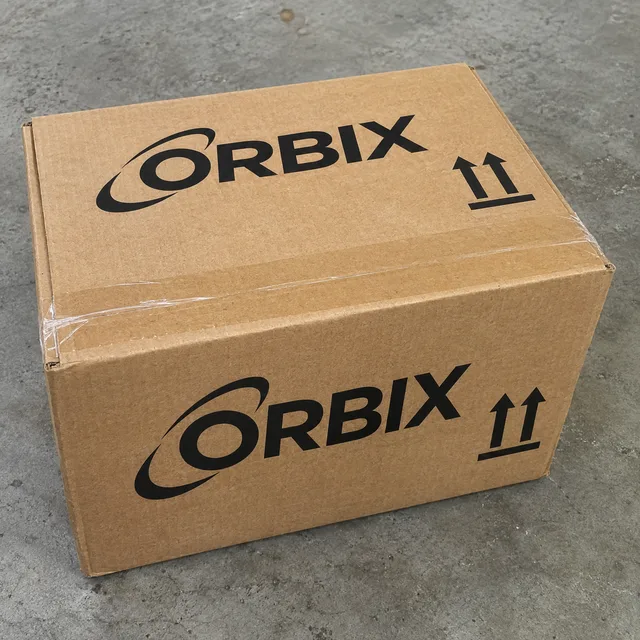
Replace logo in photos in bulk: upload product shots, say which logo goes and what takes its place, and each photo is edited on its own and returned in one ZIP.
Upload the photos, choose Per image, pick the edit and let the real estate photo editor work through the set. Compare every result with its original, label what you changed, and keep your originals.
