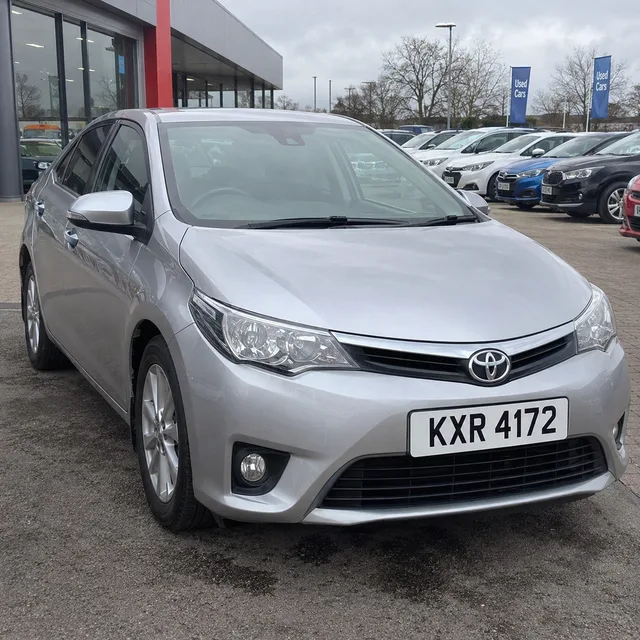
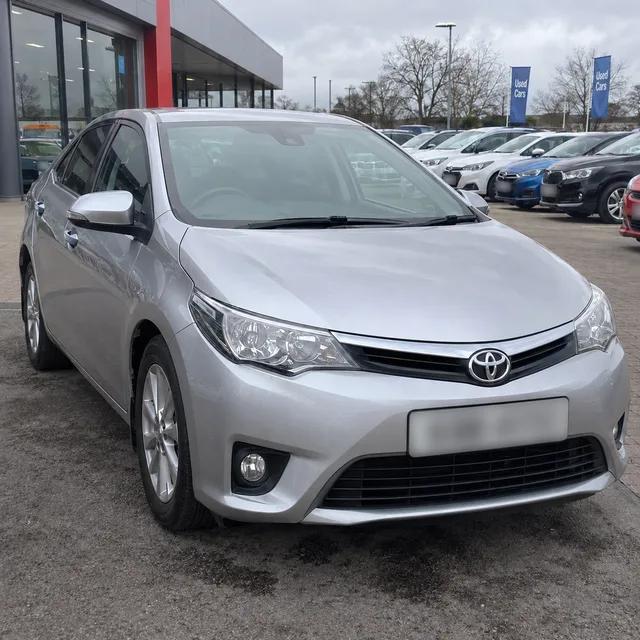
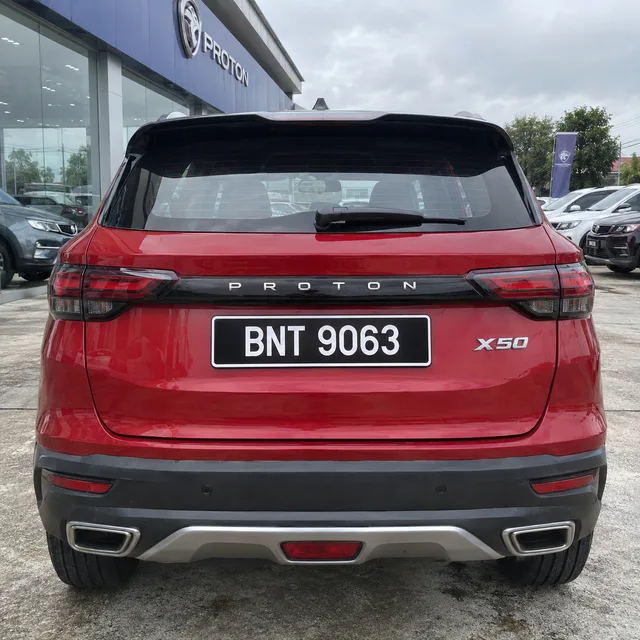
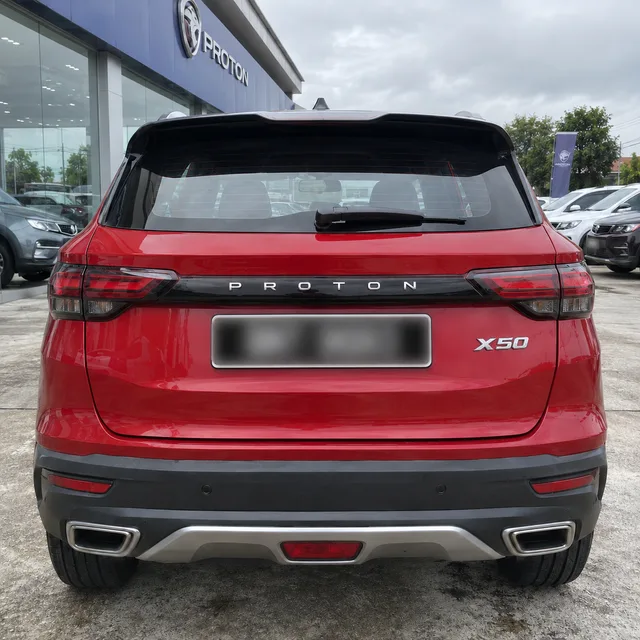
A dealer with sixty cars on the lot, a seller with a phone full of driveway shots, a club with an archive of event photos: each has a folder where the license plates should not be readable. This tool lets you blur license plates across the lot. Write one instruction, upload the photos, and every one is redrawn with its license plates obscured. The model re-renders each picture, so one step is not optional: look at every plate before you publish.
Drag & drop or click to upload — PNG / JPEG / WEBP / GIF, up to 10MB each.
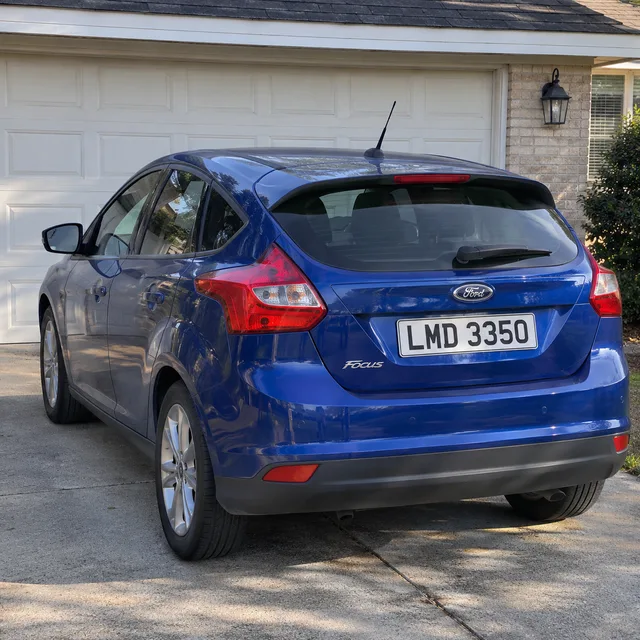
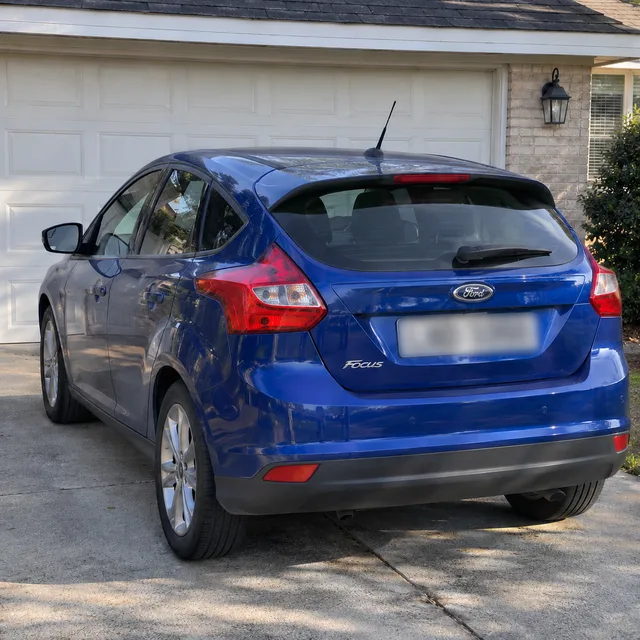
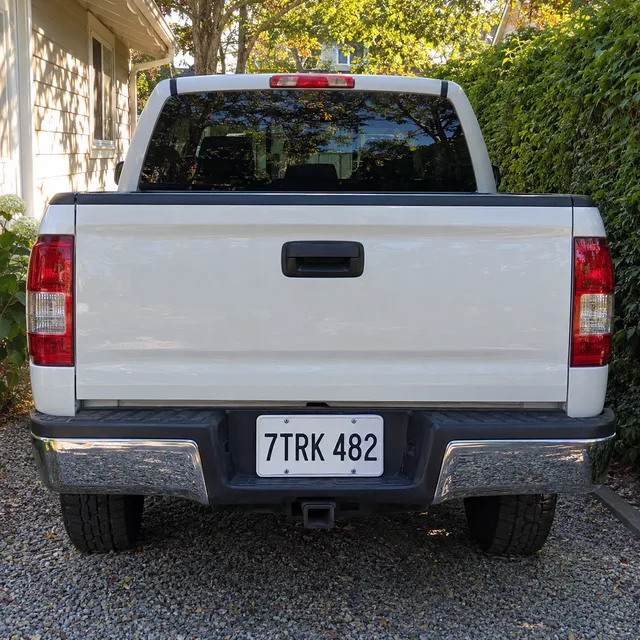
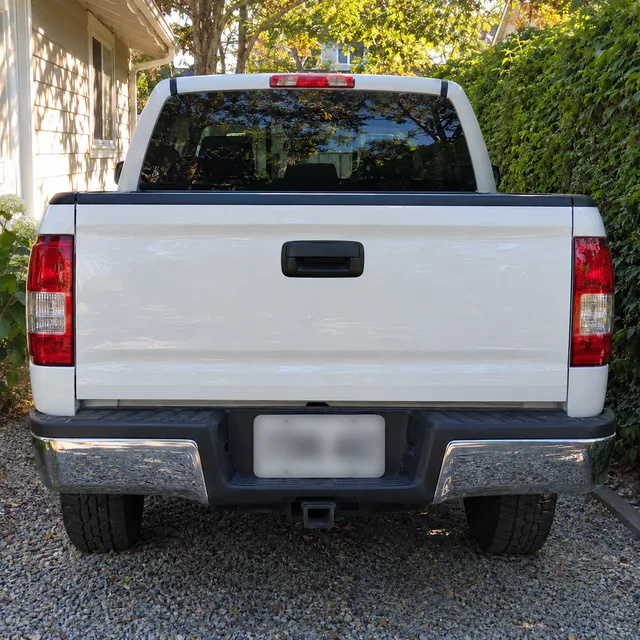
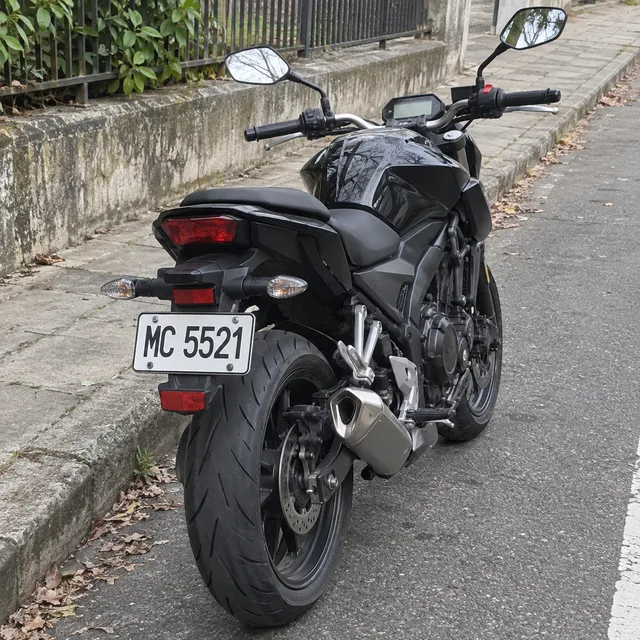
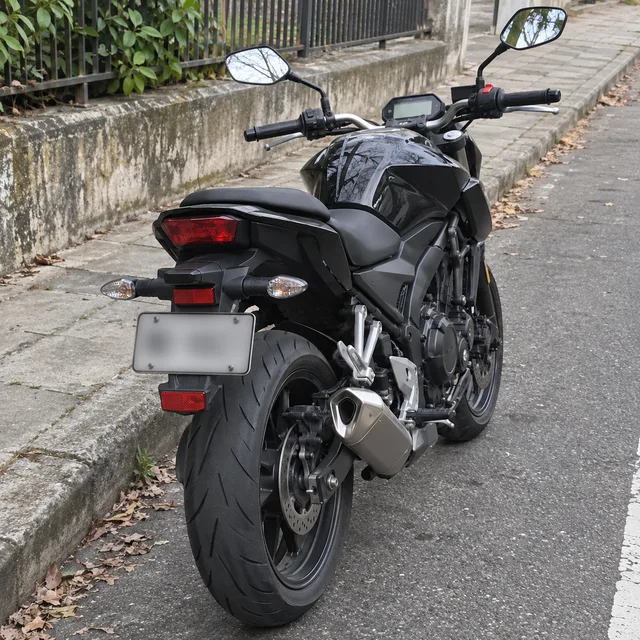
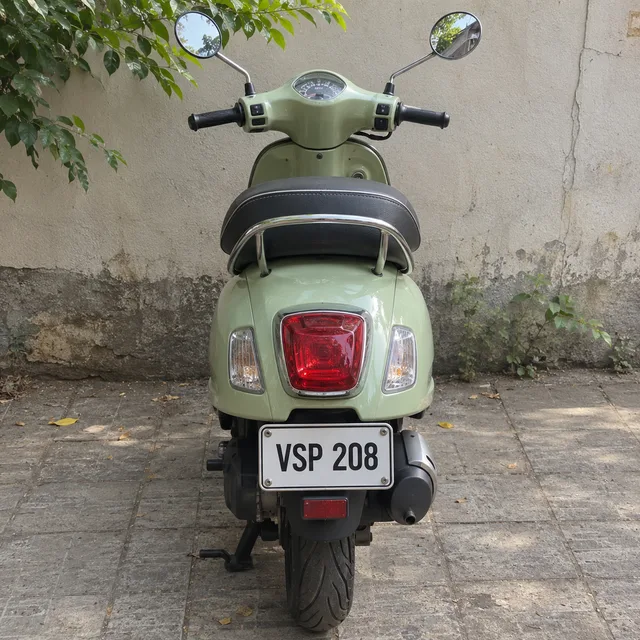
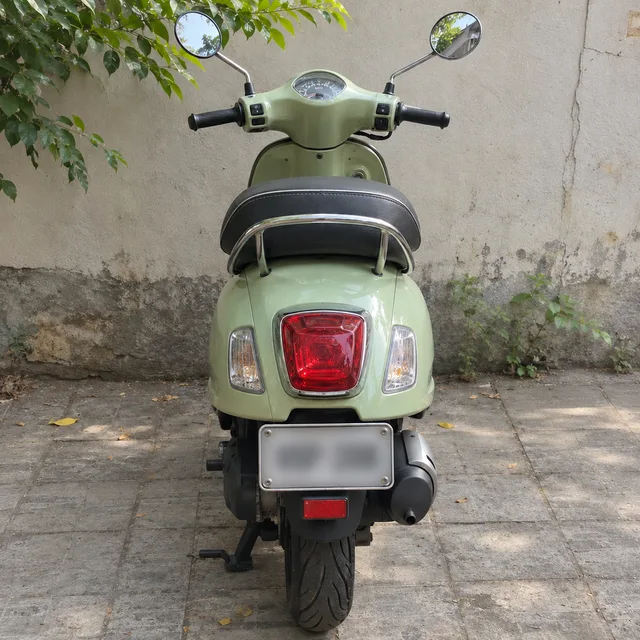
Each row is one instruction run on two different cars: the untouched photo first, then the result, then a second car and its result. The cars and license plates are generated and fictional. Look at the license plates in the results the way you will look at your own: closely, at full size, one by one.
blur the front plate of the sedan and the rear plate of the SUV until no character can be read
blur the plate on the hatchback and on the pickup, small or angled plates included
blur the small rear plates on the motorcycle and the scooter
blur every plate in the photo, the cars in the background as well as the nearest one
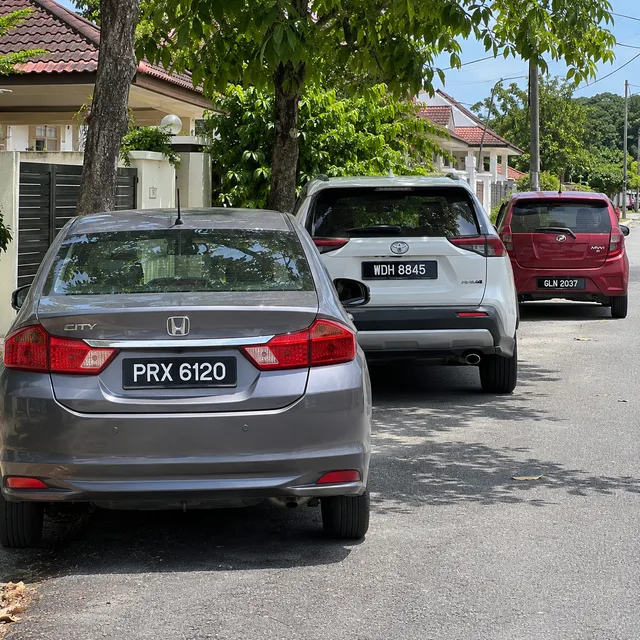
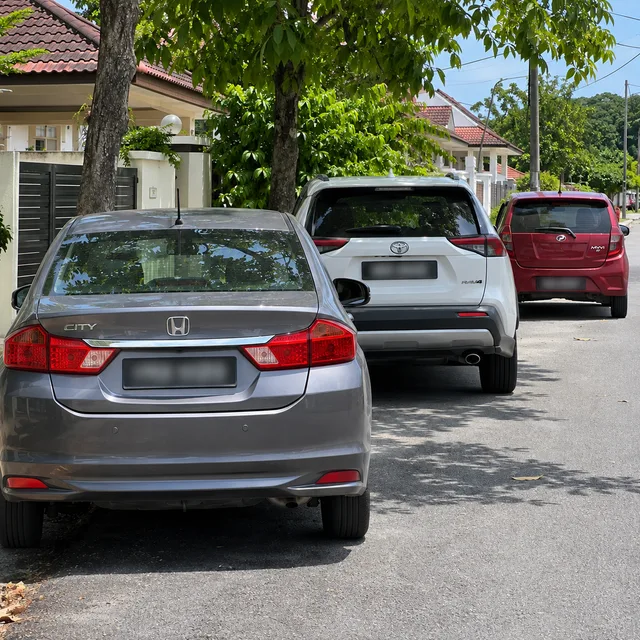
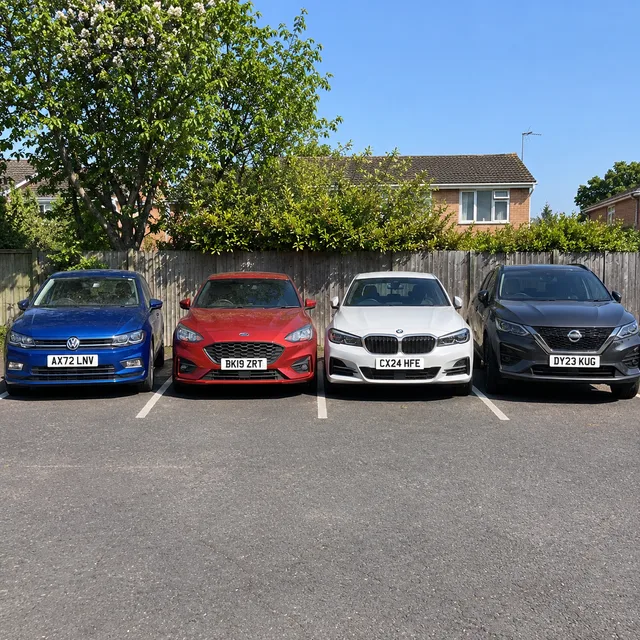
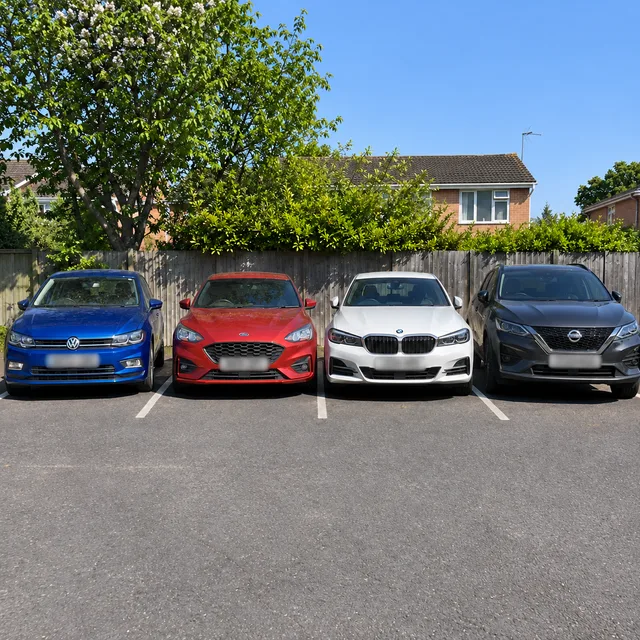
replace the plate with a plain blank white plate, no characters at all
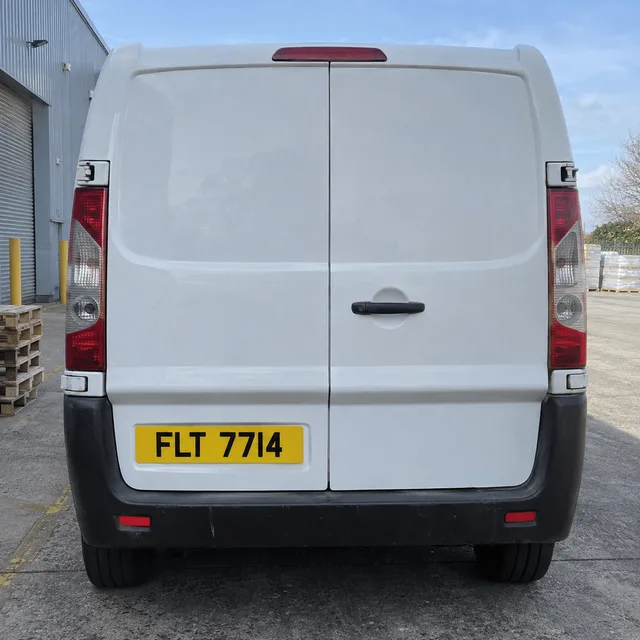
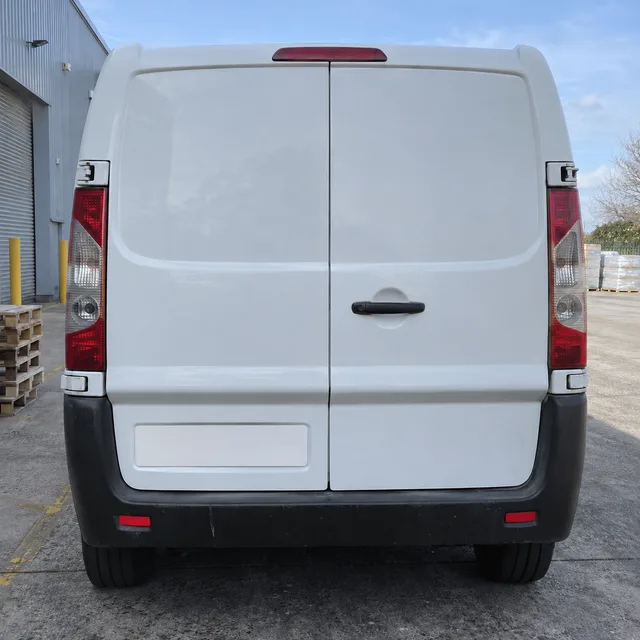
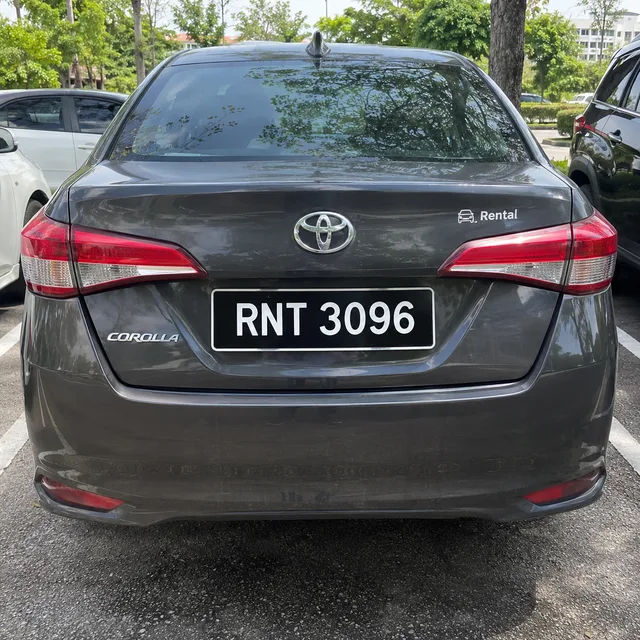
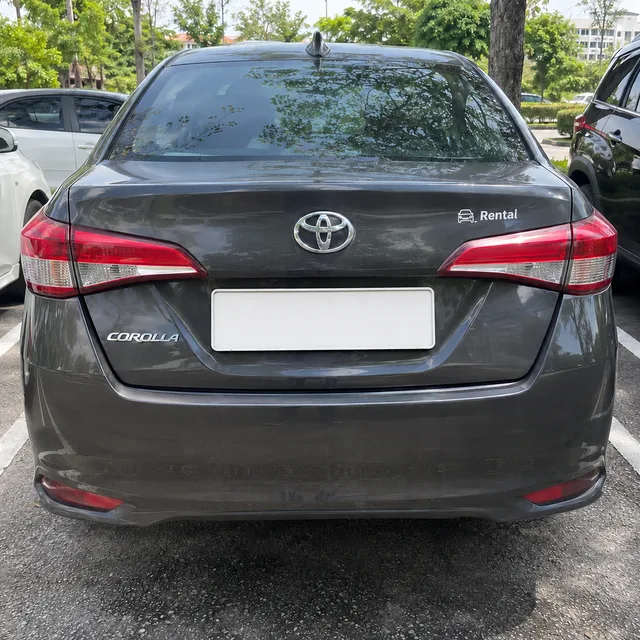
One instruction · every plate obscured · one ZIP · check each one
Doing license plates by hand means a brush or a box in an editor, repeated photo after photo. Writing the instruction once and running it over the whole set is quicker, as long as you treat the result as a draft to inspect.
Upload the photos, choose Per image as the reference mode, and every photo gets the same license plate instruction on its own. Say whether it applies to every vehicle in the frame or only the main car, and the batch follows the number of photos you upload.
Pick how the plate is hidden: a heavy blur, coarse pixelation, a solid bar, or a plain blank panel. When you are unsure, a solid bar or a blank panel leaves nothing to misjudge, while a light blur can leave characters partly readable.
This is an image model, not a plate detector. It redraws each photo, so it can miss one that is small, angled or shadowed, leave a partly legible character, or alter a badge or other lettering on the car. Check every result at full size before publishing; nothing here is a legal guarantee.
Three steps, and the third is the one that matters most.
Add the car photos. With several uploads the form offers Combine images, which merges them into one result, and Per image, which edits each photo separately. A folder of cars needs Per image.
Select blur, pixelate, solid bar or blank plate, then say whether it covers every vehicle, only the main car, or cars far in the background too. Add a note for anything unusual, such as a plate on a trailer.
Open each result at full size and look at every license plate, including the small, angled and distant ones. Rerun any that fail with a stronger treatment, and cover the stubborn ones by hand. Keep the originals separate and unpublished.
Wherever photos of cars go online, someone ends up wanting the license plates hidden, and usually for a whole set at a time.
Inventory photos are shot on the lot, and trade-ins can still carry the previous owner's license plate. Dealer guides describe hiding it as a courtesy to that owner and a way to keep a photo set looking consistent.
A seller with driveway photos may not want a registration number tied to a home and a profile. One used-car marketplace's picture policy says sellers may blur or cover the plate, and many do.
Event galleries, street photography and photo archives collect plates by accident. Run the whole gallery through one instruction, then inspect it before it goes public.
Something not covered? Email us at support@bulkimagen.com


Replace logo in photos in bulk: upload product shots, say which logo goes and what takes its place, and each photo is edited on its own and returned in one ZIP.
A bulk AI photo editor for the photos you already have: upload a folder, write one instruction, and every photo is edited on its own, then delivered in one ZIP.
A real estate photo editor for whole listings: sky, declutter, staging, twilight and lawn edits on every photo in one batch, plus MLS disclosure rules.
Upload the photos, choose Per image, pick a treatment and run the batch. Open every result at full size, rerun any plate that is still readable, and keep your originals.
