Most photo editing is repetition: the same fix, a few hundred times. This bulk AI photo editor takes the photos you already have, applies one written instruction to each of them separately, and hands the whole set back in a single ZIP. Upload the folder, say what should change, and review the results instead of opening every file.
Drag & drop or click to upload — PNG / JPEG / WEBP / GIF, up to 10MB each.
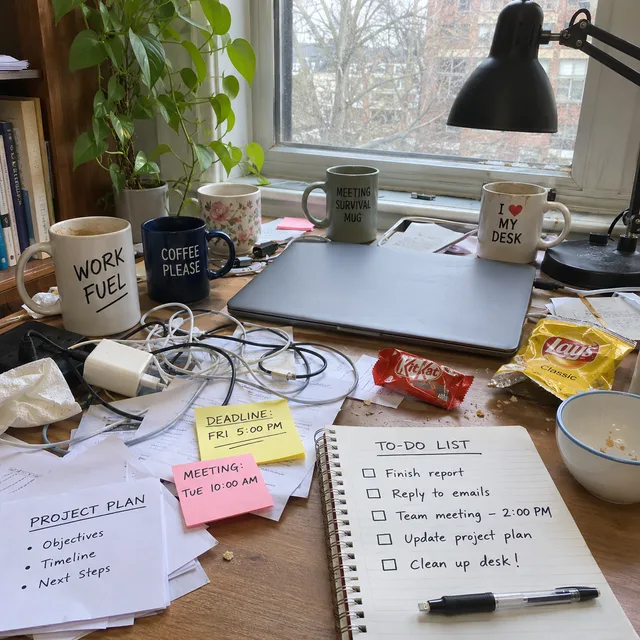
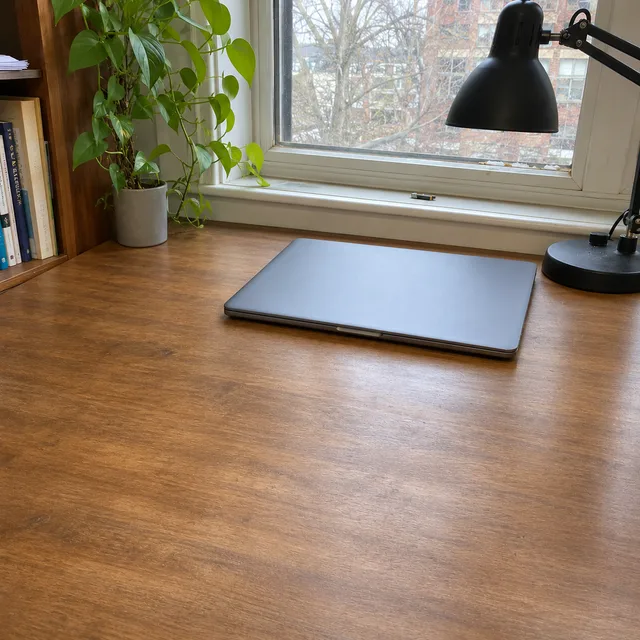
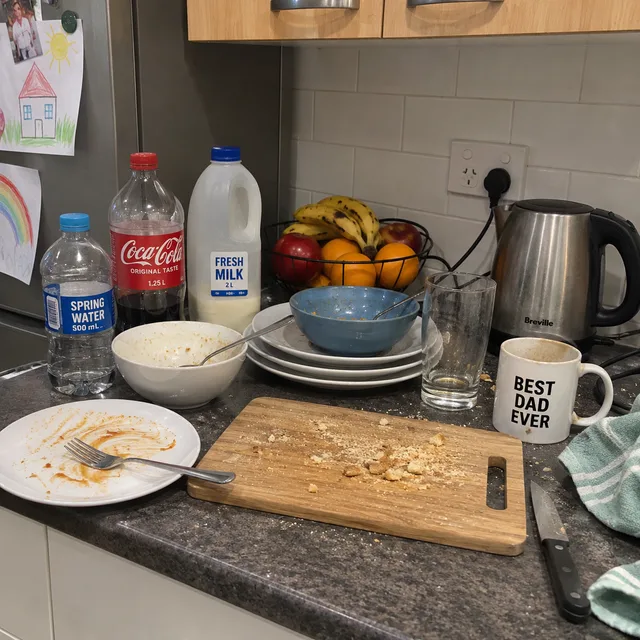
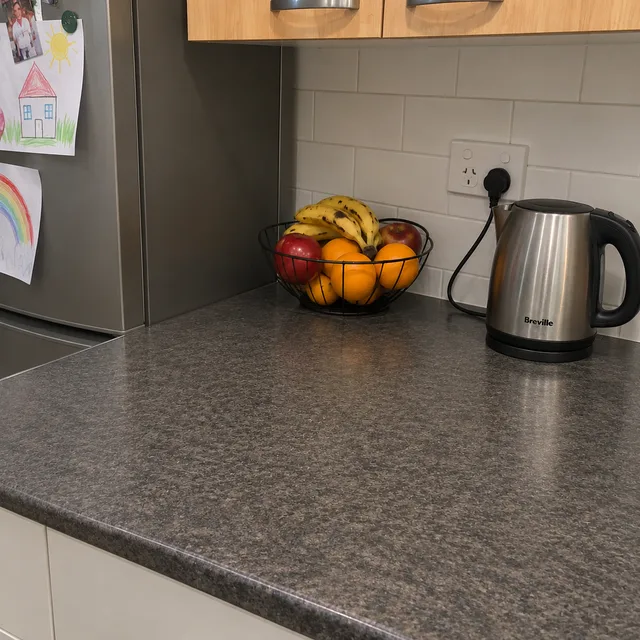
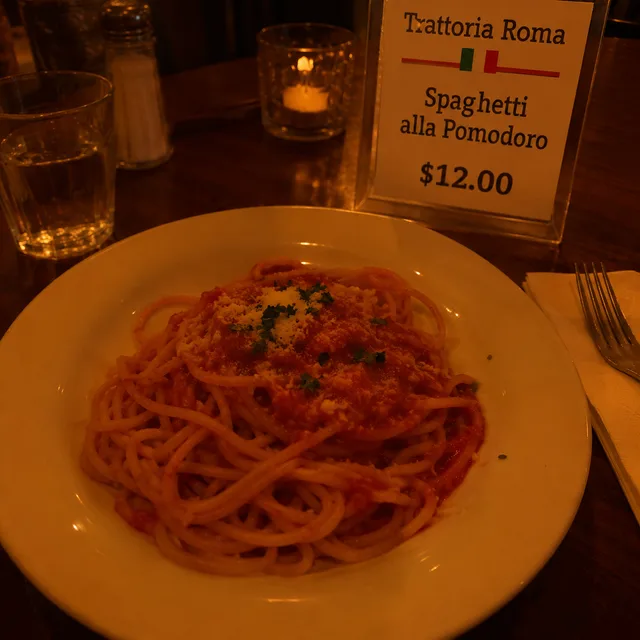
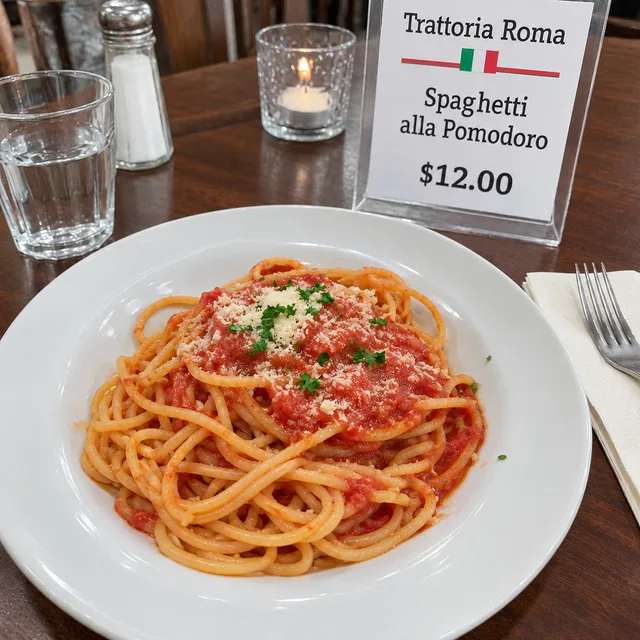
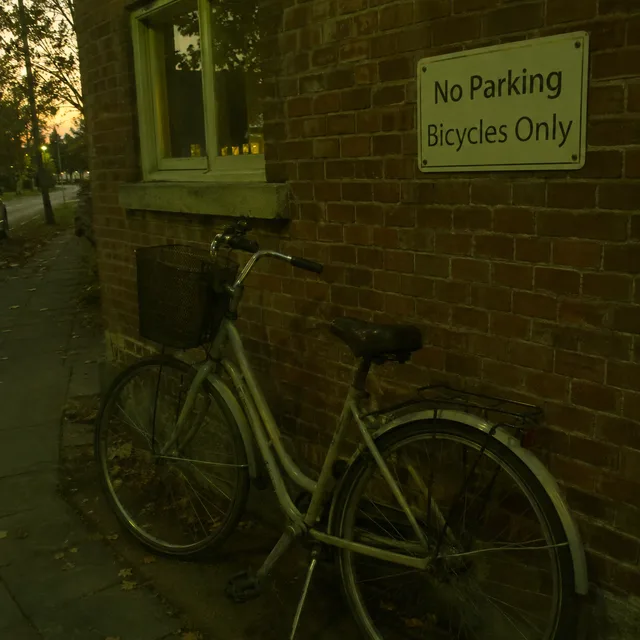
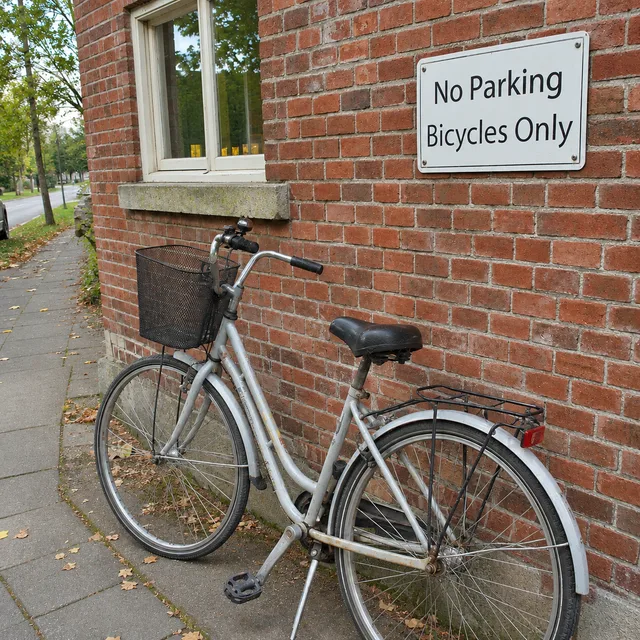
In every row the untouched photo comes first and its edited result second, then a different photo and its result. The originals are plain, unretouched snapshots and the wording of the instruction was the same for both, which is what a bulk photo editor is for: a fix that is described once and repeated.
remove the mugs, papers and cables from the desk and the dishes from the counter; keep the room as it is
put the same dog, same pose, in a sunny meadow instead of the living room
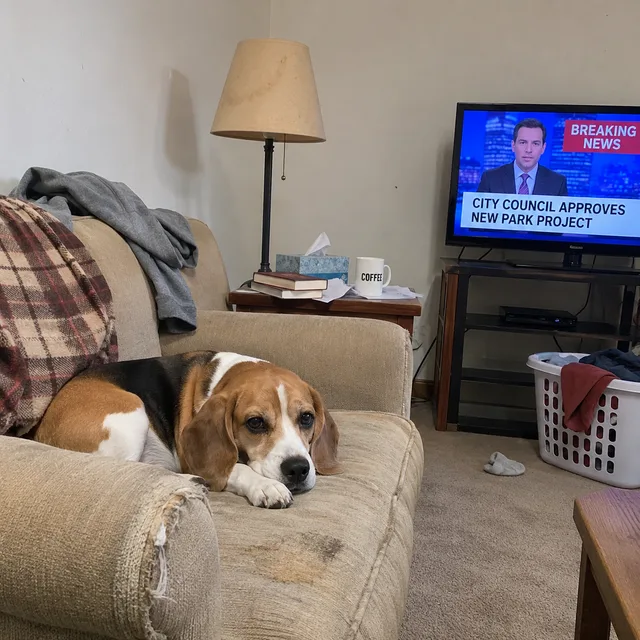
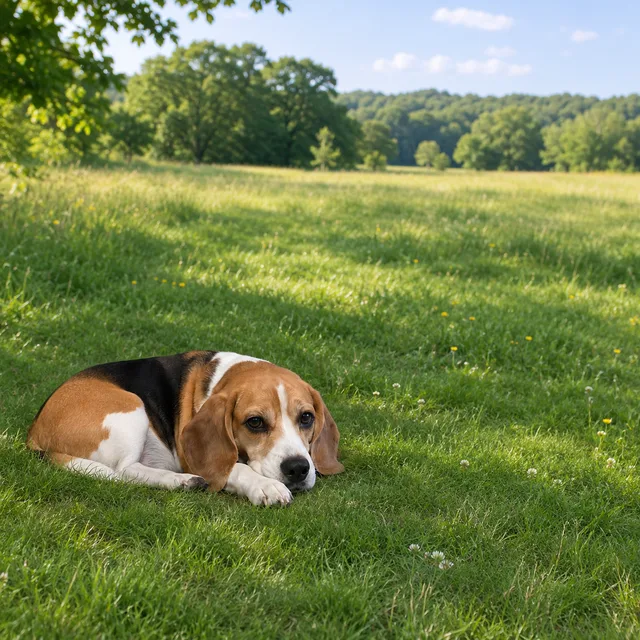
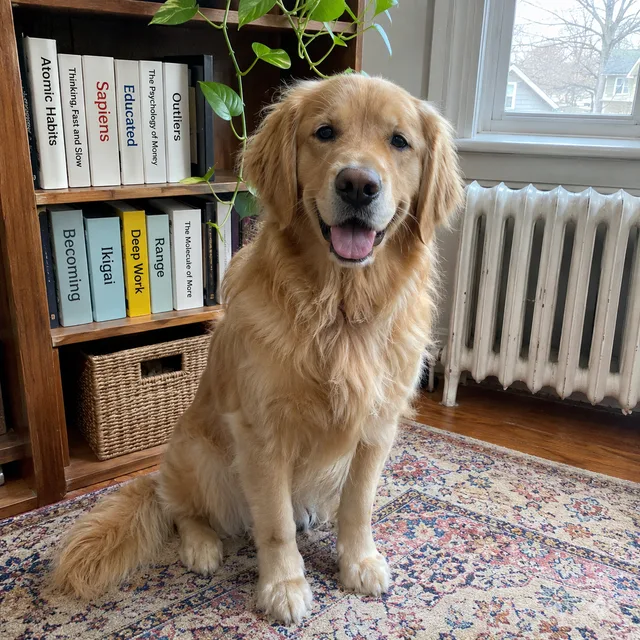
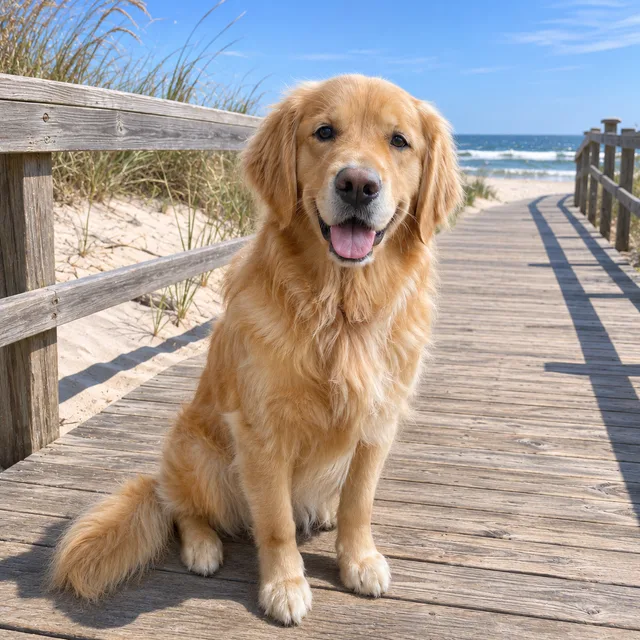
bright, neutral daylight instead of a dark orange cast; same dish, same bicycle
remove the orange date stamp from the corner and change nothing else
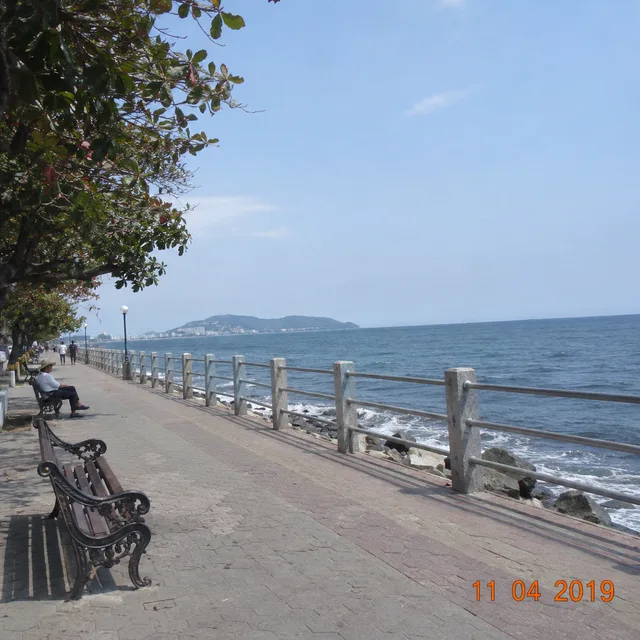
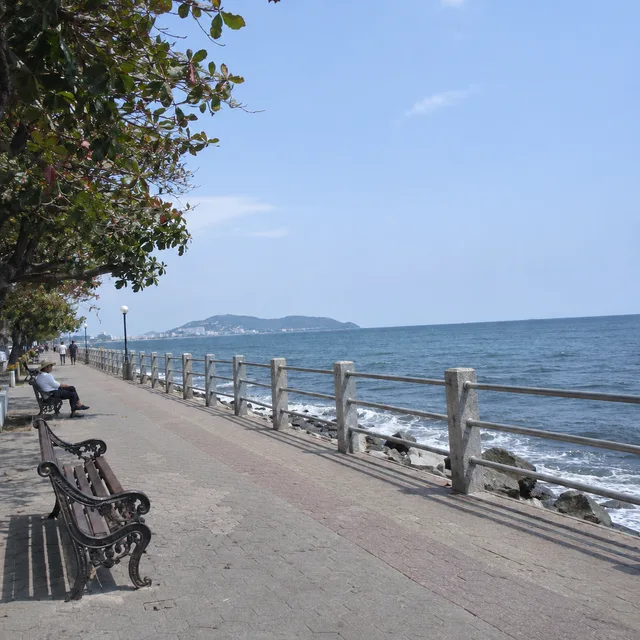
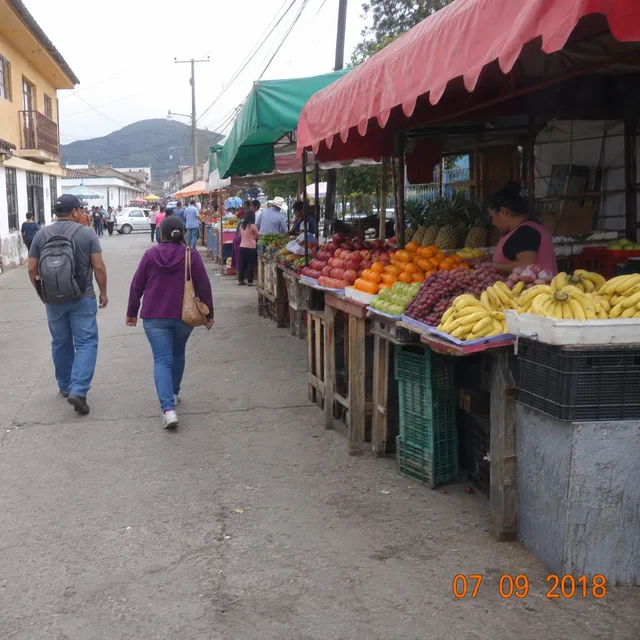
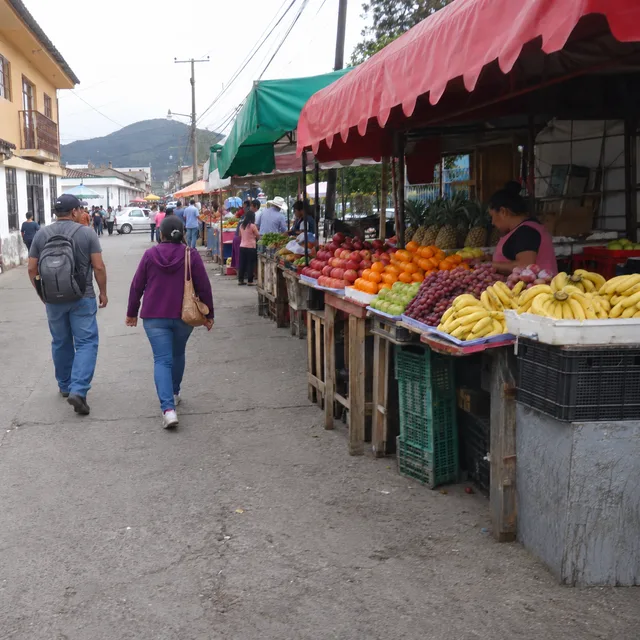
sharpen and denoise, without inventing detail that is not really there
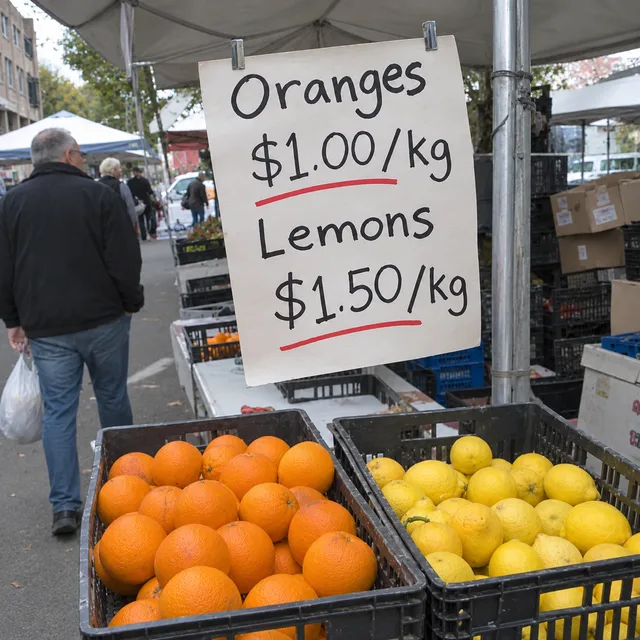
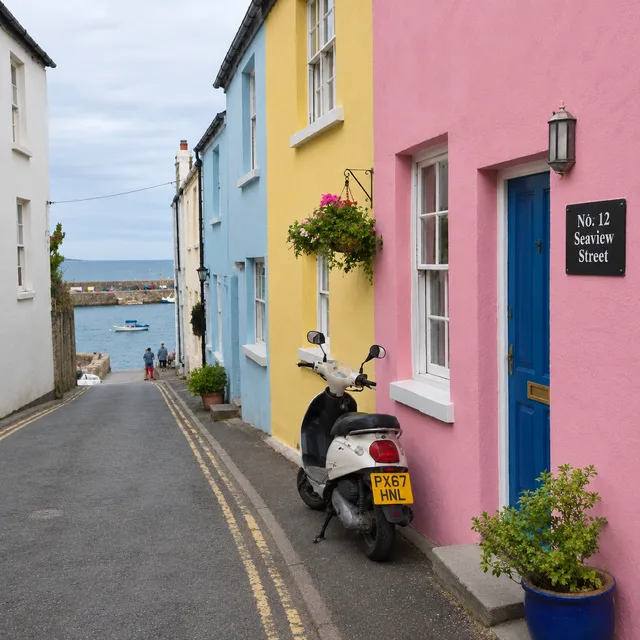
One instruction · every photo edited · one ZIP
Chat tools edit one picture at a time and expect you to repeat yourself. A bulk photo editor turns the repetition into a setting: write the instruction once and let every photo in the folder receive it. Think of it as a photo editor with a batch button.
Upload your photos, choose Per image as the reference mode, and this photo editor pairs each photo with your instruction and edits it on its own. The batch is as large as the folder you upload, up to your plan's limit, and the form shows the total before anything is spent.
Clear the clutter, put the subject somewhere else, fix a dark orange cast, drop a date stamp, sharpen a soft shot. A photo editor that works from words needs no masks to paint and no sliders to match between photos; you describe the result and name what must stay the same.
The model redraws each photo rather than painting over your file. Layout and subject usually hold, but small details can shift: a pattern, a word on a sign, the look of a face. Check the results before they go anywhere important, and keep your originals.
Three steps on one screen. The photo editor runs in your browser tab, nothing is installed and nothing is opened file by file.
Drop in the photos you want changed. When you add more than one, the form offers two reference modes: Combine images sends them all together as a single set, while Per image edits each photo separately. For a folder of photos you want Per image.
Pick the kind of edit, say exactly what should change, and say what must not. A precise instruction such as the mugs, papers and cables on the desk beats a vague one such as tidy this up, and the same words go to every photo in the photo editor's batch.
The edited photos come back together. Look through them, rerun the few that missed with a sharper instruction, and download the lot. The same instruction on a different set of photos is one more batch.
If you have ever fixed the same thing in thirty files by hand, a bulk AI photo editor is the shorter route. A few jobs come up again and again, and three of them have a page of their own.
Supplier photos arrive with someone else's logo or label on them. Removing or replacing that mark across a whole product range is a job for the bulk logo replacement page, which covers hard goods, apparel, packaging and background signs.
Listing photos want a blue sky, a tidy room or a hidden plate. The bulk real estate photo editor and the licence plate blur page keep their own checklists, including the disclosure and verification steps that belong with those edits.
A client folder with a shared problem: a dim venue, a date stamp, a distracting object in every frame. Use a photo editor like this for a consistent first pass, then finish the keepers by hand where it matters most.
Something not covered? Email us at support@bulkimagen.com


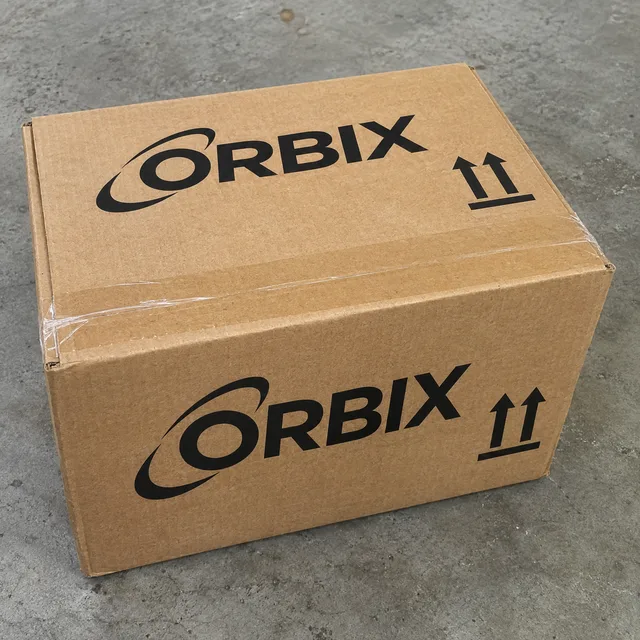
Replace logo in photos in bulk: upload product shots, say which logo goes and what takes its place, and each photo is edited on its own and returned in one ZIP.
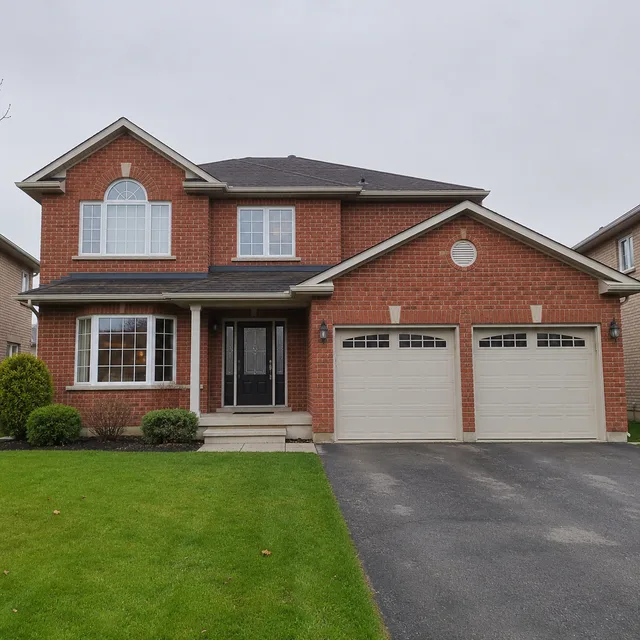
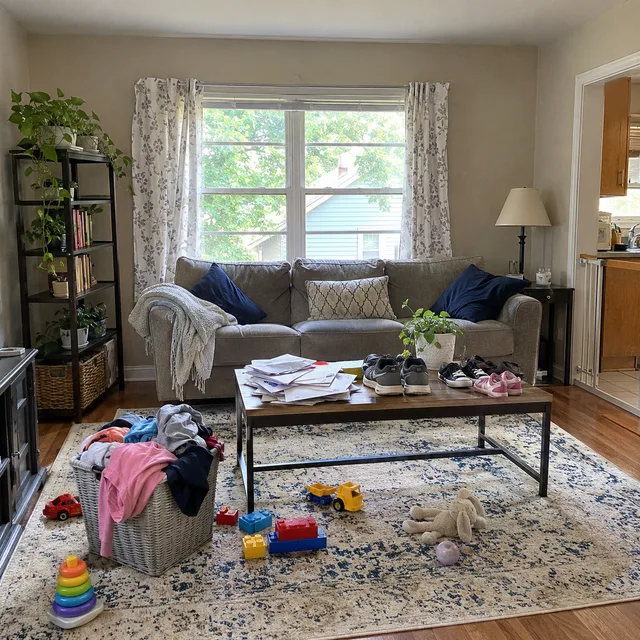
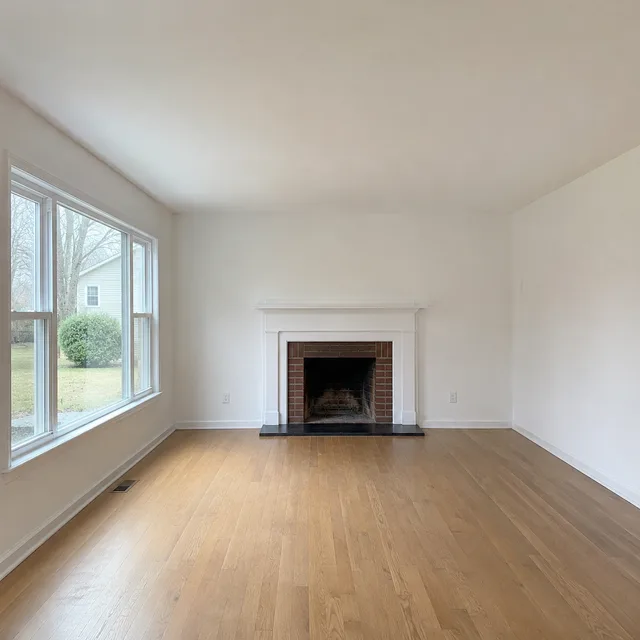
A real estate photo editor for whole listings: sky, declutter, staging, twilight and lawn edits on every photo in one batch, plus MLS disclosure rules.
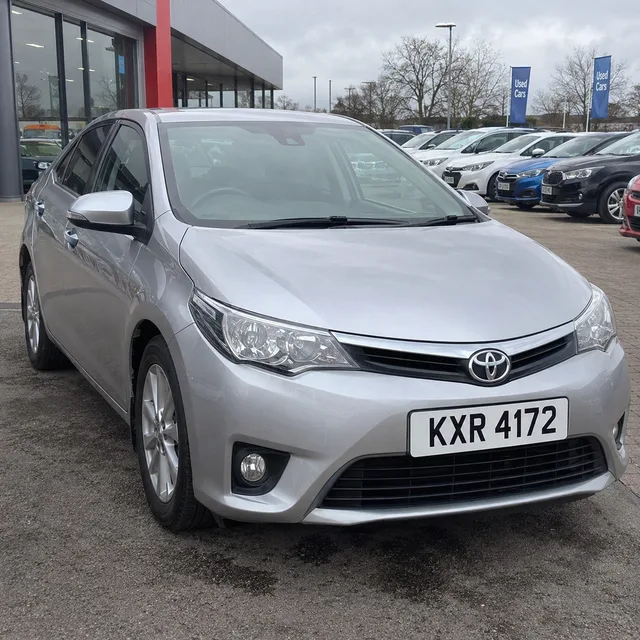
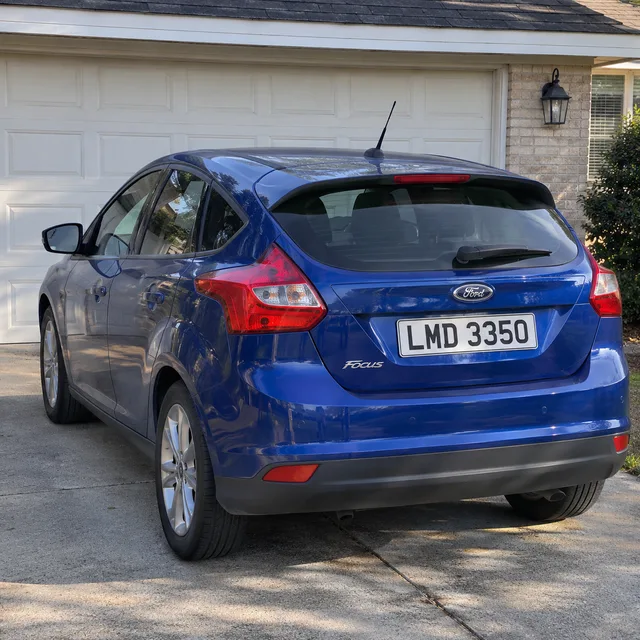
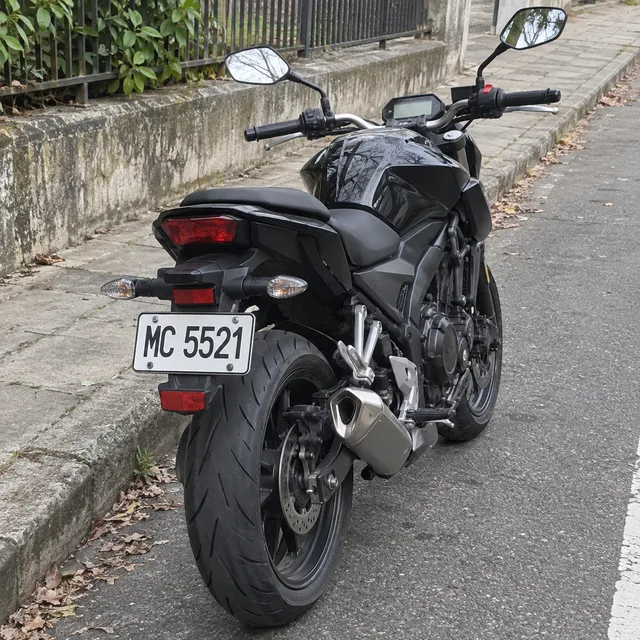
Blur license plates across a whole folder of car photos: one instruction, every photo edited on its own and returned in one ZIP, plus how to check each plate.
Upload your photos, choose Per image, write the instruction once and let the photo editor work through the set. Check the results, keep your originals, and stop fixing the same thing by hand in another photo editor.
