Most flashcard tools stop at text. This flashcard image generator makes the whole card: give it the terms from your deck, one per line, and it draws one picture per card in a single run — same style, same plain ground, every card. Add the word and it is printed on the card too, spelled exactly as you typed it; leave it blank for a picture-only front.
—
拖放或點擊上傳——PNG / JPEG / WEBP / GIF,每張上限 10MB。
Each row is one run of the flashcard image generator: a style written once, a short list of terms, and every card the batch returned. These decks are picture-only; fill in the card text and each card carries its word as well.
teapot, boots, pear, alarm clock — gouache on off-white
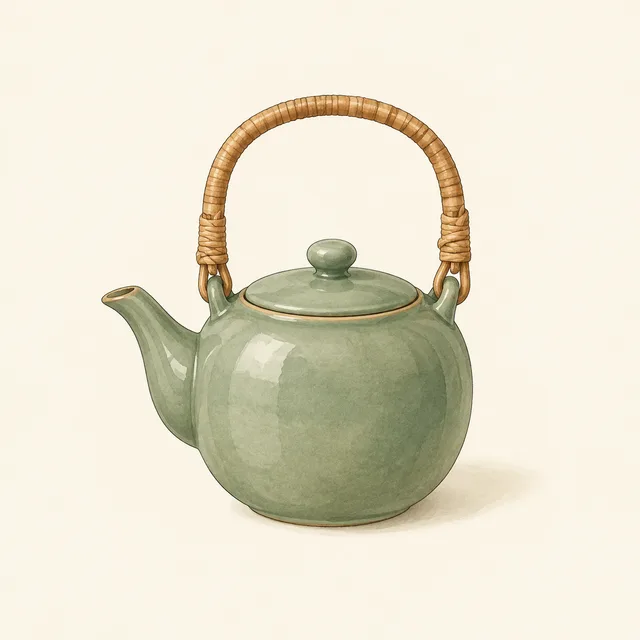
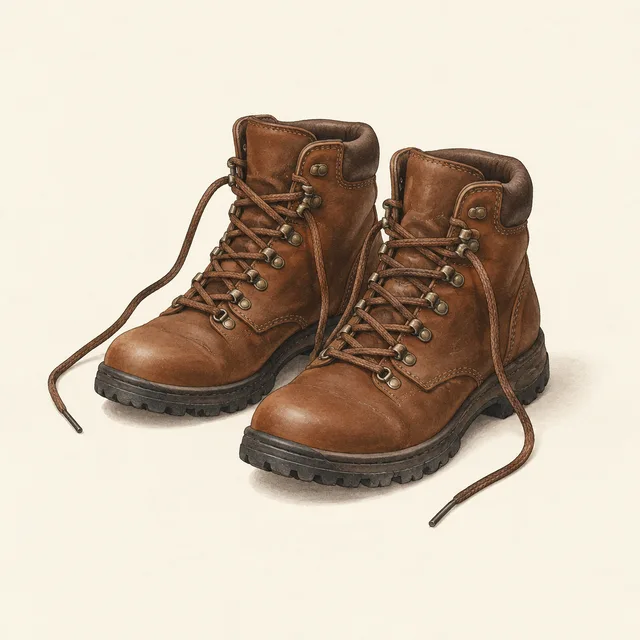
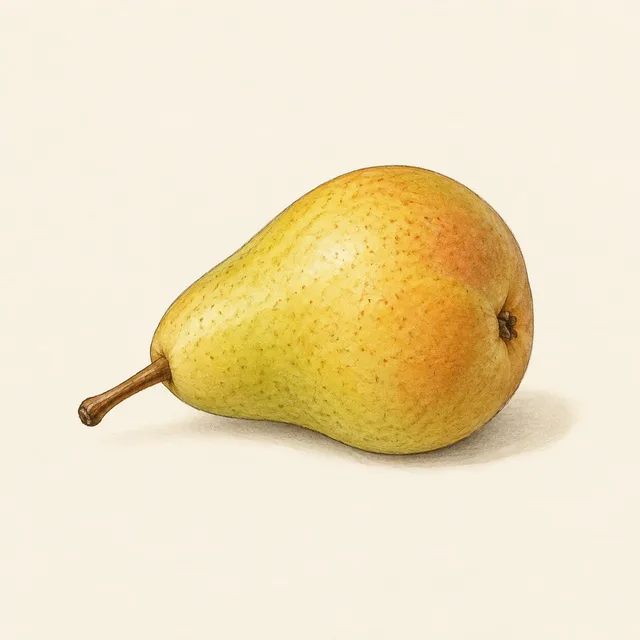

run, read, jump, carry — the same figure on every card




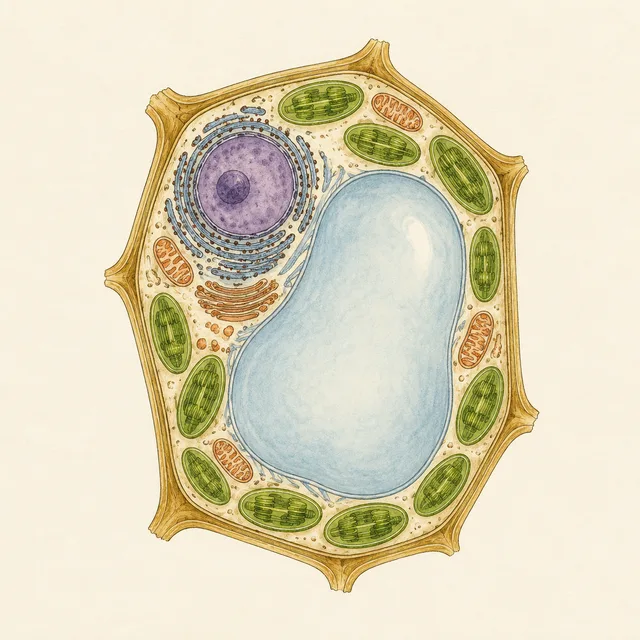
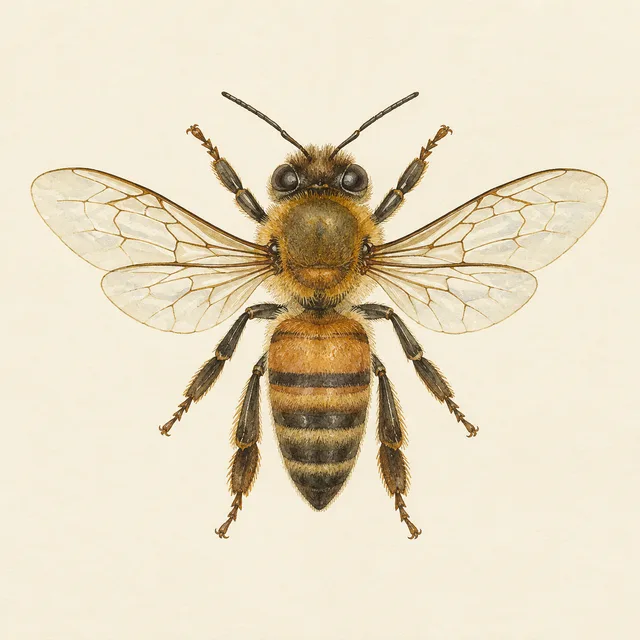
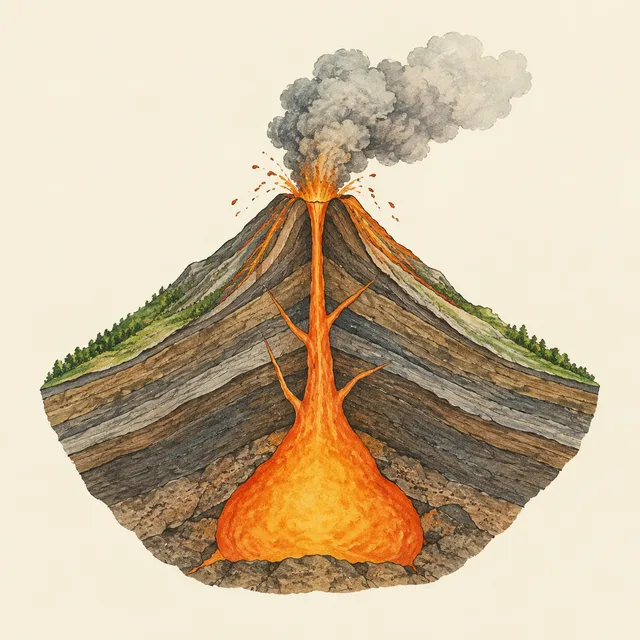
heart, plant cell, honeybee, volcano — unlabelled plate style
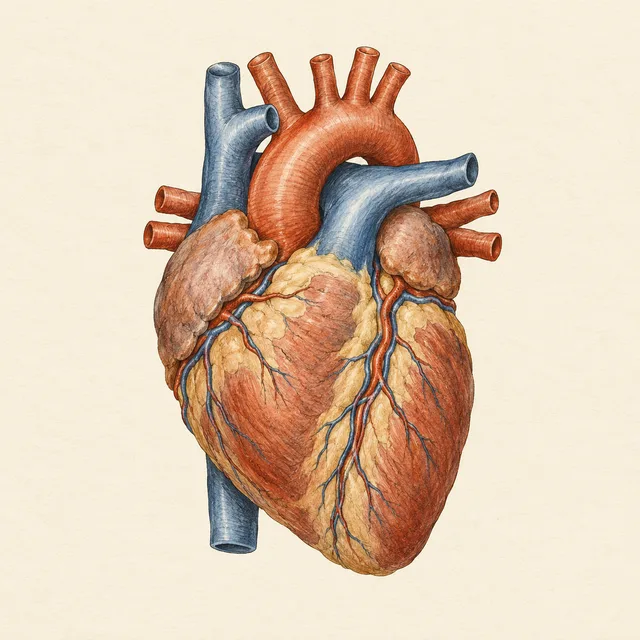
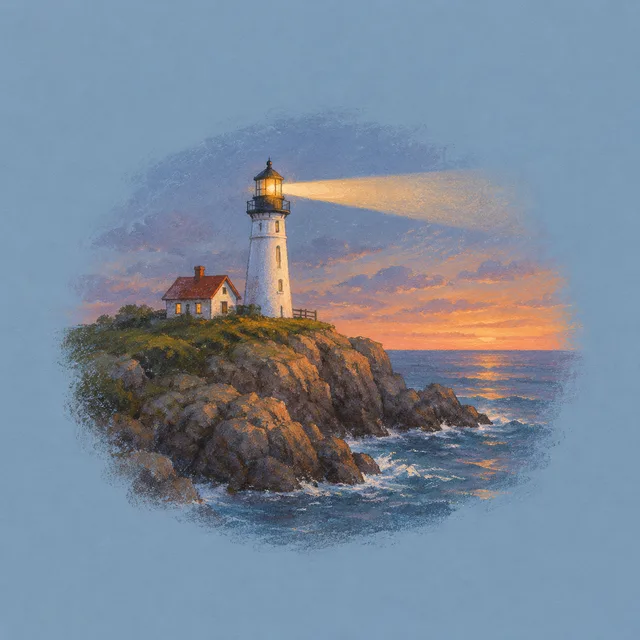
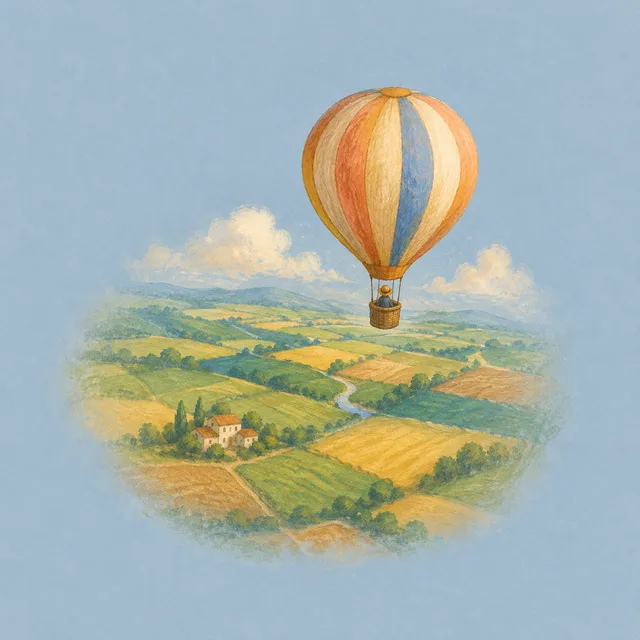
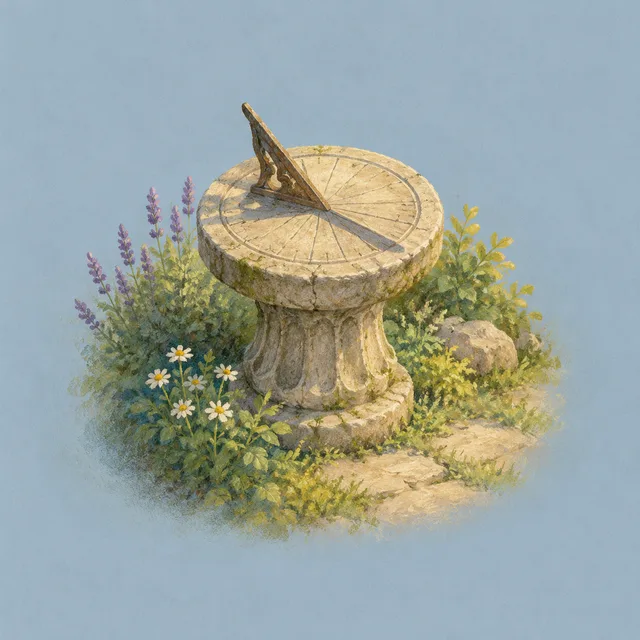
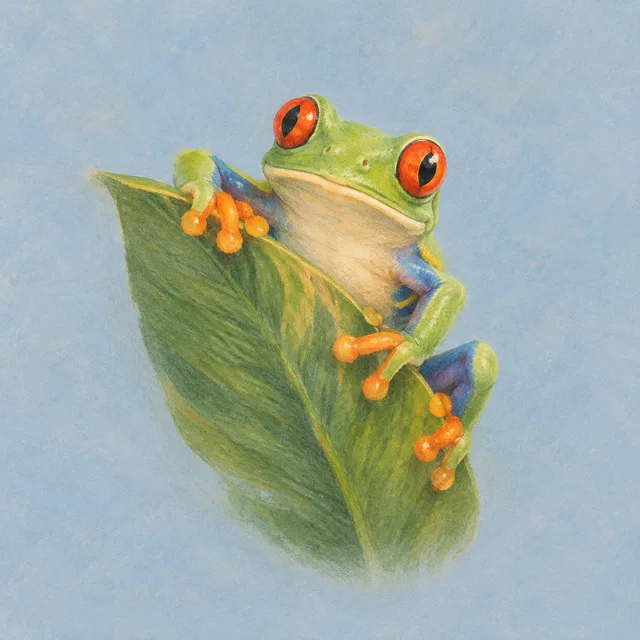
lighthouse, balloon, sundial, tree frog — a scene that sets up the question
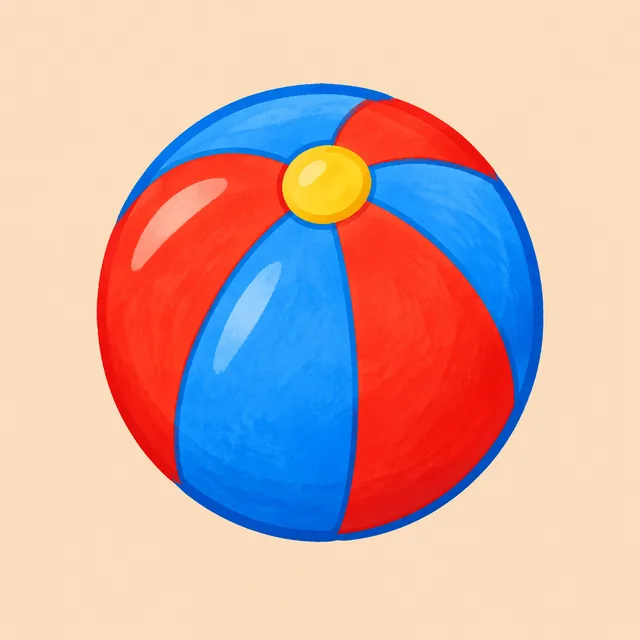
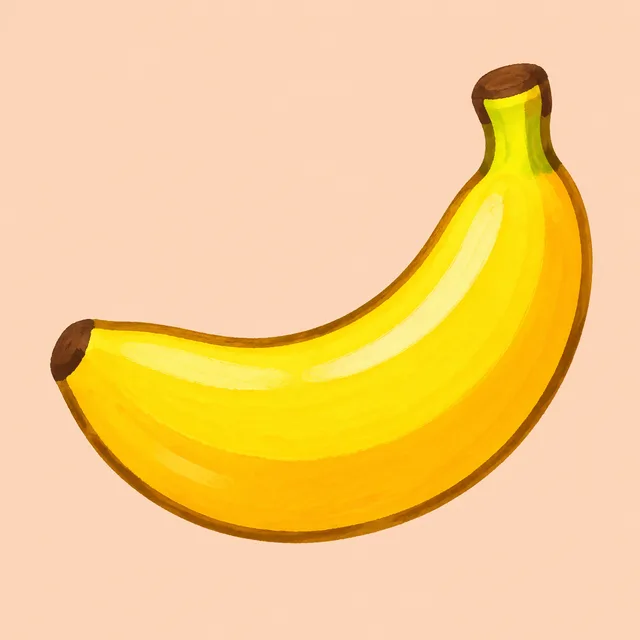
duck, ball, banana, car — bold shapes for small hands


One word list · one picture per flashcard · one ZIP
Writing a deck is the easy part. Finding a picture for card 37 that matches cards 1 to 36 is where most decks give up and stay text-only. That search is what a flashcard image generator should take off your hands.
Paste the terms straight from the spreadsheet column or CSV you already keep, one per line. Each line becomes one flashcard picture, so a forty-word unit is one run, not forty searches through a stock library.
Describe the style once — gouache on cream, flat shapes on peach, an old naturalist plate — and every flashcard in the batch is drawn to it. A deck where every card looks related is easier to study than a collage of clip art from ten sources.
Every flashcard is a single subject on a flat background. Type the word and it is printed under the picture in large, clean letters with nothing else added; leave it blank and the picture comes with no text at all. Either way it prints cleanly on card stock and reads at a glance.
Three steps on one screen. No drawing, no searching for licences, no resizing images one flashcard at a time.
Vocabulary, actions, science, quiz questions, or first words for toddlers. Choose a style and a ground colour, and that brief is repeated on every flashcard in the run so the deck comes back as one set.
Type what each card should show — an apple, a figure borrowing a book, a mitochondrion — and, if you want it on the card, the text to print: la pomme, to borrow, mitochondria. One row is one flashcard.
The whole deck comes back in one ZIP, every flashcard finished. Print it onto card stock, put it in your slides, or hand it straight to your class.
If you have ever written a hundred terms in an afternoon and then stalled on finding images, the flashcard image generator was built for you.
Pictures beat translations for vocabulary: the learner links the word to the thing, not to another word. Illustrate a whole unit of nouns and verbs at once, and every flashcard in that unit shares a look your students will recognise.
A question bank with an image per question needs dozens of pictures that feel like one product. Run the questions as a list and the flashcard image generator returns one consistent picture for each, without a stock search per item.
First-word cards need bold, simple, friendly objects that a small child recognises at arm's length. Generate a full set of flashcard pictures in one style and print them on card stock at home or for the classroom.
Something not covered? Email us at support@bulkimagen.com
Paste the word list, write the style once, and let the flashcard image generator draw the whole deck in one run. One consistent picture per flashcard, plain grounds, no answers on the front.
