Most of the work in a feed is not the idea, it is producing the next social media post, and the one after that, on schedule. This social media post generator takes your content calendar one row at a time — a scene and a headline per row — and returns every social media post in one batch, with the headline already set on the image.
—
Glissez-déposez ou cliquez pour importer — PNG / JPEG / WEBP / GIF, jusqu'à 10 Mo chacune.
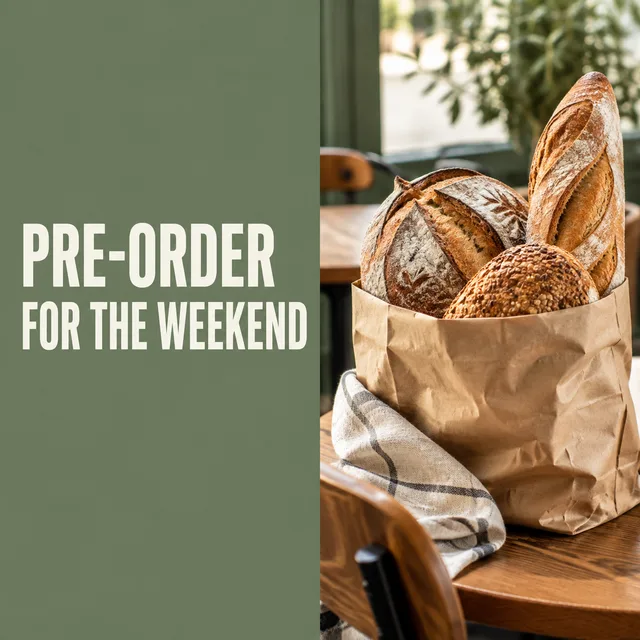
Each row is one run of the social media post generator for the same small bakery: a fixed brand look, a list of headlines, and every post the batch returned. A feed is never one kind of social media post — it is photos, quotes, news, how-tos and product features taking turns — so the sheet covers all of them.
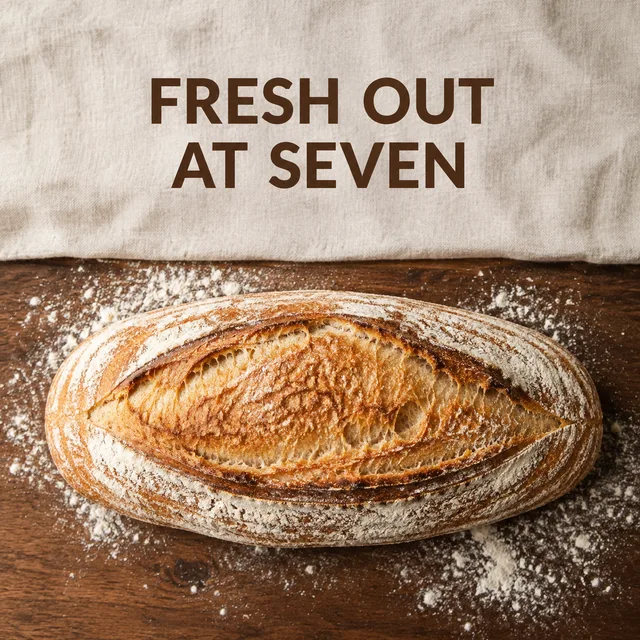
a fresh loaf on a floured bench, "FRESH OUT AT SEVEN" set in the quiet top third
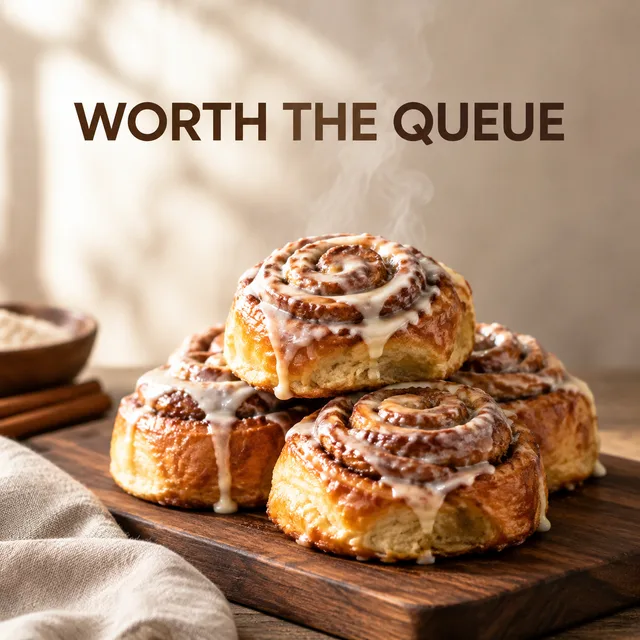

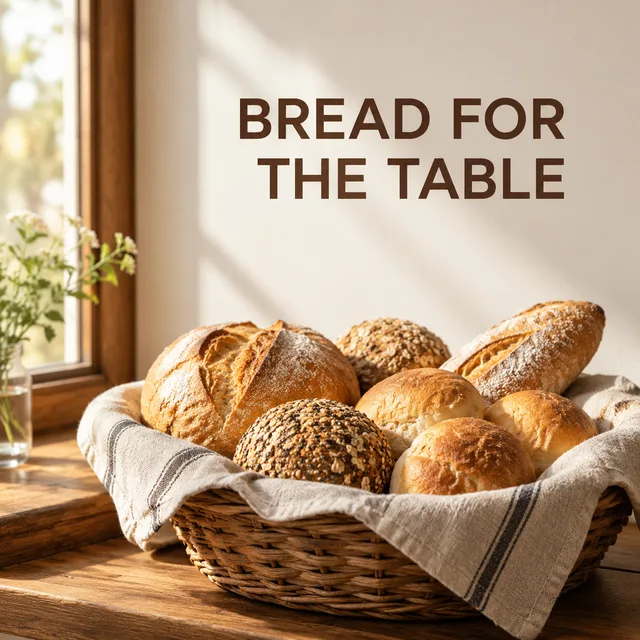
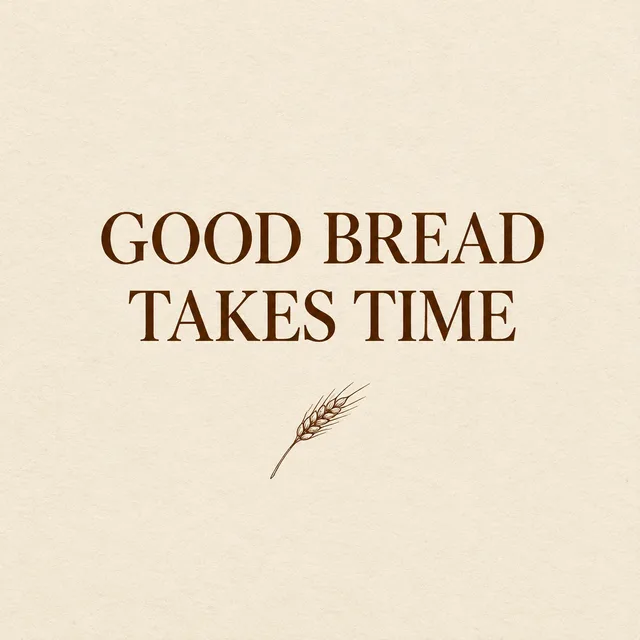
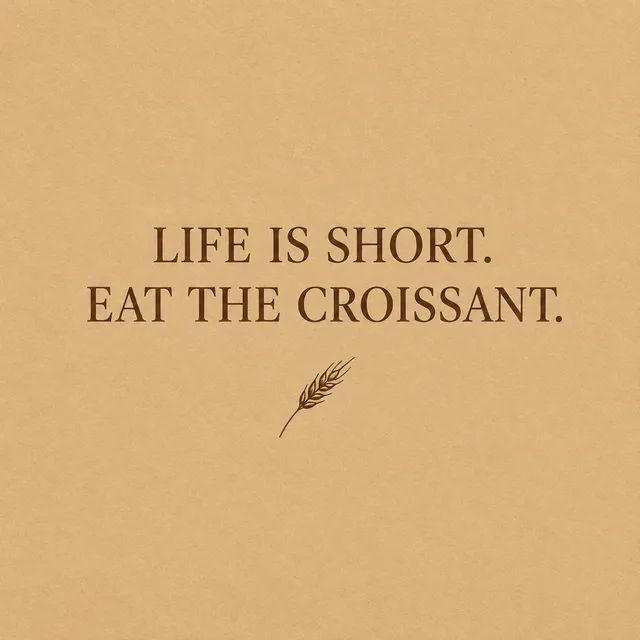
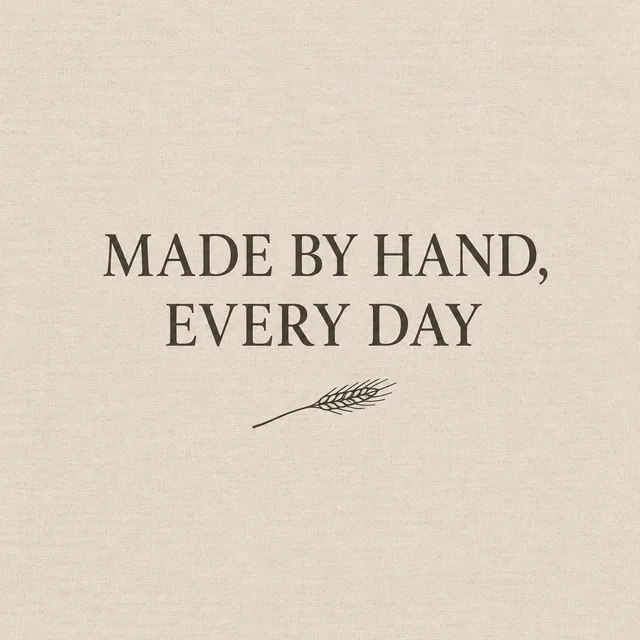
flat cream ground, serif type, "GOOD BREAD TAKES TIME"

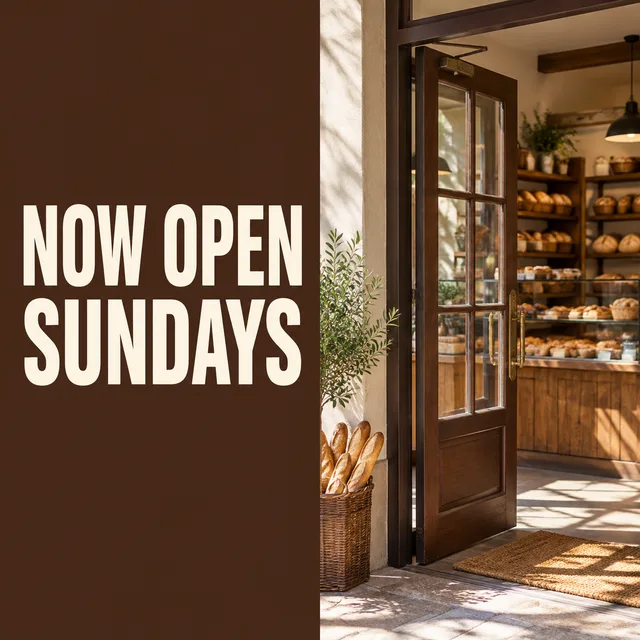
walnut panel beside a photo, "NOW OPEN SUNDAYS" in heavy condensed caps

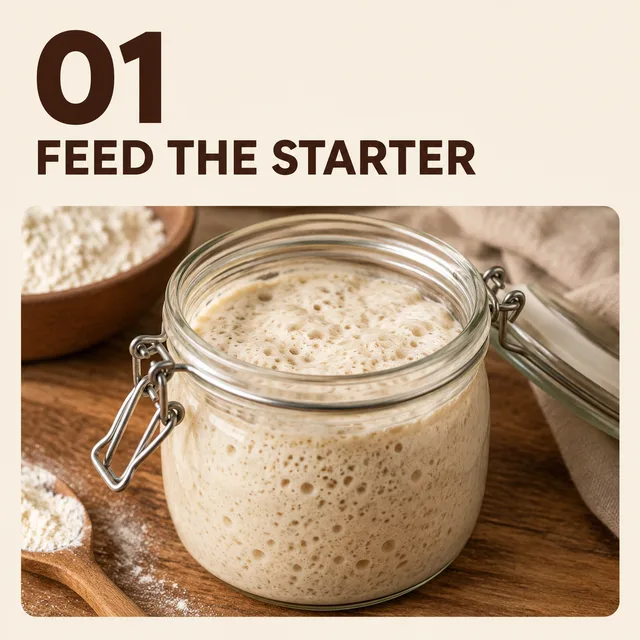
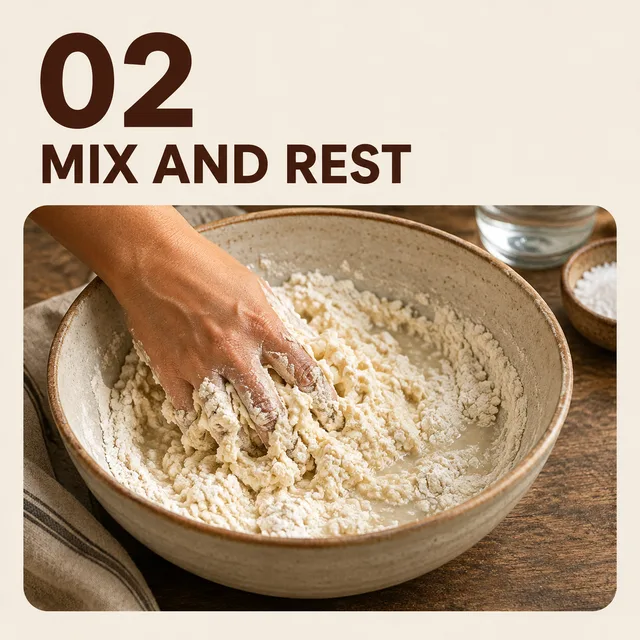
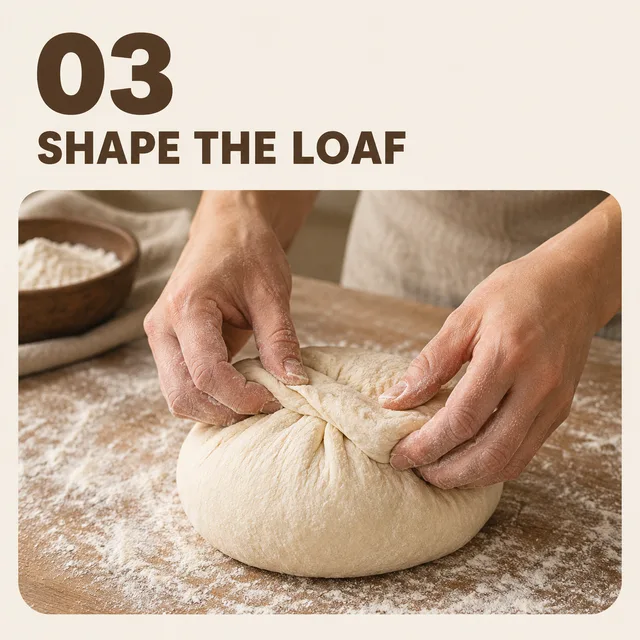
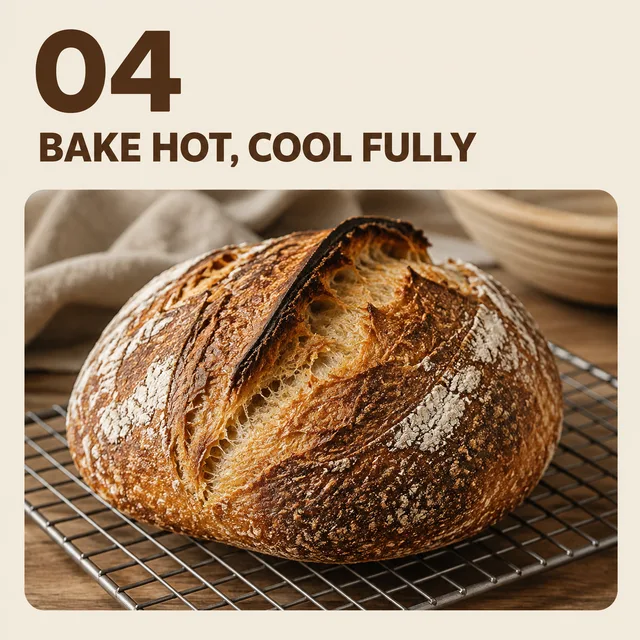
same layout every slide, "01 FEED THE STARTER" through "04 BAKE HOT, COOL FULLY"
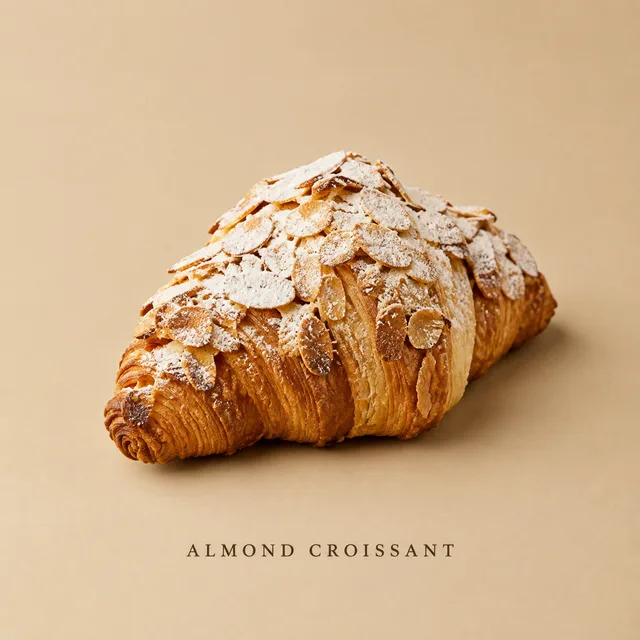
one pastry on a seamless ground, "ALMOND CROISSANT" centred along the bottom

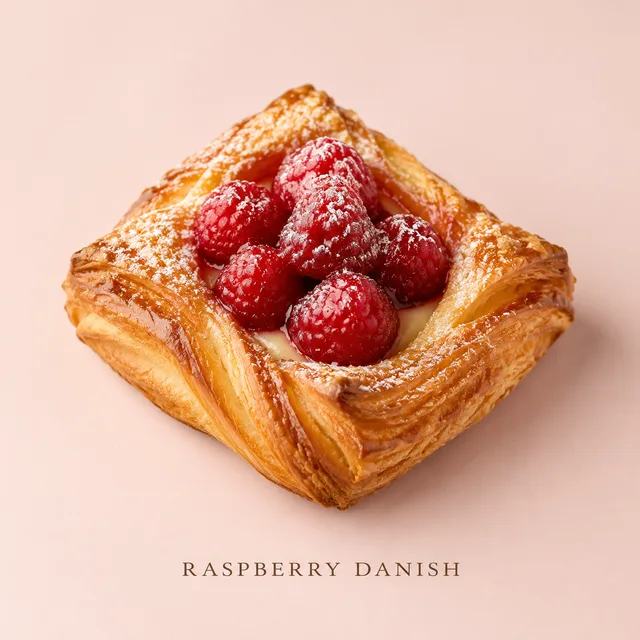
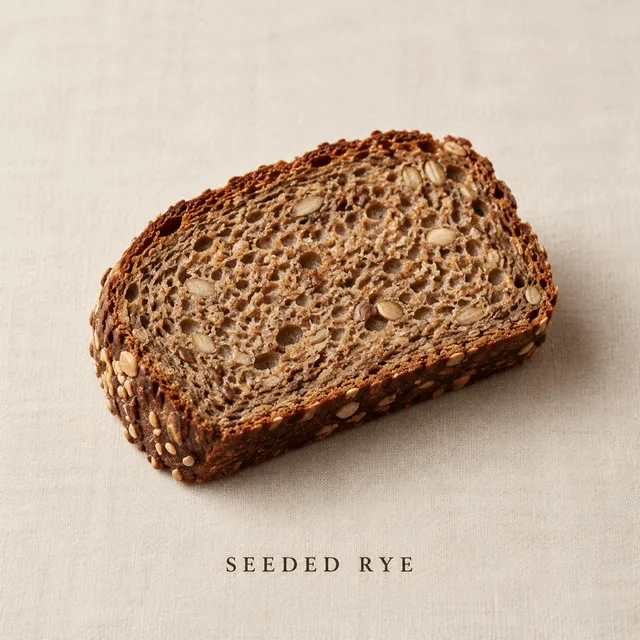
One sheet · one brand look · every social media post in one ZIP
Deciding what to say this week takes judgement. Turning nine lines of a planning sheet into nine finished images takes an afternoon nobody has — and that afternoon is what a bulk social media post generator should give back.
A content calendar is already a list: date, scene, headline. Paste the rows in and each one becomes its own social media post, so the plan you wrote on Monday is the batch you download, not a brief you still have to execute.
Write the brand look once — palette, type feel, light — and it rides on every row. Viewed together on your profile, each social media post reads as part of one feed instead of nine images from nine different tools.
Put the headline in the row and the generator sets that exact text into the picture, placed in the quiet part of the frame. No separate design pass to drop type onto each photo, and no template that makes every social media post look the same.
Three steps on one screen. No design file to open per social media post, no stock search, and no resizing at the end.
Pick a layout — photo with headline, quote card, split announcement, carousel slide or product feature — and describe your brand look in a few words. That is the shared style of every social media post in the run.
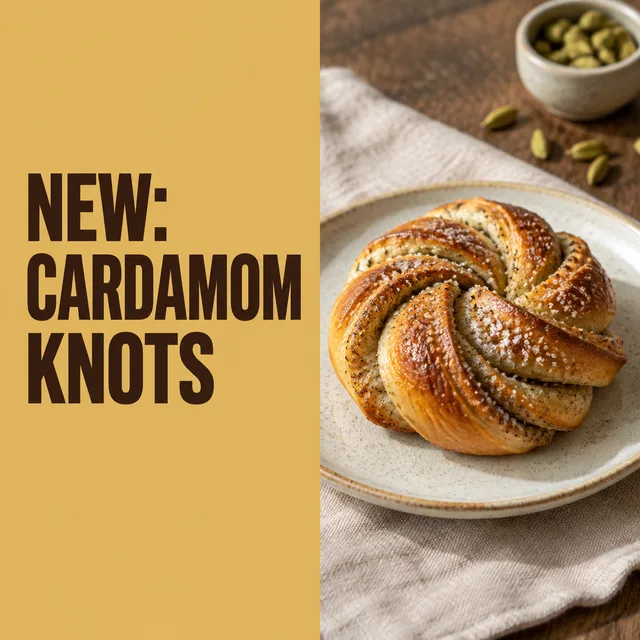
Each row is a headline and, if you want one, a scene: a loaf on a floured bench, a flat cream ground, a pastry on walnut. Nine rows makes nine posts. The rows are what make this a social media post generator rather than a single-image tool.
The batch comes back together in one ZIP, square and ready for your scheduler. Read the text on every social media post, keep the take where the headline sits best, and queue the week.
If your week has a posting plan and no design hours to fill it, a bulk social media post generator is the shortest line between the two.
A bakery, a studio, a shop: the feed matters but nobody is hired to run it. Plan the week on Sunday, generate every social media post in one batch, and spend the rest of the week on the actual business.
Several accounts, each with its own look, each expecting a steady stream. Keep one sheet per client with that client's brand look, and turn each month's calendar into every social media post it calls for in one run.
Text-led posts — tips, quotes, prompts, one idea per card — are the format your audience saves and shares. Write the lines, keep the look, and make a social media post for every one of them at once.
Something not covered? Email us at support@bulkimagen.com
Set your brand look once, add one row per post, and let the social media post generator return the whole week with the headlines already on the images. Read them, schedule them, and stop making every social media post one at a time.
