Print-on-demand shops are built on collections, not single listings. This t-shirt design generator takes one theme — a hobby, a town, a joke your niche gets — and returns a batch of t-shirt designs in a single run: isolated artwork on a plain ground, the style you picked, ready for you to proof, pick and upload.
—
끌어다 놓거나 클릭해 업로드—PNG / JPEG / WEBP / GIF, 각 10MB까지.
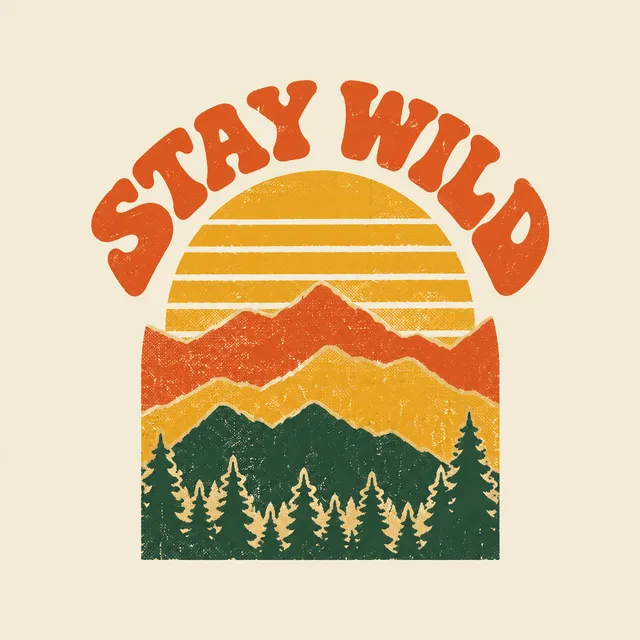
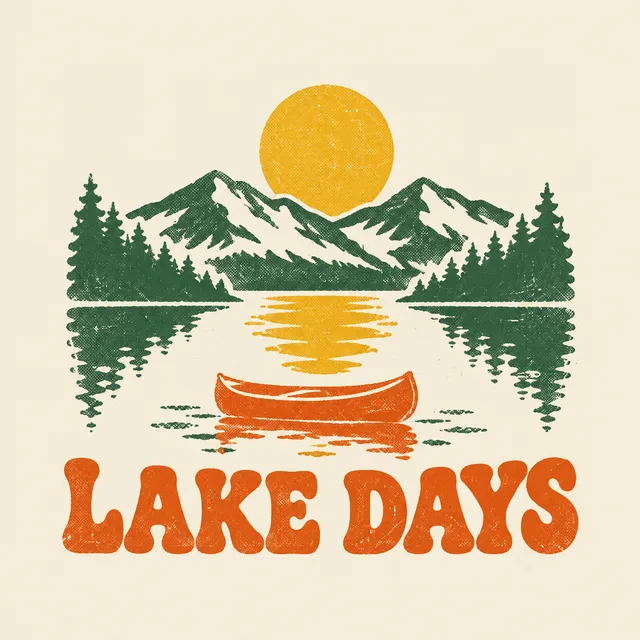
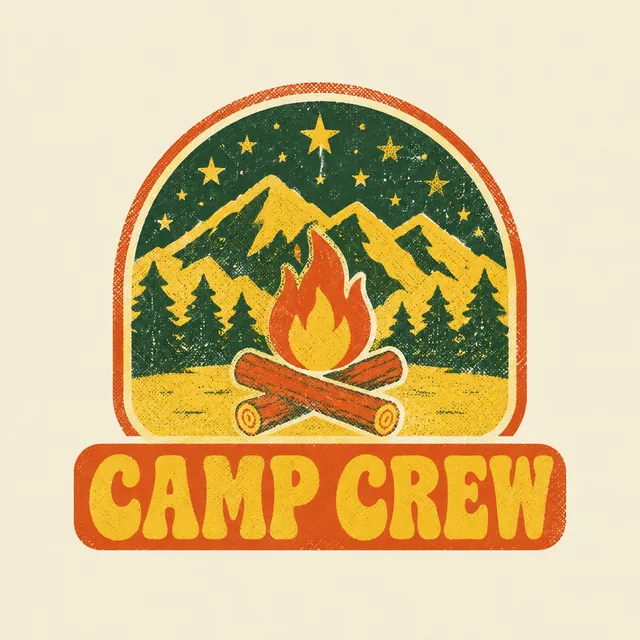
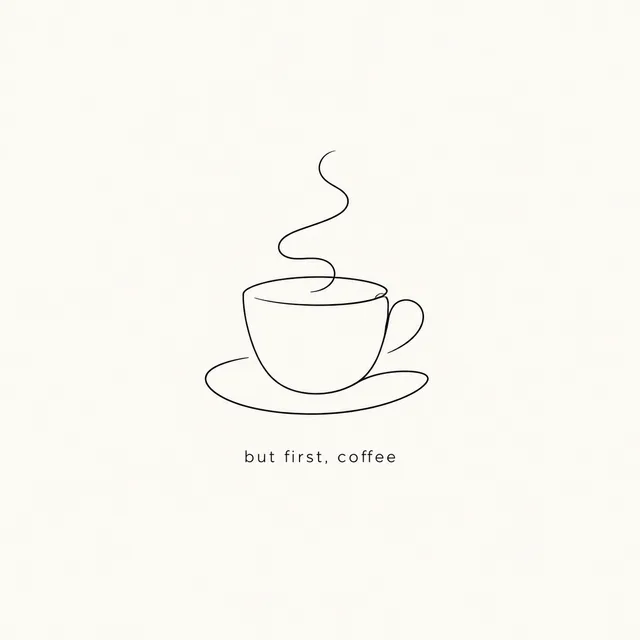
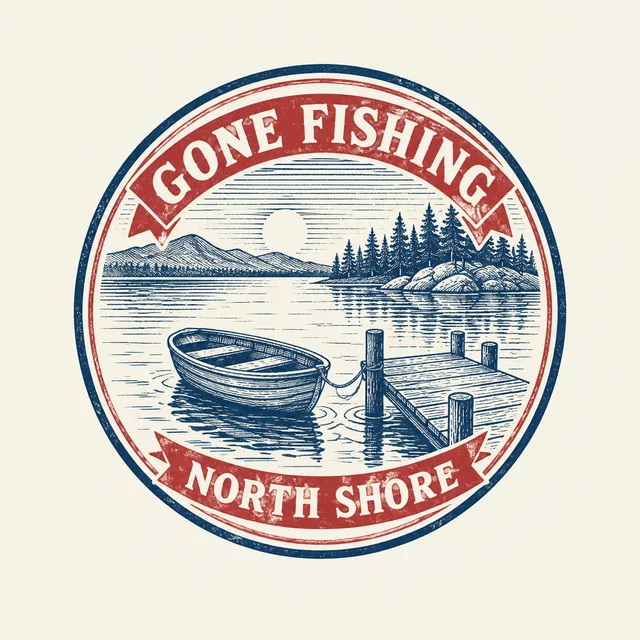
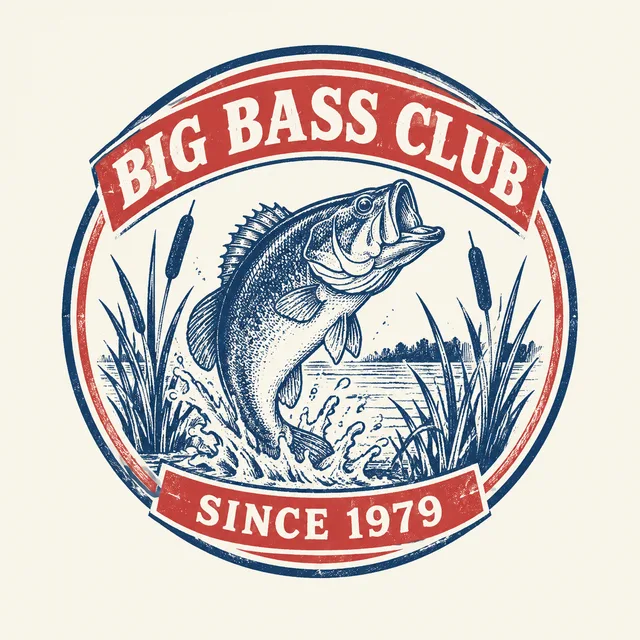
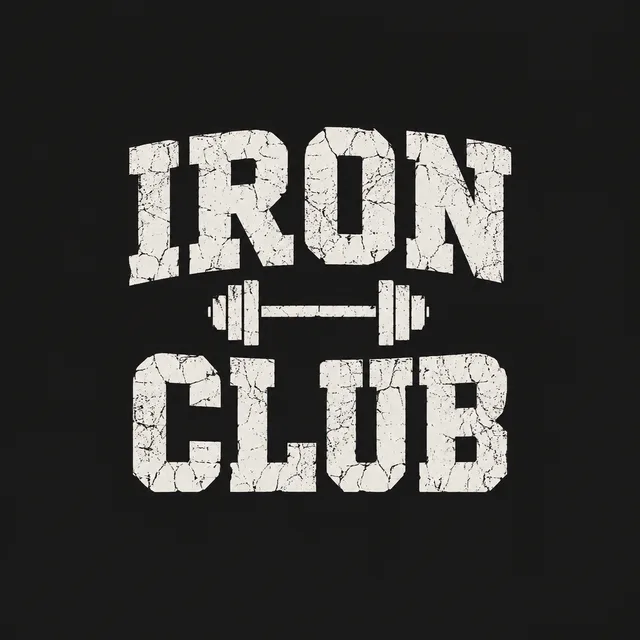
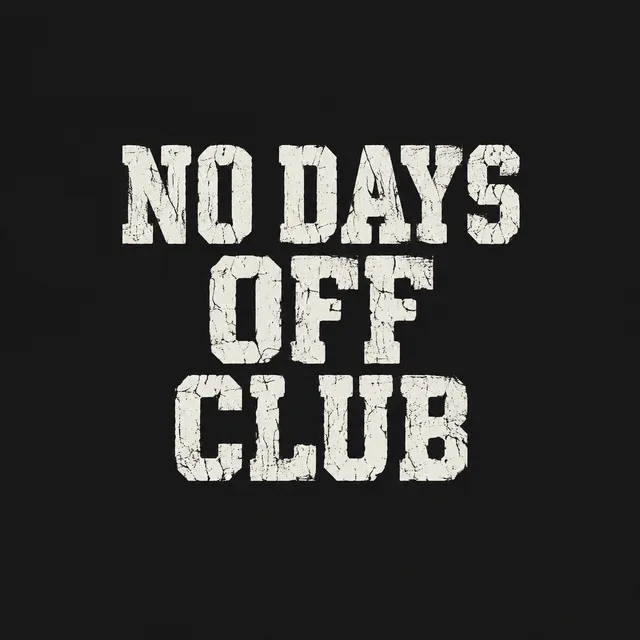
Each row below is one theme run through the t-shirt design generator, with four of the designs the batch returned. Same idea, same ink rules, a different t-shirt design in every tile — which is what a collection on a storefront looks like. The artwork comes back as a flat design file, not a shirt mockup, because the design is what your print provider needs.
three inks, halftone and light distress, mountain theme, 1970s lettering

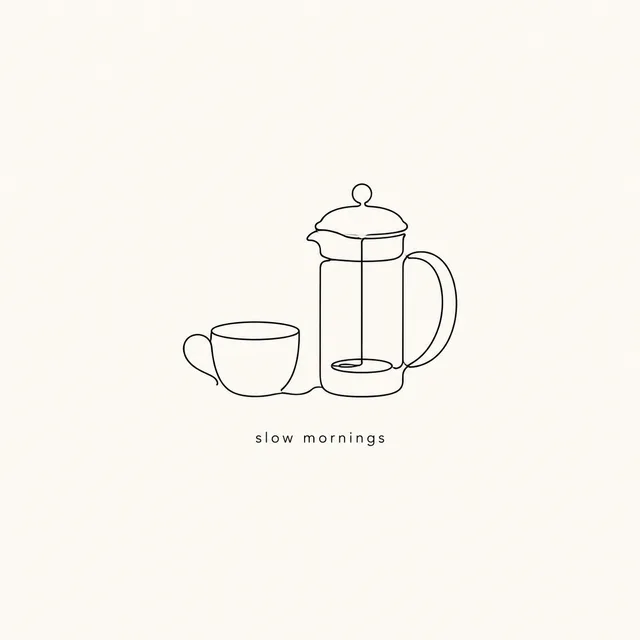
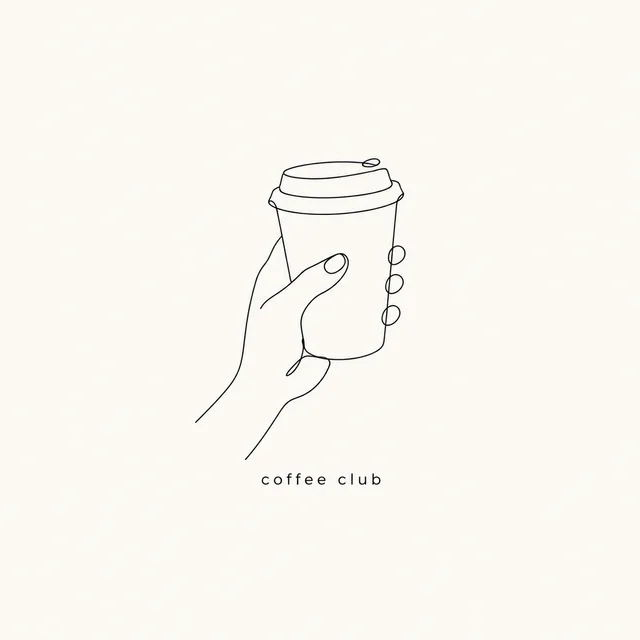
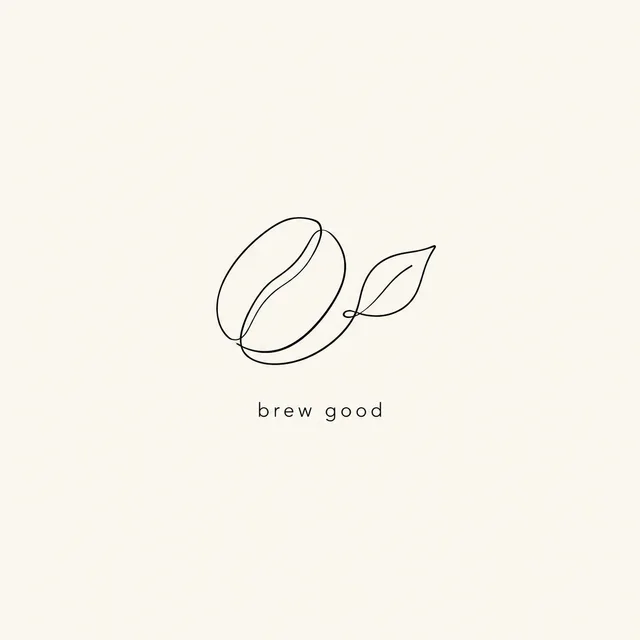
one ink, single continuous line, coffee theme, small lowercase caption
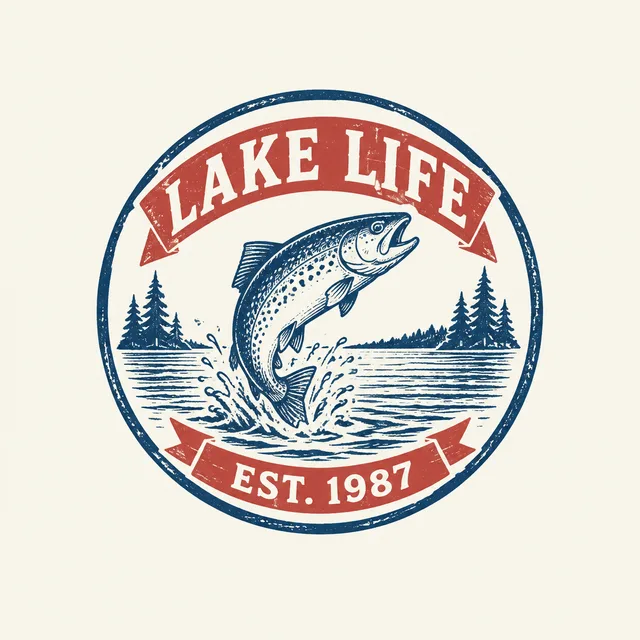
two inks, circular emblem, fishing theme, type on straight banners

one light ink on dark, worn collegiate lettering, gym theme


thick outline, soft flat palette, baby dinosaur theme, rounded type
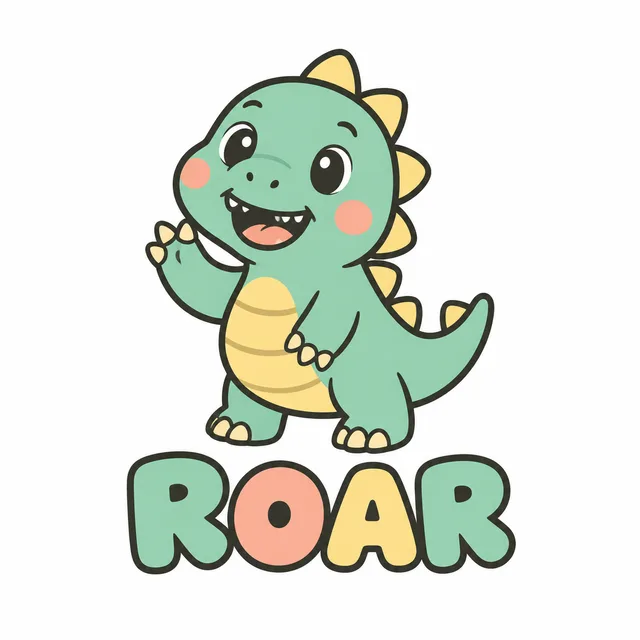
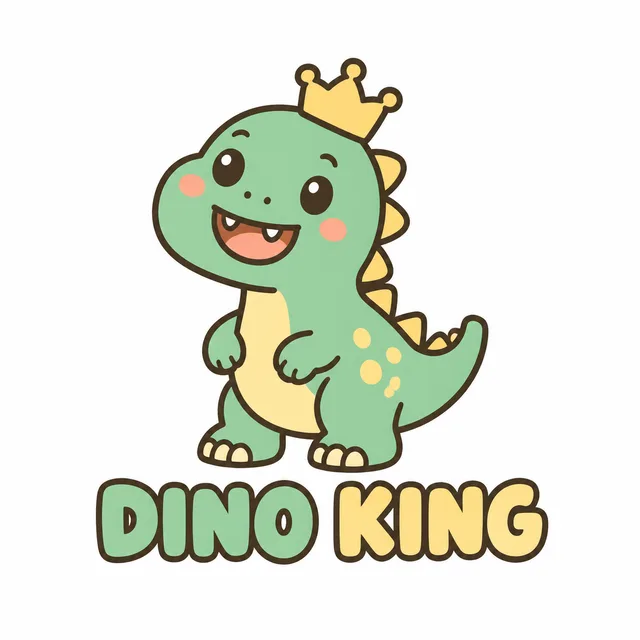
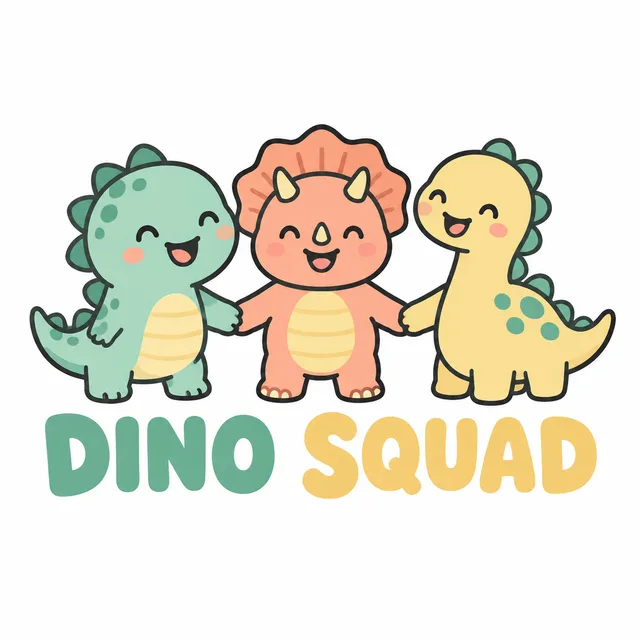
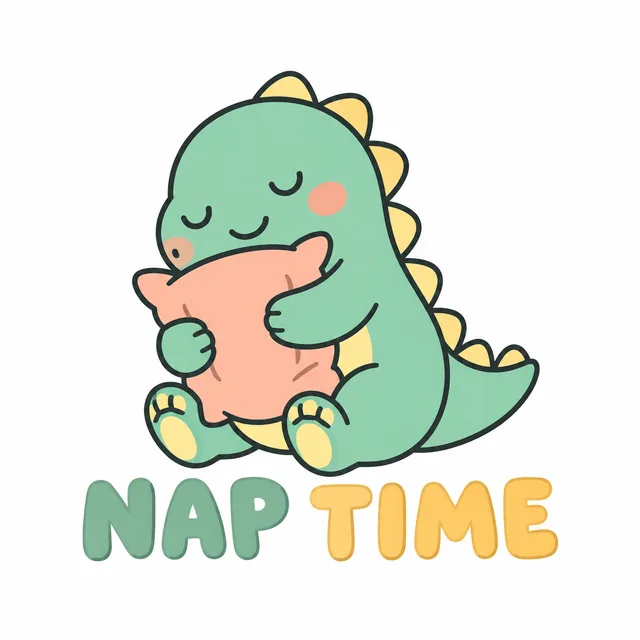
One theme · a set of designs · one ZIP to proof and list
Coming up with the niche is your job. Turning that niche into twenty usable t-shirt designs before the season ends is a throughput problem — and throughput is what a bulk t-shirt design generator should take off your hands.
Screen printers usually price by the number of colours, because each ink needs its own screen. Pick one, two or three inks in the form and every t-shirt design in the batch is drawn to that limit, so a t-shirt design you like is one a shop can actually print without being separated again.
A t-shirt design file and a product mockup are different deliverables. The generator is told to return the isolated graphic on a plain ground — no shirt, no model, no hanger — so what you download is the artwork you upload to a print provider, and mockups stay a separate step.
Write the theme once and the batch varies the composition while the style, palette and lettering stay in the same family. Ten t-shirt designs that look like siblings are easier to list, bundle and advertise than ten unrelated one-offs.
Three steps on one screen. You decide the theme and the words; the t-shirt design generator handles the volume.
Choose a register — retro screen print, minimalist line art, vintage badge, distressed typography, a cute kids' character or a full-colour illustration — and how many inks the print may use. Add colour names if you already have a palette for the collection.
Describe the niche in a line, and type the exact text you want on the shirt. Short phrases set best; keep them horizontal and let the t-shirt design generator place them. Leave the text empty for a purely illustrated t-shirt design.
The batch comes back together in one ZIP. Read every word on every t-shirt design before it goes near a product page, keep the strongest, and upload those files to your print-on-demand provider to make the mockups and listings.
If your storefront is organised by niche, a batch is the natural unit of work.
Testing a niche means listing several t-shirt designs around it, not one t-shirt design. Generate the whole set from a single theme, list the best, and see which ones earn a second colourway before you spend more time on them.
A running club, a family reunion, a podcast, a small band: each wants a few options to vote on. Batch the t-shirt design options in one run and bring a shortlist to the group instead of a single take.
A seasonal drop needs a consistent set of t-shirt designs. Lock the style and ink count, vary the subject line by line, and the t-shirt design generator returns a collection that already looks like one brand.
Something not covered? Email us at support@bulkimagen.com
Pick a style, set the ink limit, write the theme and the words, and let the t-shirt design generator return the whole collection at once. Proof every t-shirt design, keep the best, and list them as a set.
