A clipart set only sells when every piece looks like it came from the same hand. This clipart generator lets you fix the drawing style once, list the elements — a sprig, a wreath, a bud, a corner piece — and render the whole pack in one batch, each element isolated on a plain ground so it cuts out cleanly.
—
끌어다 놓거나 클릭해 업로드—PNG / JPEG / WEBP / GIF, 각 10MB까지.
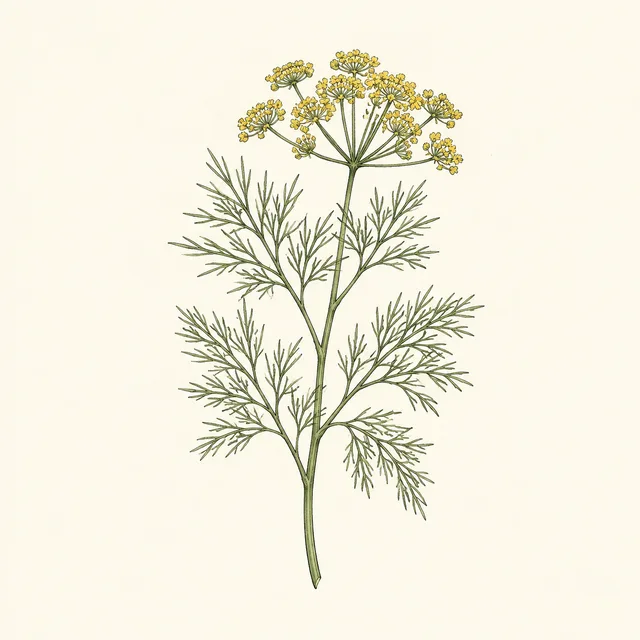
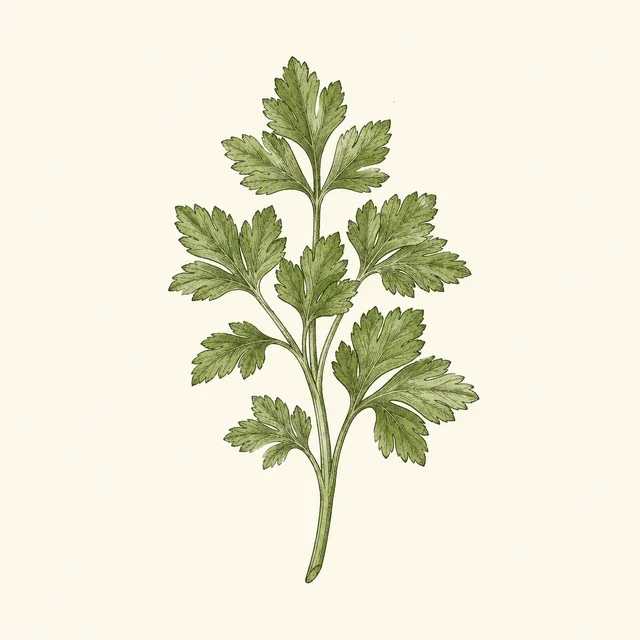
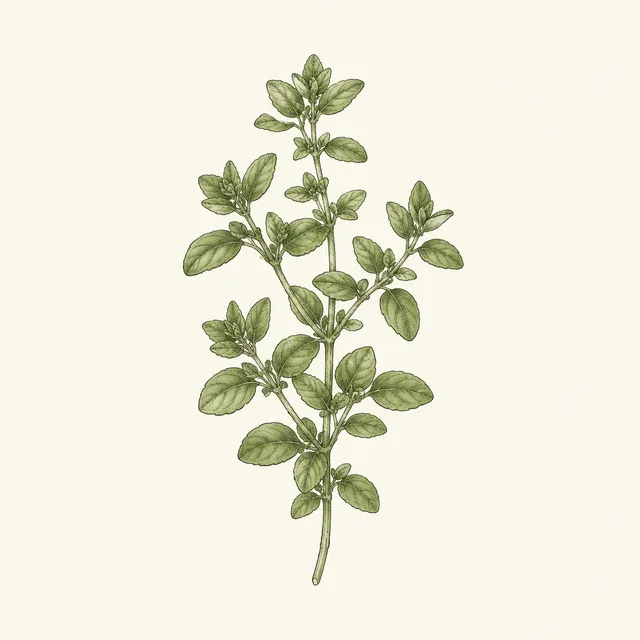
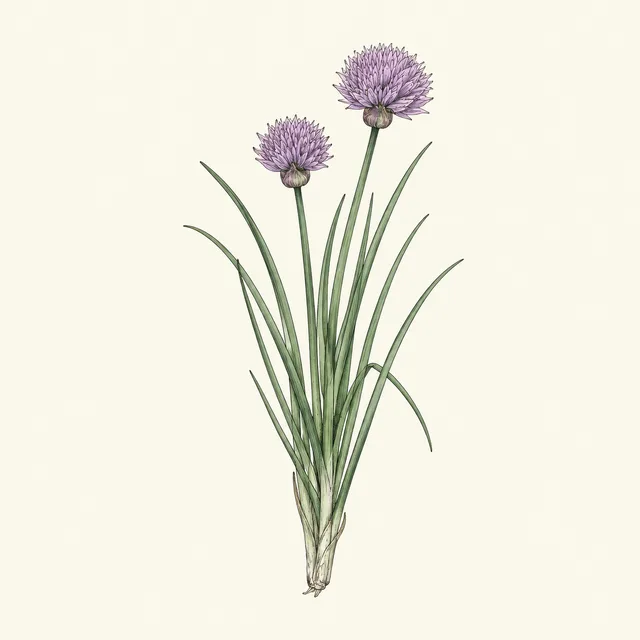
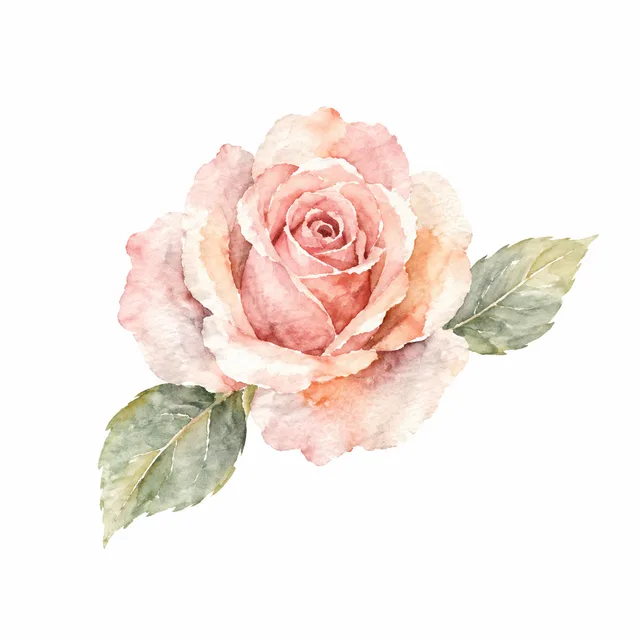
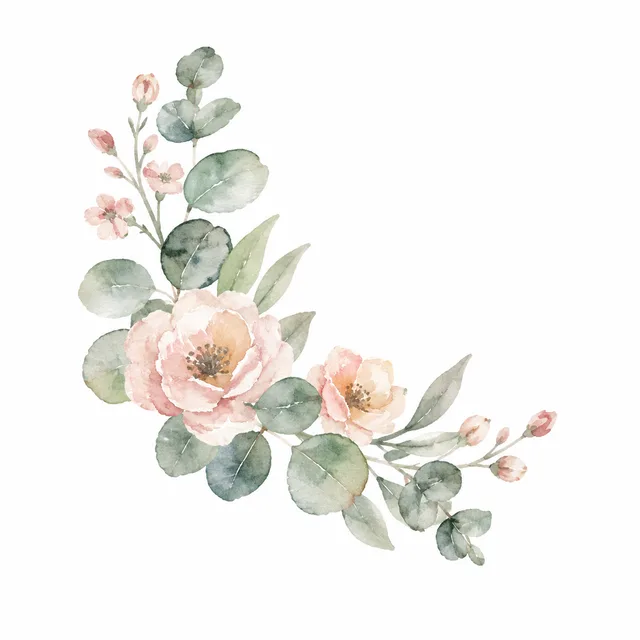
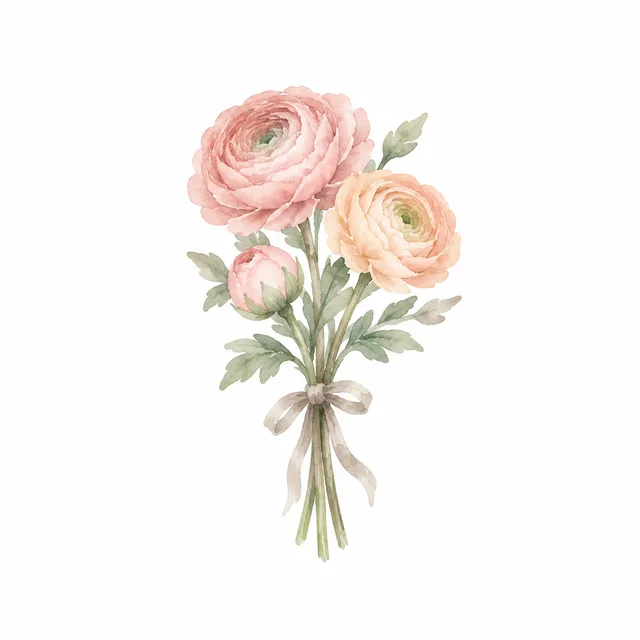
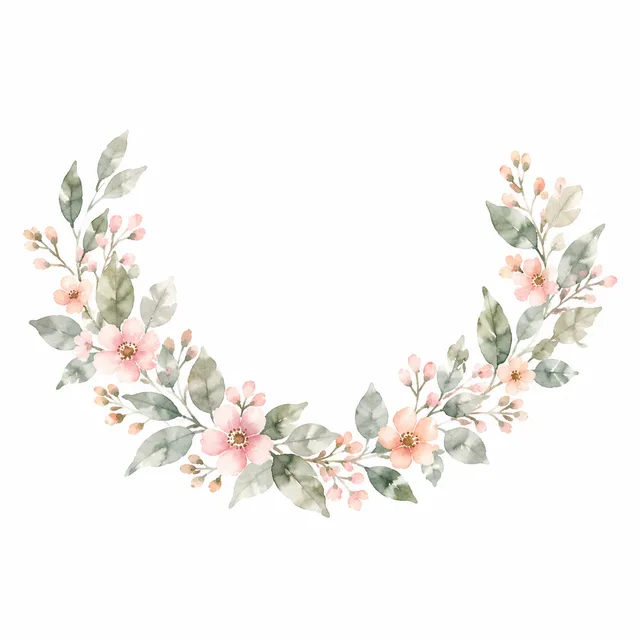
Each row is one run of the clipart generator: one style sentence held fixed, four element names, and the four images that came back. Look across a row rather than at any single tile — the point of a pack is that the pieces match, and that is what writing the style once buys you.
fine ink contour, sage wash — dill, parsley, oregano, chives
loose blush and sage watercolor — rose, eucalyptus corner, ranunculus, half-wreath
four flat colours, rounded lines — plant, camera, mug, books




pastel, white die-cut border — strawberry, watermelon, boba, donut




watercolor with a fine ink line, warm rust palette — pumpkin, maple leaf, acorns, apple basket
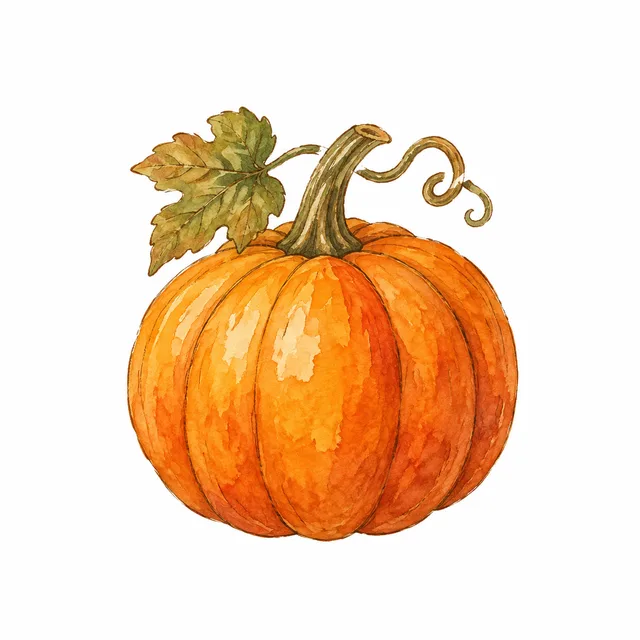
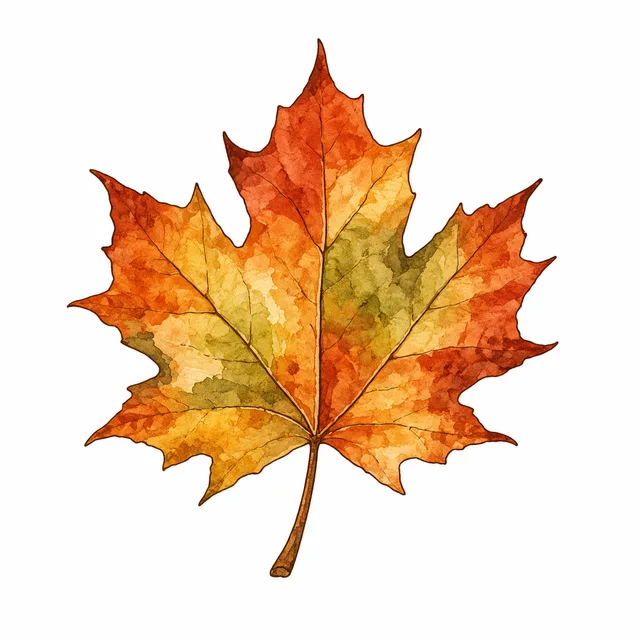
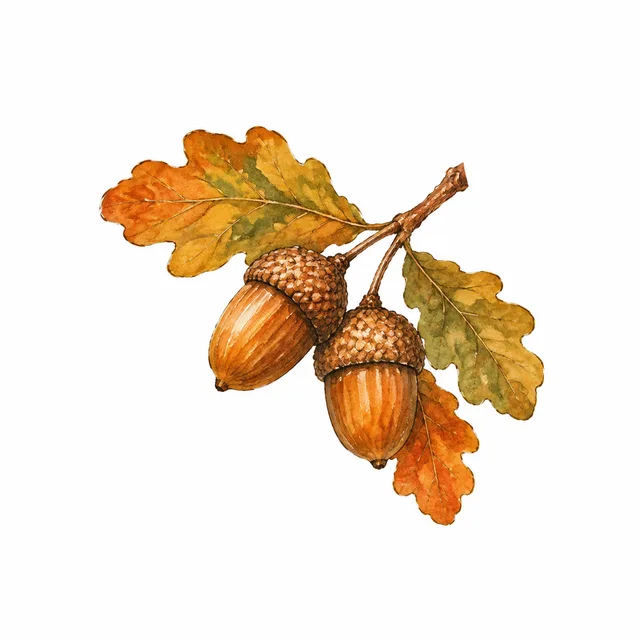
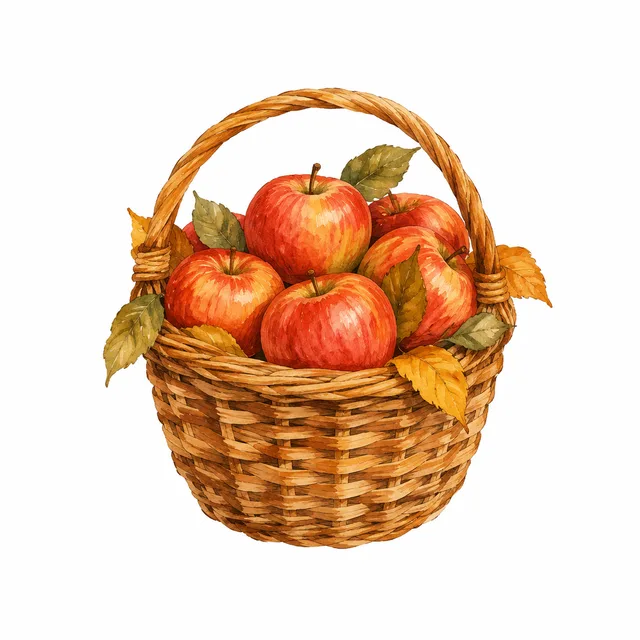
One style · a list of elements · a matching clipart set in one ZIP
One nice illustration is easy to get from any image tool. A set of clipart that belongs together is a different job, and it is the job this clipart generator is built around.
Line weight, palette, texture and level of detail have to hold across the whole clipart set, or a buyer sees five artists instead of one. Write the style once, keep it identical on every row, and only the element name changes — that is how the pieces stay consistent.
Clipart gets layered onto invitations, planners and product mockups, so each piece is asked for alone, centred, with empty margins and a plain white or cream ground — no scenery, no border, no text baked in. A plain ground is what makes removing the background quick.
With GPT Image 2 the form offers a Transparent background setting. It is marked Beta because it is not guaranteed on every image: some come back with a true transparent background, others on a plain one. Treat it as a head start and check each file before you list the clipart.
Three steps, one screen. The work you keep is deciding the style and the element list; the clipart generator does the rendering.
Pick a register — watercolor, ink line art, flat vector, kawaii sticker, vintage engraving or gouache — and add a palette in plain words, such as dusty blush, sage and warm grey. That sentence is the identity of the clipart pack, so keep it the same on every row.
Add one row per element: a single rose, a corner sprig, a bud cluster, a half-wreath. Ten rows makes a ten-piece clipart set. You can also review and edit the full list as plain lines on the confirmation screen before anything is spent.
Each element renders several takes, so you choose the one that sits best with the rest of the set. The run downloads as one ZIP of square images, ready to clean up, resize and package.
If what you sell or use is a bundle of matching pieces, a bulk clipart generator saves the part of the work that is repetition.
Floral bundles, seasonal packs, sticker sheets and planner clipart all sell as sets. Draft a full pack in one sitting, keep the pieces that match, and spend your time on curation and listing instead of redrawing the same style.
Invitations, cards, scrapbook pages and cut-file projects need a handful of elements in one look. Generate the corner pieces, wreaths and accents together so the clipart on the finished piece reads as one design.
Worksheets, slides, menus and social posts look tidier when every small illustration comes from the same set. List the objects you need and get a consistent clipart family instead of a mix of borrowed styles.
Something not covered? Email us at support@bulkimagen.com
Fix the look, list the elements and let the clipart generator render the pack together, each piece isolated on a plain ground. Keep the takes that match, download one ZIP, and build your next clipart bundle in an afternoon of curation instead of a week of drawing.
