Flashcard Image Generator
Pictures for the cards you already wrote

One word list,
a fully illustrated deck

Most flashcard tools stop at text. This flashcard image generator makes the whole card: give it the terms from your deck, one per line, and it draws one picture per card in a single run — same style, same plain ground, every card. Add the word and it is printed on the card too, spelled exactly as you typed it; leave it blank for a picture-only front.

Deck
Style
What to draw
Text on the card
Ground colour
Vista previa del prompt

—

Arrastra y suelta o haz clic para subir: PNG / JPEG / WEBP / GIF, hasta 10 MB cada una.

Imágenes por combinación
Se generarán 0 imágenes · 0 créditos

Five kinds of flashcard deck, one run each

Each row is one run of the flashcard image generator: a style written once, a short list of terms, and every card the batch returned. These decks are picture-only; fill in the card text and each card carries its word as well.

Vocabulary nouns

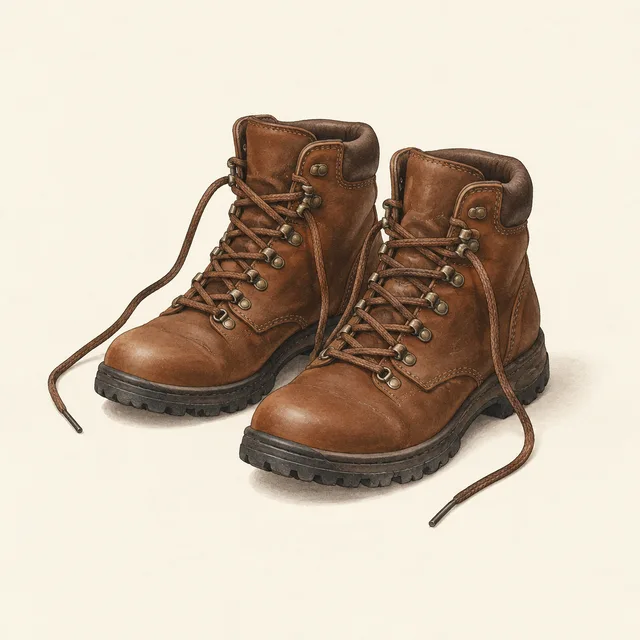
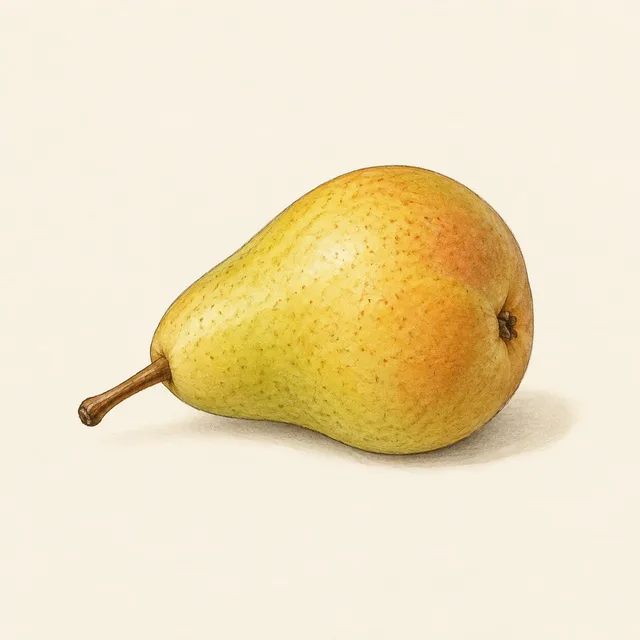
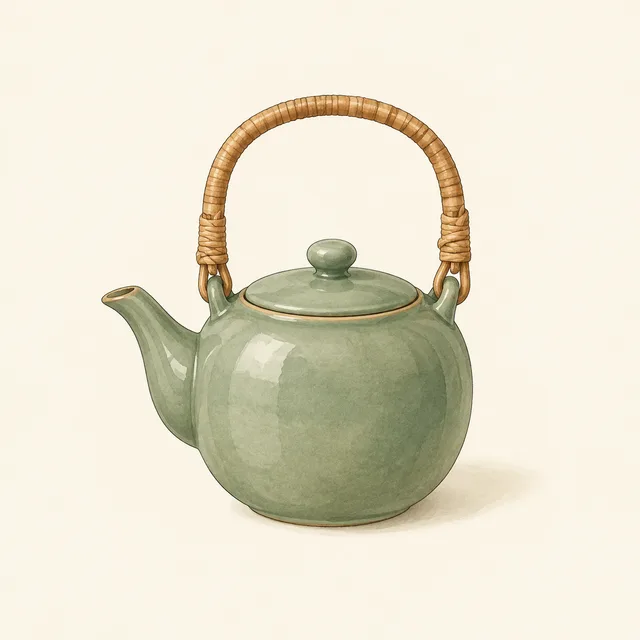
teapot, boots, pear, alarm clock — gouache on off-white
Deck complete
Vocabulary nouns — 1
Vocabulary nouns — 2
Vocabulary nouns — 3
Vocabulary nouns — 4
Verbs and actions

run, read, jump, carry — the same figure on every card

Deck complete
Verbs and actions — 1
Verbs and actions — 2
Verbs and actions — 3
Verbs and actions — 4
Science and anatomy

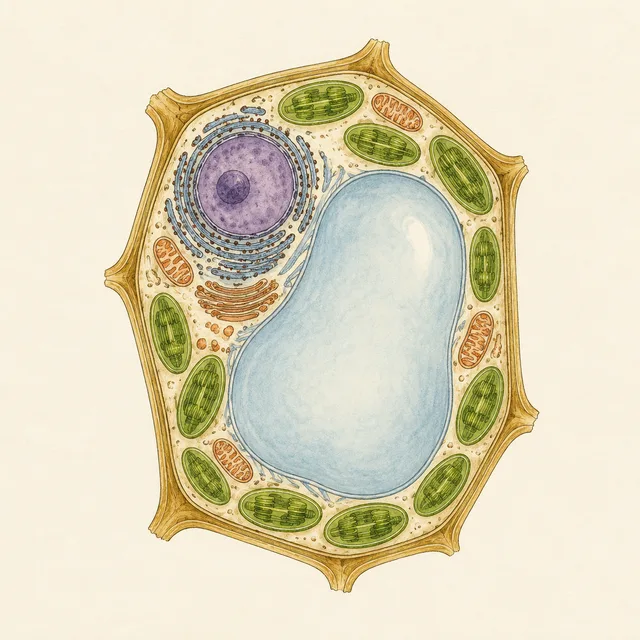
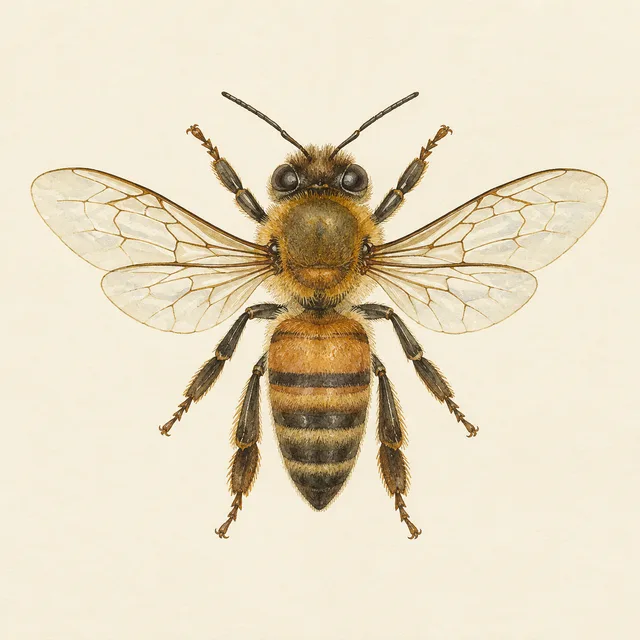
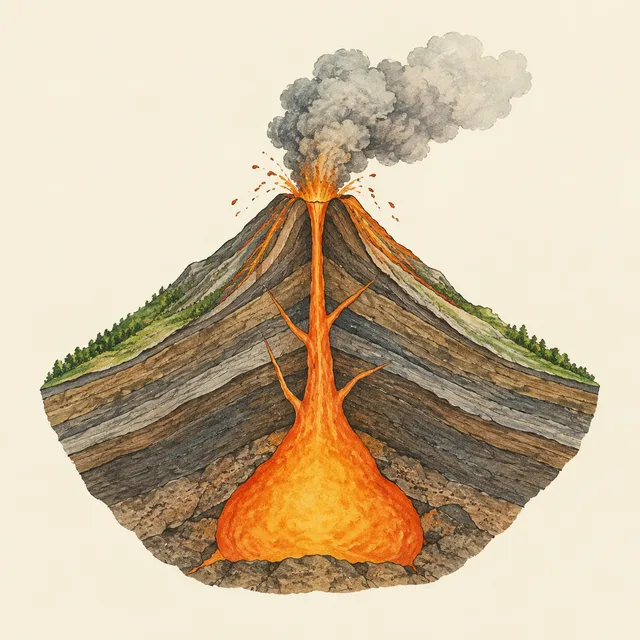
heart, plant cell, honeybee, volcano — unlabelled plate style
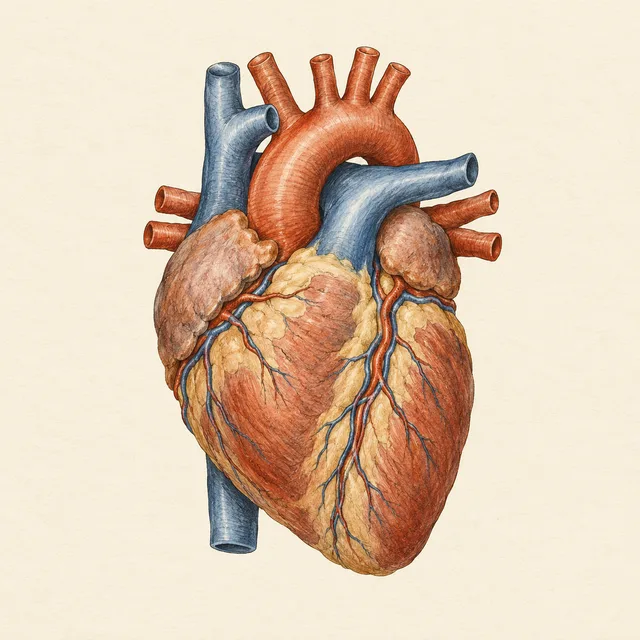
Deck complete
Science and anatomy — 1
Science and anatomy — 2
Science and anatomy — 3
Science and anatomy — 4
Quiz questions

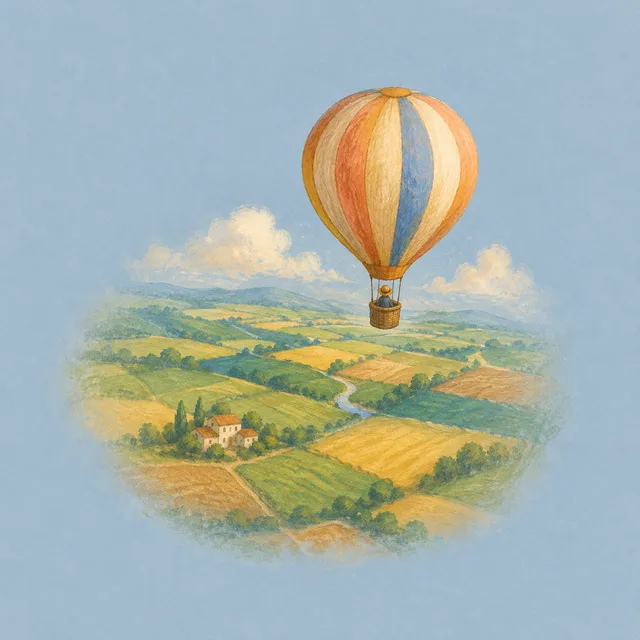
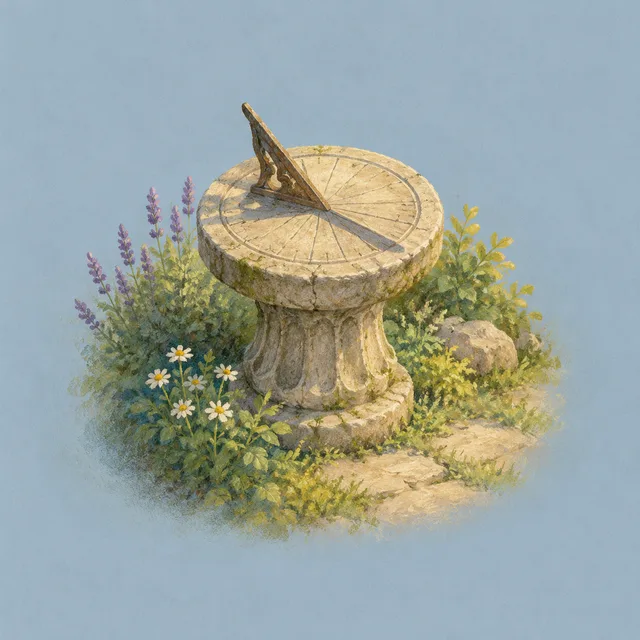
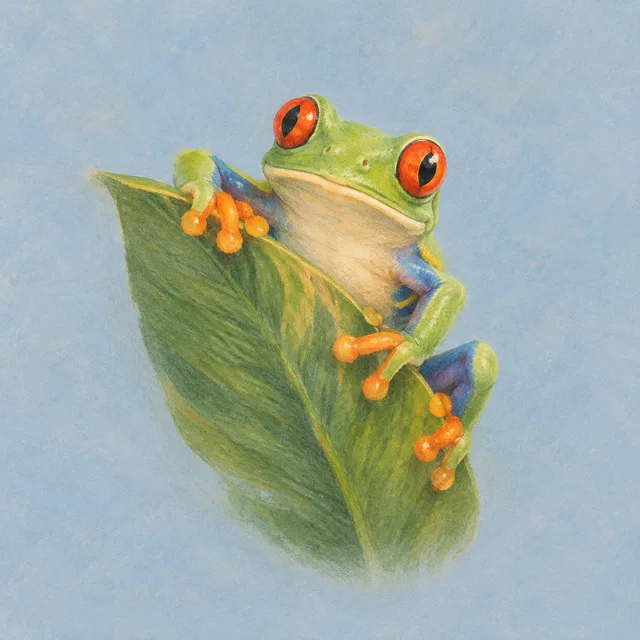
lighthouse, balloon, sundial, tree frog — a scene that sets up the question
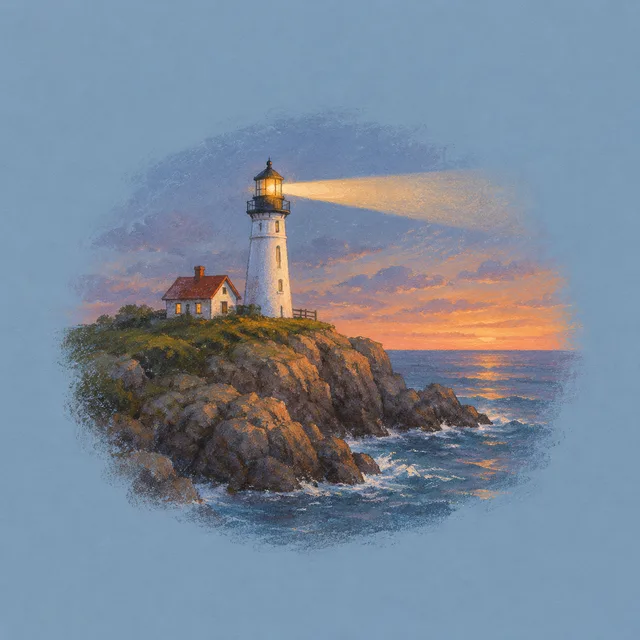
Deck complete
Quiz questions — 1
Quiz questions — 2
Quiz questions — 3
Quiz questions — 4
First words

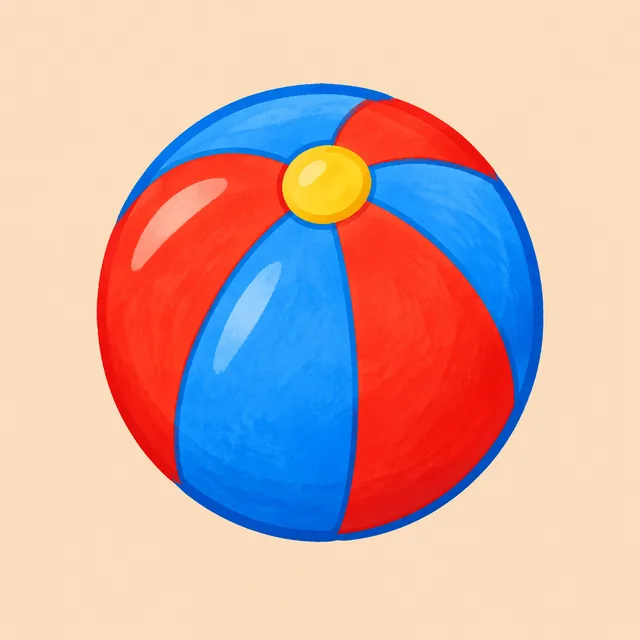
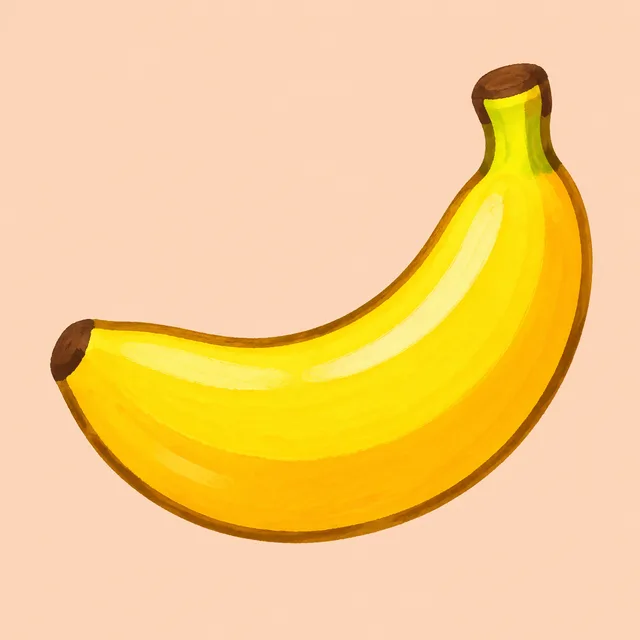
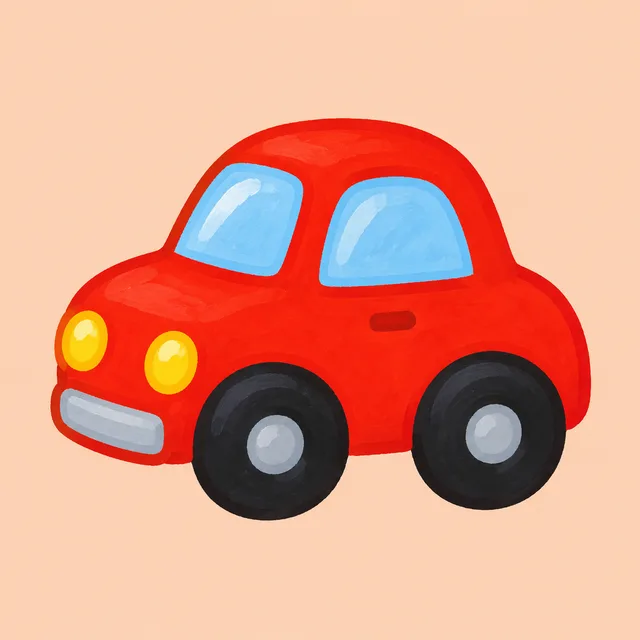
duck, ball, banana, car — bold shapes for small hands

Deck complete
First words — 1
First words — 2
First words — 3
First words — 4

One word list · one picture per flashcard · one ZIP

Built for the flashcard nobody has time to illustrate

Writing a deck is the easy part. Finding a picture for card 37 that matches cards 1 to 36 is where most decks give up and stay text-only. That search is what a flashcard image generator should take off your hands.

Your list is the input

Paste the terms straight from the spreadsheet column or CSV you already keep, one per line. Each line becomes one flashcard picture, so a forty-word unit is one run, not forty searches through a stock library.

One look across the deck

Describe the style once — gouache on cream, flat shapes on peach, an old naturalist plate — and every flashcard in the batch is drawn to it. A deck where every card looks related is easier to study than a collage of clip art from ten sources.

Plain grounds, clean type

Every flashcard is a single subject on a flat background. Type the word and it is printed under the picture in large, clean letters with nothing else added; leave it blank and the picture comes with no text at all. Either way it prints cleanly on card stock and reads at a glance.

From a word list to a deck with pictures

Three steps on one screen. No drawing, no searching for licences, no resizing images one flashcard at a time.

  1. 01

    Pick the kind of deck

    Vocabulary, actions, science, quiz questions, or first words for toddlers. Choose a style and a ground colour, and that brief is repeated on every flashcard in the run so the deck comes back as one set.

  2. 02

    Add one row per card

    Type what each card should show — an apple, a figure borrowing a book, a mitochondrion — and, if you want it on the card, the text to print: la pomme, to borrow, mitochondria. One row is one flashcard.

  3. 03

    Download and print

    The whole deck comes back in one ZIP, every flashcard finished. Print it onto card stock, put it in your slides, or hand it straight to your class.

Who has a deck but no pictures for it

If you have ever written a hundred terms in an afternoon and then stalled on finding images, the flashcard image generator was built for you.

Language teachers and learners

Pictures beat translations for vocabulary: the learner links the word to the thing, not to another word. Illustrate a whole unit of nouns and verbs at once, and every flashcard in that unit shares a look your students will recognise.

Quiz and course builders

A question bank with an image per question needs dozens of pictures that feel like one product. Run the questions as a list and the flashcard image generator returns one consistent picture for each, without a stock search per item.

Parents and early-years teachers

First-word cards need bold, simple, friendly objects that a small child recognises at arm's length. Generate a full set of flashcard pictures in one style and print them on card stock at home or for the classroom.

Flashcard image generator questions

Something not covered? Email us at support@bulkimagen.com

  • It turns a list of study terms into pictures for the front of your cards. Instead of searching for an image per term, you describe one style and a flashcard image generator draws a matching picture for every card in a single batch.
  • Yes. Copy the column of terms and add one row per term. Each row becomes one flashcard picture, and a card ID or question number can stay in the row so you can match pictures to cards afterwards.
  • That is the point of writing the style once. The same description of medium, palette and ground is sent with every flashcard term, so the deck reads as one set. For a recurring character, such as the figure on a verbs deck, describe that character in the same words on every row.
  • Yes. Fill in the card text and it is printed below the picture in large, clean letters, spelled exactly as you typed it, with no other text added. Leave it blank for a picture-only flashcard — useful when the word goes on the back. Check the spelling on every card before printing; models are good at short words, not perfect.
  • The default is 4:3, close to the face of an index card. Square works well for most flashcard apps and grids, and 16:9 suits slides. Pick it before the run so each picture is composed for the card rather than cropped into it.
  • Yes. The downloads are ordinary image files, so they work in slides, on a tablet or printed on card stock. Plain grounds keep each flashcard readable wherever it goes.
  • Concrete nouns are easiest. For verbs, describe a figure doing the action; for adjectives and abstract words, describe a small scene that shows the idea. Expect to re-run a few of the harder flashcard terms with a more specific description.
  • Yes — an unlabelled diagram style is well suited to "name this part" cards. Check every science flashcard for accuracy before it goes to students; a generated diagram is an illustration, not a reference.
  • GPT-Image-2 by default, because it follows a repeated style description closely from row to row. You can change the model on the confirmation screen before anything is spent.
  • Yes. The plain ground and large, clean type make each flashcard easy to place into a print layout. Choose a higher resolution tier on the form if you are printing large.
  • New accounts start with free credits, enough to illustrate a few flashcard terms before you decide. The cost of each run is shown before you confirm, so nothing is spent unseen.

Give every card a picture

Paste the word list, write the style once, and let the flashcard image generator draw the whole deck in one run. One consistent picture per flashcard, plain grounds, no answers on the front.