Write the scene list once — one line per shot — and this AI storyboard generator renders the whole sequence in a single batch, at the ratio your edit is cut in. The same character description rides on every line, or a reference image of the character goes in alongside it, so the frames read as one storyboard instead of ten unrelated pictures.
—
Arrastra y suelta o haz clic para subir: PNG / JPEG / WEBP / GIF, hasta 10 MB cada una.
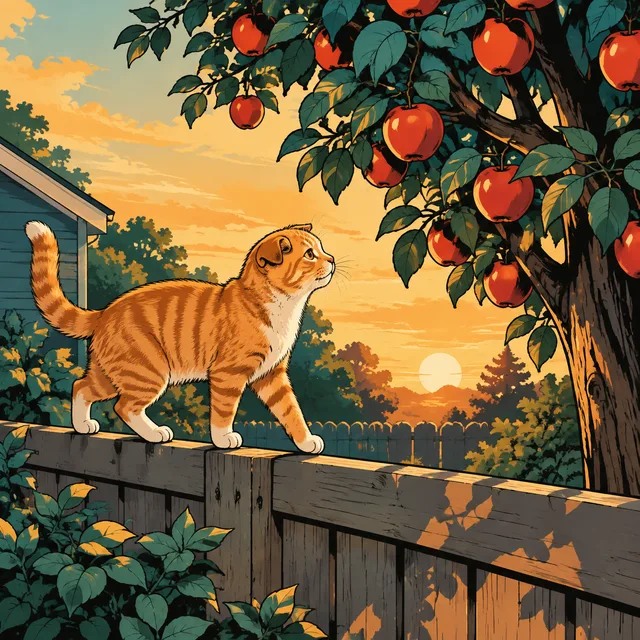
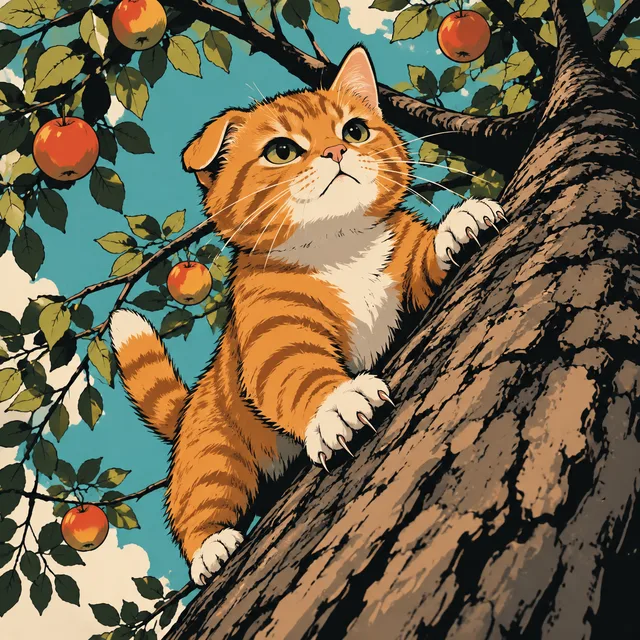
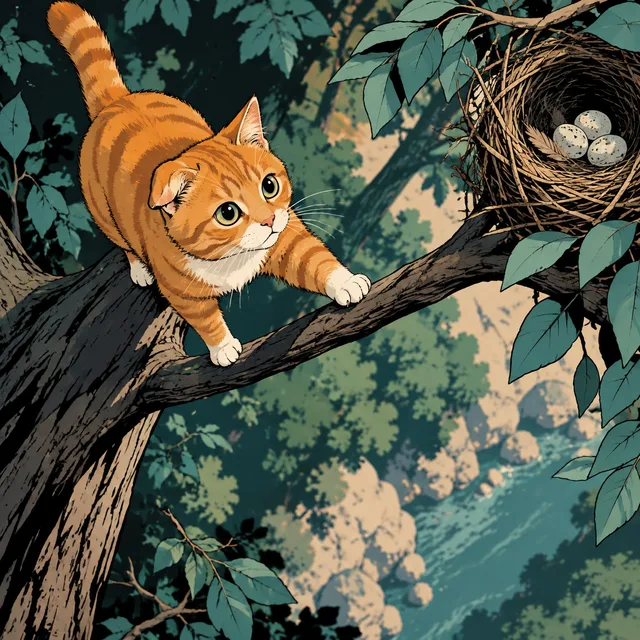
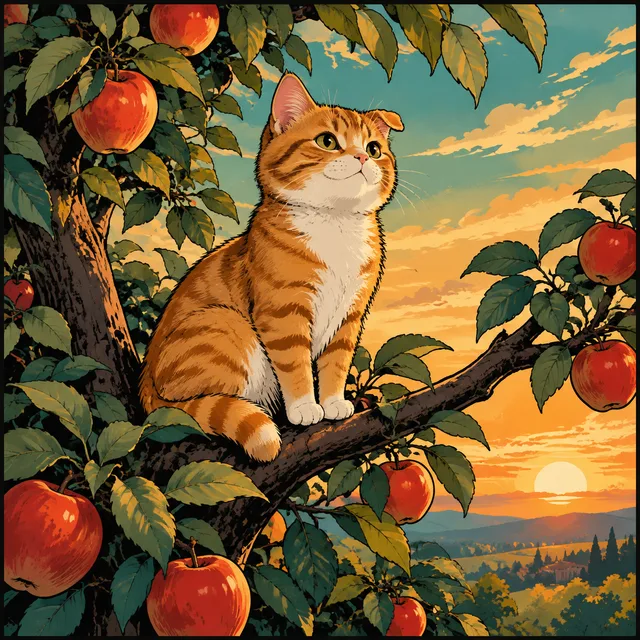
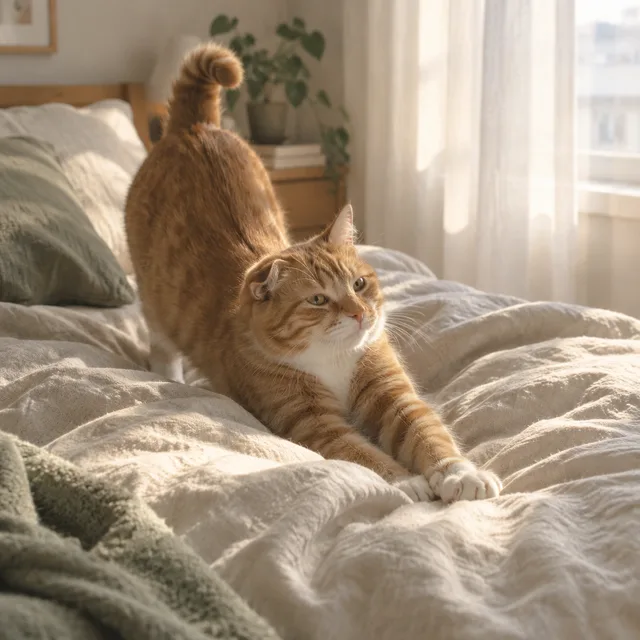
Each row is four consecutive beats from one sequence, all built around the same small ginger tabby with a white chest and one folded ear. That description is written word for word into every prompt — the technique this page recommends, shown working. The register changes from row to row; the storyboard character does not.
wide → crouch → leap at the moth → close-up, rough graphite thumbnails
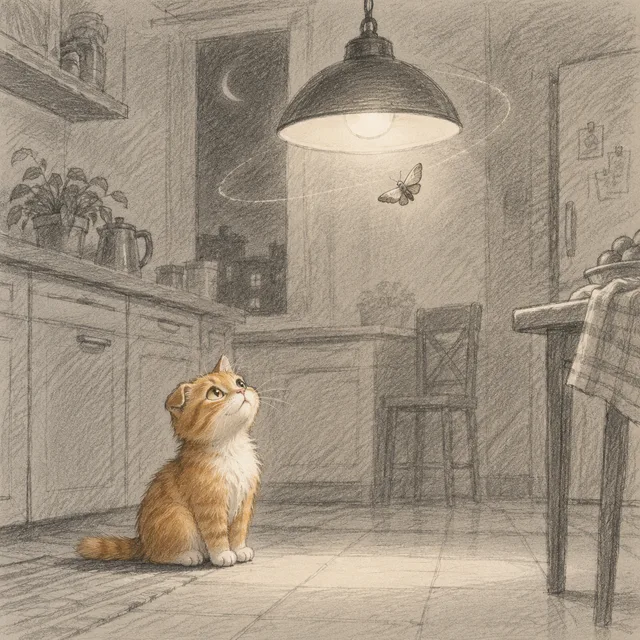
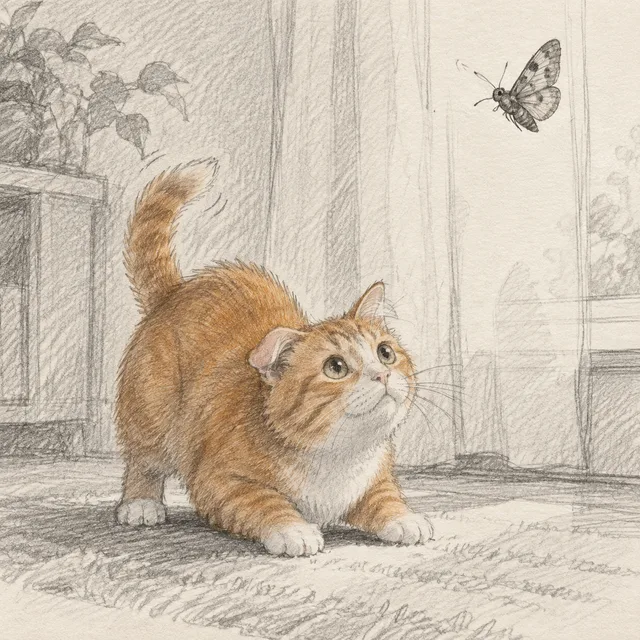
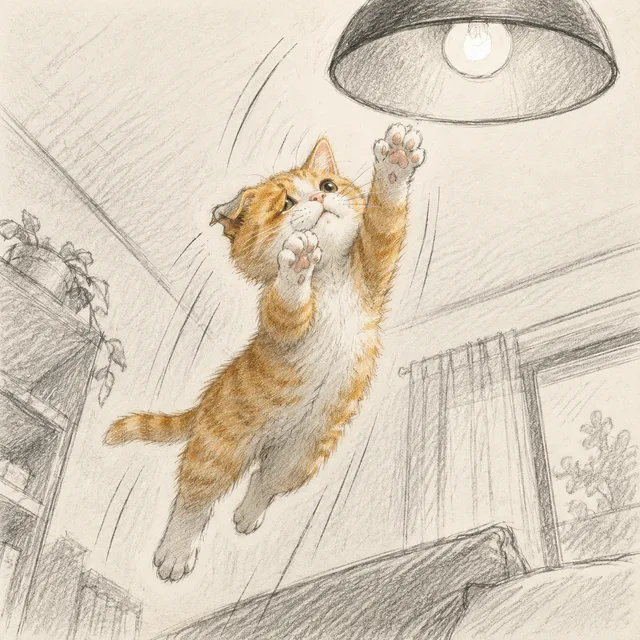
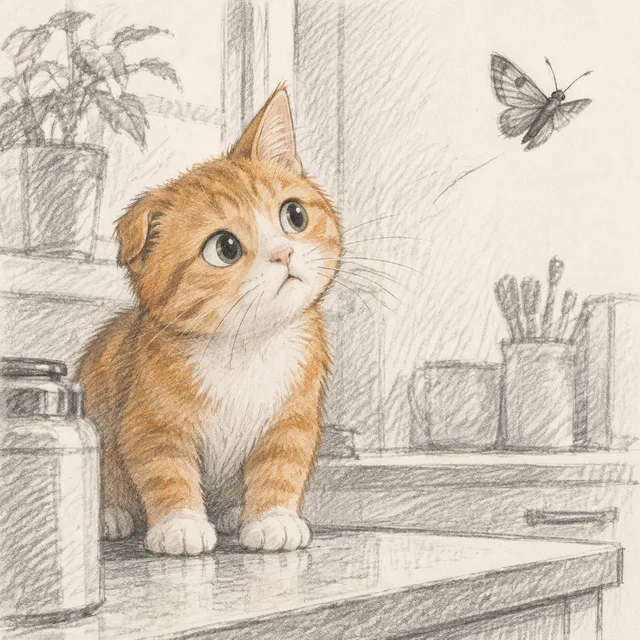
fence at golden hour, climb, thin branch, the treetop — flat ink, no lettering
one rainy street broken down by shot size: wide, medium, close-up, eye
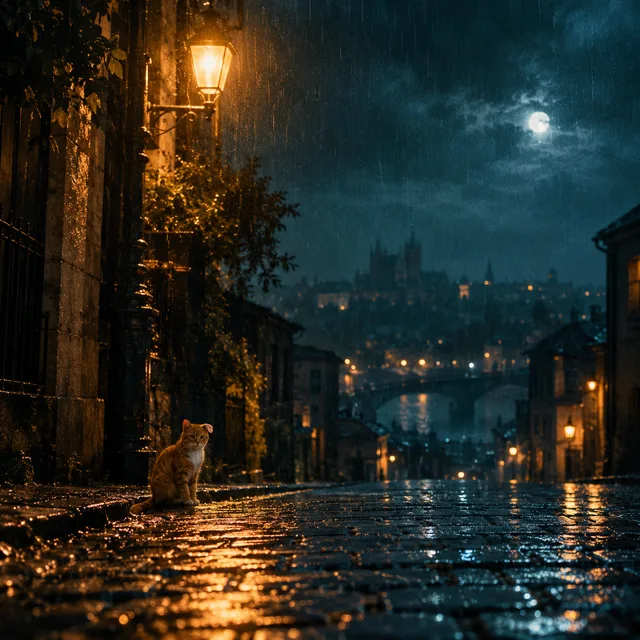
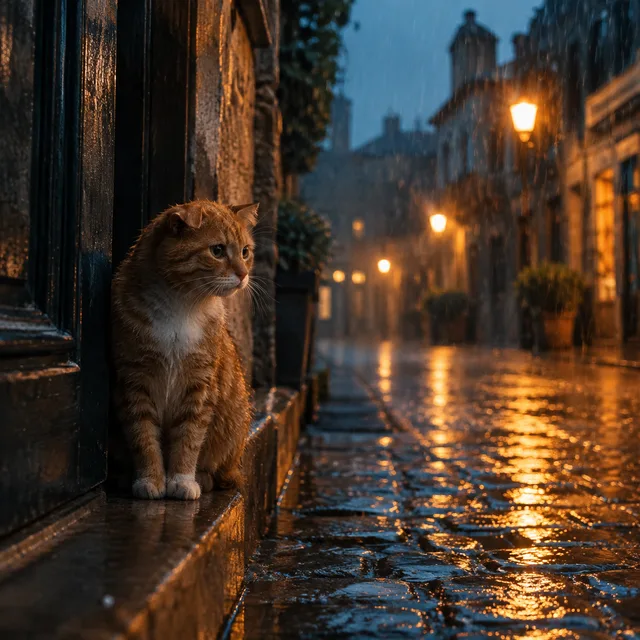

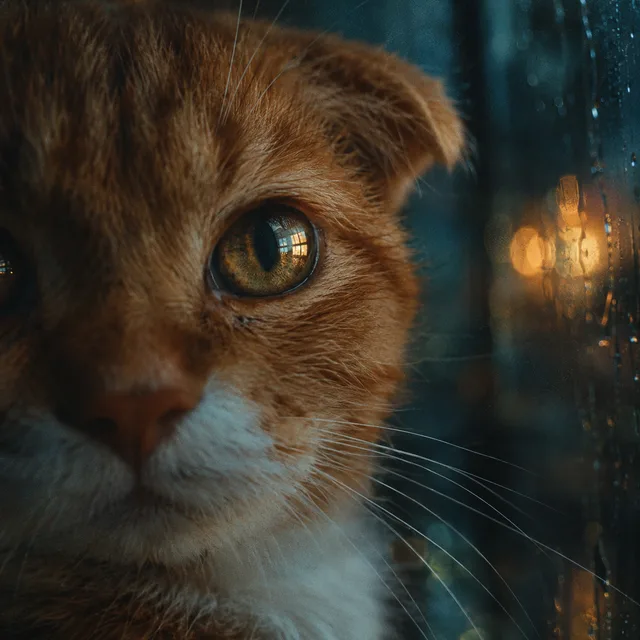
morning routine, hands cropped at the wrist, no faces, soft window light
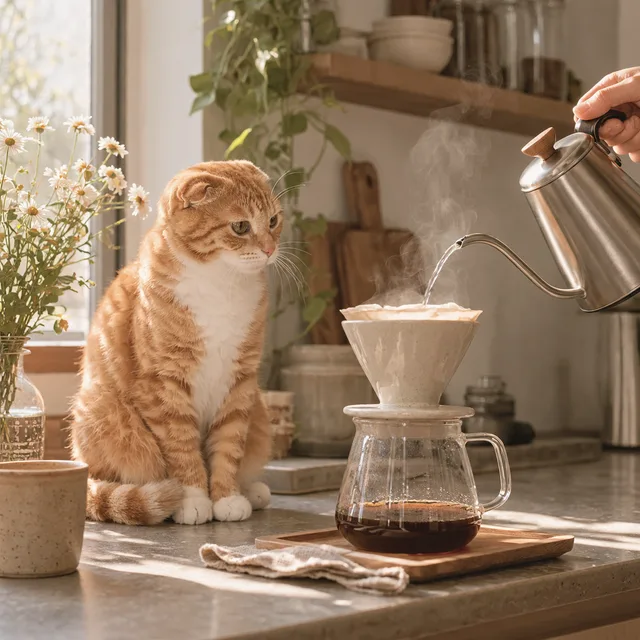
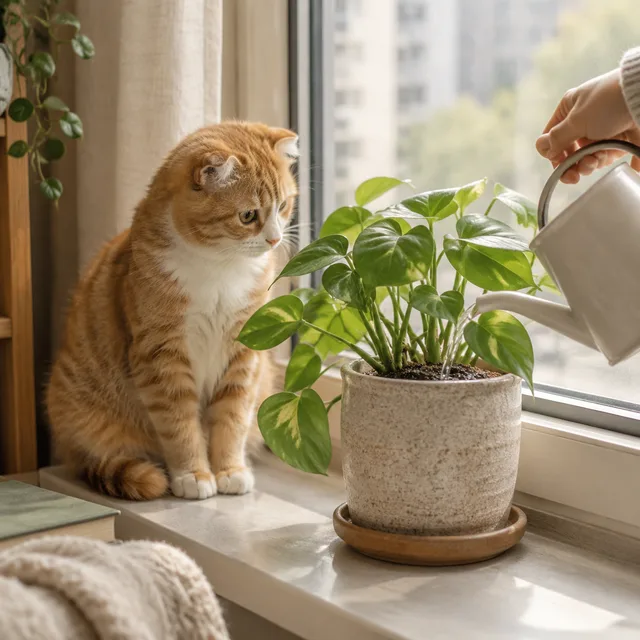
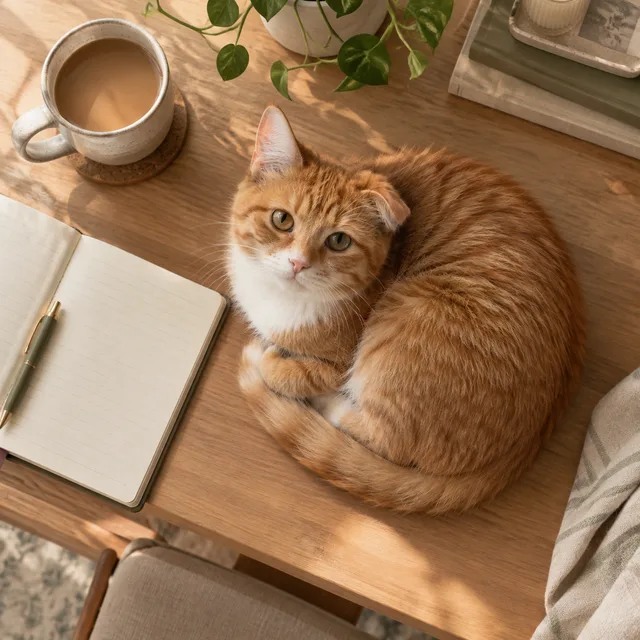
attic window, rooftop ridge, a lantern floats past, the lantern sky
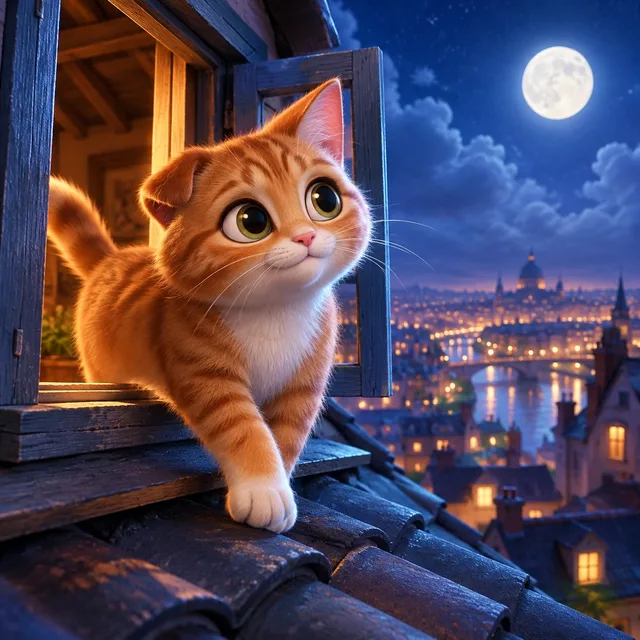
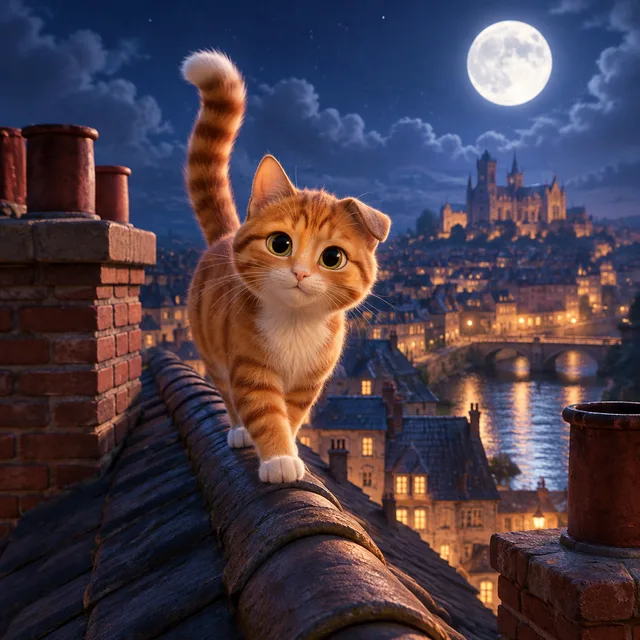
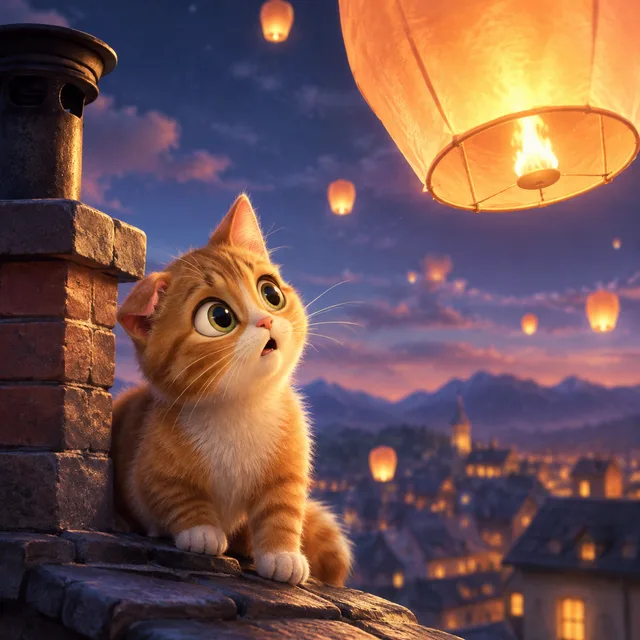
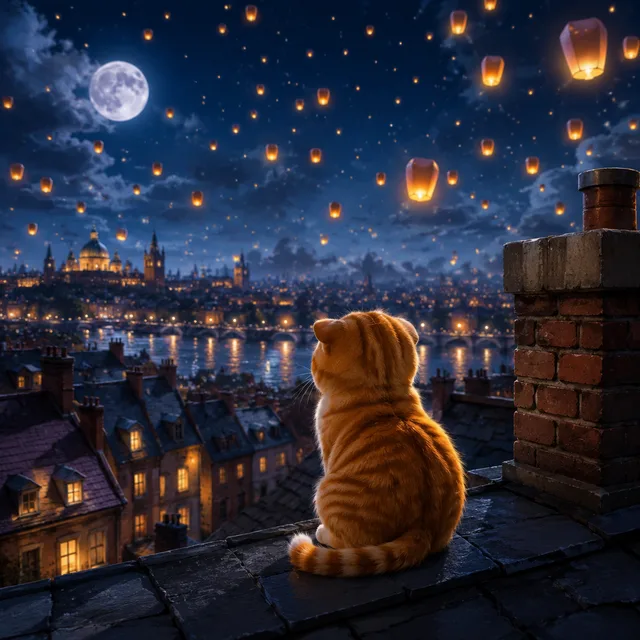
One character anchor · four beats per row · one ZIP
Single-image tools hand you a picture and leave the continuity to you. An AI storyboard generator should start where a storyboard artist starts: with the shot list.
Each line of your list becomes one storyboard frame: shot size, action, setting. Ten lines, ten frames, rendered together and returned in order, so the board matches the script you wrote rather than the order you happened to click.
Frames in a batch are rendered independently — none of them sees the others. Consistency comes from what you give every frame: an identical character anchor on each line and, for a recurring face, a reference image. Do both and the storyboard holds together far better than either alone.
Set the ratio once — 16:9 for film and YouTube, 9:16 for shorts and reels — and the whole storyboard is composed for it. You get frames that drop onto a timeline as an animatic, not stills you have to crop and hope.
Three steps. The work that matters is in step one — a good character anchor is what makes a storyboard read as one film.
Describe the recurring character in one fixed sentence: species or build, colouring, clothing, one distinctive mark. Keep it short and never paraphrase it. Optionally upload a clear reference image of the character so every storyboard frame works from the same picture as well as the same words.
One line per shot: the anchor, then the shot size and the action — wide shot, walking into the kitchen; close-up, eyes on the door. Pick one style for the whole storyboard so the register does not drift between frames.
The batch comes back together. Re-roll only the frames that drifted, keep the rest, and download the storyboard as one ZIP ready for an animatic, a pitch deck or a video edit.
If your project is a sequence with a recurring character, an AI storyboard generator saves the part that is pure repetition.
Narrated channels need a frame for every beat of the script. Batch the storyboard of an episode in one run — morning routines, history explainers, nature narration — and keep the look identical from the first scene to the last.
Rough out coverage before the shoot: the wide, the medium, the insert, the reverse. A quick AI storyboard lets the crew argue about the shots that matter while the animatic is already on the timeline.
Panels and episode covers live or die on the same protagonist turning up every time. Repeat the anchor, add a character reference, and render the whole storyboard of a chapter as one batch instead of one panel at a time.
Something not covered? Email us at support@bulkimagen.com
Write the character anchor once, list the shots, and let the AI storyboard generator return every frame together at the ratio you cut in. Re-roll the frames that drifted and take the storyboard straight into the edit.
